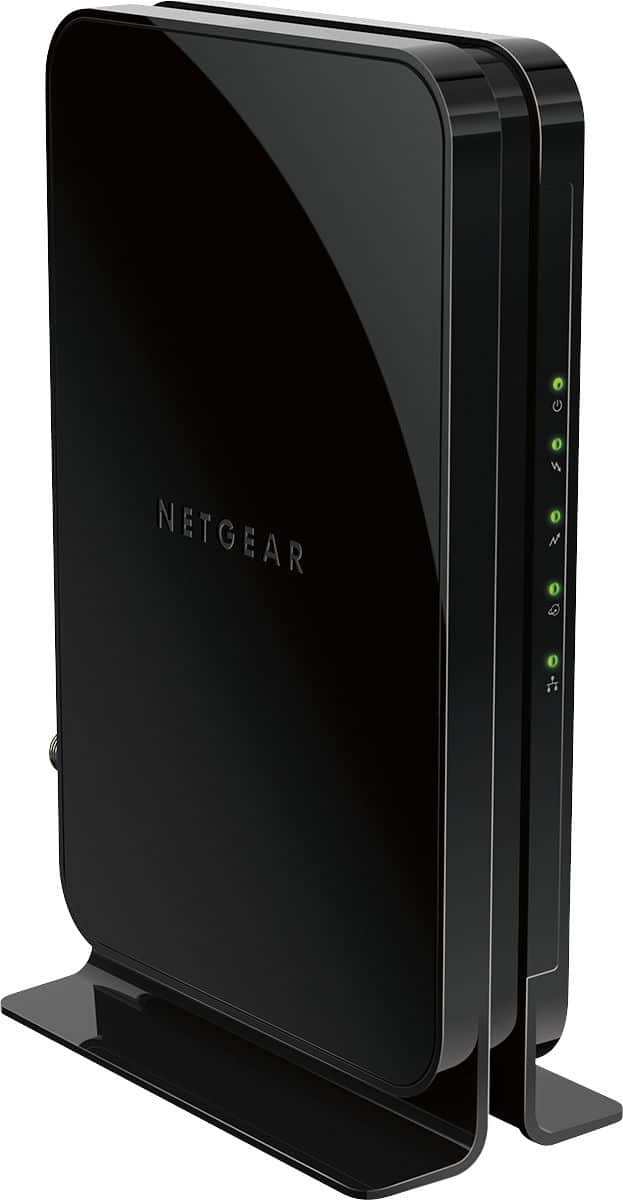
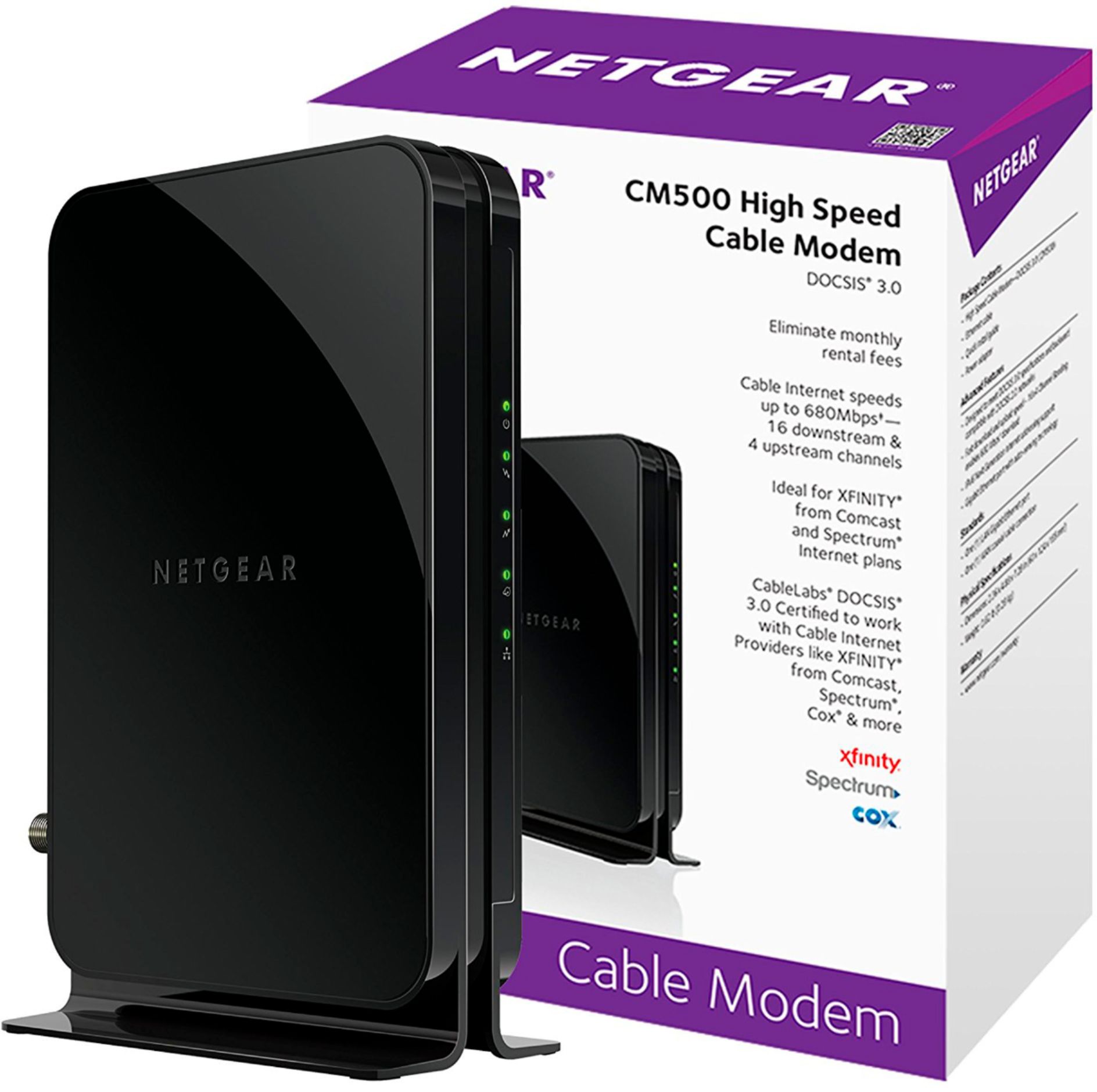
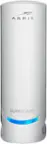
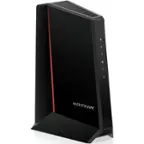
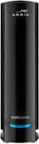
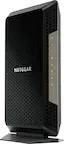
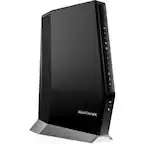
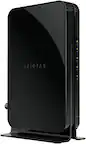
A:AnswerApples and oranges, this is strictly a modem (connects you to your internet provider), not a router (creates wifi). You need both, as separate units or as a combo, to have internet connectivity and wifi.
A:AnswerI know mine works with Apple Airport Extreme, however I don't have a time capsule. It should work given that a time capsule is an Extreme router plist a disk...
A:AnswerYour router has a max speed of 600Mbps. The cm600 has a max speed of 980 Mbps and the cm500 has a max speed of 680 Mbps. Either will work perfectly fine with your router and both will be overkill. The cm600 will be slightly more future proof but also cost a bit more. The cm500 will do evrything you need it to and also cost slightly less.
A:AnswerDepending on your cable provider yes, we used it to replace our rented Comcast modem. Just make sure that it can handle the speeds you are paying your internet provider for. There are better options but for the price this is hard to beat.
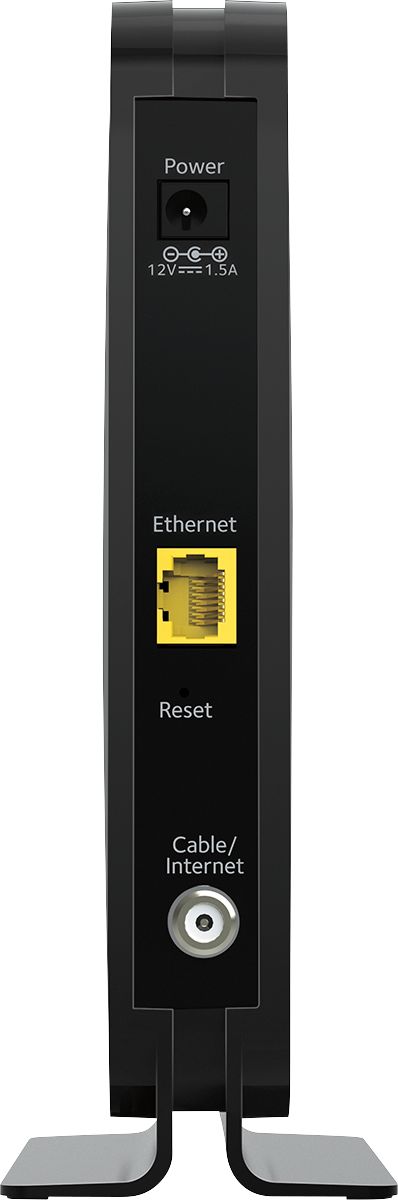
A:AnswerOnly 1. That should run to your your router. The router is where he need the Ethernet ports and WiFi signal. This modem is running very well. I run a Netgear AC1750 router on this modem. Have been clocking 70-80 mbps since I installed. Very happy
A:AnswerYour question Appears to be coming up under the Netgear CM500 modem. If that is what you’re asking about, you need a separate router. This is a great modem. I’m using a Netgear AC1750 router and I’ve got great speed and connectivity
A:AnswerHi NotGonnaRent,
The CM500 meets the system requirements as listed here: https://mygrande.com/modems
We also suggest to contact your service provider to confirm compatibility.
Thank you,
NETGEAR Team
A:AnswerI'm not a tech. But I got this new unit because my internet connection was disconnecting every few minutes. I got both the above unit and a Netgear Router. Both were very easy to connect and since then my connection has been heavenly. I would suggest that your unit may be defective and you might want to change it out at Best Buy. Hope this helps.