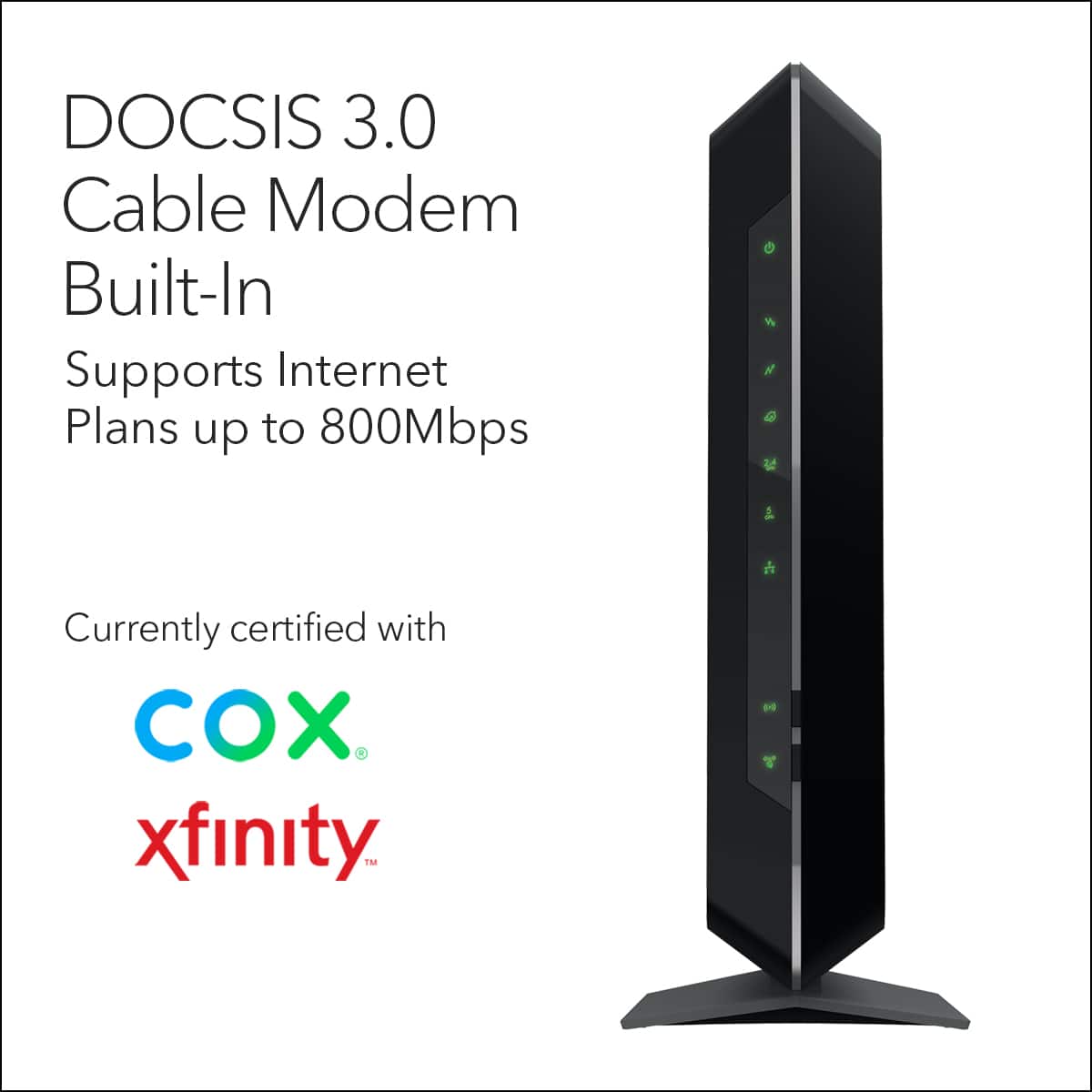
A:AnswerSorry... I’m not that technical. I purchased this one since it is compatible with my Comcast/Xfinity system. Tired of paying monthly rental fees for a modem!
A:AnswerI'm not sure what a "Gateway" is.... but I purchased this item for Comcast/Xfinity internet service that I signed up for last month (in the Denver area) & it has worked great! Good luck to you!
A:AnswerI’m in Springfield Missouri with the same suddenlink service. Works great on mine but I’m only at 400mb/s. However a friend that works for suddenlink said this router would work just perfect on the 1gb as well if and when I decide to get that service. Hope this helps. These go on sale off and on so if you can wait to time it you can save yourself around $50-$60.
A:AnswerMight be time to change providers. But, if you are considering in owning your own modem, try contacting them to get a compatibility list then find a modem off of that. Usually, your own modem would be a better deal in the long run and give you better performance. If you have a quality modem and still get poor service later, then, it's probably your ISP that has the problem, not the hardware.
A:AnswerI owed this model for 2 years now works great no dead zone for wifi, a couple of weeks ago I ship my daughter one who uses Grande and no trouble at the moment
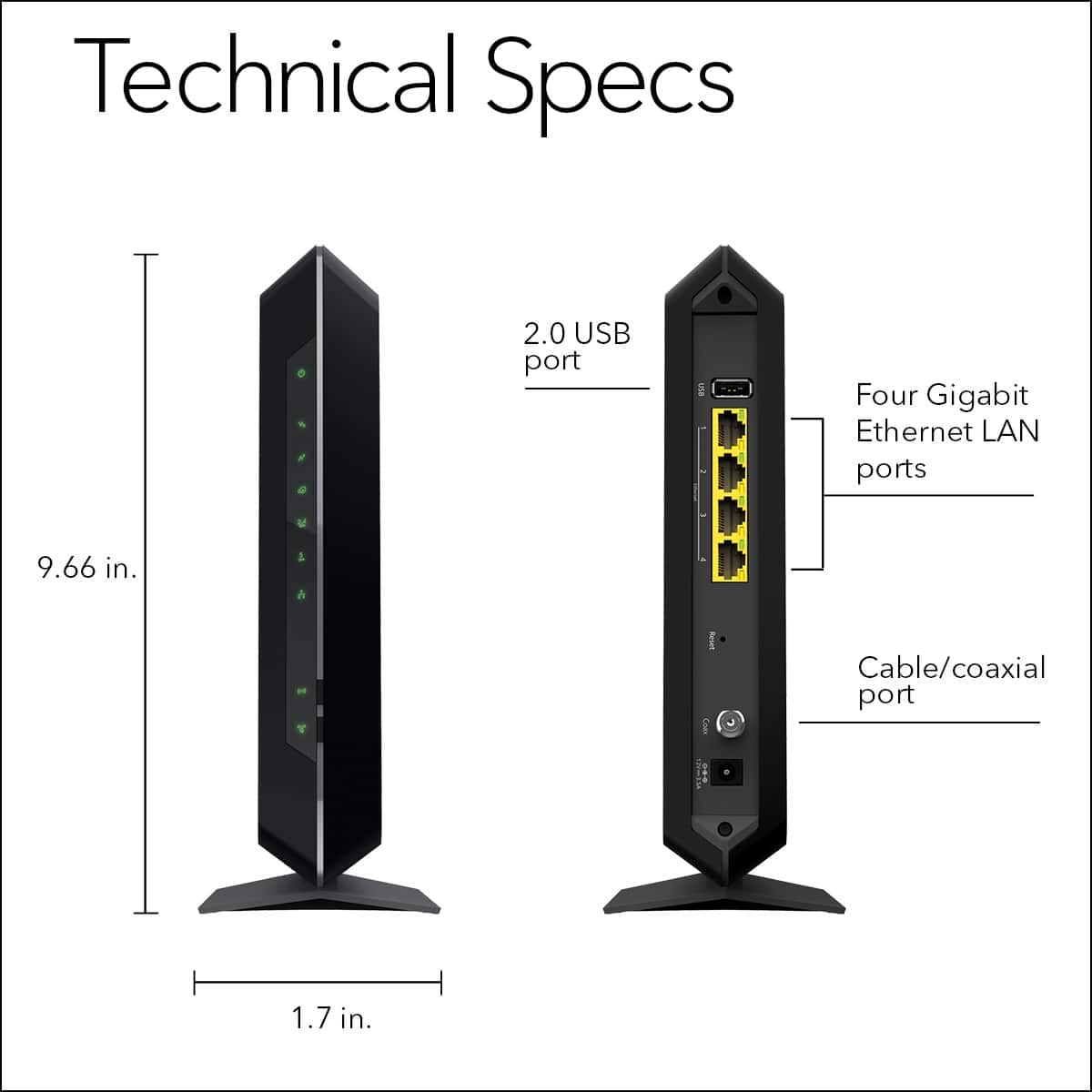
A:Answerit is a spectrum cable preferred unit. it is on the list. this unit has a built in Wifi.. if you install a router with 8 or more ports. it will be limited to 100mbps each port.
A:AnswerI think you need to ask Best Buy about that. If they carry it they can tell you the difference between the two. And Which would fit your needs.
A:AnswerI am unsure if my previous answer was submitted but I contacted the Internet provider they do not allow outside cable modems you can only use their modems with their service
A:AnswerIf you have phone service through your cable company this will not work as it doesn't have that function. There are other models that do have it. Just look for the NetGear NightHawk models. You won't be disappointed.
A:AnswerIf you mean that you can set a vpn with the modem, I’m not so sure usually you may set services from specific companies that provide you your virtual private network, like hamachi from logmein or unlimited vpn from keepsolid inc
And yes all flow through a vpn is encrypted