A:AnswerYes!
I have bought the Google WiFi 3 pack to go along with mine and couldn't be happier.
I live in a 2,222 sq foot home and get excellent coverage throughout and only have 2 WiFi hubs current connected.
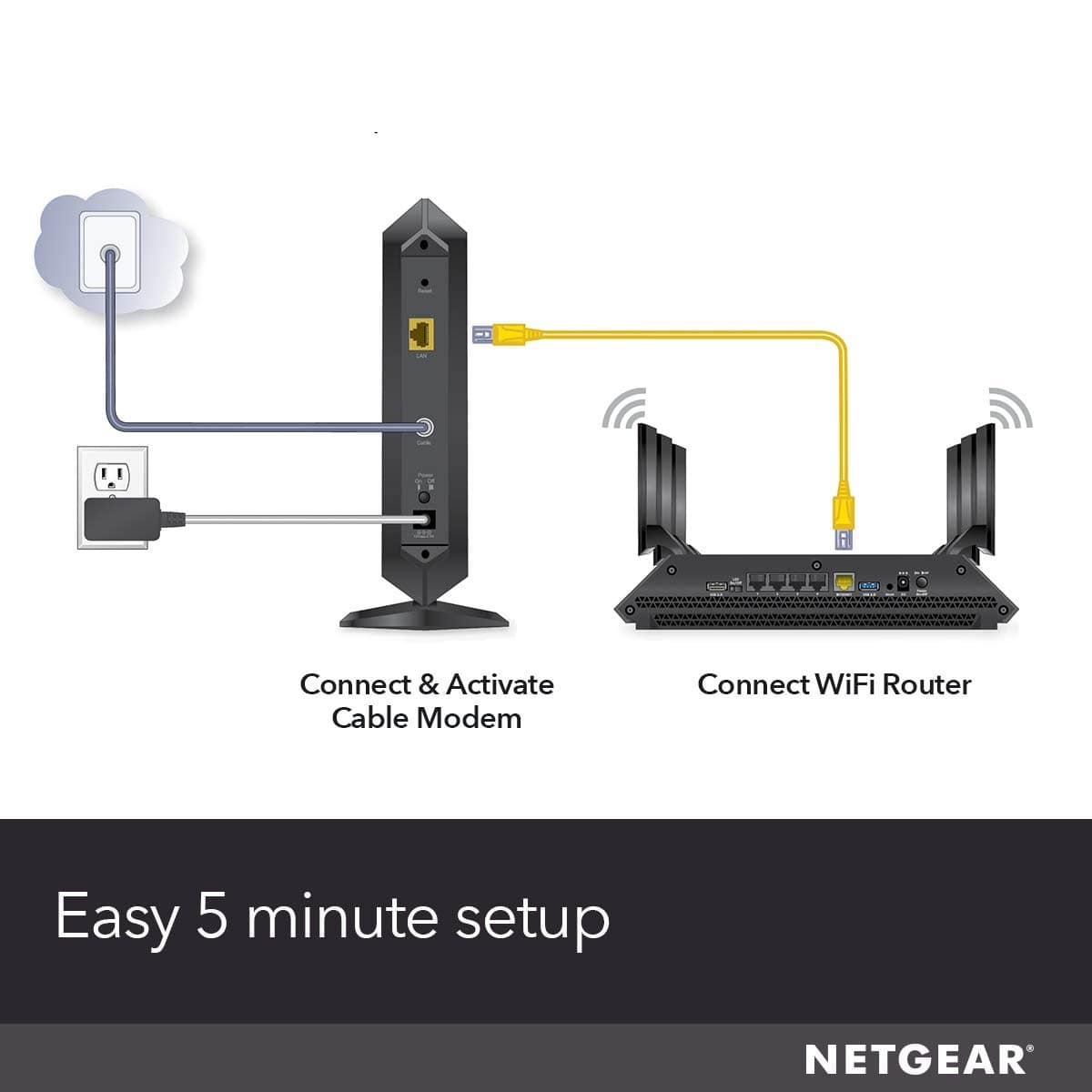
After you initially connect the Ethernet to your computer, you can connect the Ethernet to the first WiFi Hub and the others just simply plug into any outlet.
A:AnswerThis site is only for questions regarding quality and performance not so much for tech support. Also giving more detail as to what the problem you are having will provide better results.
Try the netgear tech support forum
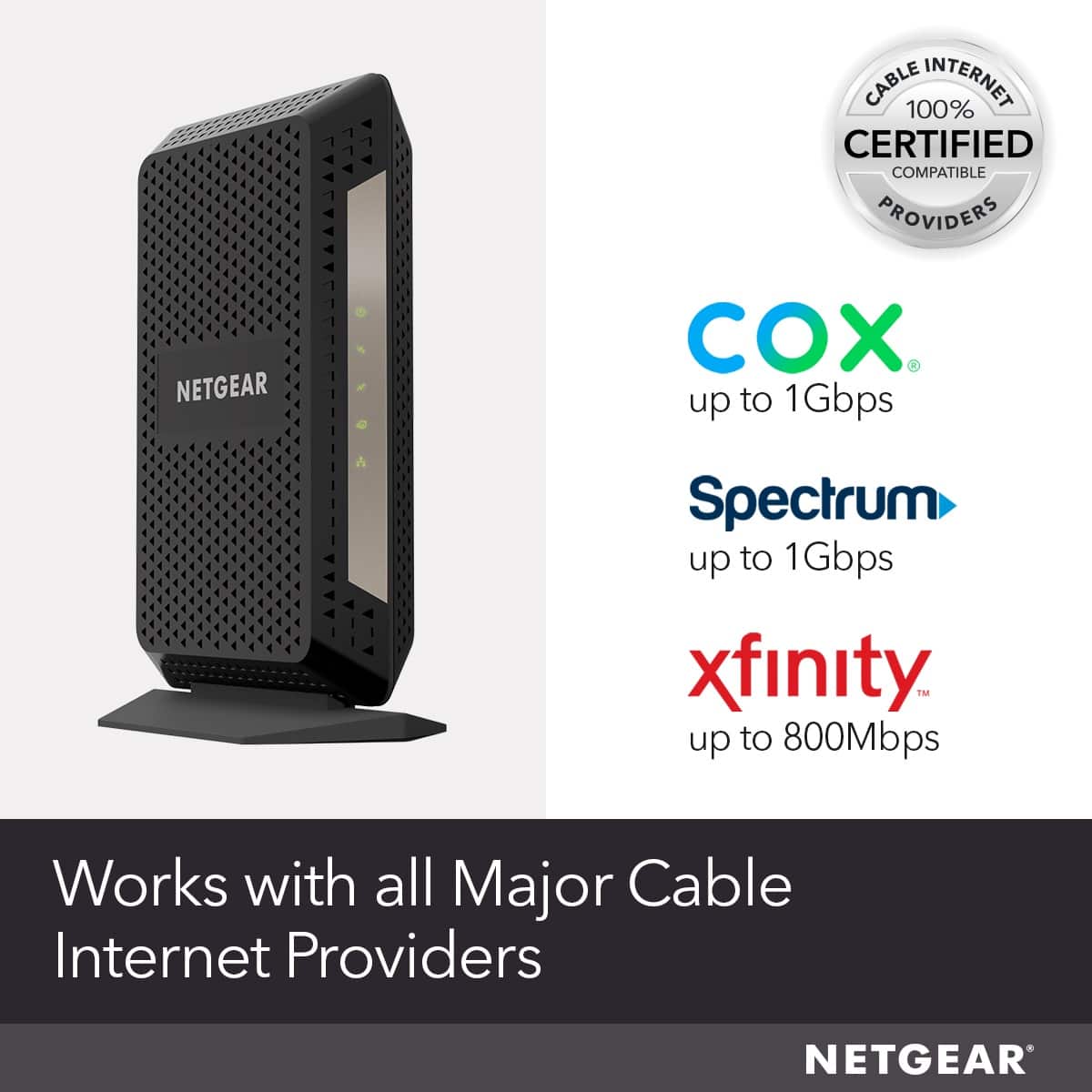
A:AnswerYou can find your answer here if its your Mediacom provider. If its not please visit their support or help section for compatible modems. http://mediacomcable.com/compatible-retail-modems/&ved=2ahUKEwiqufOC9JvsAhVDxVkKHQrbA-gQFjAAegQIAxAB&usg=AOvVaw2SeYlVrH30rK6wcgCm7ZcR
A:AnswerYou only need to use CAT 6 cable if you’re looking to have a very high speed wired connection. In most home internet applications, a standard CAT5e cable will do exactly what you need.
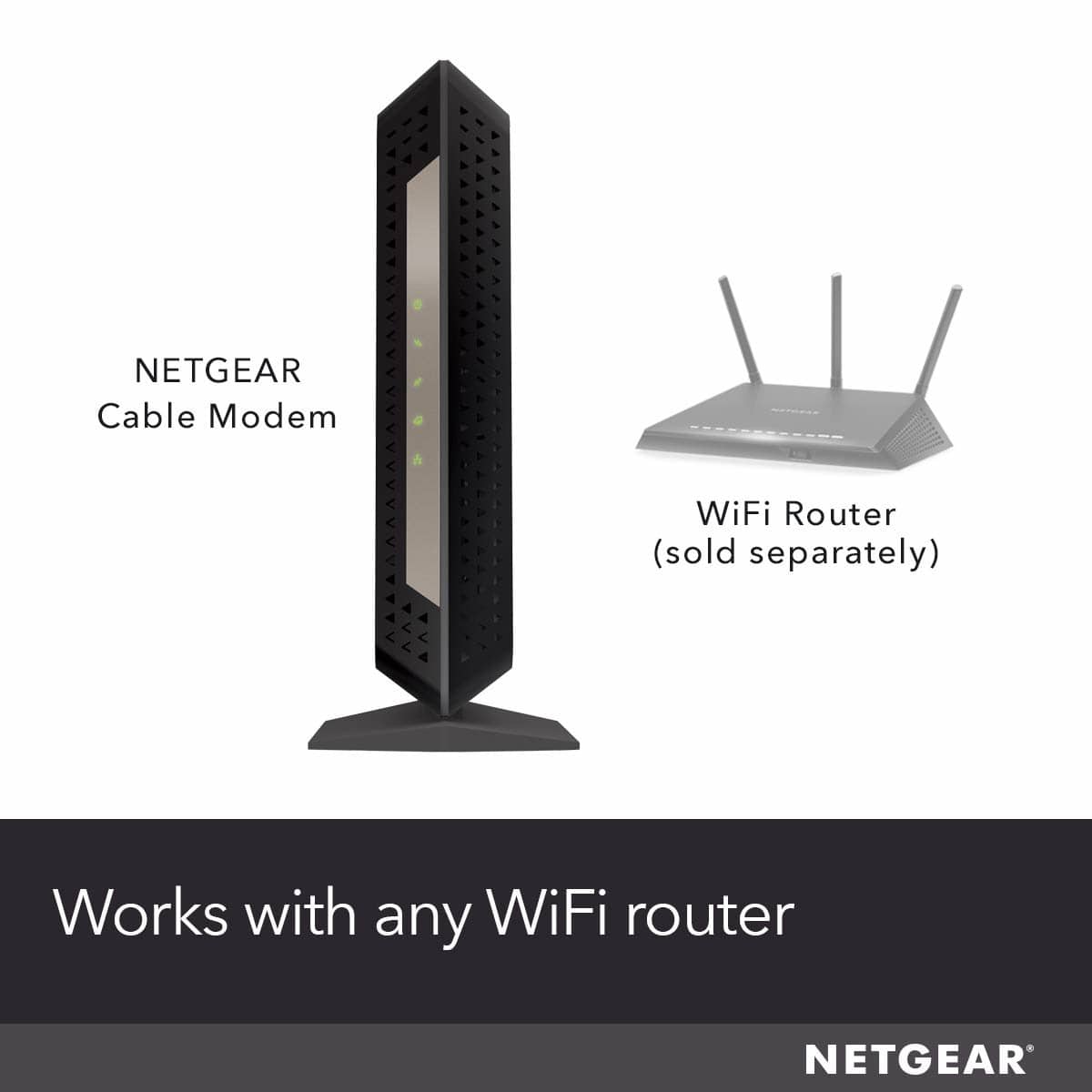
A:AnswerYou Have a combo modem/router. If you you wanted to use the Netgear DOCSIS 3.1 modem like mine , you would have to replace your combo and buy
a modem and a router separately..
A:AnswerYes it should be. The previous answer that stated it is 3.1 so it wont work with 3.0 is incorrect. DOCSIS 3.1 is backwards compatiable with 3.0
A:AnswerThank you for your question. We would recommend contacting Suddenlink support to see if this cable modem is compatible and would work with their service.
Regards,
NETGEAR Team
A:AnswerCheck w/ the carrier or give them a call. You can find the channel settings on the modem details, or they likely will have a published list of models that are supported. It likely will work with them even if it it isn't supported but you won't get all the bandwidth advertised if you use an unsupported modem that doesn't match what channels they are using.