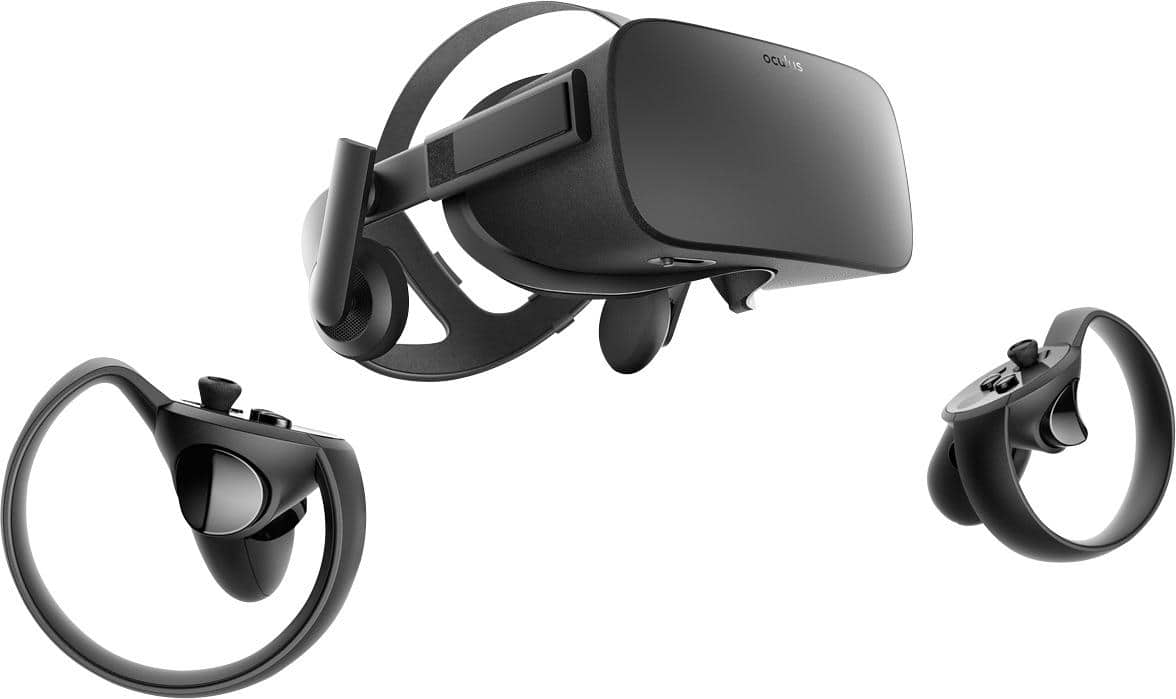
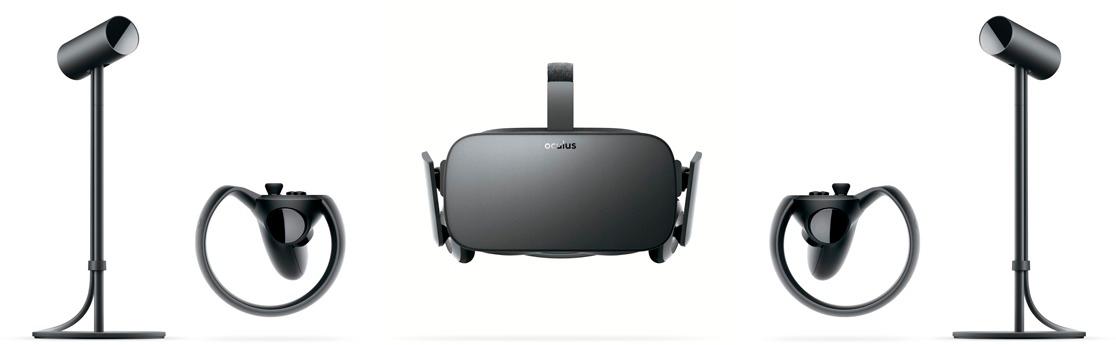
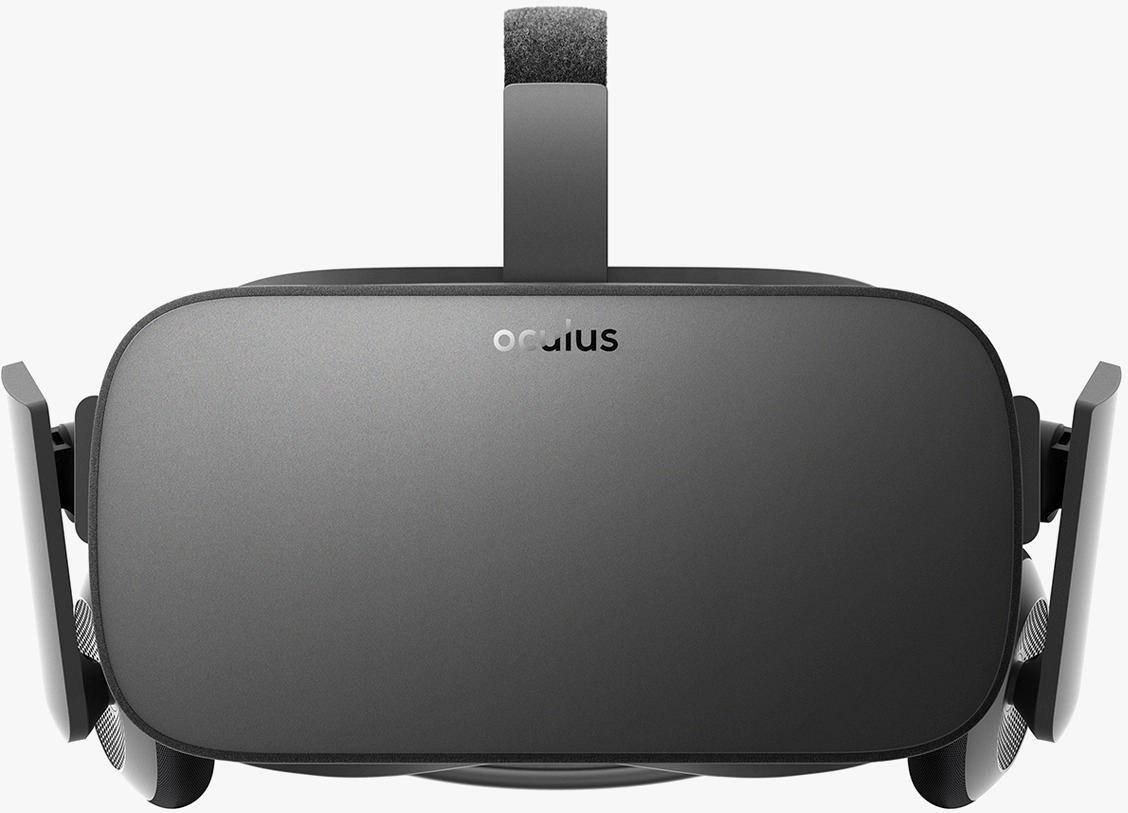
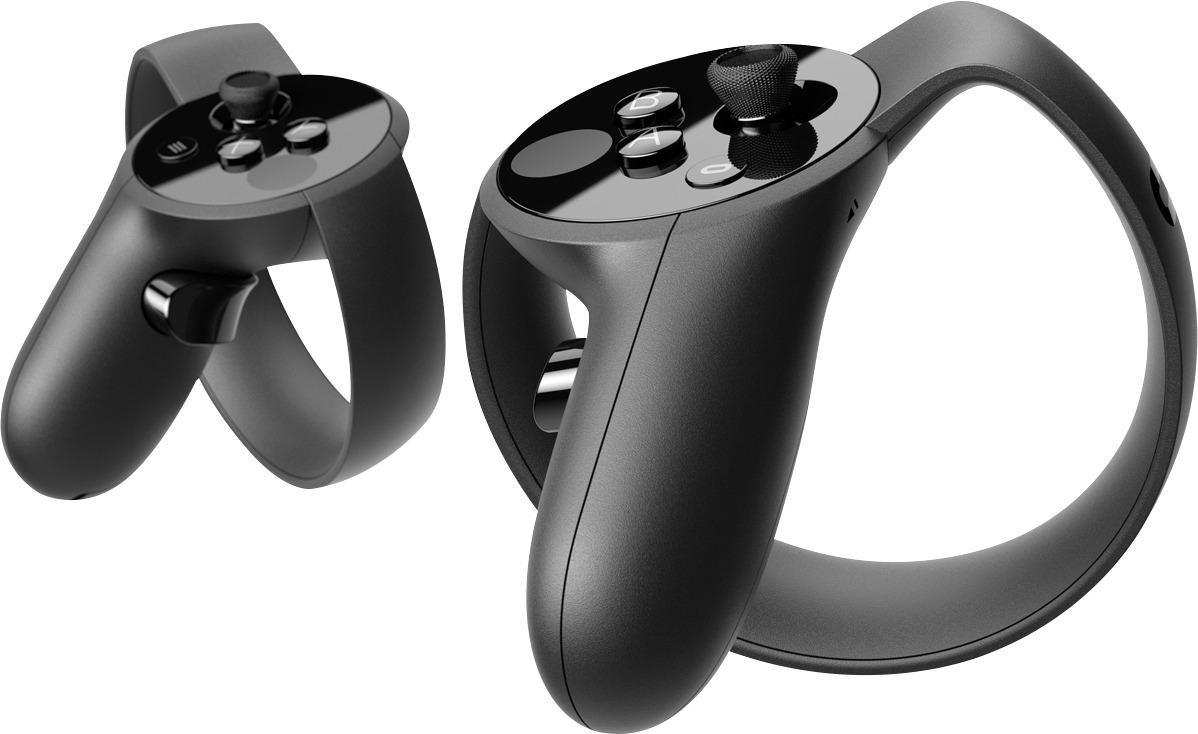
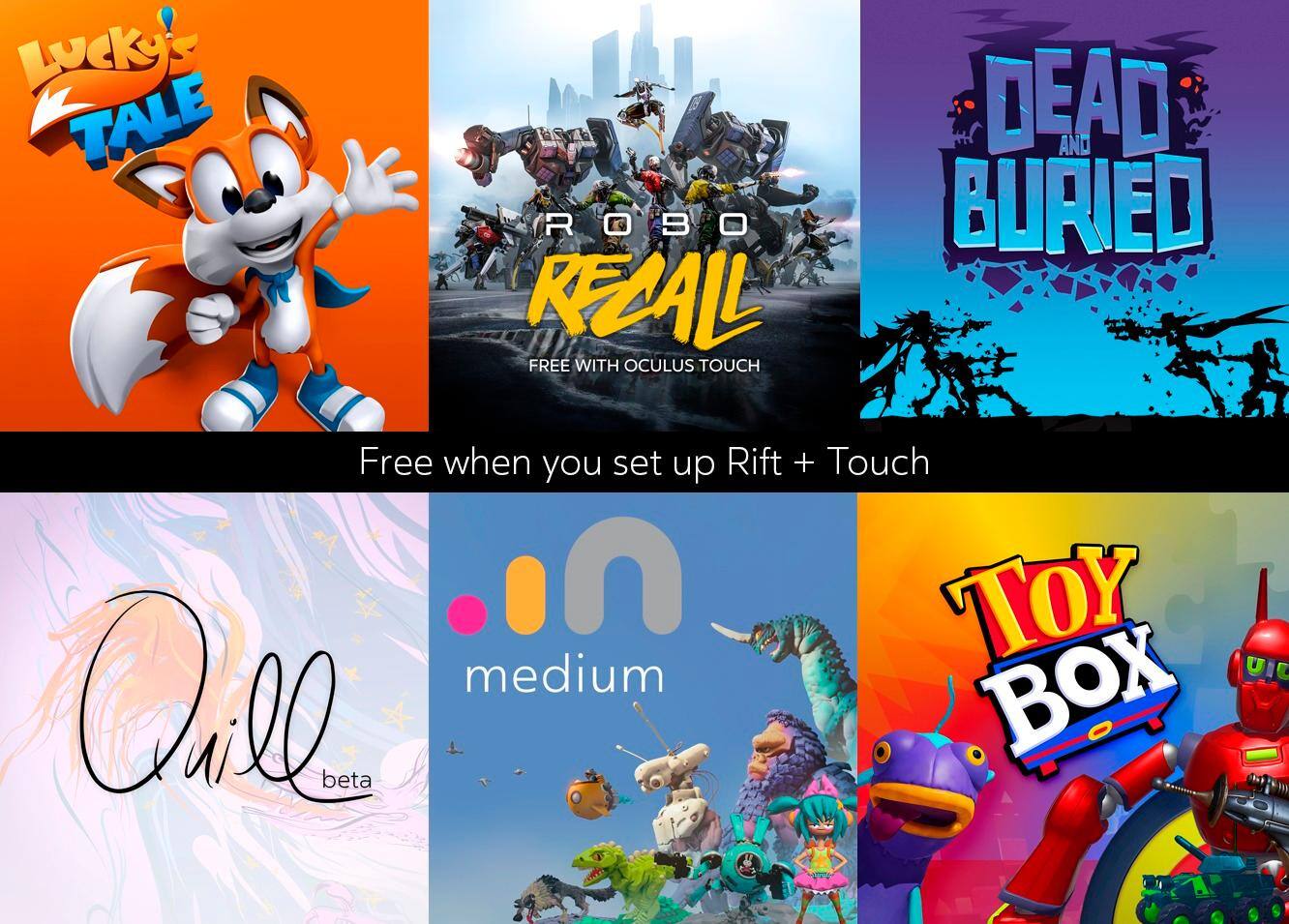
A:AnswerYou need to create an Oculus Rift account. Verify your email address, and I think add a payment method; although it will not charge you unless you purchase something in the store. Then reset the unit and software on the PC once email is verified and account is active. Then you should see the free software in your library.
A:AnswerThese are the suggested specs for Oculus Rift :
Graphics Card NVIDIA GTX 1060 / AMD Radeon RX 480 or greater
Alternative Graphics Card NVIDIA GTX 970 / AMD Radeon R9 290 or greater
CPU Intel i5-4590 / AMD Ryzen 5 1500X or greater
Memory 8GB+ RAM
Video Output Compatible HDMI 1.3 video output
USB Ports 3x USB 3.0 ports, plus 1x USB 2.0 port
OS Windows 10 or newer
You have enough RAM, but should check the other specs against those of your computer.
A:AnswerYes and no. Will it let you launch the headset sure. Could you watch videos yeah prob. Some games are just not going to work however and the low framerate will cause tracking issues. I suggest up grade your PC then think about VR
A:AnswerI'm guessing you look through the large part of the lens for driving? If that's the case, it shouldn't be a problem, as long as you take the proper precautions. It's very easy to scratch the lenses of your Rift with your prescription glasses. There's a Reddit thread about how to protect your Rift if you have to wear glasses with it. (https://www.reddit.com/r/oculus/comments/7uf1e6/a_comprehensive_guide_for_glasses_users_on_the/) Should tell you everything you need to know.
Hope this helps.
A:AnswerI have had my oculus for about a month now, and I can confirm it does have a microphone. My friends tell me that the mic sounds really good too.
A:AnswerIf you have small glasses frame then yoy should be fine, however it will not work for you if you have those thick and round glasses frame. Theres a 3rd party frames you can buy to put inside the headset but they are 70 dollars and requires you to give them your eye prescription.