A:AnswerBASED ON THE VEHICLE MAKE/MODEL & YEAR, A CERTIFIED TECHNICIAN/INSTALLER WOULD MAKE THE BEST DECISION MAKER FOR YOU. SOME RECOMMENDED PARTS MAY NOT BE NEEDED OTHERS COULD BE NEEDED. EXAMPLE: A 12V TO 6V SET DOWN ADAPTER. IS IT NECESSARY?
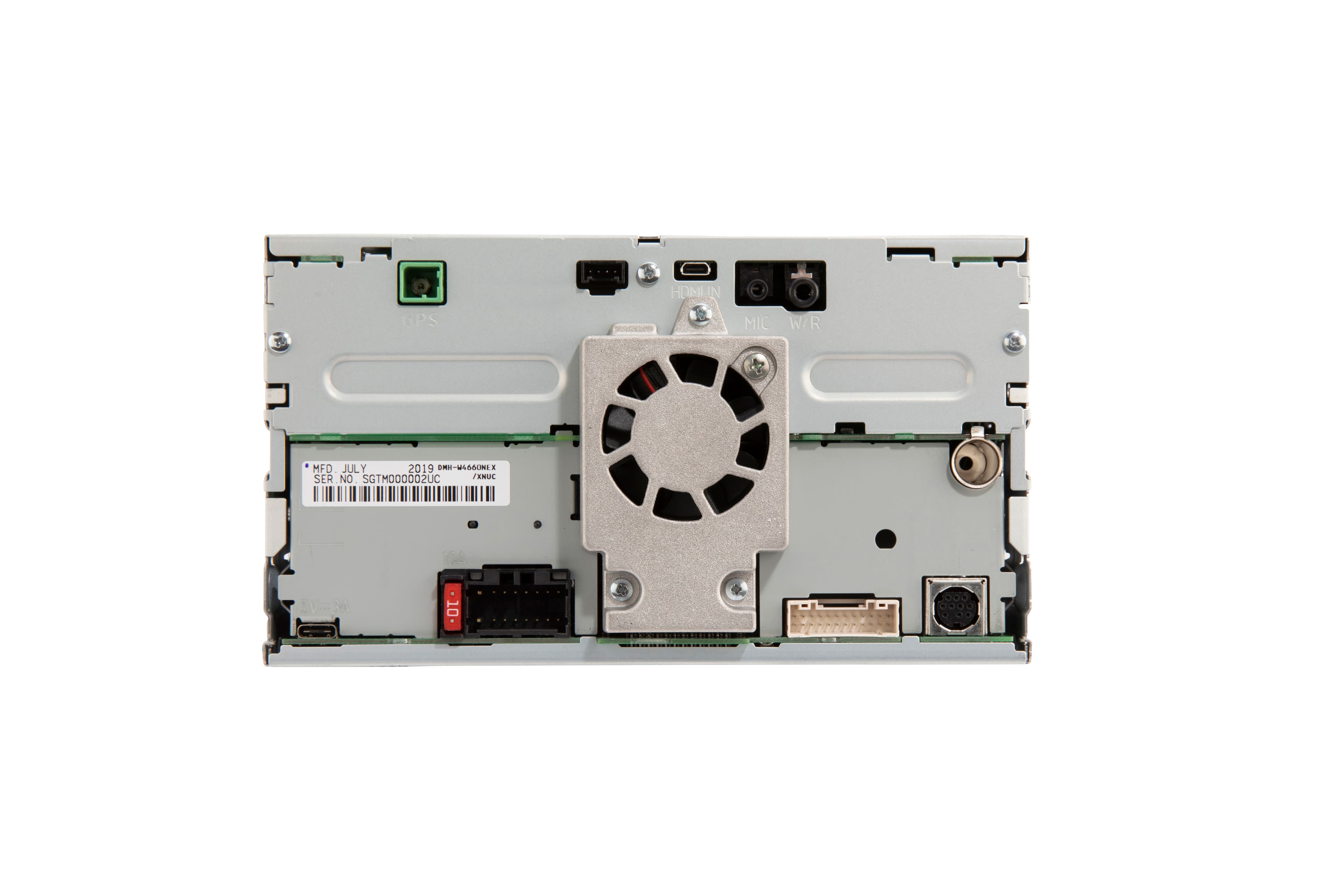
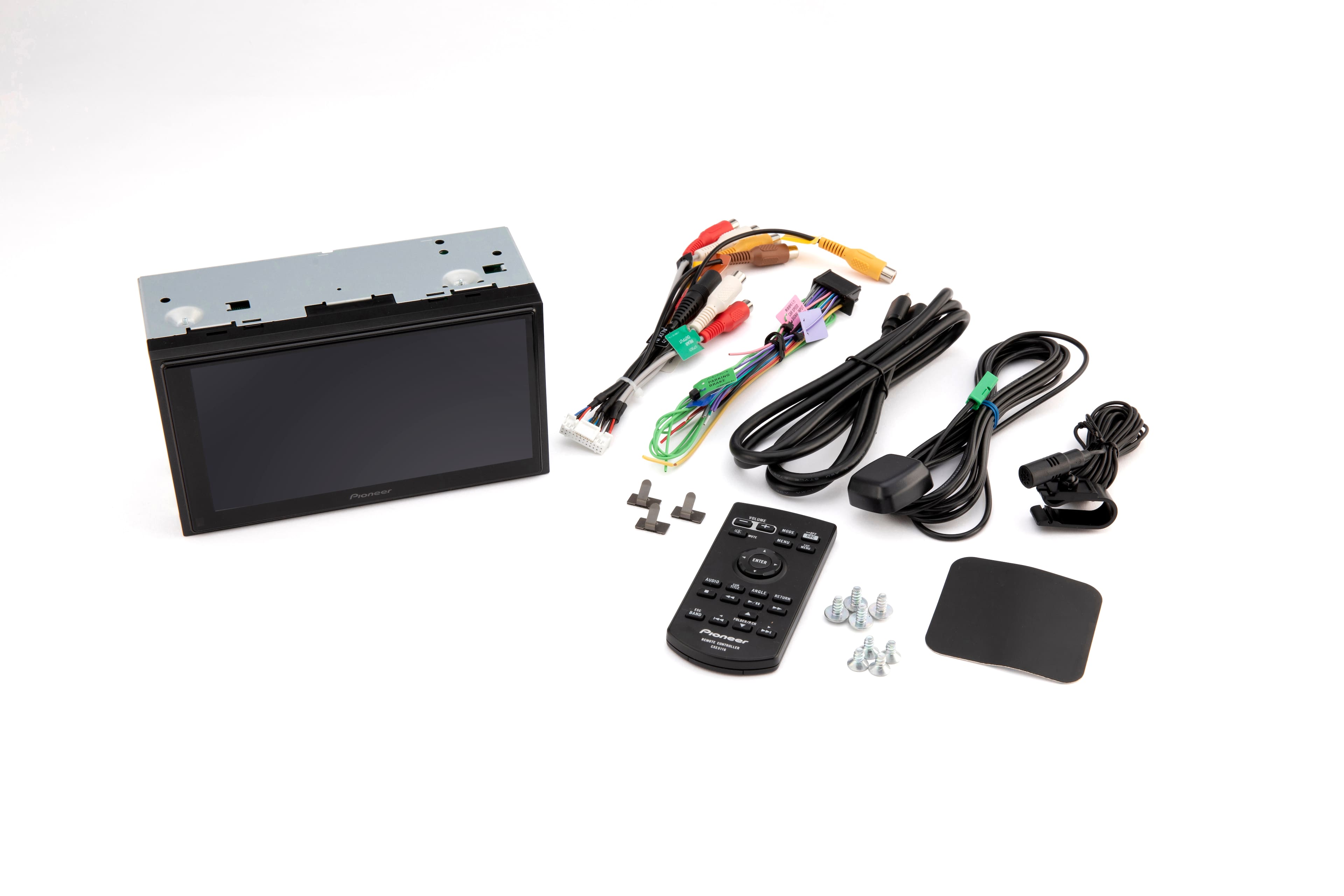
A:AnswerMost vehicles will require a dash adapter and/or a wiring harness adapter kit.
Please work with Best Buy’s Geek Squad. They will verify the fit and assist you with any additional accessories you may need.
A:AnswerMost vehicles will require a dash adapter and/or a wiring harness adapter kit.
Please work with Best Buy’s Geek Squad. They will verify the fit and assist you with any additional accessories you may need.
A:AnswerHi there,
Based on the Features. iDatalink Maestro RR and RR2 (both sold separately), preserves factory features such as climate control, performance gauges and vehicle information such as tire pressure and diagnostics. Features vary by vehicle.
Pioneer Support
Shella
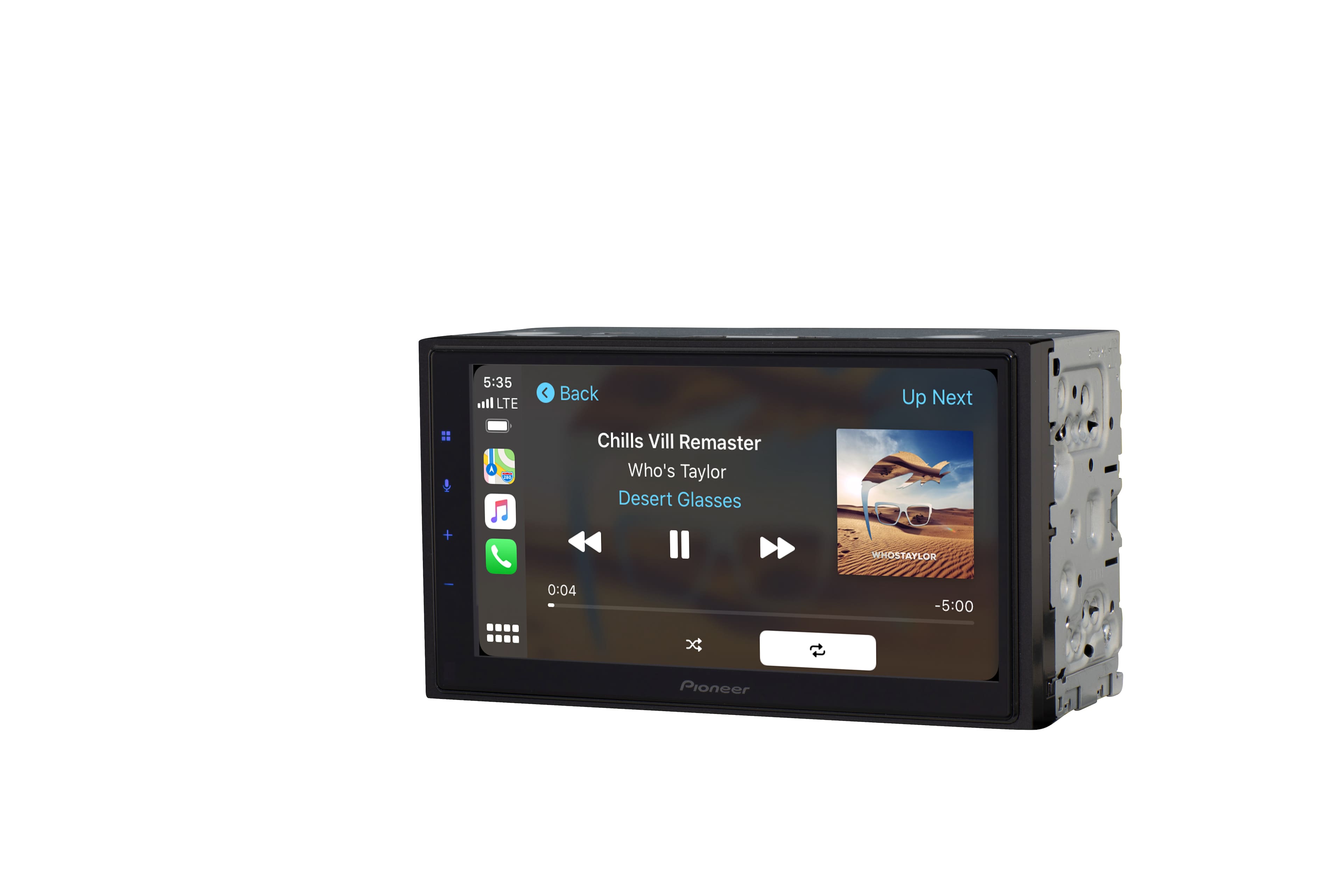
A:AnswerThe Pioneer DMH-1770NEX, should work great in your 2007 Toyota 4 Runner. If you want wireless Apple CarPlay or Android Auto please consider the Pioneer DMH-W2770NEX. Be sure to talk with a Best Buy sales associate for installation details.
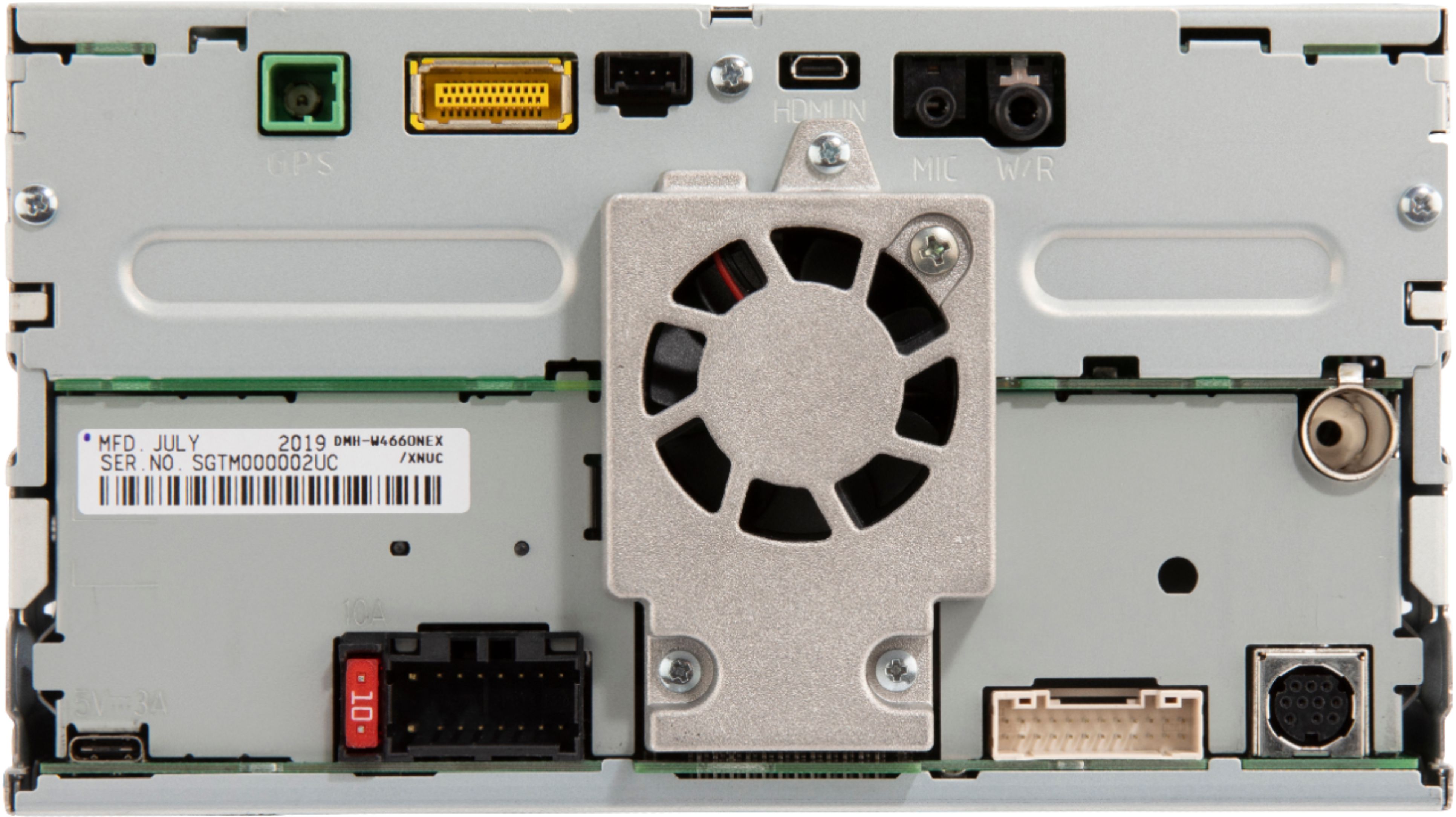
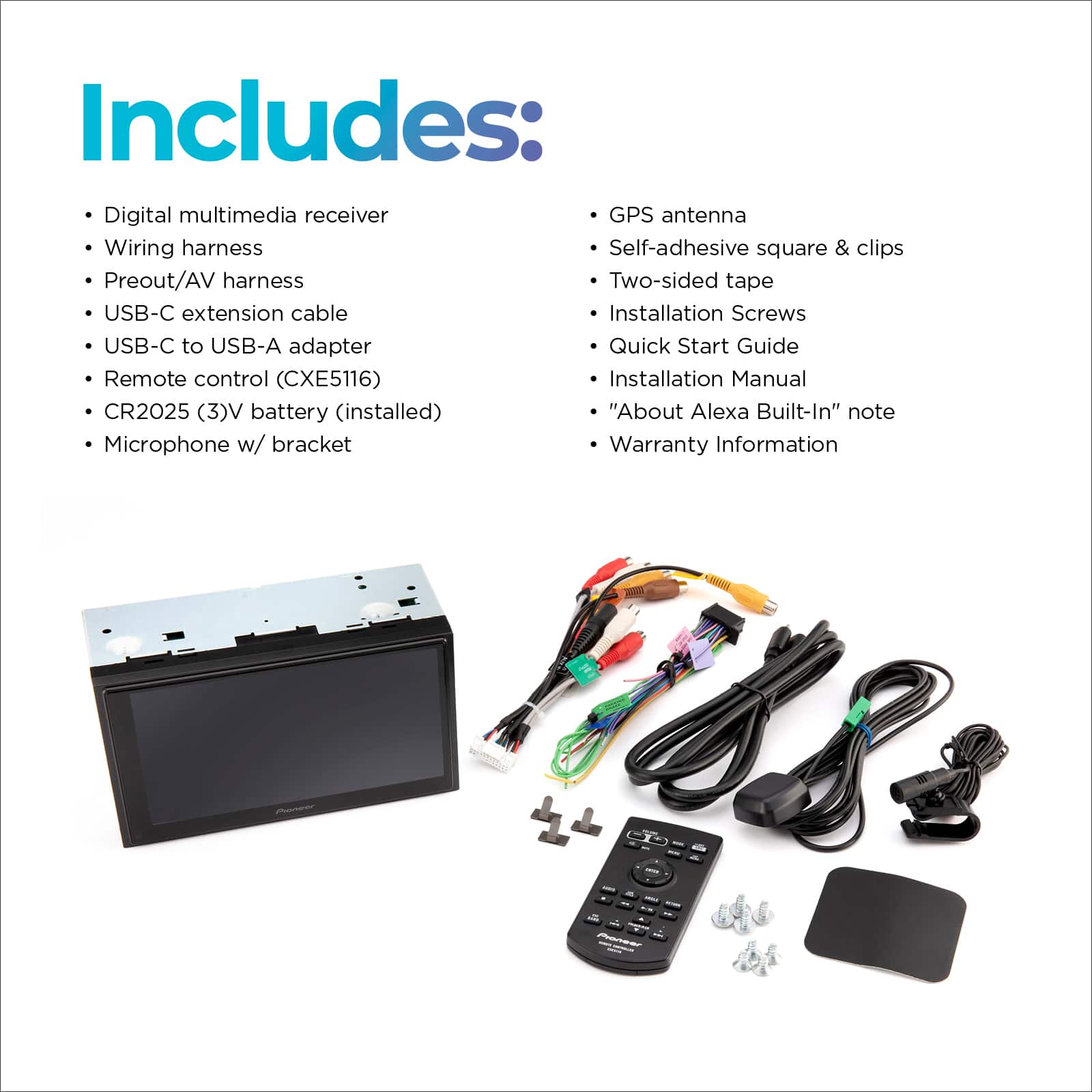
A:AnswerYes. The Pioneer DMH-1770NEX has a USB port on the back of the in-dash receiver. The USB port can be used to play MP3 and other formats of music from a USB flash drive. It can also be used for Apple CarPlay or Android Auto from a connected phone. Since the USB port is on the back of this receiver, Pioneer includes a USB extension cable in the package. At the time of receiver installation, the USB cable is typically installed in a center console, or glove box, or other area that's easily accessed by the driver and yet safely out of the way.
A:AnswerNot sure about that. It does fit my daughters 2016 Hyundai ELANTRA. Looks great installed. Had to buy a kit so it would fit properly which I’m sure you would be able to do as well. She loves it!!!!!
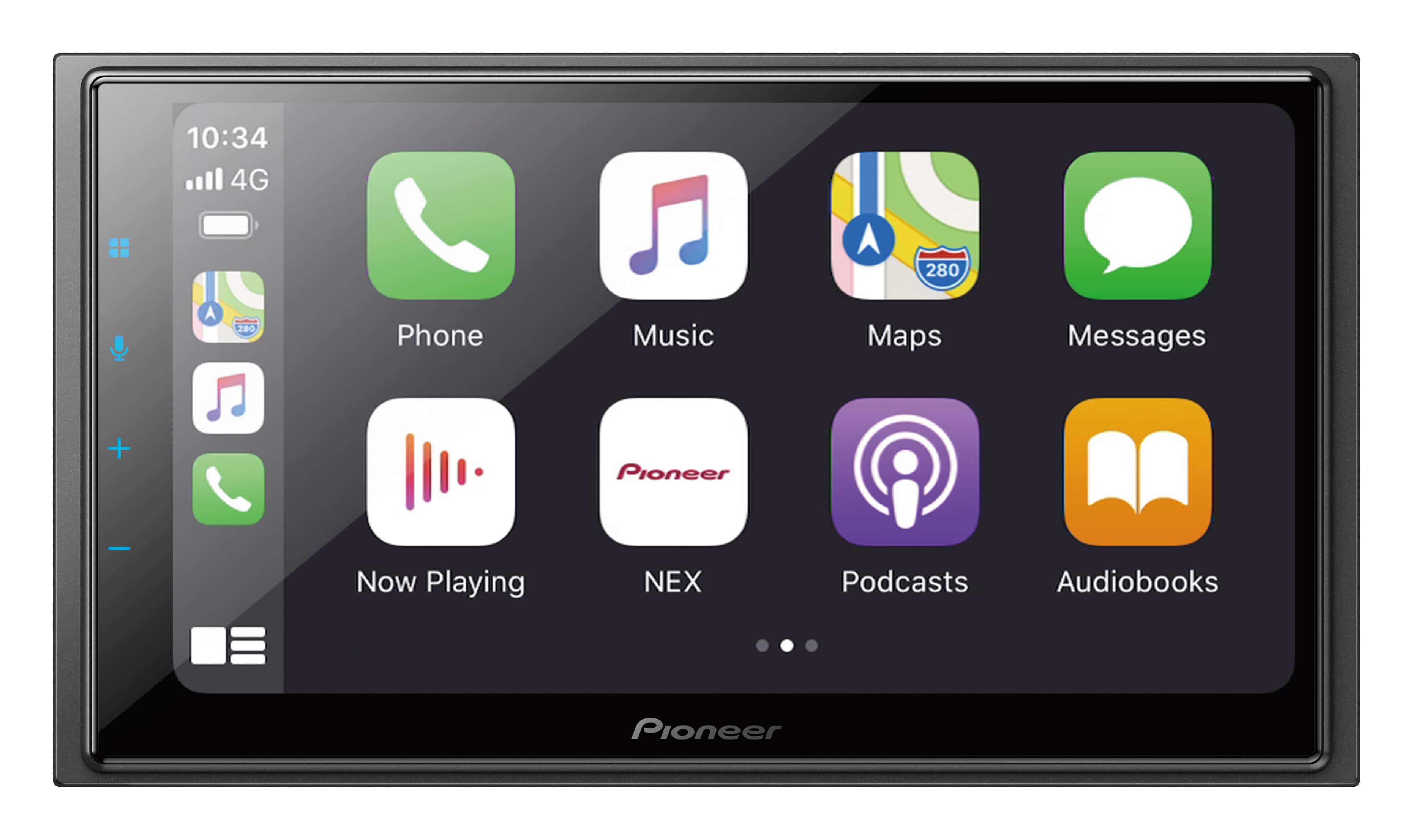
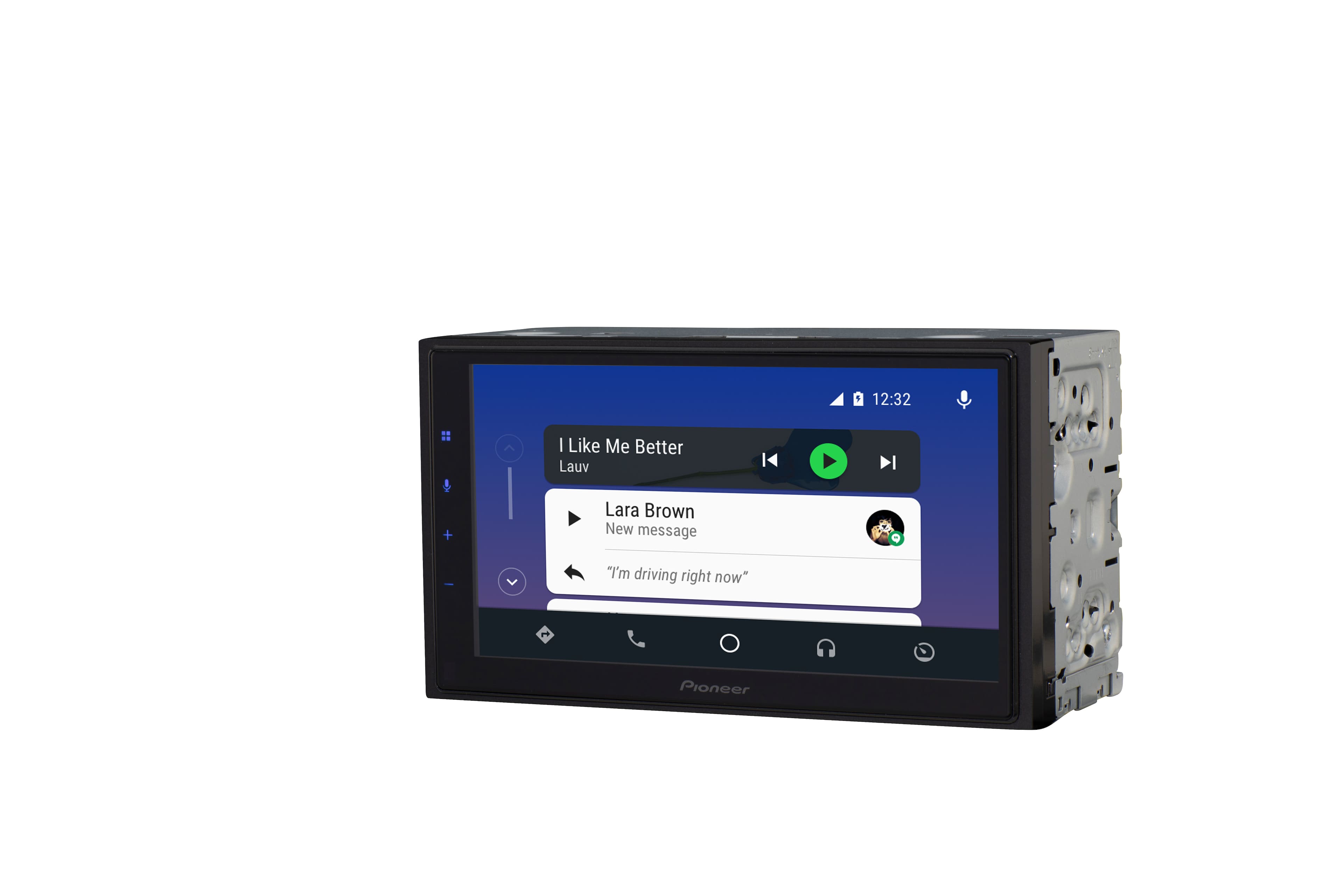
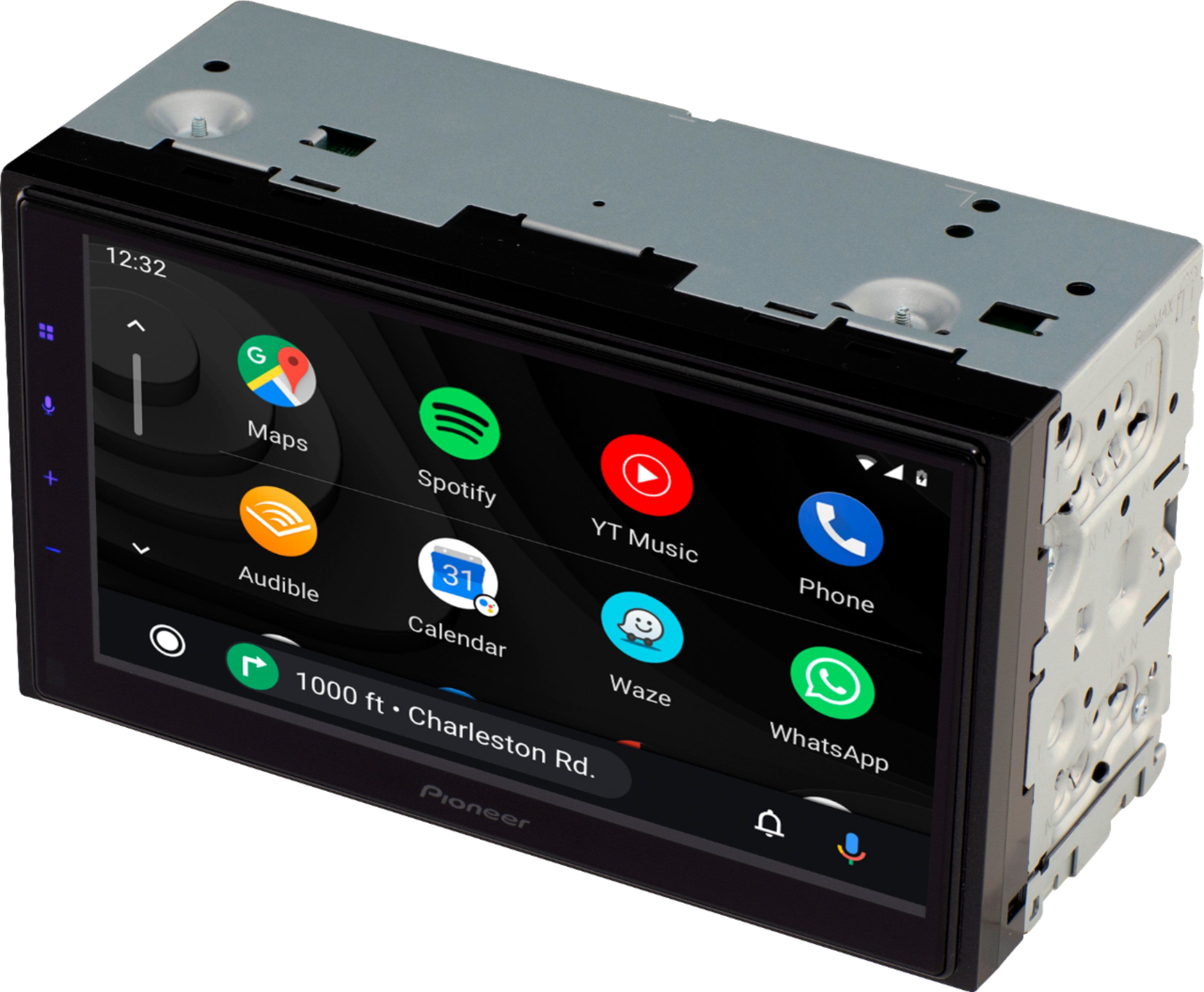
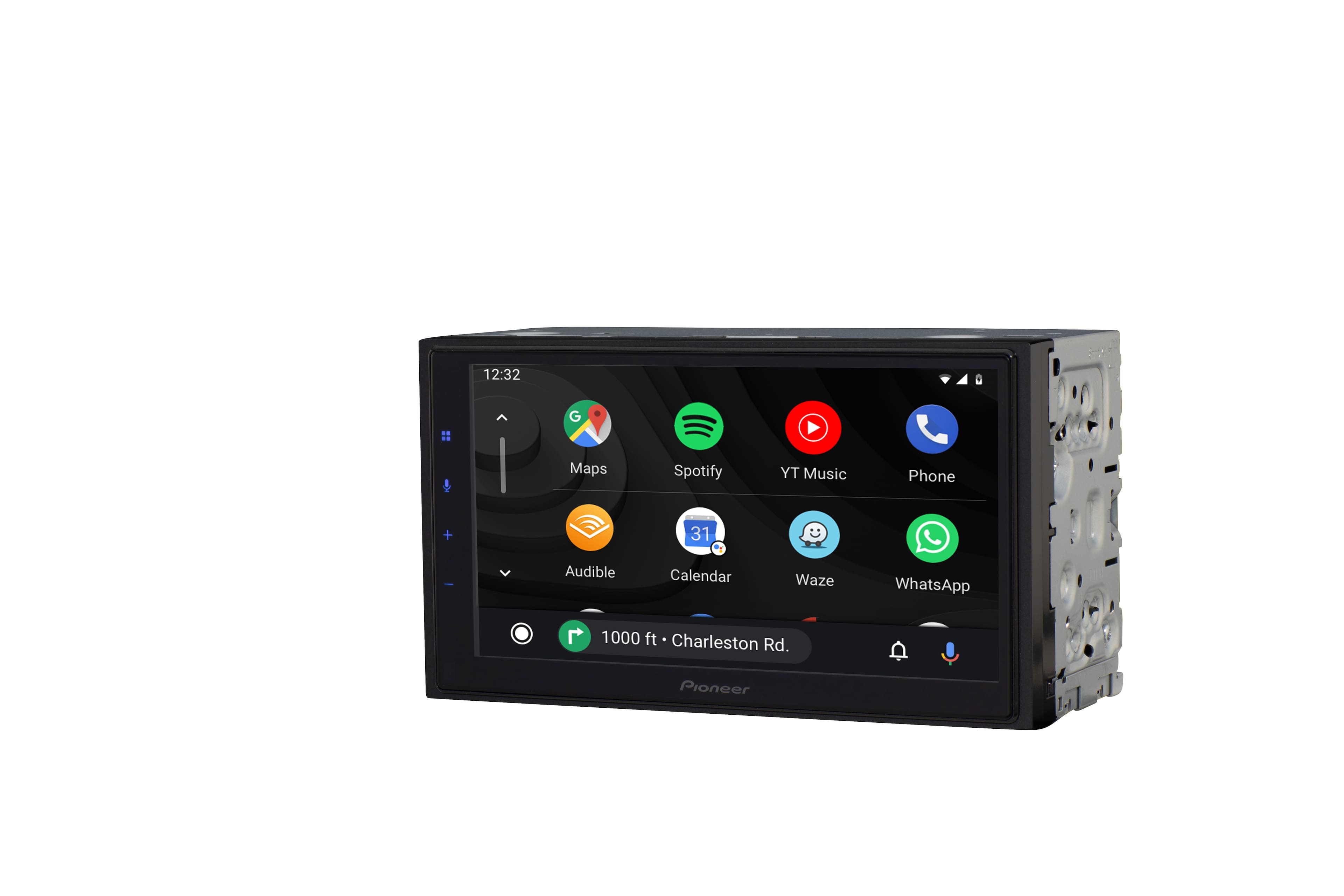
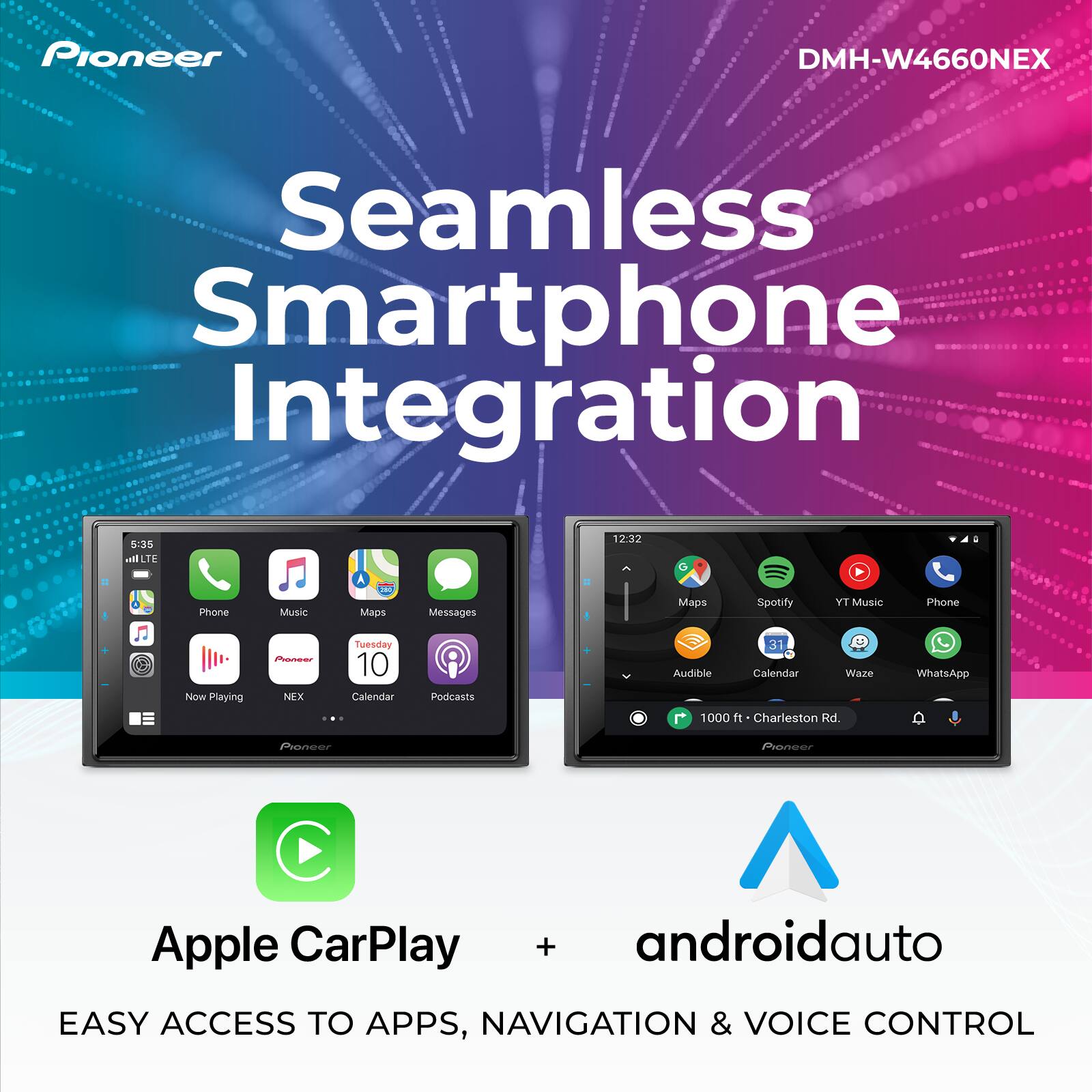
A:AnswerPlease be more specific with what your mean about "completely compatible". Be sure to update your phones to the latest Android OS. If the phones are updated to the latest version of Android OS they will work with Android Auto with both a wireless connection and a wired connection through USB to the Pioneer DMH-W4660NEX.
A:AnswerYes, the Pioneer DMH-W4660NEX has on screen Spanish language as a setup option. Yes, the Pioneer DMH-W4660NEX will work great with your 2018 Toyota RAV 4 with the use of a proper dash installation kit and wiring kit. Please contact a Best Buy sales associate for more information about installation.
A:AnswerThe Pioneer DMH-W4660NEX is designed to work with Android Auto wireless from your phone. When using Android Auto, the apps on your phone designed for use with Android Auto will appear on the screen and any can be selected. Any app that you would like to use should be downloaded from the Google Play store onto the phone. If that app is compatible with Android Auto, it will appear in the list of available apps on the receiver screen when connected to the phone. I'm not aware of a way to install the Google Play store app in the Pioneer DMH-W4660NEX.
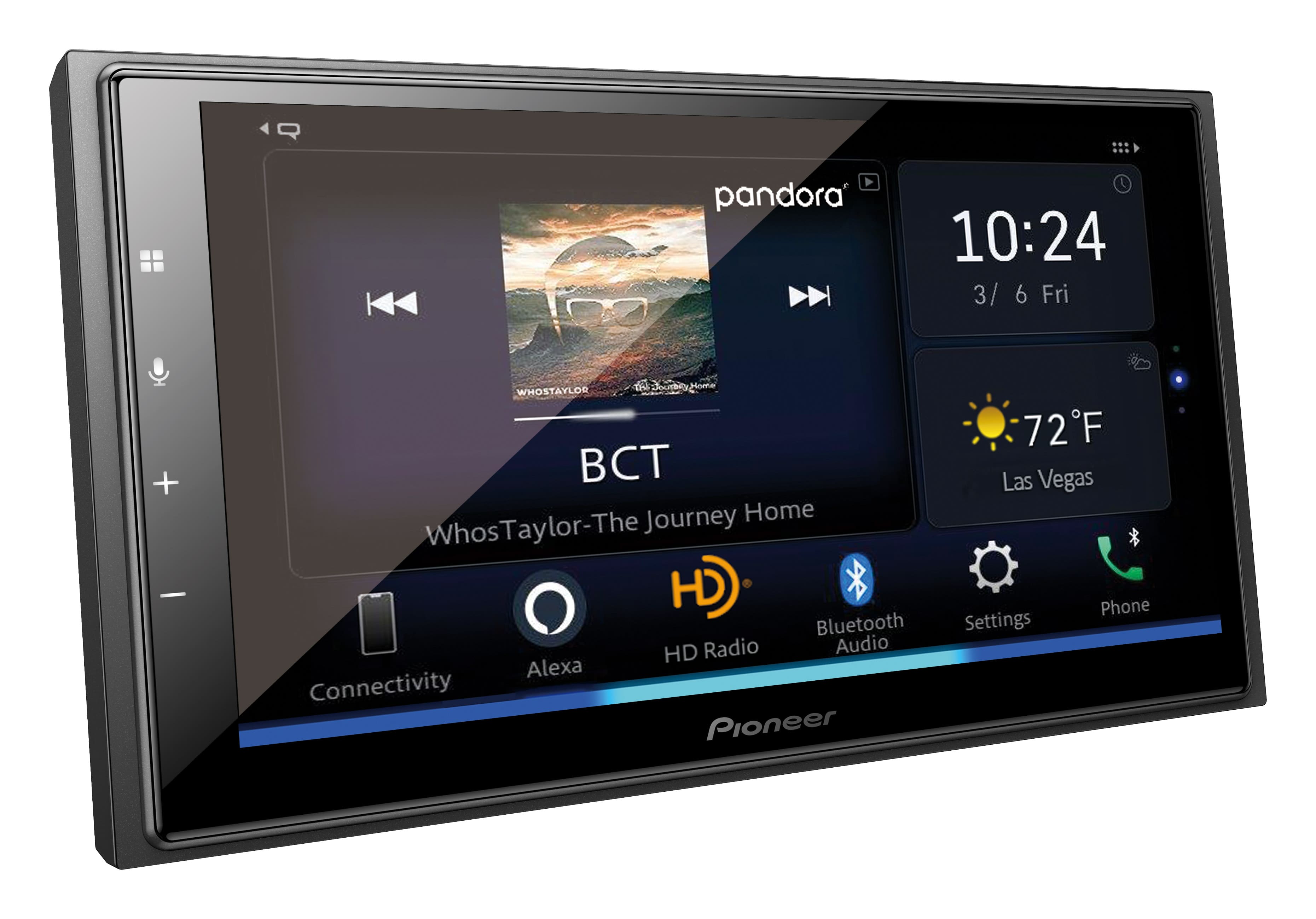
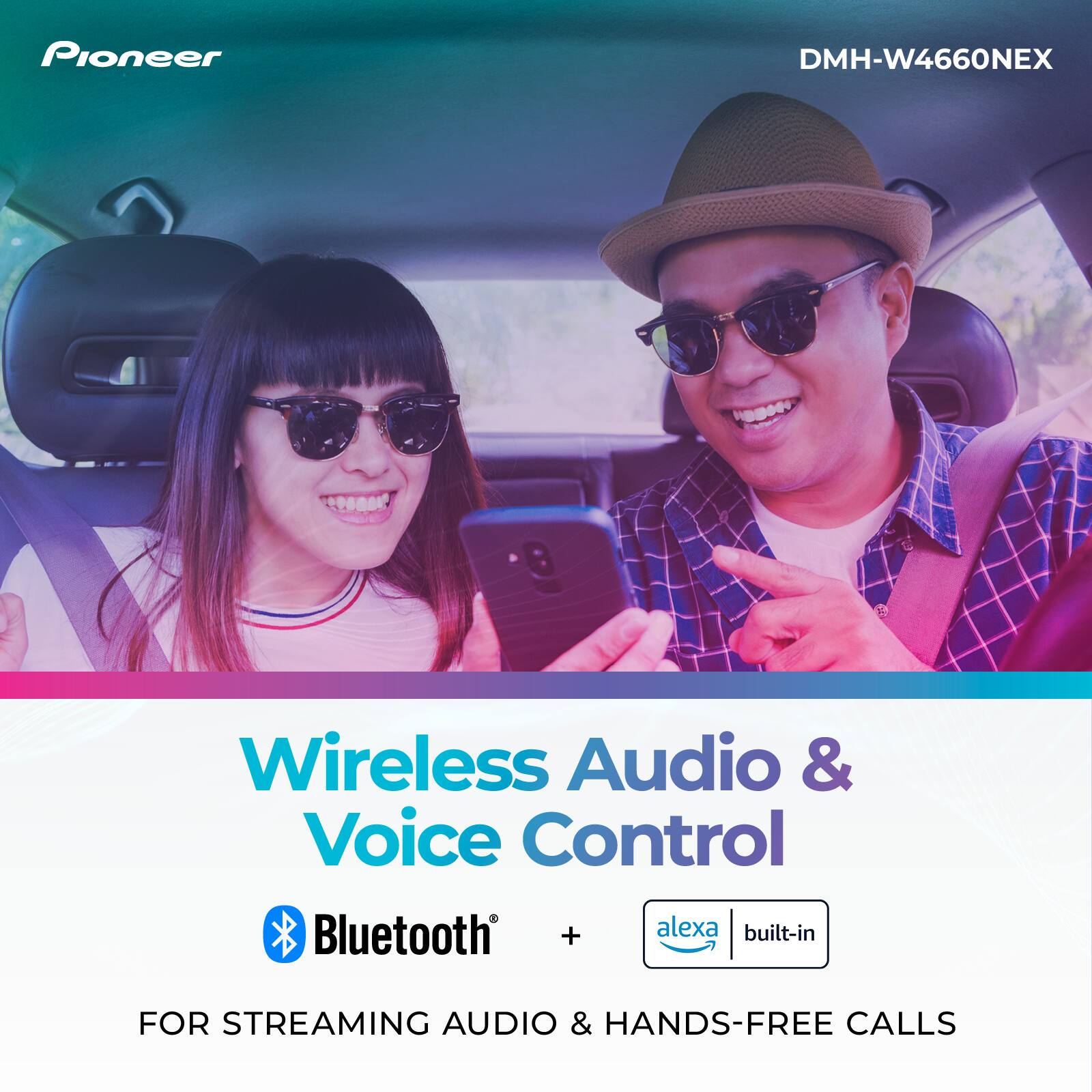
A:AnswerHEllo Pamela. You may connect it to Bluetooth when you want to use Alexa. You may need to connect to hotspot when accessing maps.
Mary II Pioneer Customer Support