A:AnswerHello.
Thank you for reaching out to us with your question. No, Ring products provide their standard features such as instant alerts, live view, and two-way talk without any subscription. Ring Protect Plans offer downloading and sharing video capabilities and additional features for those who want them.
If any additional information is needed regarding your question, please reach out to our community. Ring Community is our first peer-to-peer community forum, giving our customers the ability to help one another and share their feedback and experiences directly with Ring. Join the Ring Community today!
Thank you,
Amilia from Ring.
A:AnswerHi Rafael.
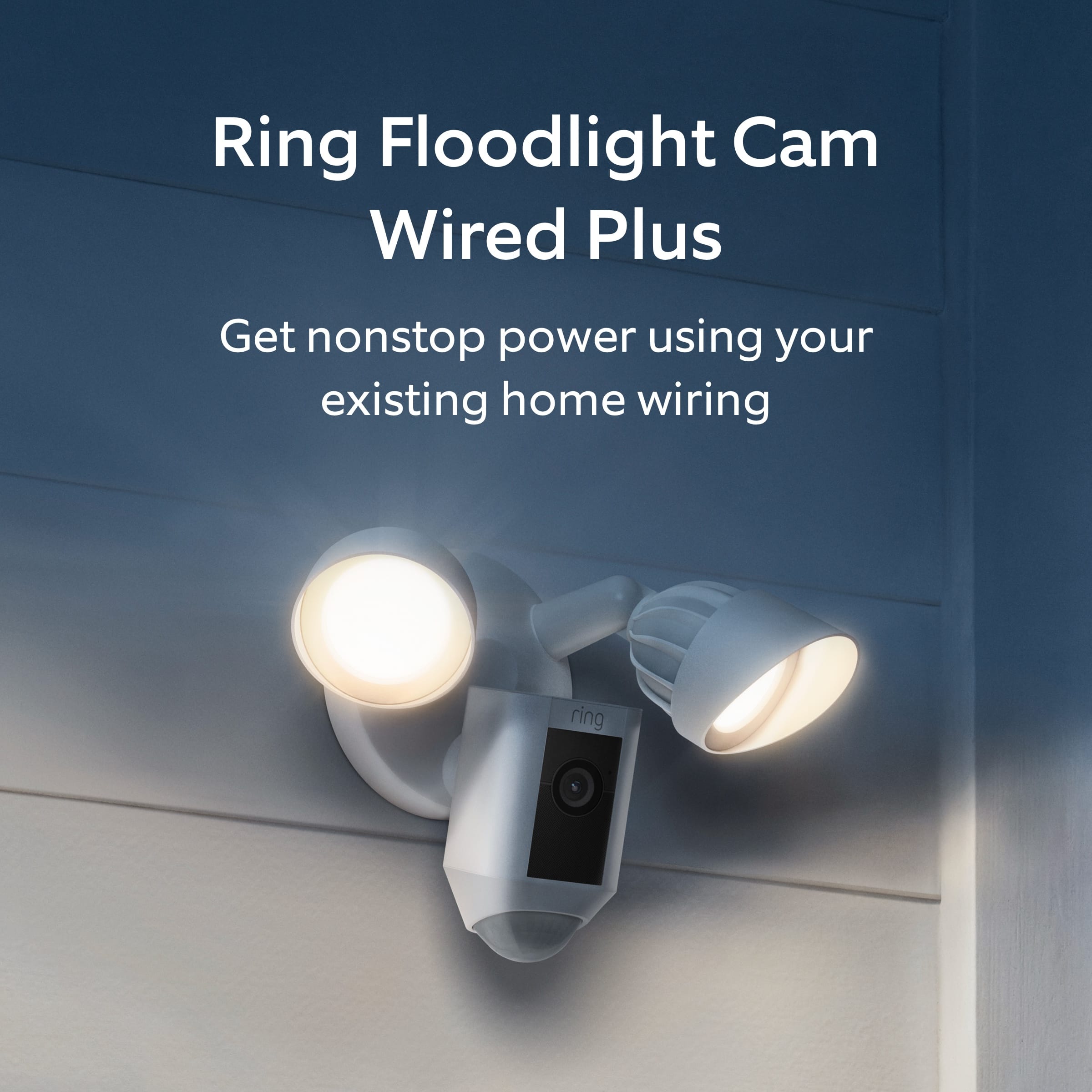
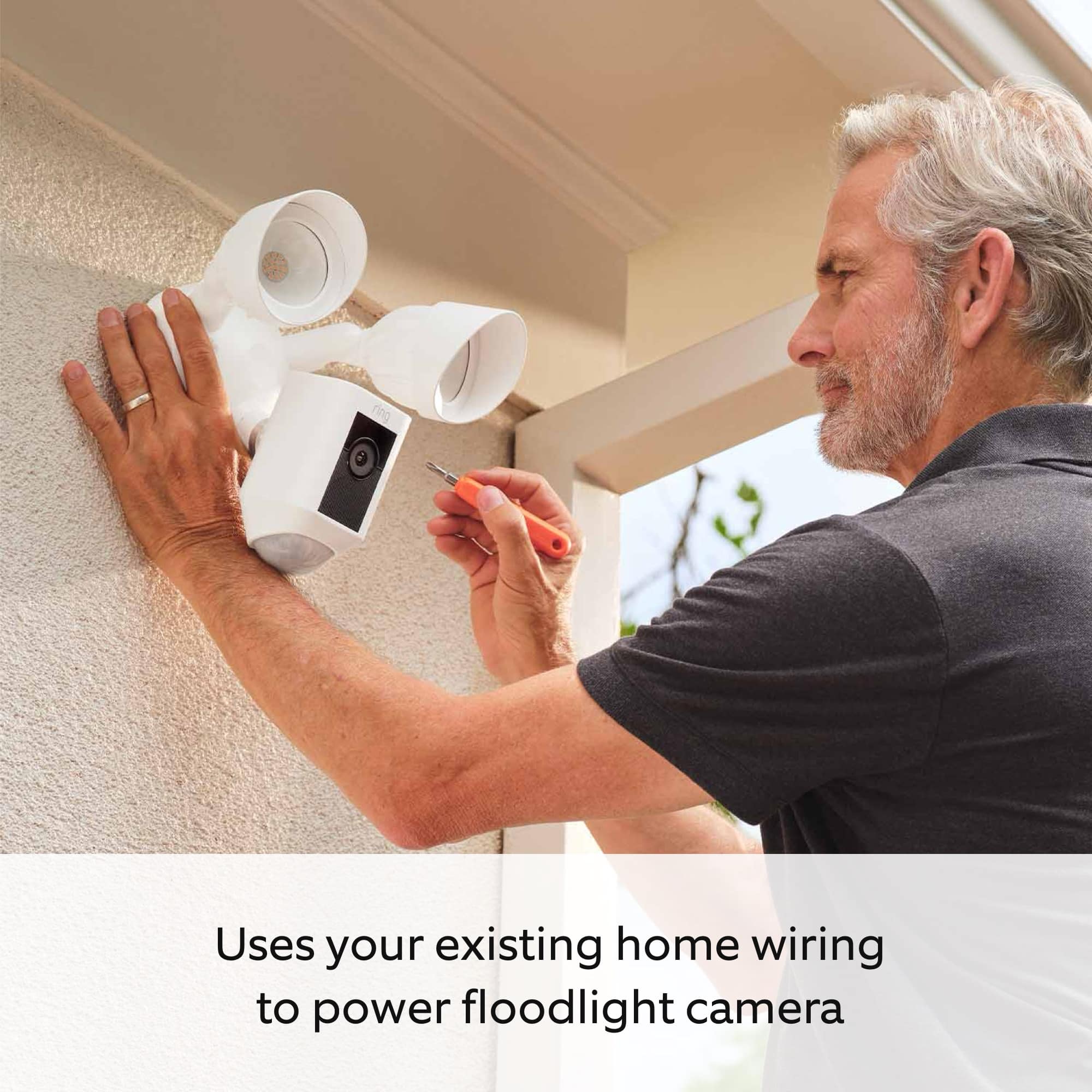
Thank you for taking the time to ask this question. No, the Ring Floodlight Cam Plus Wired is designed to only be power via hardwired (100V-240V). The Ring Solar panel is designed to charge the battery from a ring device.
We invite you to reach out to our community if any additional information is needed regarding your question. The Ring Community is our first peer-to-peer community forum, giving our customers the ability to help one another by sharing their feedback and experiences with each other.
Thank you,
Miyuki from Ring.
A:AnswerHi Remo.
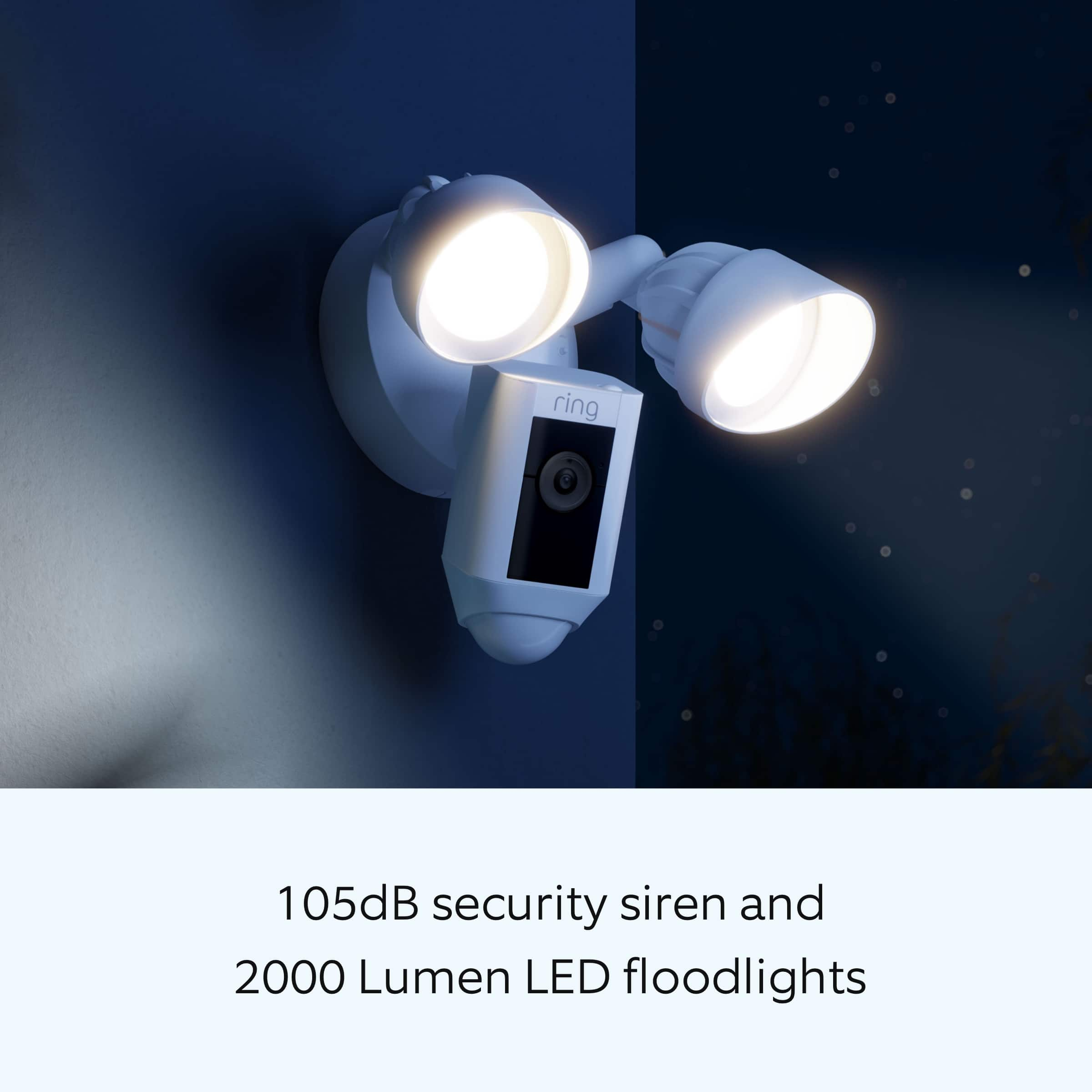
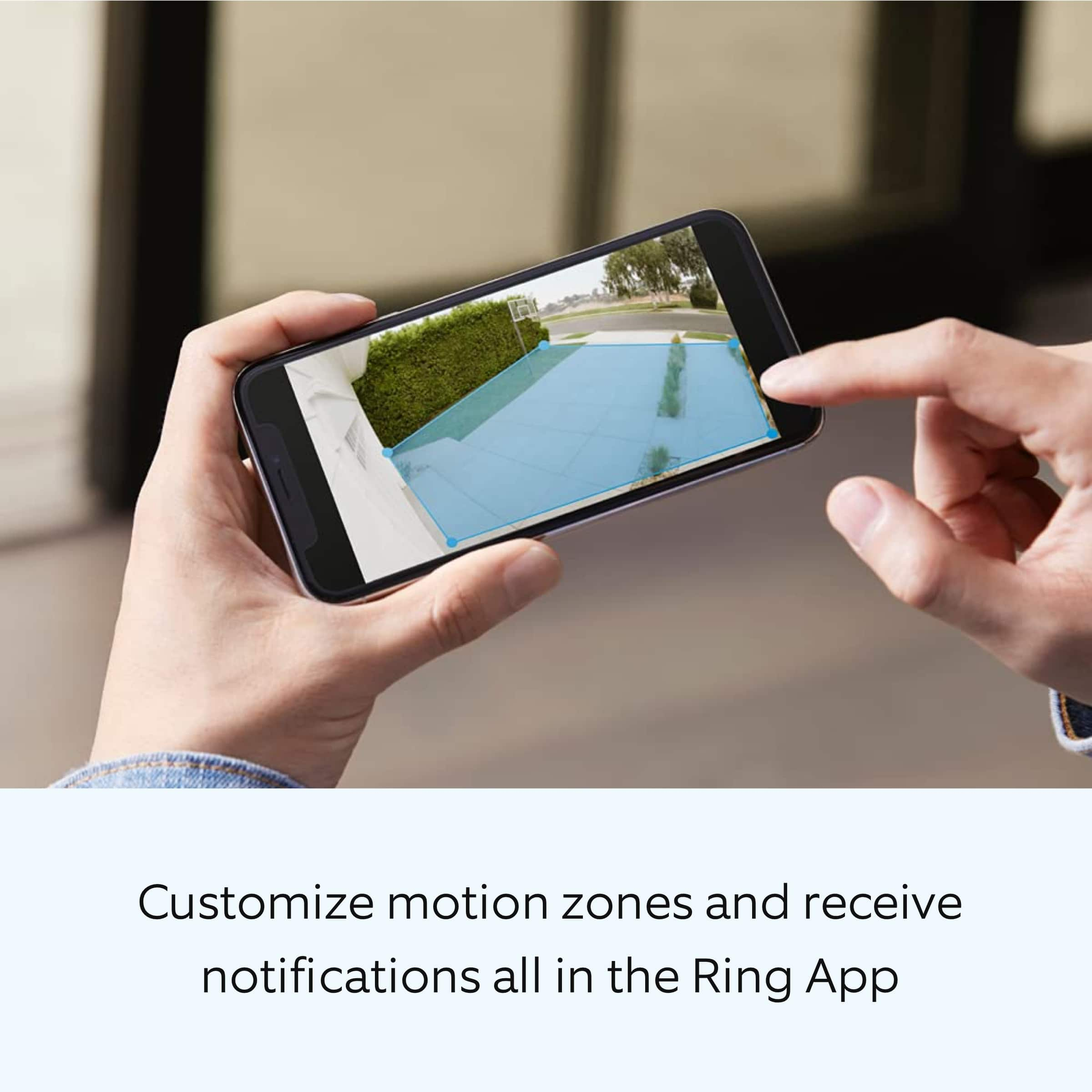
Thank you for taking the time to ask this question. The Ring Floodlight Cam Plus Wired has two 3000° Kelvin, 2000 Lumen floodlights. It also has Customizable Motion Zones, Live view, and Color Night Vision that are controlled from the Ring app. In addition, the Floodlight Cam Wired Plus has a 105 dB siren at 10cm (4in).
We invite you to reach out to our community if any additional information is needed regarding your question. The Ring Community is our first peer-to-peer community forum, giving our customers the ability to help one another by sharing their feedback and experiences with each other.
Thank you,
Miyuki from Ring.
A:AnswerHi.
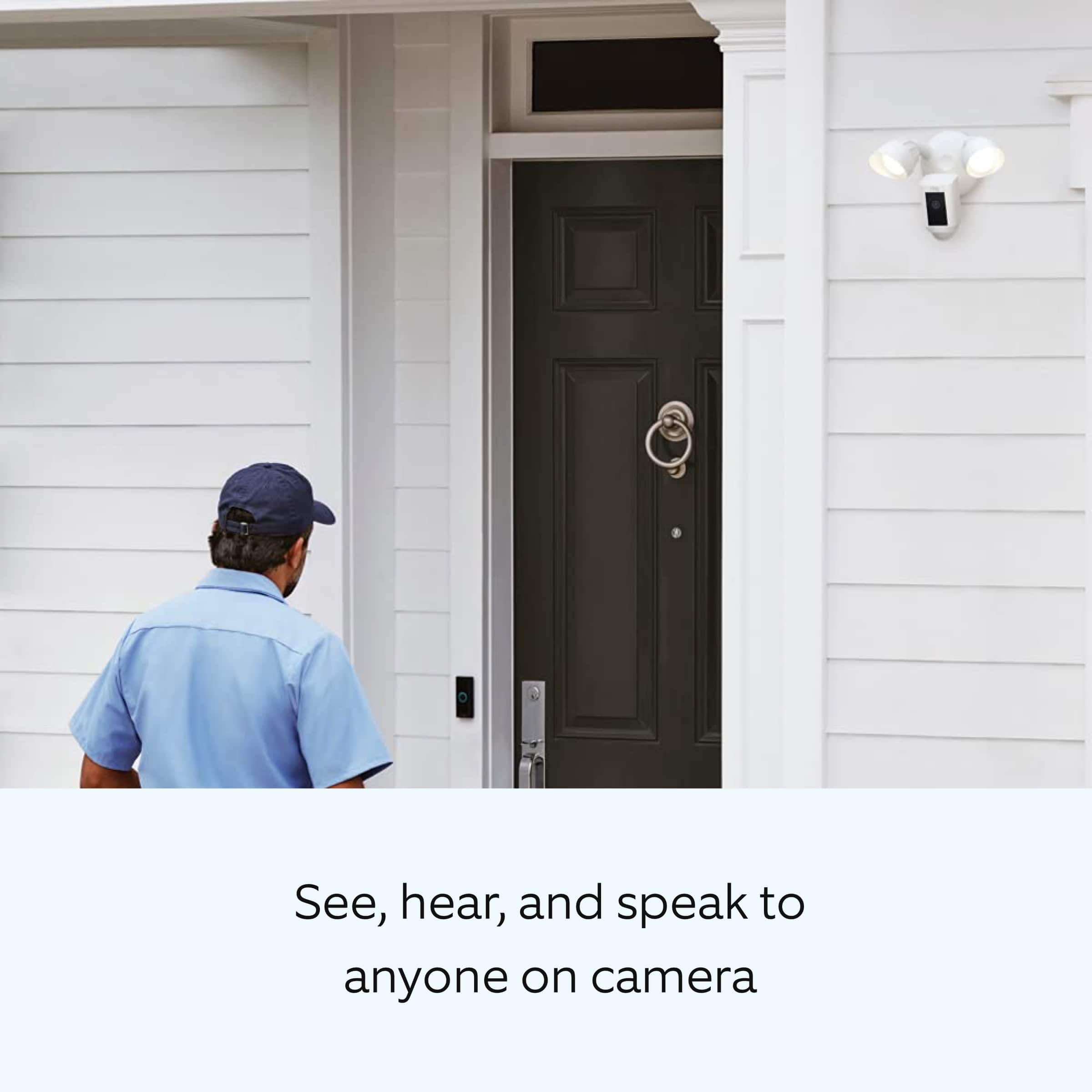
Thank you for your question today! No, a subscription is not required to use the Ring Floodlight Cam Plus’s standard features (real-time notifications, live view, and two-way talk). The Ring Protect Plans offer downloading and sharing video capabilities, along with additional features for those who want them.
We invite you to reach out to our community if any additional information is needed regarding your question. The Ring Community is our first peer-to-peer community forum, giving our customers the ability to help one another by sharing their feedback and experiences with each other.
Thank you,
Miyuki from Ring.
A:AnswerHi Rhosheec
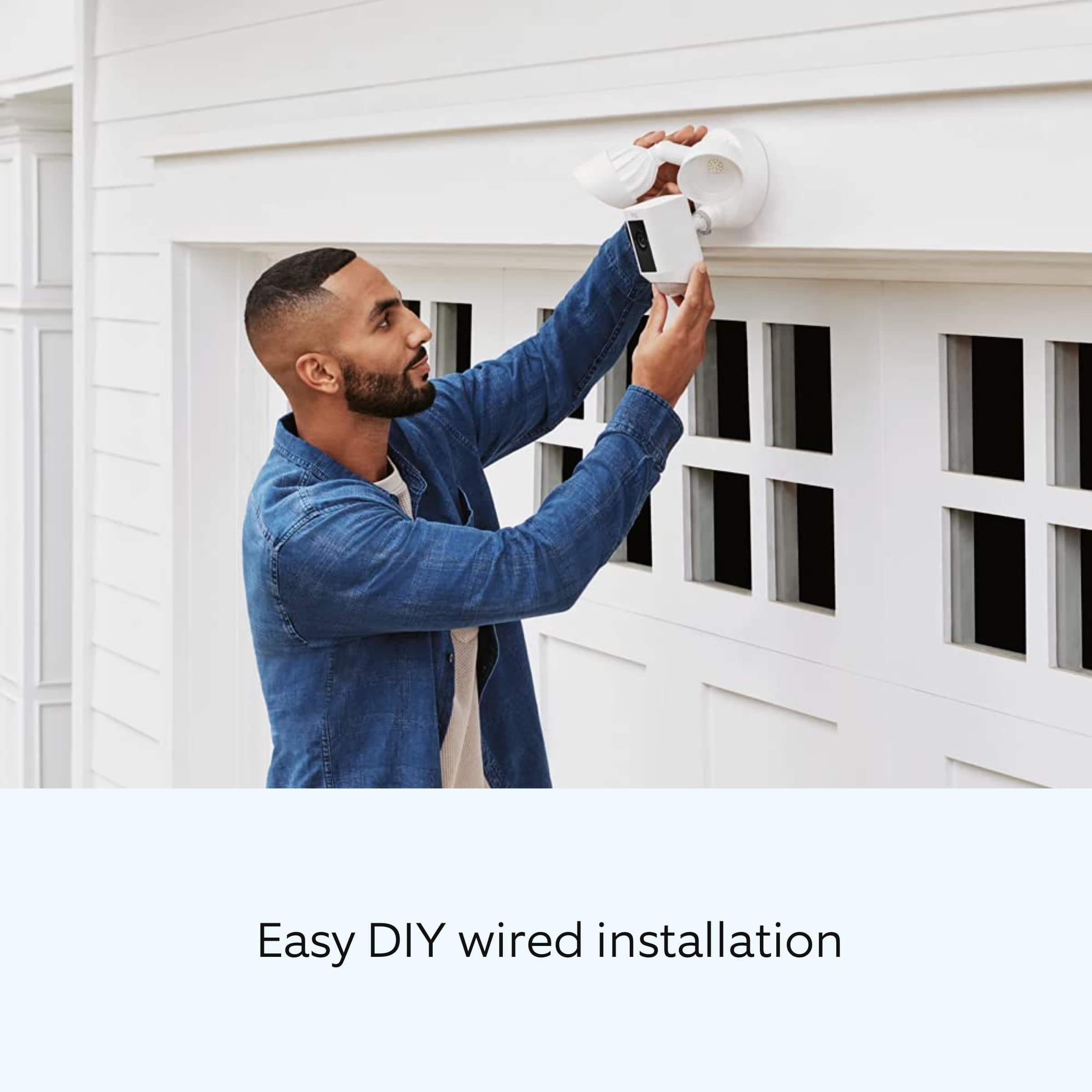
Thank you for taking the time to ask this question. The Ring Floodlight Cam Plus Outdoor Wired is designed to be hardwired into your home's existing electrical wiring. First, turn off the power at your circuit breaker to the location where you plan to install the camera. You will need a 4-inch round UL-listed weatherproof electrical box already mounted on the outside of your home. Once the power is off, connect the camera's wiring to your home's electrical wires (matching hot, neutral, and ground), secure the mounting bracket to the electrical box, and attach the camera to the bracket. After everything is connected, turn the power back on and complete the setup through the Ring app on your phone. For safety, if you are not comfortable working with electrical wiring, we recommend hiring a licensed electrician.
We invite you to reach out to our community if any additional information is needed regarding your question. The Ring Community is our first peer-to-peer community forum, giving our customers the ability to help one another by sharing their feedback and experiences with each other.
Thank you,
Miyuki from Ring.
A:AnswerHi.
Thank you for reaching out to us with your question. You can locate the QR code on the side of the device, under the faceplate. If you can’t find the QR code, tap the help icon (?), and select your device model to help you locate the QR code. If the QR code doesn’t scan, tap Other Options and try scanning the barcode, or enter the PIN located below the QR code. Follow the steps in the Ring app to reconnect the device to your network.
To reconnect a Ring Floodlight Cam Wired Plus to your wifi network:
Open the Ring app.
Tap the menu (≡).
Tap "Devices" and select the camera you'd like to reconnect to wifi.
Tap the "Device Health" tile.
Under "Network," tap "Change Network" and follow the prompts in the app.
If any additional information is needed regarding your question, please reach out to our community. Ring Community is our first peer-to-peer community forum, giving our customers the ability to help one another and share their feedback and experiences directly with Ring. Join the Ring Community today!
Thank you,
Amilia from Ring.
A:AnswerHi DocT.
Thank you for reaching out to us with your question. Yes, the Ring Floodlight Cam Wired Plus can be mounted to a ceiling, wall, eave, or overhang.
If any additional information is needed regarding your question, please reach out to our community. Ring Community is our first peer-to-peer community forum, giving our customers the ability to help one another and share their feedback and experiences directly with Ring. Join the Ring Community today!
Thank you,
Amilia from Ring.
A:AnswerHi Andrew.
Thank you for reaching out to us with your question. The mounting bracket base for the Ring Floodlight Cam Wired Plus is 4.7 inches in diameter.
If any additional information is needed regarding your question, please reach out to our community. Ring Community is our first peer-to-peer community forum, giving our customers the ability to help one another and share their feedback and experiences directly with Ring. Join the Ring Community today!
Thank you,
Amilia from Ring.
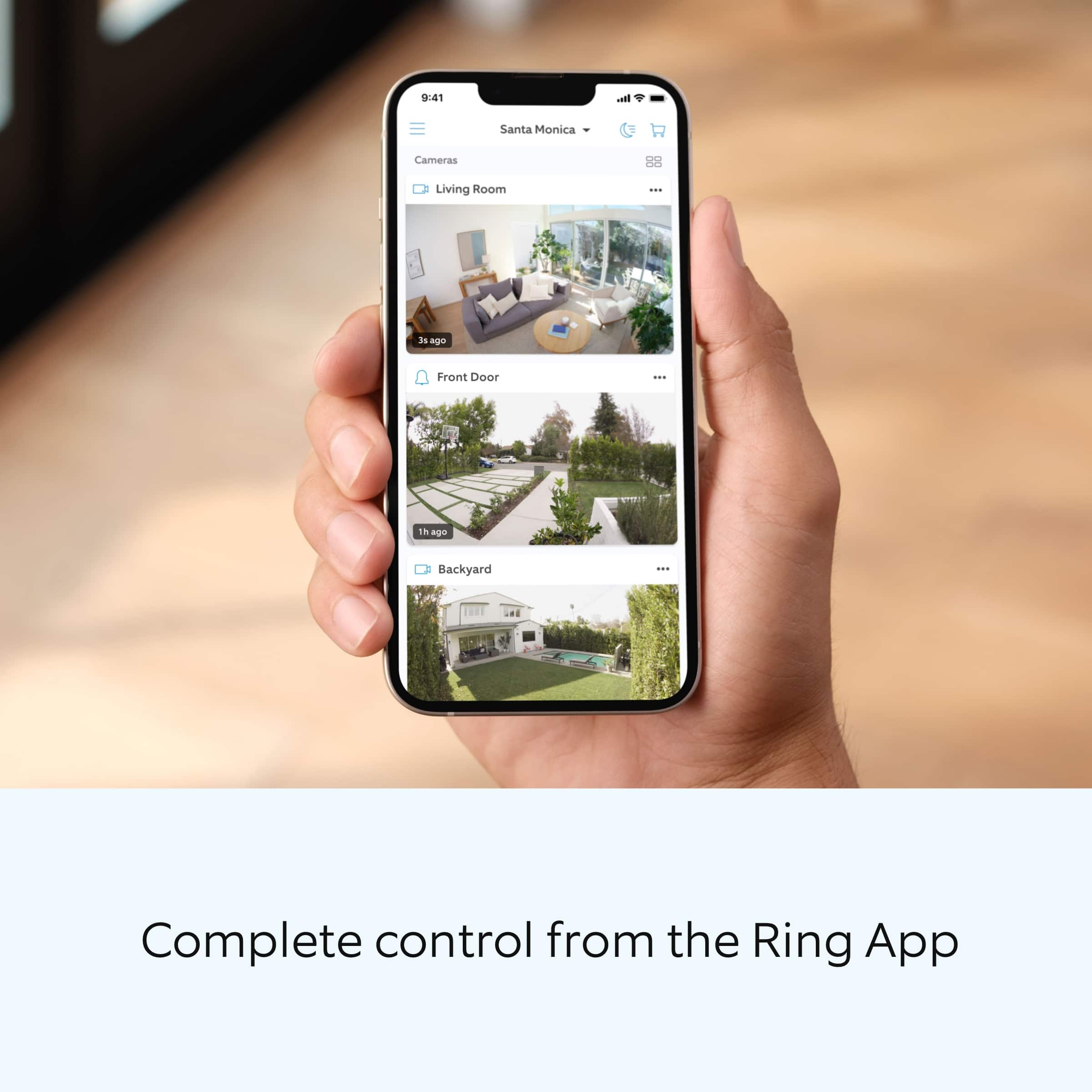
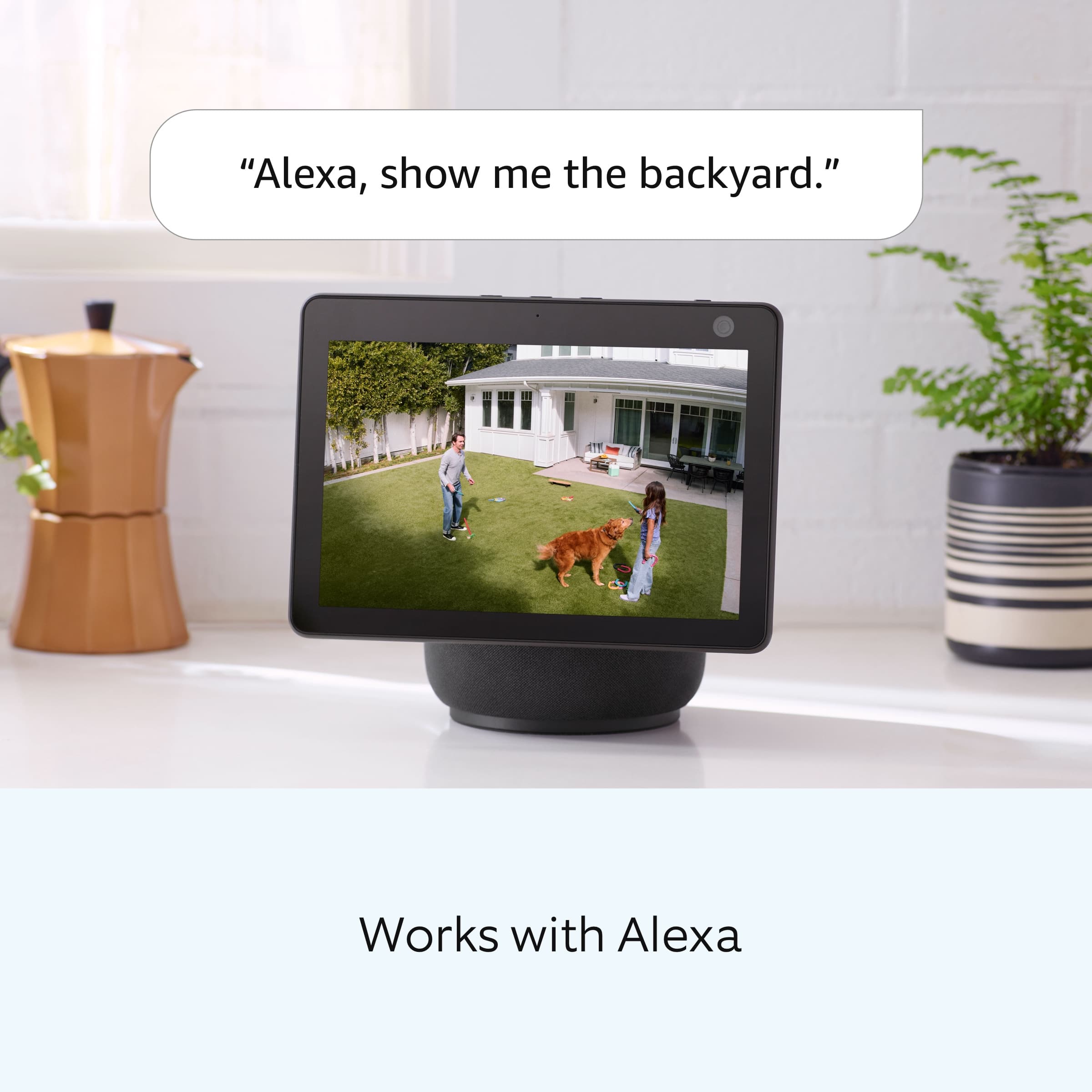
A:AnswerYou can link the camera to your Amazon Alexa Displays, not the Dots or the Google displays, to watch the cameras live, like you can with your phone. If you want to save your videos, you will need to subscribe using Ring. I don't remember the price for 2 cameras that can be found on Ring's website.
A:AnswerHello FJW.
Thank you for taking the time to ask this question. We understand the importance of having the Ring Floodlight Cam Plus installed properly. To answer your question, our Ring devices are DIY devices and if you have the ability to install the device, you can. However, if you do not possess the ability to install the device yourself, we highly recommend having a professional install the device for you.
If any additional information is needed regarding your Ring Floodlight Cam Plus, please reach out to our community. Ring Community is our first peer-to-peer community forum, giving our customers the ability to help one another and share their feedback and experiences directly with Ring.
Thank you for being the best part of Ring! Have a wonderful day!
Sincerely,
Link from Ring.