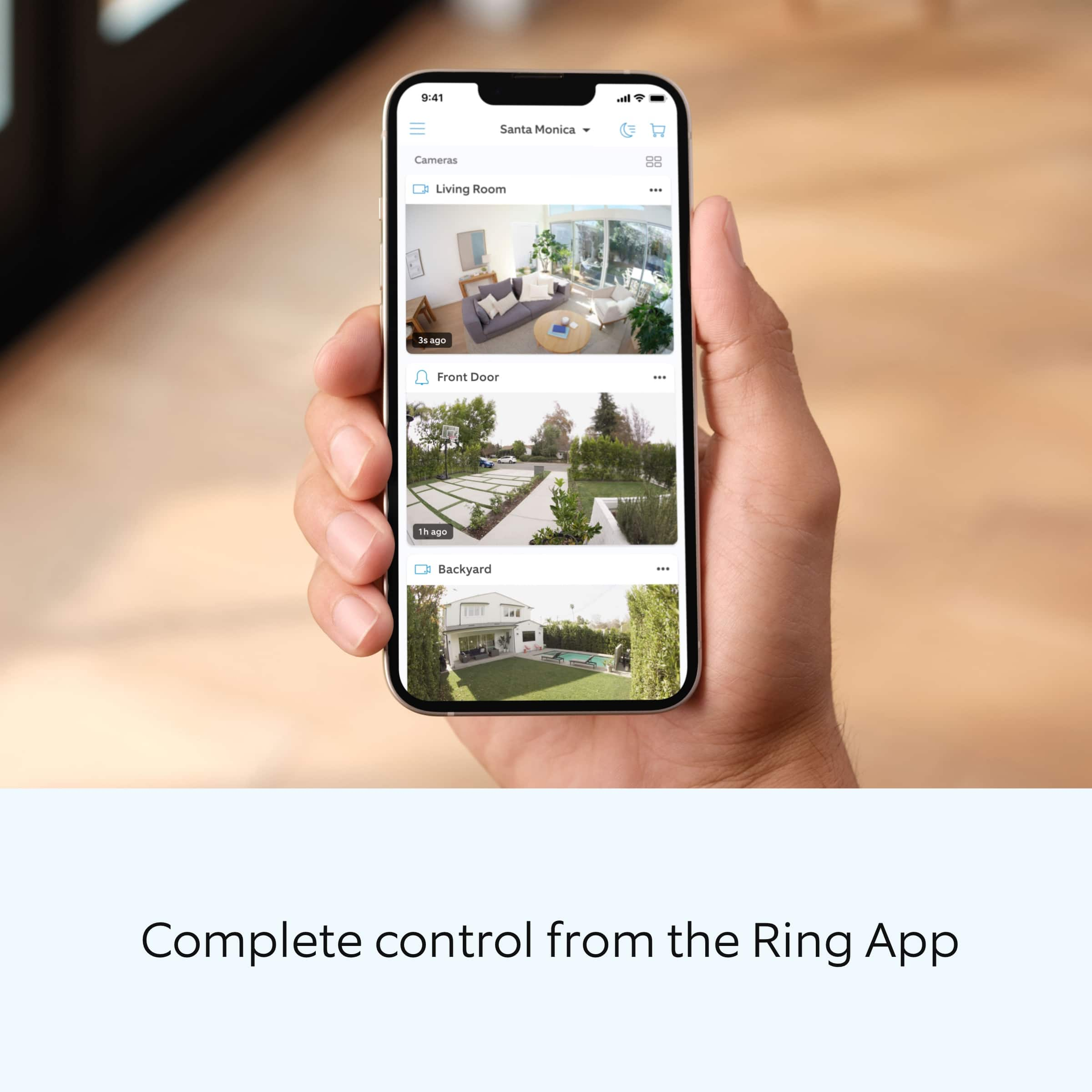
A:AnswerYou can set it to detect motion how ever long you want. But, you may want to look at other ring options. If you live in apartment type setting, your app will be alerting you to every movement
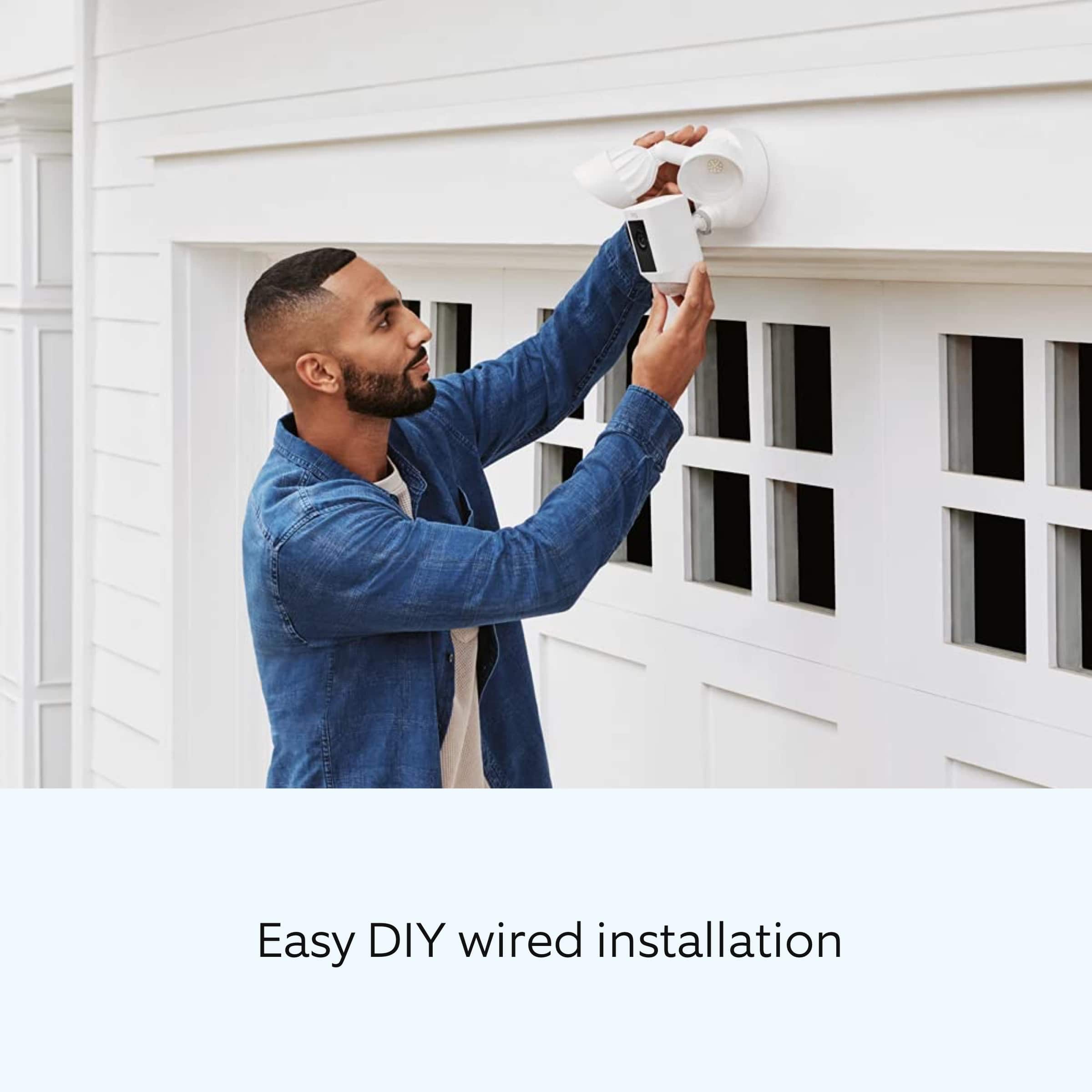
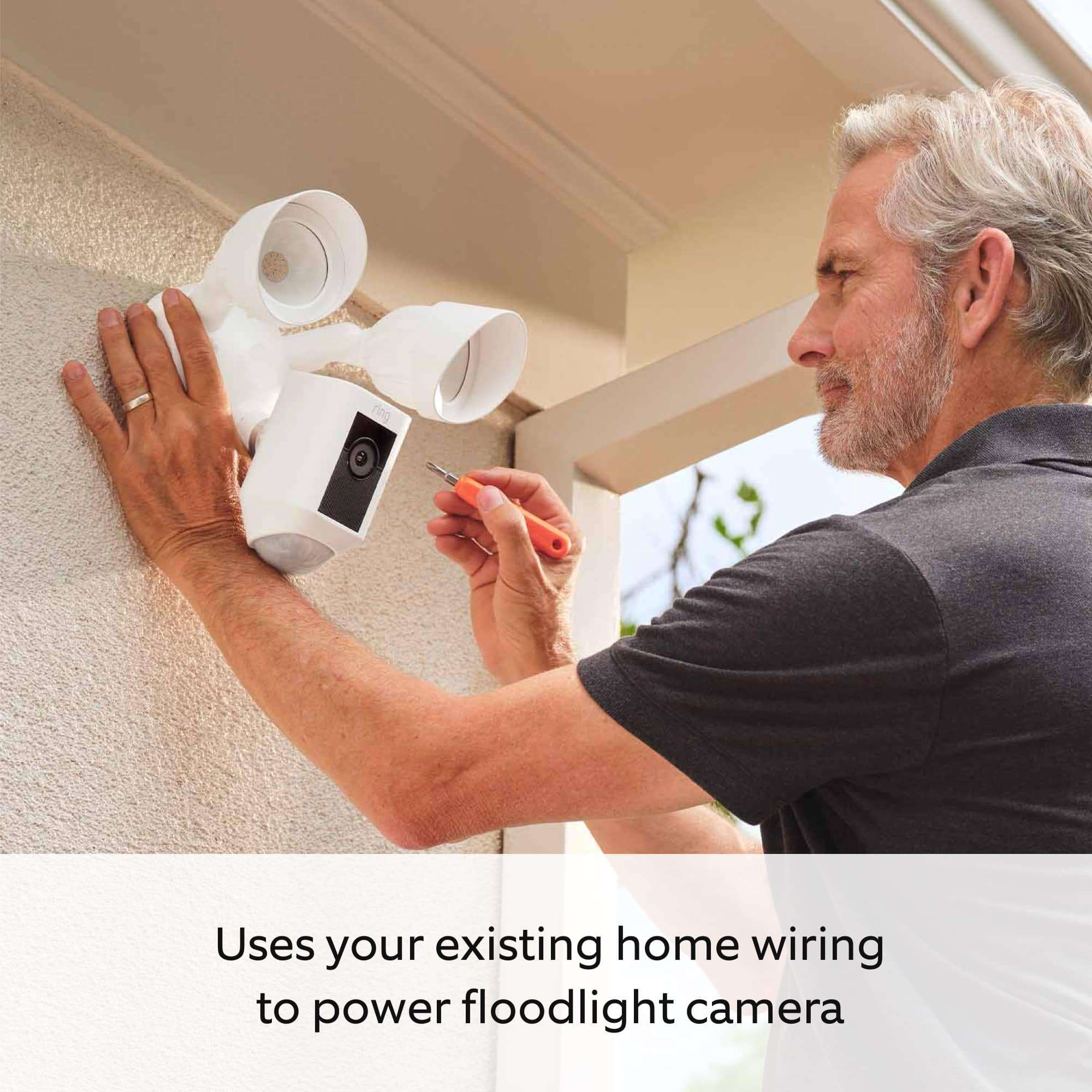
A:AnswerI replaced my existing light, which is about 7 foot high. They could be higher (or lower) but bear in mind the angle the camera will be recording... the higher the camera, the more you'll be getting a picture from the TOP of a person rather than their faces.
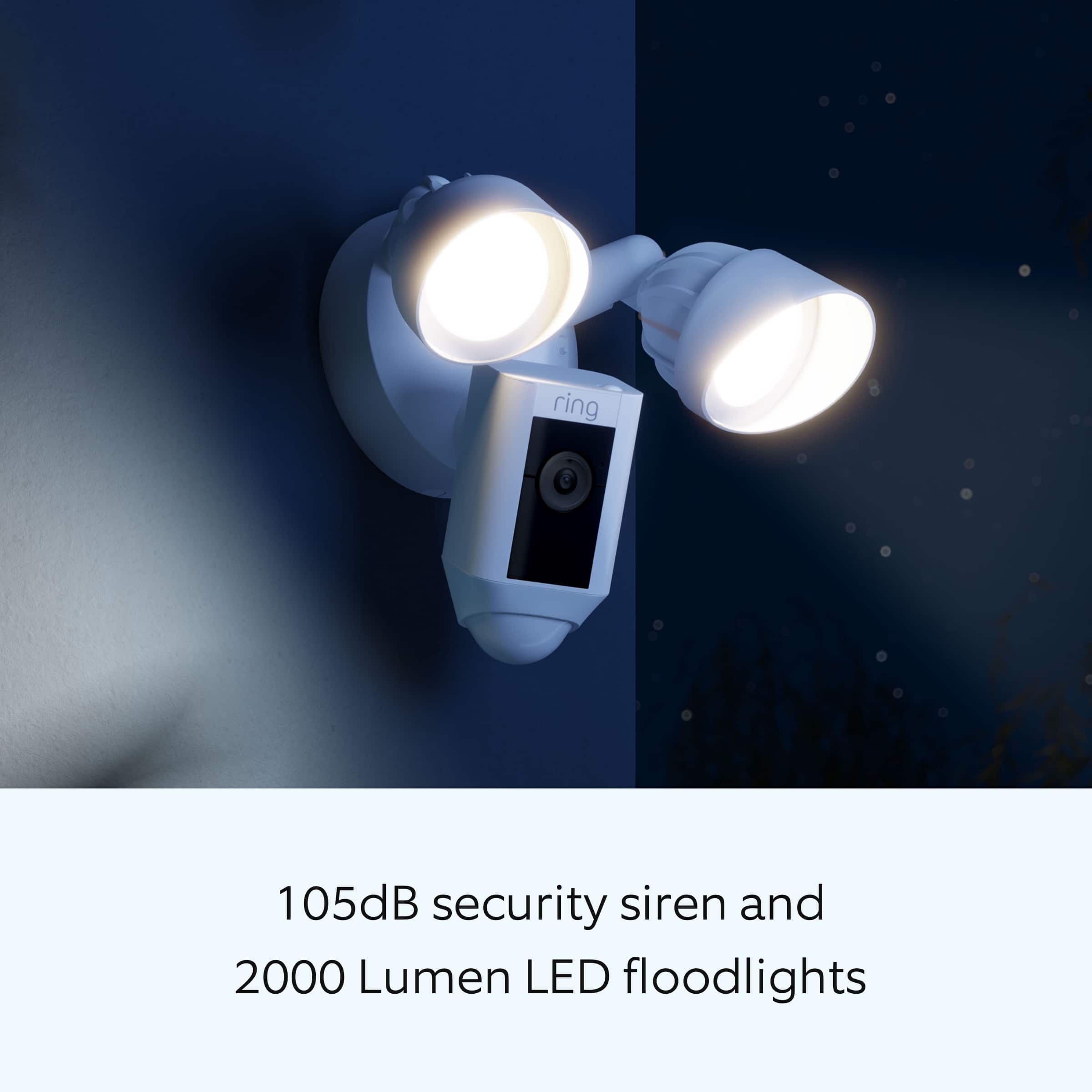
The brightness of the light is adjustable (using the app), so if you have it higher you can set the light level to high... lower and you can adjust it to a lower level. Nice feature if you have close neighbors and don't want the light blasting their yard.
A:AnswerHello Dany,
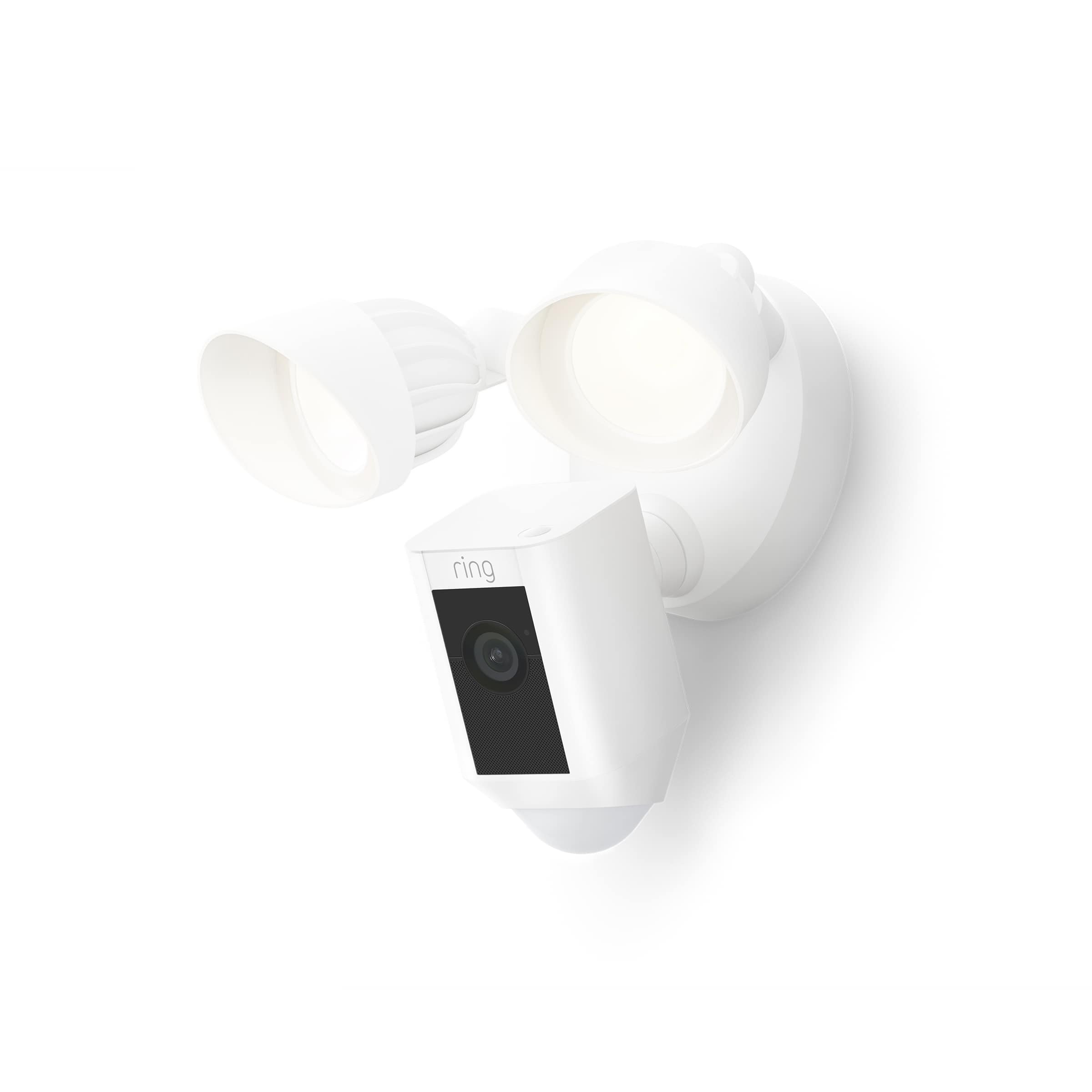
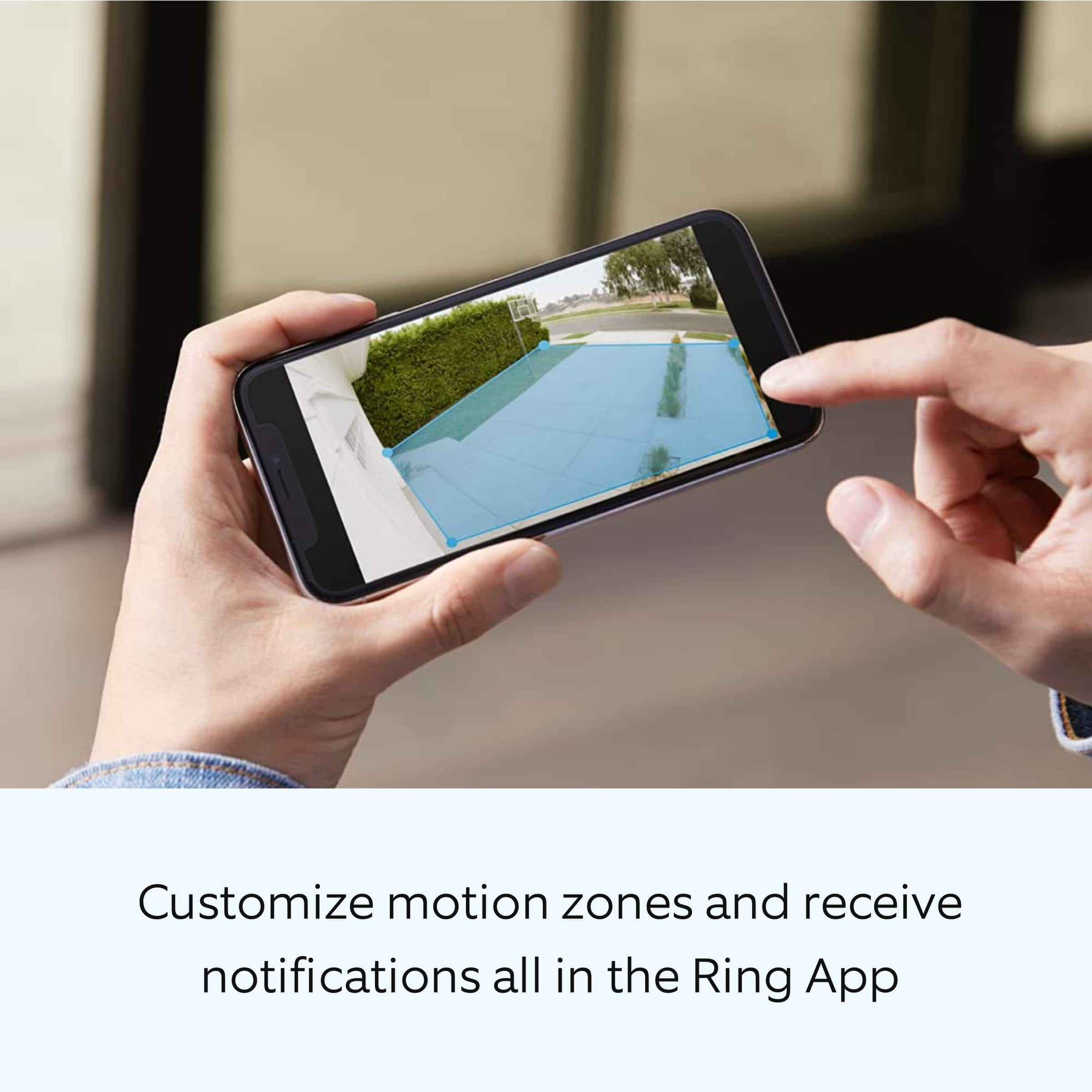
The Floodlight Cam lights will turn on for all events, assuming it is dark enough outside. You will not receive any Motion Alerts until you set at least one motion zone. The floodlights on your Floodlight Cam are operated by passive infrared heat detection and have a radius of 270 degrees. The camera unit on your Floodlight Cam notifies you of movement within the camera’s field of view and has a range of 140 degrees. As a result, there will be times when something outside the range of the camera activates the lights. Here is a helpful support article that elaborates on the light settings: https://support.ring.com/hc/en-us/articles/115004155866-Controlling-the-Floodlights-and-Light-Settings-on-Your-Floodlight-Cam.
We invite you to reach out to our Community if any additional information is needed regarding your question. The Ring Community is our first peer-to-peer community forum, giving our customers the ability to help one another by sharing their feedback and experiences with each other. You can find it here: https://community.ring.com/.
Thank you,
Alexis with Ring