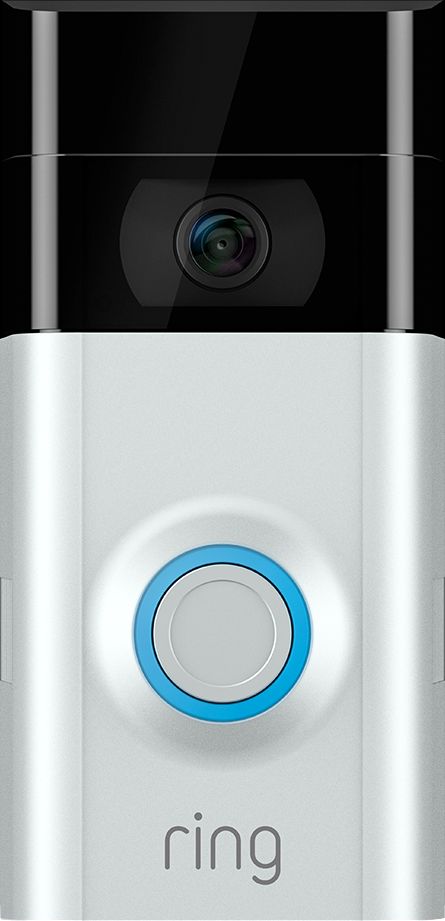
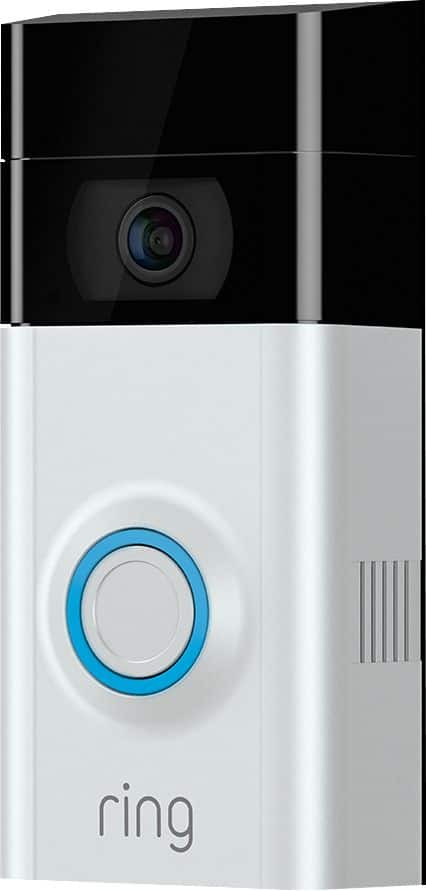
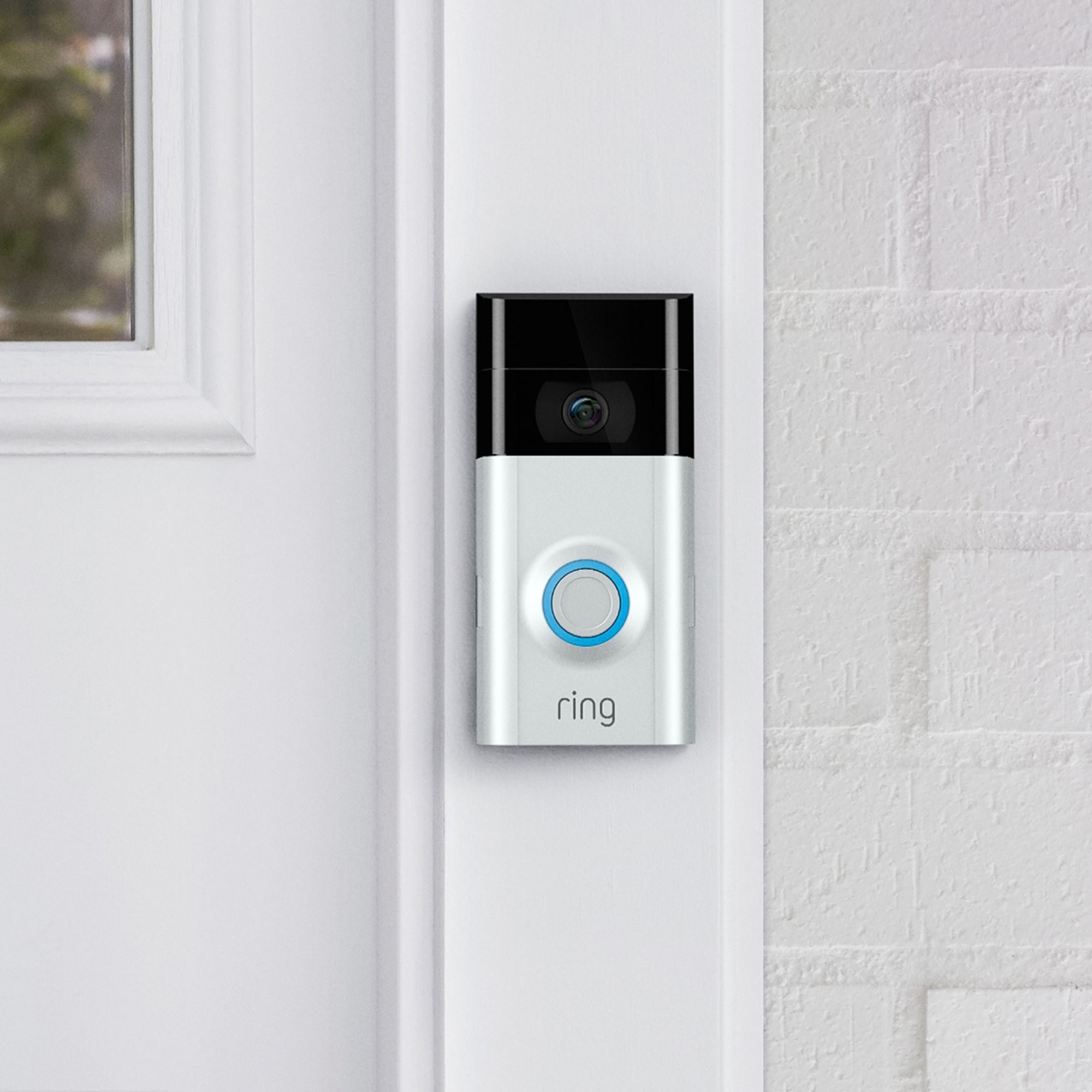
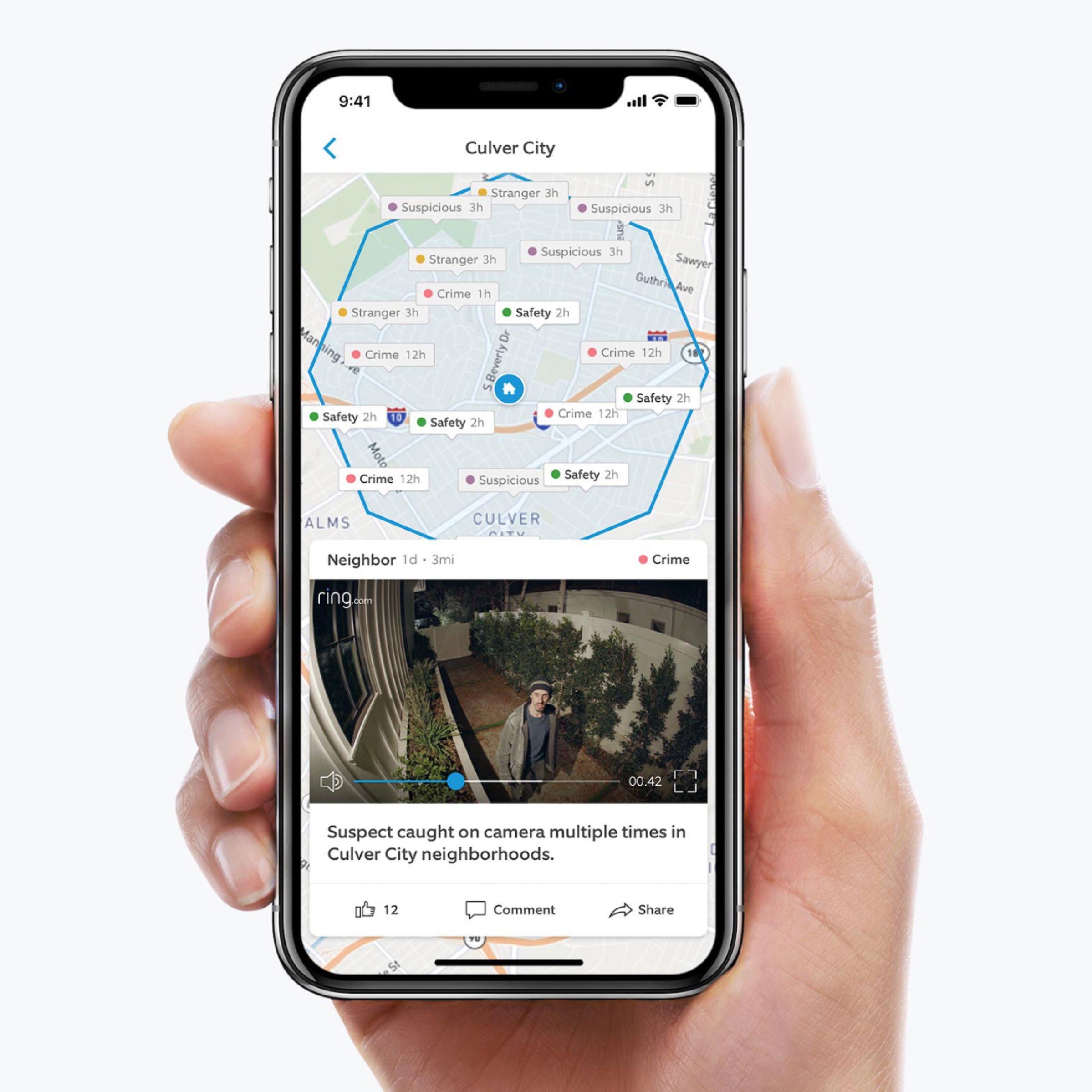
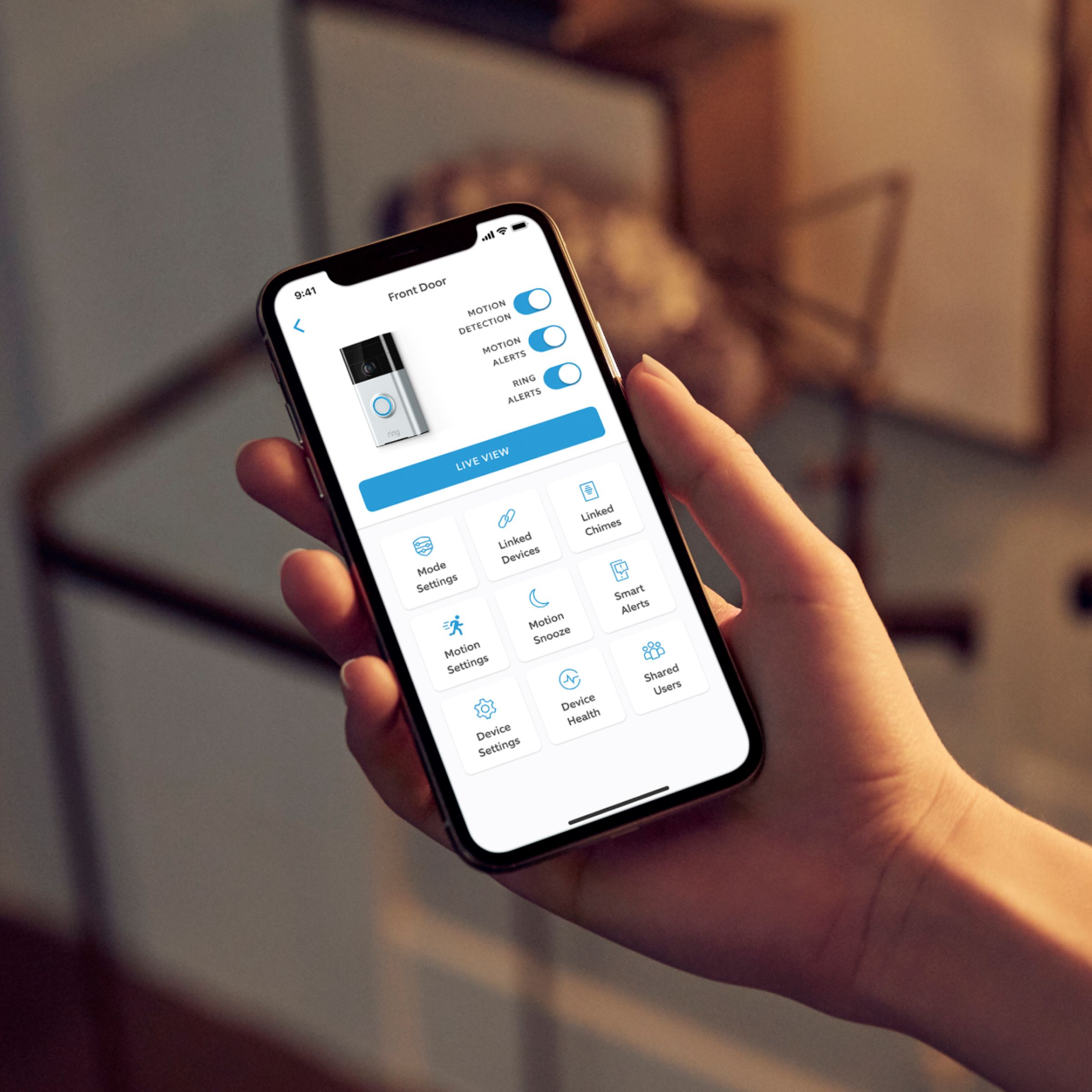
A:AnswerThe app said 35 feet but it's easily double that. When I set the motion sensor I'd have it going off for people walking on the side walk across the street. I finally set it for 5 feet, and it would only go off if something happened in the front yard up to the street sholder in front of the house. Had to fiddle with it a bit before finding the sweet spot I wanted it to react to. In the app is the setting and you can pick how far you want it to react to, but to set it each time you have to physically press the button on the doorbell or it just resets to the previous setting.
A:AnswerAll of the Ring doorbells should feature 2-way communication, meaning that you can talk to whoever is at the door and you can hear whoever is at the door.
A:AnswerWell worth the money and great video very clear. I have no visual from my front door so being able to talk to someone before opening the door is a plus!
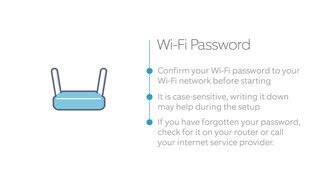
A:AnswerWhen I installed my Ring Doorbell 2 and other cameras they would only connect to my 2.4G network and not my 5G and as I recall it was stated in the install guide to use your 2.4G network.
A:AnswerIt should work with any WiFi extender, the Chime Extender mainly allows it to be further from your router. The regular Ring Chime lacks the external antennas so range isn’t great.
A:AnswerIt's more beneficial to use the ring version, and it's only $10 a month or $99 for a year. Using it through our pulse app degrades the speed of the alerts.
A:AnswerI am not satisfied with the answer that was given to me from the person that had her ring installed by Best Buy the first time at $50.00 to come and install it and that was working for a short time and that is why I returned it to Best Buy and signed up with the Geek Squad for 2 years and they do not come out to fix the problem unless I pay again for them to come out and I just can't understand why I would have had to pay again for another person to come and fix the problems I am having. I really like the Ring but you have to deal with the ongoing problems it seems to have.!!
My friends told me that the Ring has a lot of problems since this is fairly new and people have complained on You Tube about them.!! I just want to get it fixed and running properly as I had given two as Christmas presents and they have not hooked them up just yet till they see if the Ring will come and take care of my problem.
Thank you again for hearing me out and I thought that Kristan from the Ring would give me a direct answer.!!!
A:AnswerCheck your play store on your tablet to see if it’s available. My mother in law uses the ring app on her iPad.
The live view setting can be selected within the app. It can be used at any time, even without an alert.
A:AnswerYes, and I believe you can view them separately. As you add each Ring device, you assign it a location. If you’re going to buy multiple devices, signed up for the multi device monitoring plan. We’re provide you a discount on future purchases. This way you can save money on the other devices. I think the discount is 15%.
A:AnswerYou have 30 days to purchase the added subscription. Please be advised, they ONLY keep it for 30 days, so you MUST download it, if you need to keep it linger.