A:AnswerHi jod.
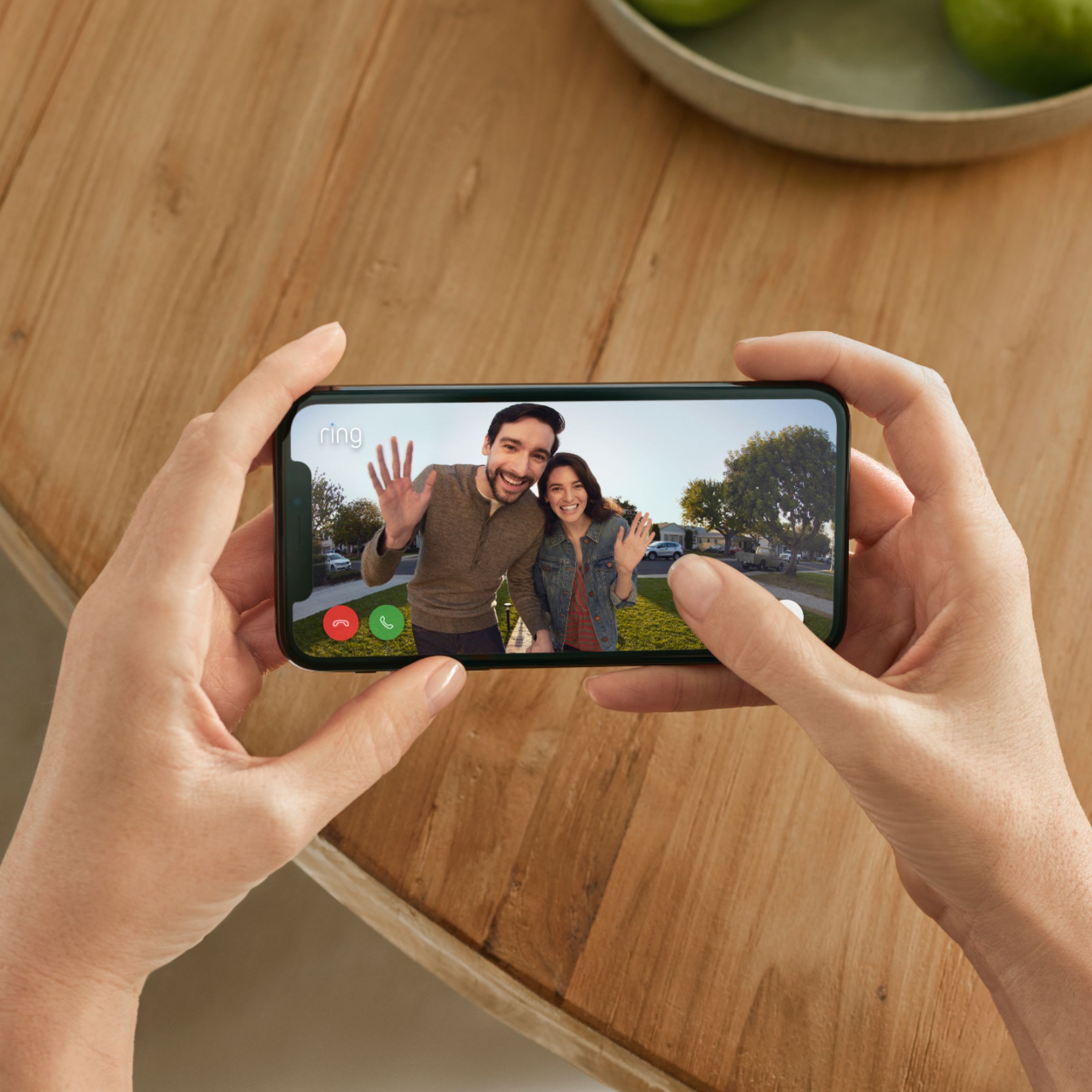
Thanks for asking! Yes, you can access your Ring Video Doorbell (2nd Generation) from multiple mobile devices by logging into your Ring account on them or by granting shared user access. The Shared User feature in your Ring app can be used to add family and friends to your Ring account. This will give them access to your Ring devices, allowing them to do a variety of things. Visit our support center for additional details.
We invite you to reach out to our Community if any additional information is needed regarding your question. The Ring Community is our first peer-to-peer community forum, giving our customers the ability to help one another by sharing their feedback and experiences with each other.
All the best,
Nicole from Ring.
A:AnswerThis can be used either way…I have it unwired . The battery come off to charge. I plan on moving next year so I didn’t want to hard wire it.. At almost 3 months, the battery level is down to just below 50%.
A:AnswerHello JMontero,
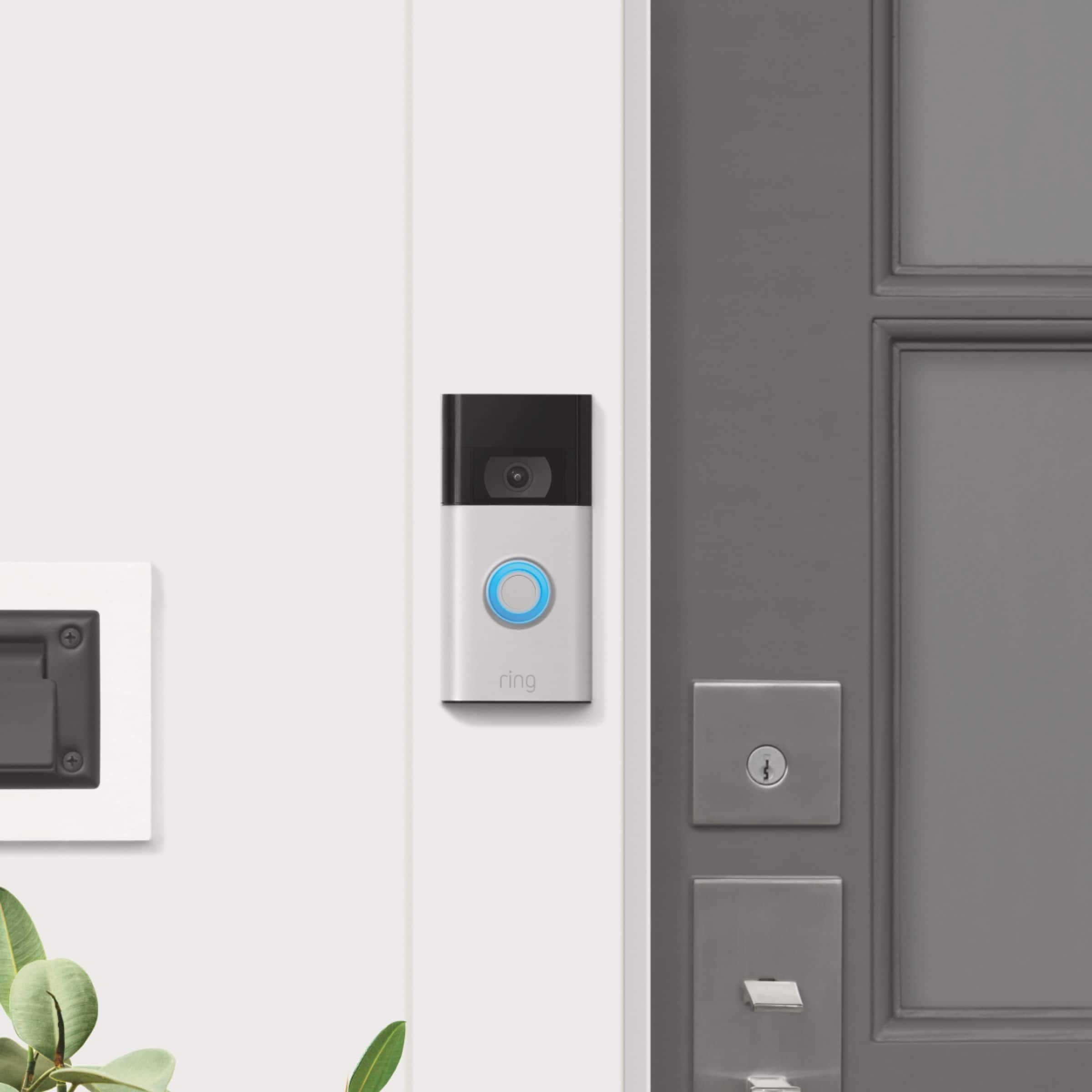
Yes. The Ring Video Doorbell (2020 release) is compatible with AC-powered door chimes operating between 8-24 volt AC transformers, but is not compatible with wireless door chimes or any chime/intercom system using a DC transformer. This article is a list of doorbell chimes we have tested and confirmed: https://support.ring.com/hc/en-us/articles/360053138112-Ring-Video-Doorbell-2020-release-Chime-Kit-Compatibility-List.
Ring Community was launched to help deliver the most current news and educational information to our neighbors. This online forum is divided into four categories: Product Boards, Ring Updates, Tips + Tricks, and a Moderators’ Corner. The Product Boards are where you can begin new topics with your questions or feedback; there is also a search option which helps you find topics that were already posted by other neighbors. We invite you to visit our site at https://community.ring.com/ today!
All the best,
Antonio from Ring
A:AnswerHi KennyT,
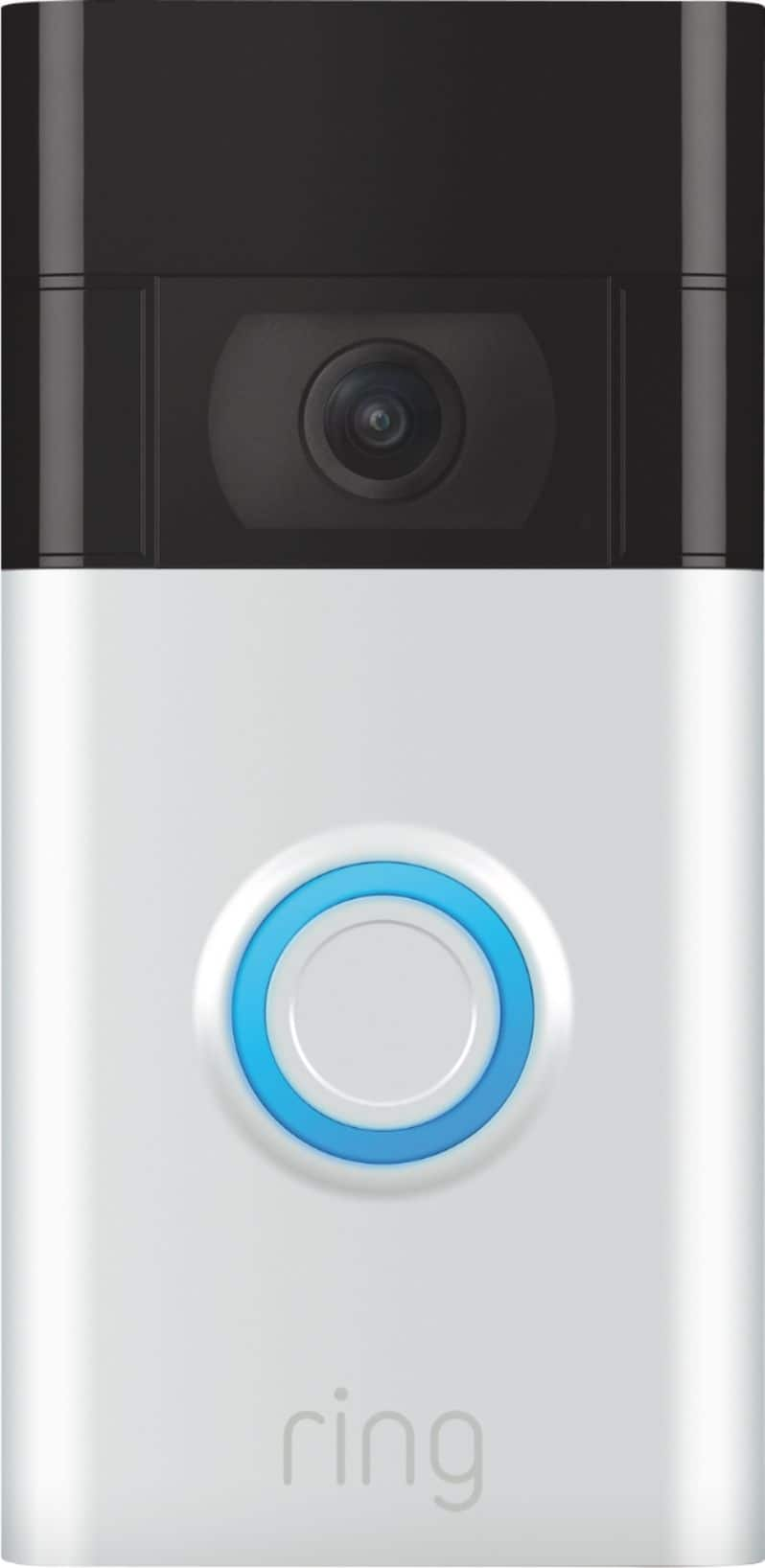
Thanks for taking a moment to ask about our Ring Doorbells. The box containing the Ring Video Doorbell (2020 Release) includes the following items:
Ring Video Doorbell (2020 Release)
Micro USB Charging Cable
Mounting Bracket
Installation Tools and Hardware
User Manual
Security Sticker
The micro-USB cable can be plugged into any USB power source such as a computer. Your battery will take around five to 10 hours to fully charge depending on whether the USB cable is plugged into a USB port or into a wall outlet. The link below will provide the steps to removing and charging the doorbell.
https://support.ring.com/hc/en-us/articles/360040764472-Charging-the-Battery-on-Your-Ring-Video-Doorbell-2020-release-
If you have any additional questions, please feel free to reach out on our community forum at https://community.ring.com/. Ring Community launched in March 2019 to help deliver the most current news and educational information to our customers. This peer-to-peer forum allows our neighbors to share their feedback and experiences to assist each other in resolving their concerns.
Thank you,
Danielle with Ring
A:AnswerHi SarahD,
Yes, you may connect your Echo to the Ring Video Doorbell (2020 Release) through the Ring skill within the Alexa app. To do this:
Open the Alexa app, and in the upper left-hand corner, select the hamburger menu.
Tap Skills & Games.
On the next screen, search for Ring in the search box and select "Enable Skill".
Next, Alexa will ask you to sign in to your Ring account. Doing so will link your Ring account to your Alexa account.
After signing in, you'll be asked to discover devices. Tap the Discover Devices button. All of your Ring devices should appear and be connected to Alexa automatically. If you don't want Alexa to integrate with a particular Ring device, simply tap 'Forget' on the right side.
If none of your Ring devices appear automatically, you can either ask, "Alexa, discover my devices", or tap "Devices". All of your Ring devices should appear and connect automatically to Alexa with either method.
Once you have successfully paired your device, you may set routines, change notification sounds, and more!
Ring Community launched in March 2019 to help deliver the most current news and educational information to our customers. You can find tips and tricks from other Ring users at https://community.ring.com/. This peer-to-peer forum allows our neighbors to share their feedback and experiences to assist each other in resolving their concerns.
Best,
Caitlin with Ring
A:AnswerHello Nikk,
The Ring Video Doorbell - 2020 Release features an internal rechargeable battery. You must take this doorbell inside and plug it into a wall outlet. You can use the included USB cable to charge this device.
For further tips, tricks, or questions, please visit our Community Support at https://community.ring.com/.
All the best,
Marlom at Ring
A:AnswerHello Cat47,
Great question! This specific doorbell is battery-operated and does not need to be wired. If you have any further questions, please reach out to us directly at 18006561918. -Jamila at Ring
A:AnswerHello,
It is possible that your home's internal chime kit is not compatible with this device. The Ring Video Doorbell (2020 release) is compatible with AC-powered door chimes operating between 8-24 volt AC transformers, but is not compatible with wireless door chimes or any chime/intercom system using a DC transformer. This is a list of doorbell chimes we have tested and confirmed work properly with this device: https://support.ring.com/hc/en-us/articles/360053138112-Ring-Video-Doorbell-2020-release-Chime-Kit-Compatibility-List.
For any additional questions or concerns, please feel free to reach out on our community forum at https://community.ring.com/.
Thanks,
Alexis with Ring
A:AnswerHey jb8501,
Yes, it can. Just give whoever you want to have permission to the camera and it will notify them as long as they have notifications enabled on their phones.
A:AnswerHello Hardy!
This is an excellent question, as it's important to know the product requirements for your Ring Video Doorbell (2020 Release). This specific doorbell was designed with a built-in rechargeable lithium-ion battery, which may be charged with the provided micro-USB charger. We understand how vital it is to have a doorbell that meets your security needs, and would like to offer our direct assistance in finding a doorbell that may better suit your needs. You can check out this helpful comparison guide for other Ring Doorbells that offer quick-release battery packs, which you may purchase back up batteries for to ensure you do not have any downtime between charges: https://support.ring.com/hc/en-us/articles/115004668746-Ring-Video-Doorbells-Product-Comparison
Please reach out to us at your earliest convenience, and we will get you connected with a certified Ring technician as soon as possible.
Best,
Caitlin with Ring
A:AnswerHello Dea362000,
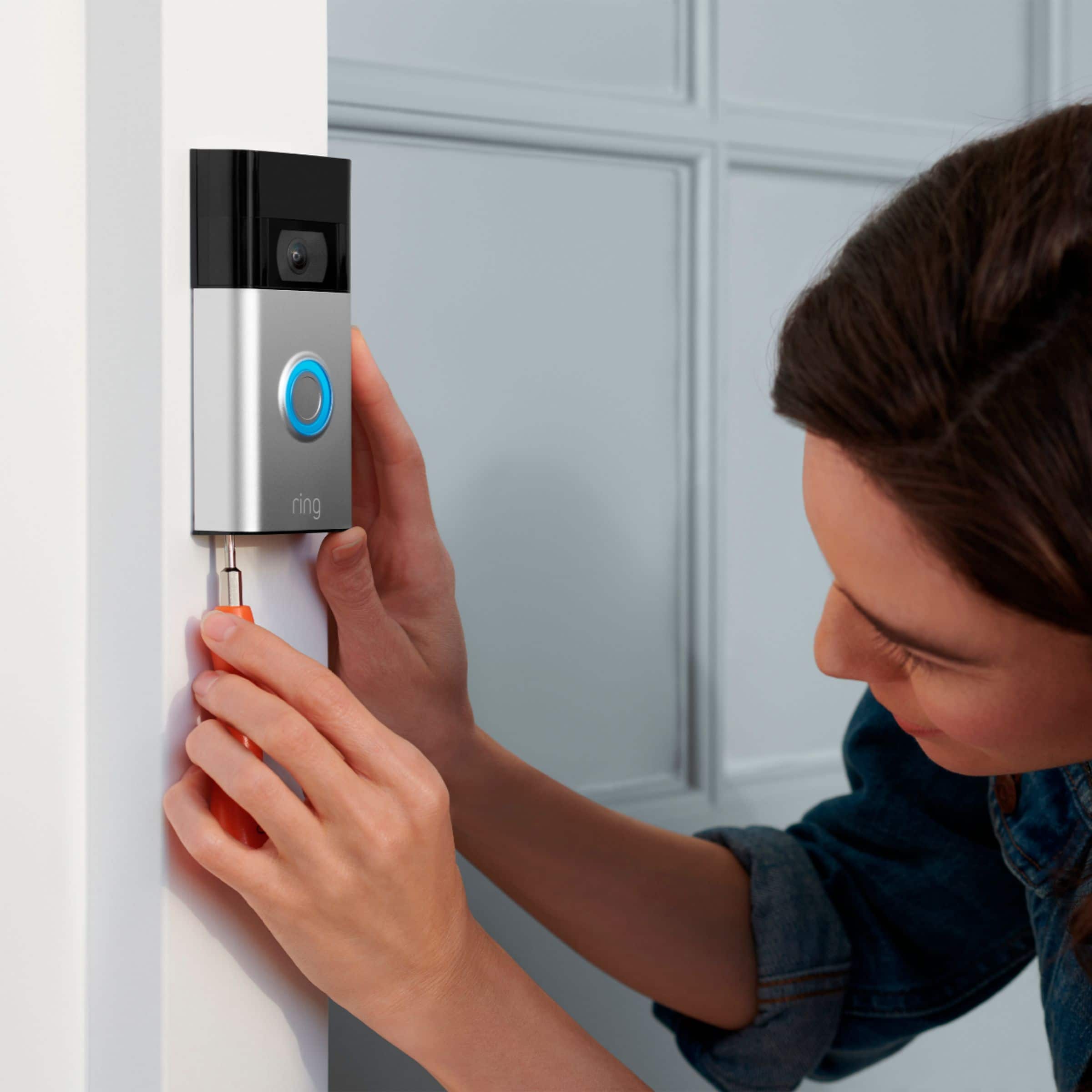
If you’re a renter or simply don’t want to drill holes in your home in order to mount your new Ring Video Doorbell (2020 release), the Ring No-Drill Mount is the answer. The No-Drill Mount uses double-sided adhesive to attach the plate to your wall. Your doorbell can then be securely screwed into the mounting plate. Be sure to install the No-Drill Mount first and make sure it's firmly attached before installing the doorbell. Here is a helpful article with more information pertaining to your question: https://support.ring.com/hc/en-us/articles/360046497652-No-Drill-Mount-for-Ring-Video-Doorbell-2020-release-.
For any additional questions or concerns, please feel free to reach out on our community forum at https://community.ring.com/.
Thanks,
Alexis with Ring