A:AnswerHello Ulflei,
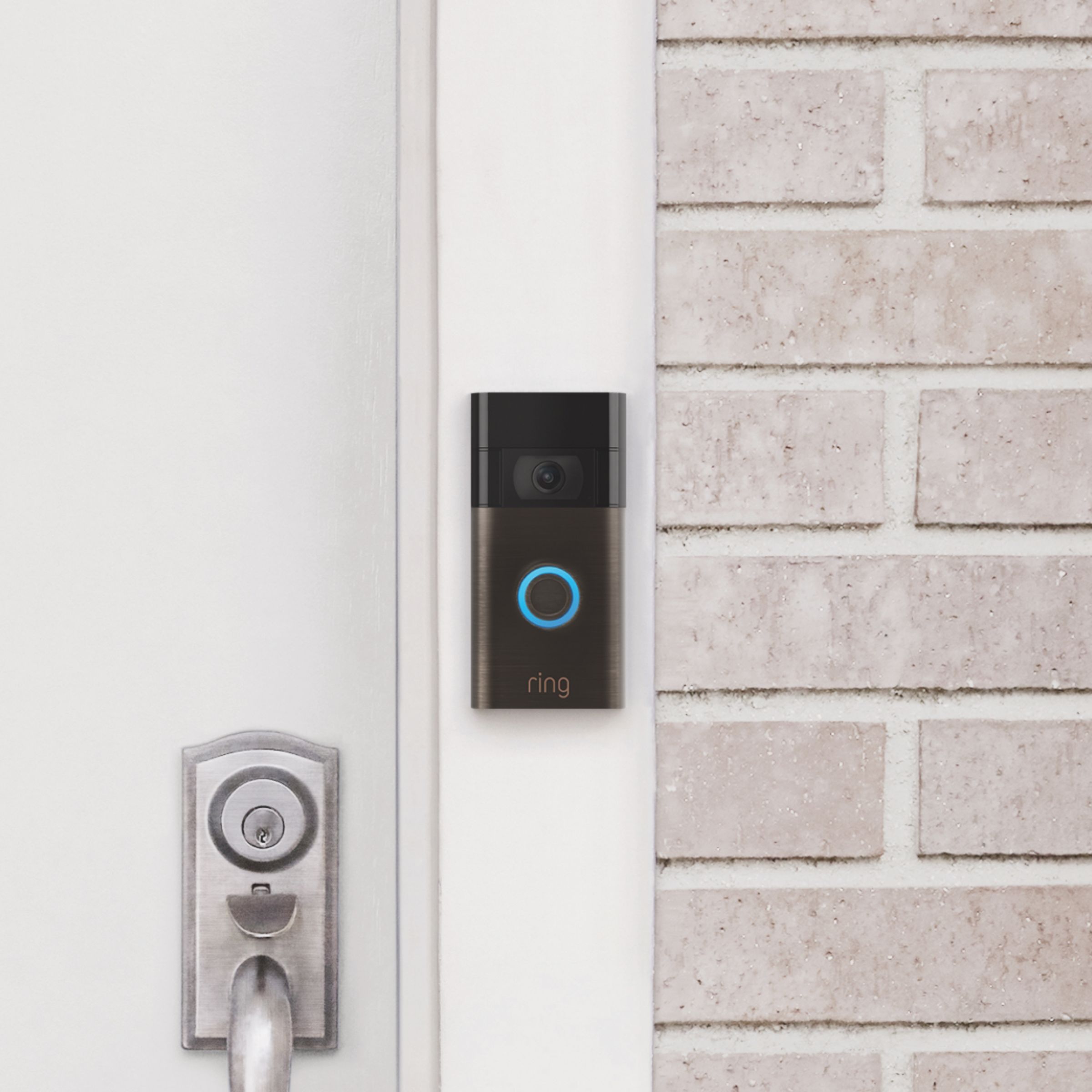
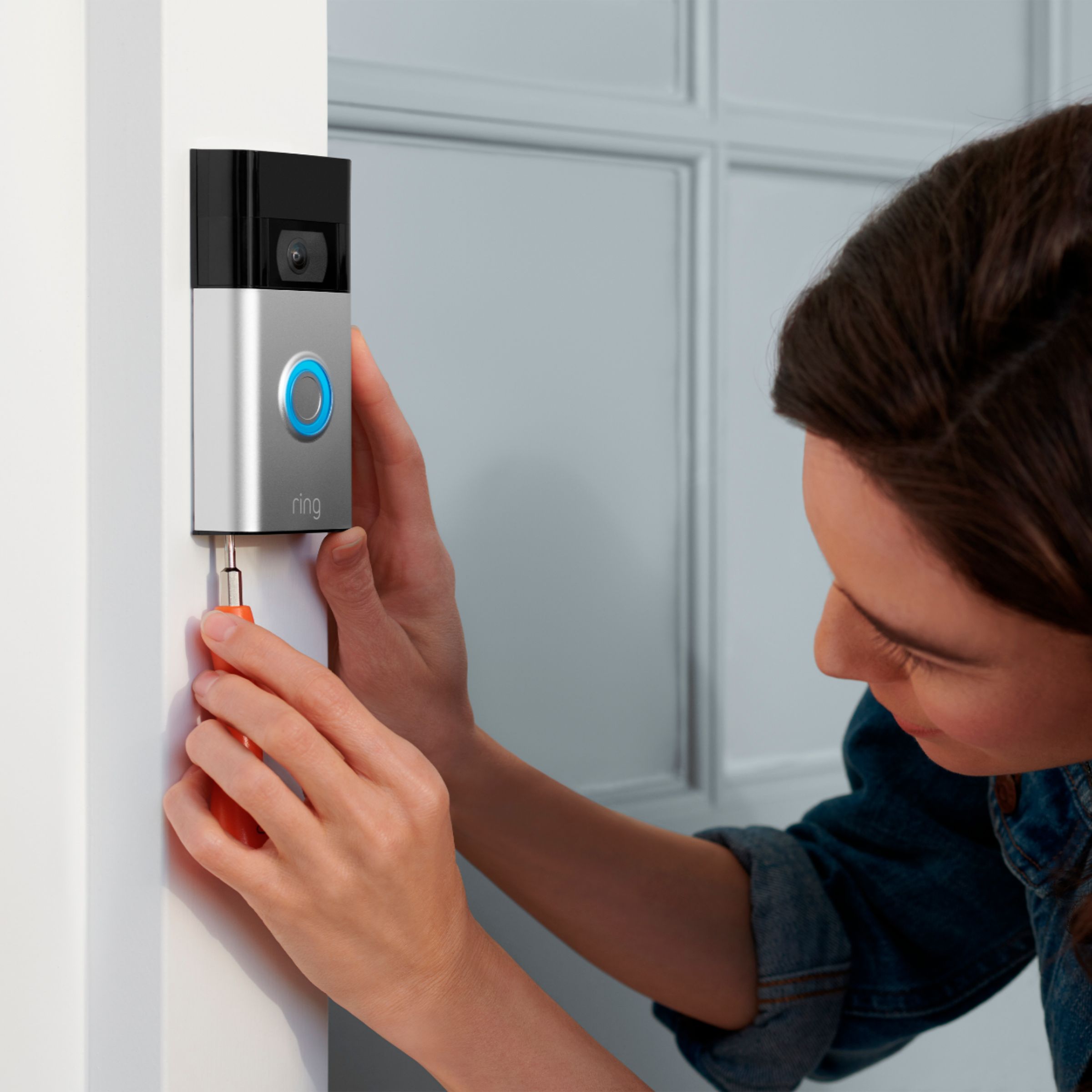
DIY installation of your Ring Video Doorbell(2020) is intended to be a relatively easy process. Here are some practical tips on installing your device and getting set up with Ring: https://support.ring.com/hc/en-us/articles/360032614512-Ring-Installation-Guide
For any additional installation questions or set up concerns, please feel free to reach out on our community forum at https://community.ring.com/. You can also visit our help site, https://support.ring.com/hc/en-us, for tips & tricks, videos and help articles for all our Ring products.
All the best,
Antonio from Ring
A:AnswerYou can have them both linked to 1 account. To the same house. Just name the location differently. 1 of mine says front door, the other says back door.
A:AnswerIt is a rechargeable battery that comes with the device. The cord is included to charge the device. In the app for Ring, it would also let you know what percentage your battery life is on and which settings would help persevere the life of your battery.
A:AnswerHi Maddie,
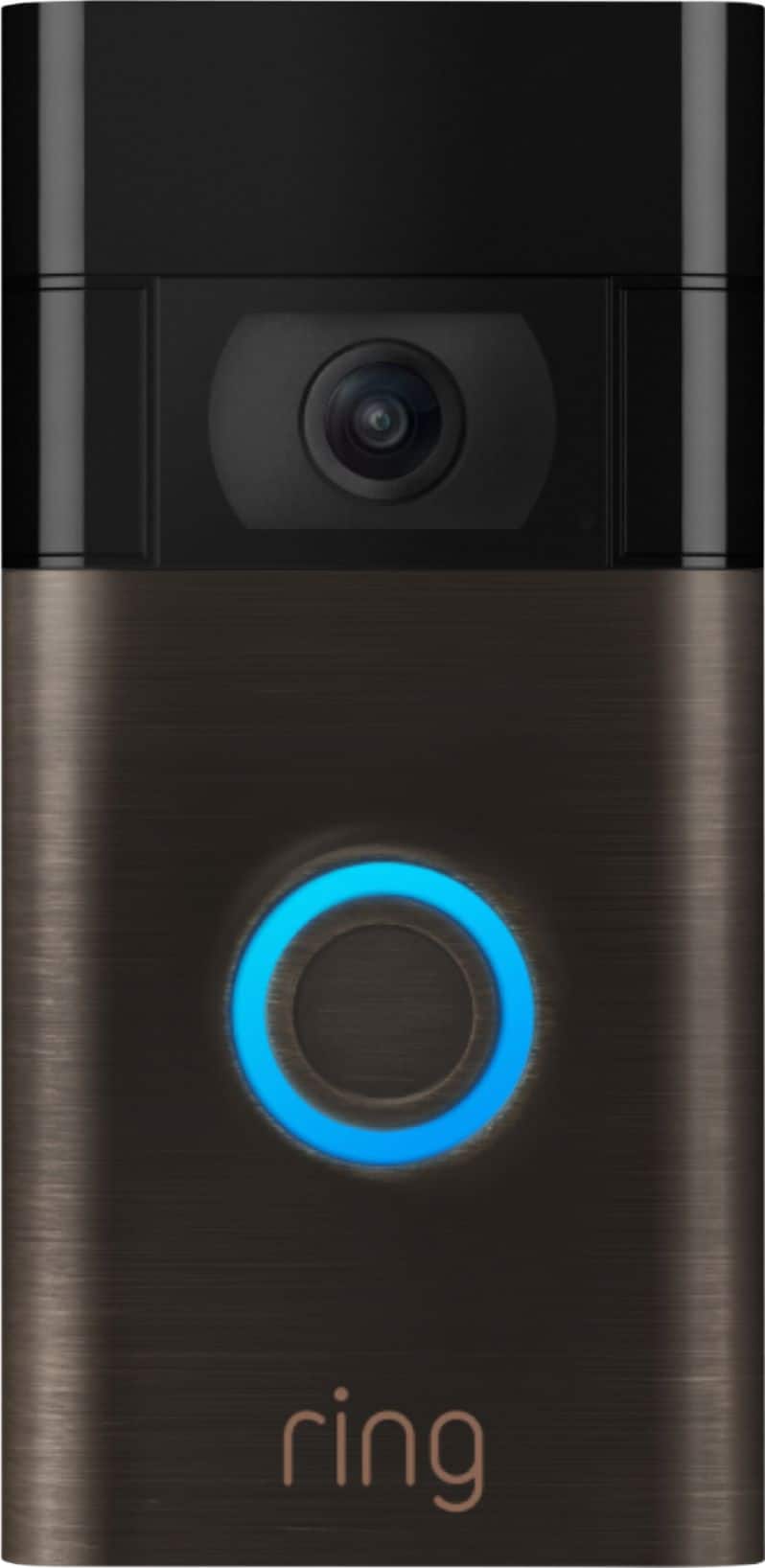
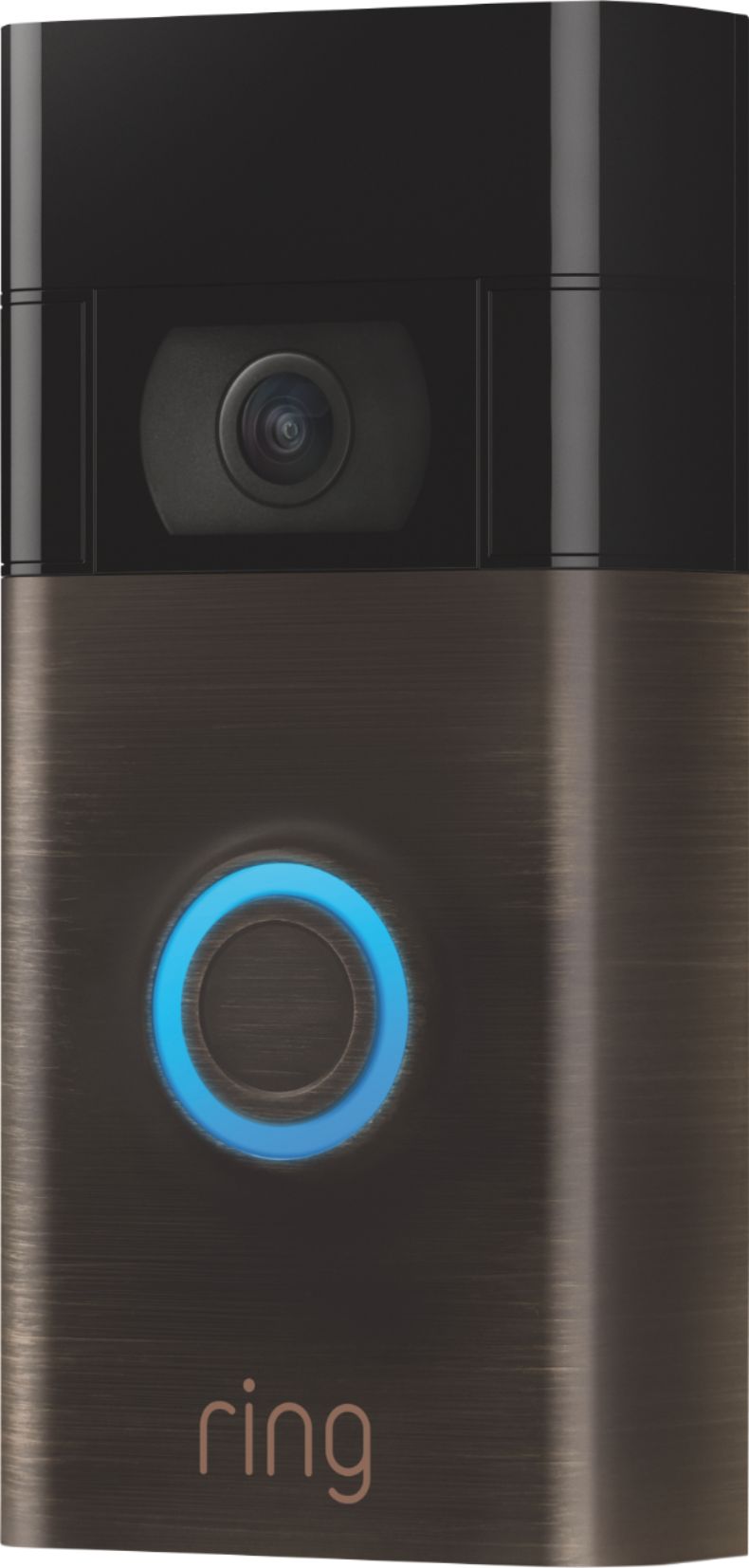
Yes, the Ring Video Doorbell (2020 Release) is powered by a rechargeable, built-in battery and does not require hardwiring. It features a revamped mounting setup that simplifies installation and removal when it comes time to recharge the device. Additionally, this doorbell can be hardwired to an existing doorbell system or transformer for continuous charging (8-24 VAC, 40VA max, 50/60Hz).
If you have any additional questions regarding our video doorbells, please reach out to us today at https://community.ring.com/. Ring Community launched in March 2019 to help deliver the most current news and educational information to our customers. This peer-to-peer forum allows our neighbors to share their feedback and experiences to assist each other.
Thank you,
Danielle with Ring
A:AnswerHello Yo,
Great question! Yes, you are able to physically uninstall your Ring Doorbell device and re-set it up in the new state you move to. You would need to walk through a new setup within the Ring App and connect the device to the new wifi network, when you arrived. Here are instructions for doing so: https://support.ring.com/hc/en-us/articles/360034825092-How-to-Reconnect-Your-Ring-Device-to-Wifi-or-Change-Your-Wifi-Network.
For any additional questions or relocation concerns, please feel free to reach out on our community forum at https://community.ring.com/. We look forward to hearing from you soon!
Thank you,
Alexis with Ring
A:AnswerHello Sandy,
Yes. The Ring Video Doorbell 2020 operates with a passive infrared heat detector, which will notify you when it detects heat signatures according to the parameters you set within your Ring App motion settings.
A Ring Video Doorbell is the easiest way to enhance the security of your home. This buyer’s guide will help you sort through the unique circumstances of your home and select which Ring Video Doorbell is right for you: https://support.ring.com/hc/en-us/articles/360035250032-The-Ring-Doorbell-Buyer-s-Guide.
For any additional installation questions or set up concerns, please feel free to reach out on our community forum at https://community.ring.com/. You can also visit our help site, https://support.ring.com/hc/en-us, for tips & tricks, videos and help articles for all our Ring products.
Thank you,
Antonio from Ring
A:AnswerHello tameka,
Great question! The Ring Doorbell (2020 Release) does require a wireless 802.11 b/g/n wifi connection @2.4GHz in order to function properly and send notifications through the Ring App.
Here is more detailed product information for your reference: https://support.ring.com/hc/en-us/articles/360041190711-Ring-Video-Doorbell-2020-release-Information.
For any additional questions or concerns, please feel free to reach out on our community forum at https://community.ring.com/.
Thanks,
Alexis with Ring
A:AnswerHello!
Yes, the Ring Video Doorbell (2020 Release) can be accessed through the Ring app on any device running iOS 9.1x or later, and Android 5.0 or later. We would love to get you connected with a Ring specialist to go over any other questions or concerns you might have, to ensure you feel confident in your Ring security.
Please reach out to us today to get connected, or visit our Ring Community page on Ring.com for more frequently asked questions: https://community.ring.com/.
All the Best,
Caitlin with Ring
A:AnswerIn my opinion the only other way to install the device will be to use mounting tape. personally even though you’re in an apartment I would still just drill the hole you can always use plaster when you move to avoid damage cost. The nails used r really small so damage should b minimal. In the alternative, if you choose to mount the other way and it’s stolen the ring will replace your device for free so long as you can provide a police report.
A:AnswerIt can be used anywhere a wireless network can be accessed. The monthly fee is optional and does not detract from the basic functionality of you opt to not get subscription.