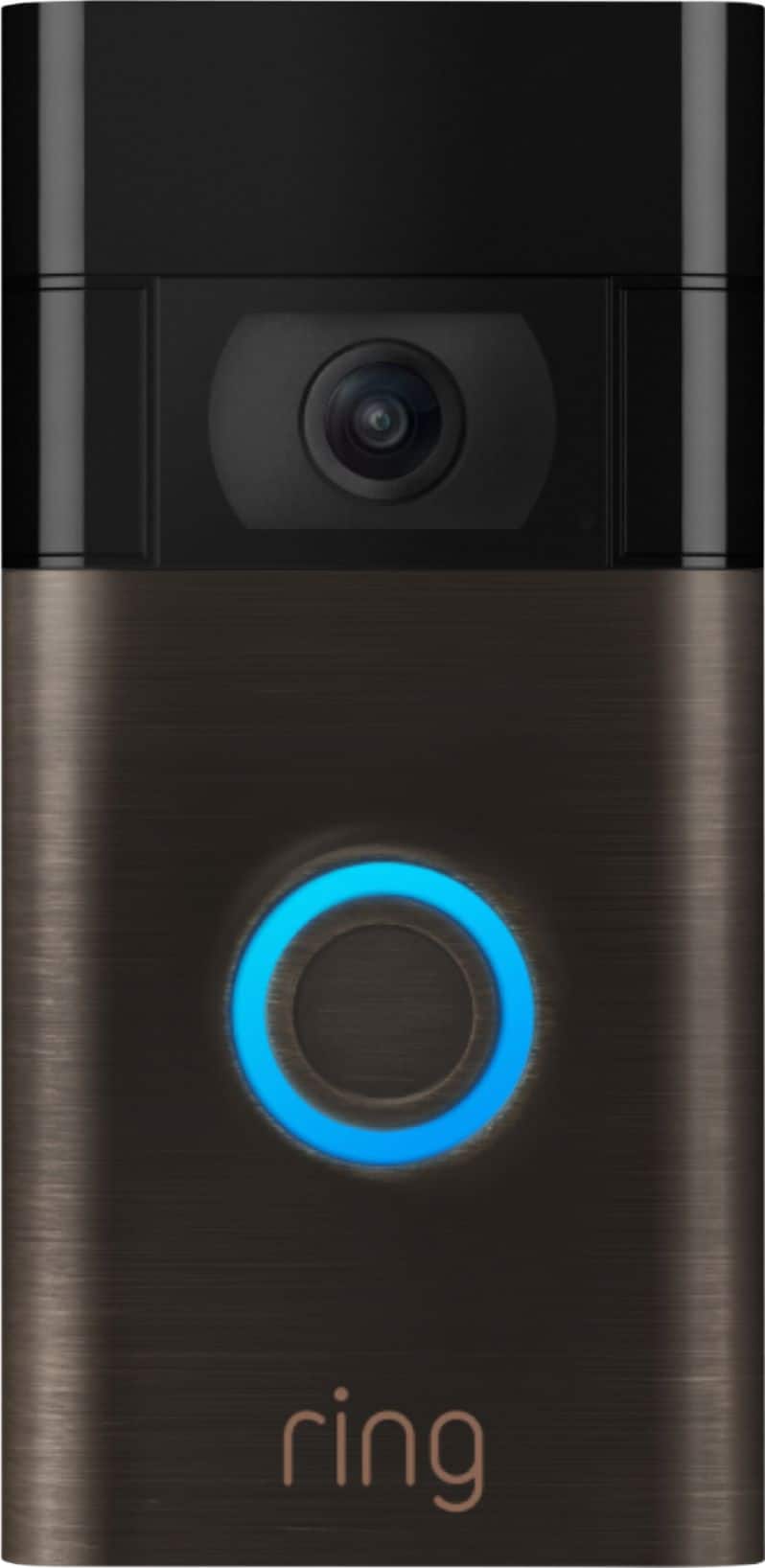
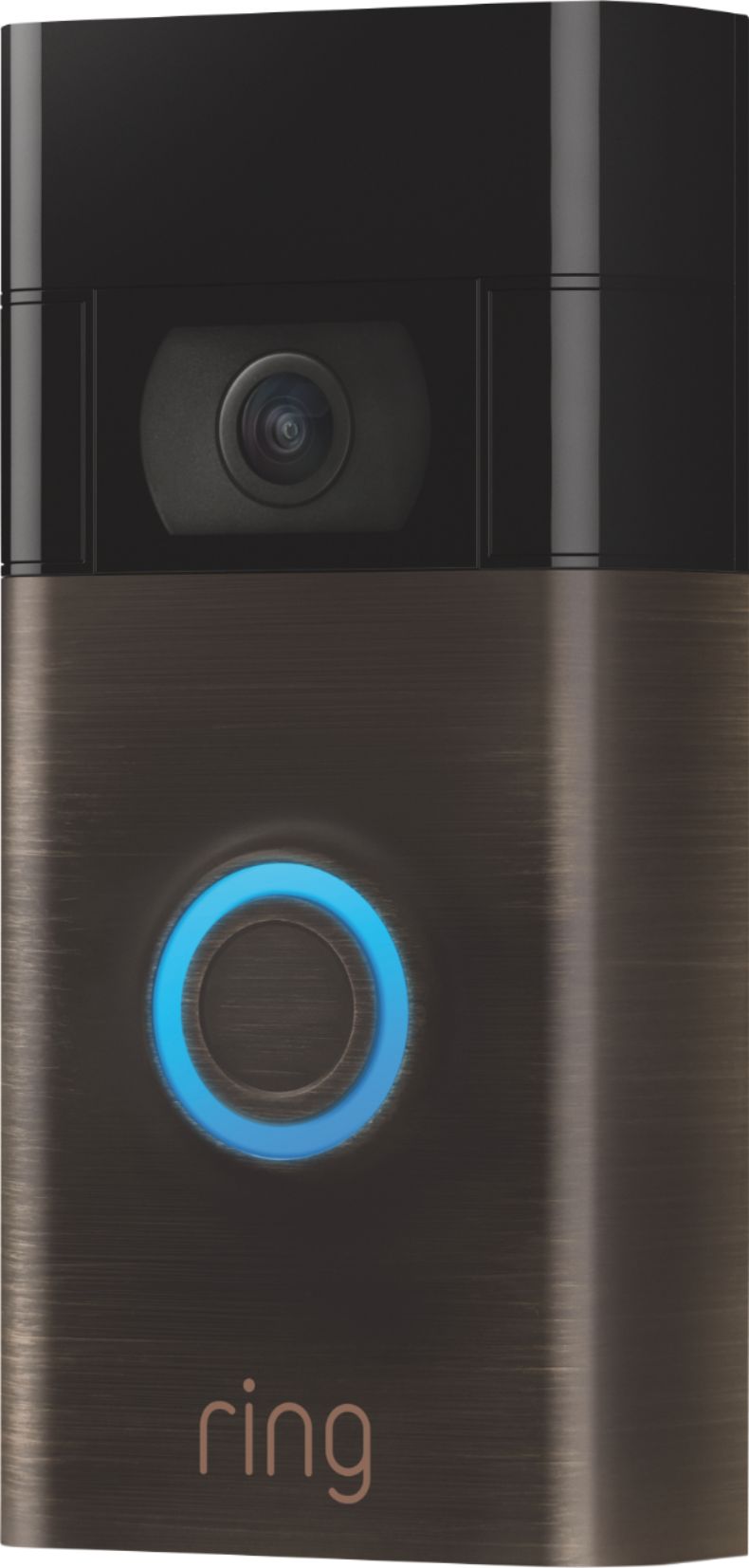
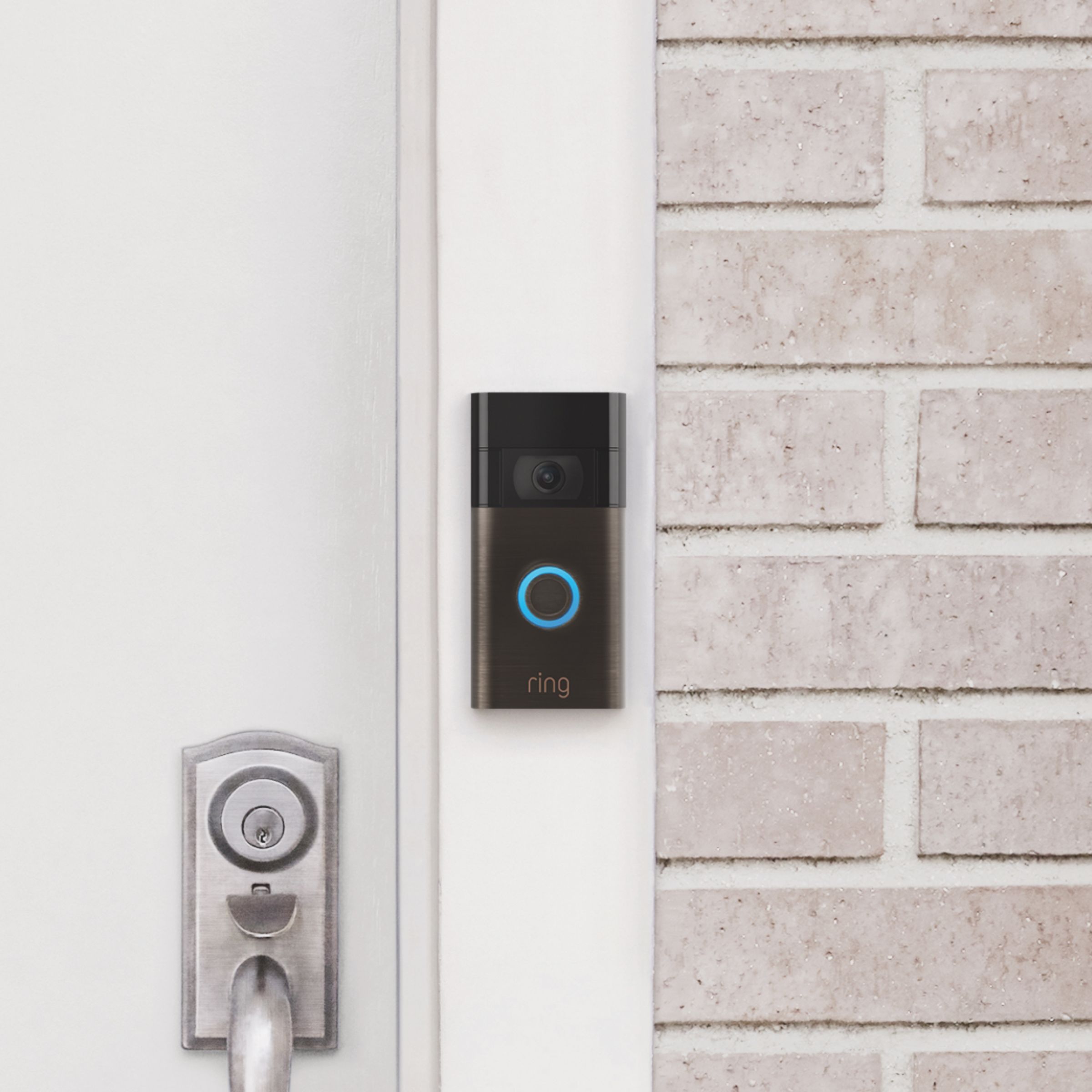
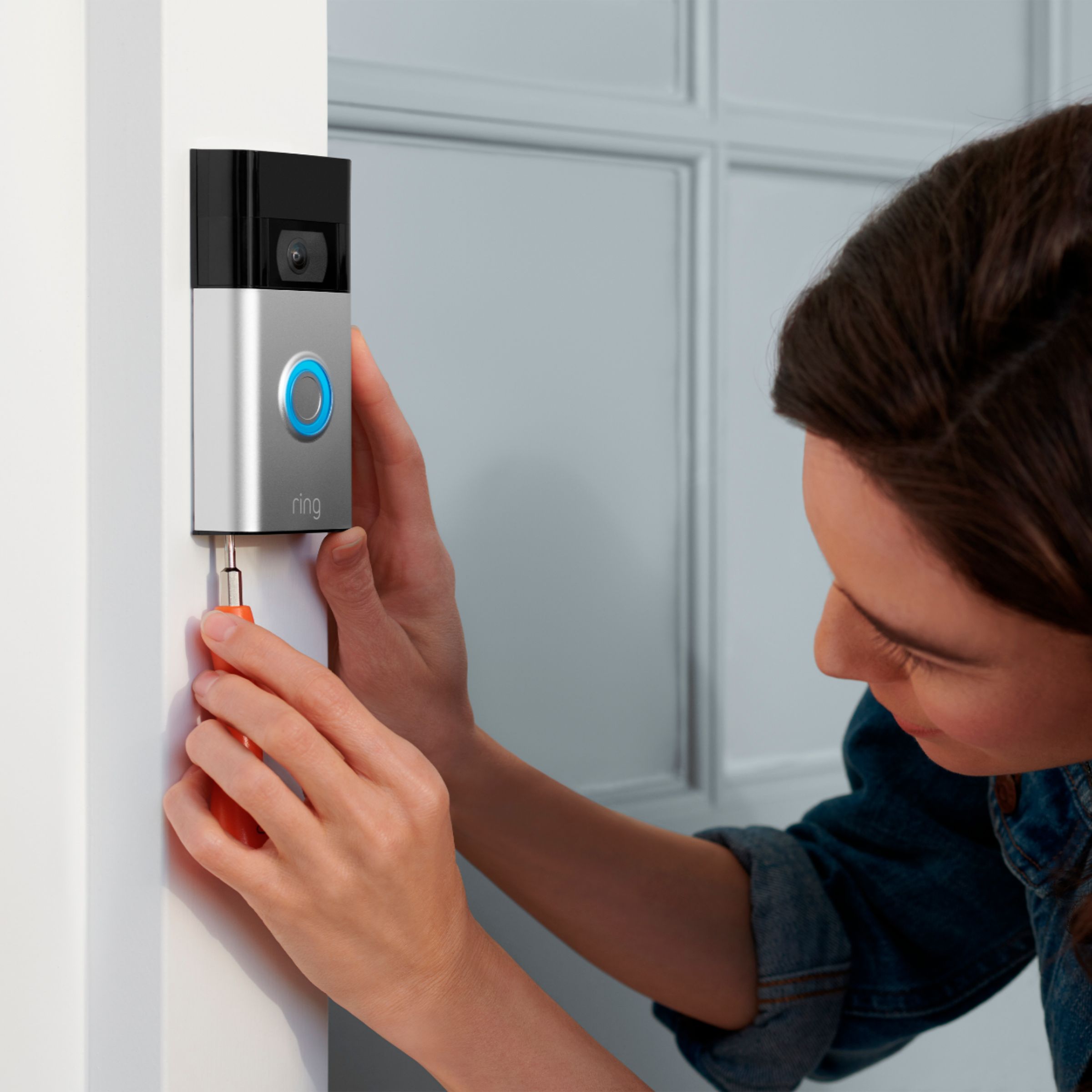
A:AnswerRing makes Ring Video Doorbells as well as Outdoors and Indoors Cameras that work off AC instead of Battery and do not bring a battery. I have the battery versions of the doorbells and the Cameras and have added hardwired adapters to the doorbells and solar chargers to the cameras and they work perfectly.
A:AnswerHello Jimmy,
Best Buy offers support for installation services of smart home devices. More information can be found here: https://www.bestbuy.com/site/services/smart-home-services/pcmcat748300595063.c?id=pcmcat748300595063.
Ring also offers installation assistance as well: https://shop.ring.com/pages/install-my-ring.
For any additional questions or concerns, please feel free to reach out on our community forum at https://community.ring.com/.
Thank you,
Alexis with Ring
A:AnswerHello Mychoose,
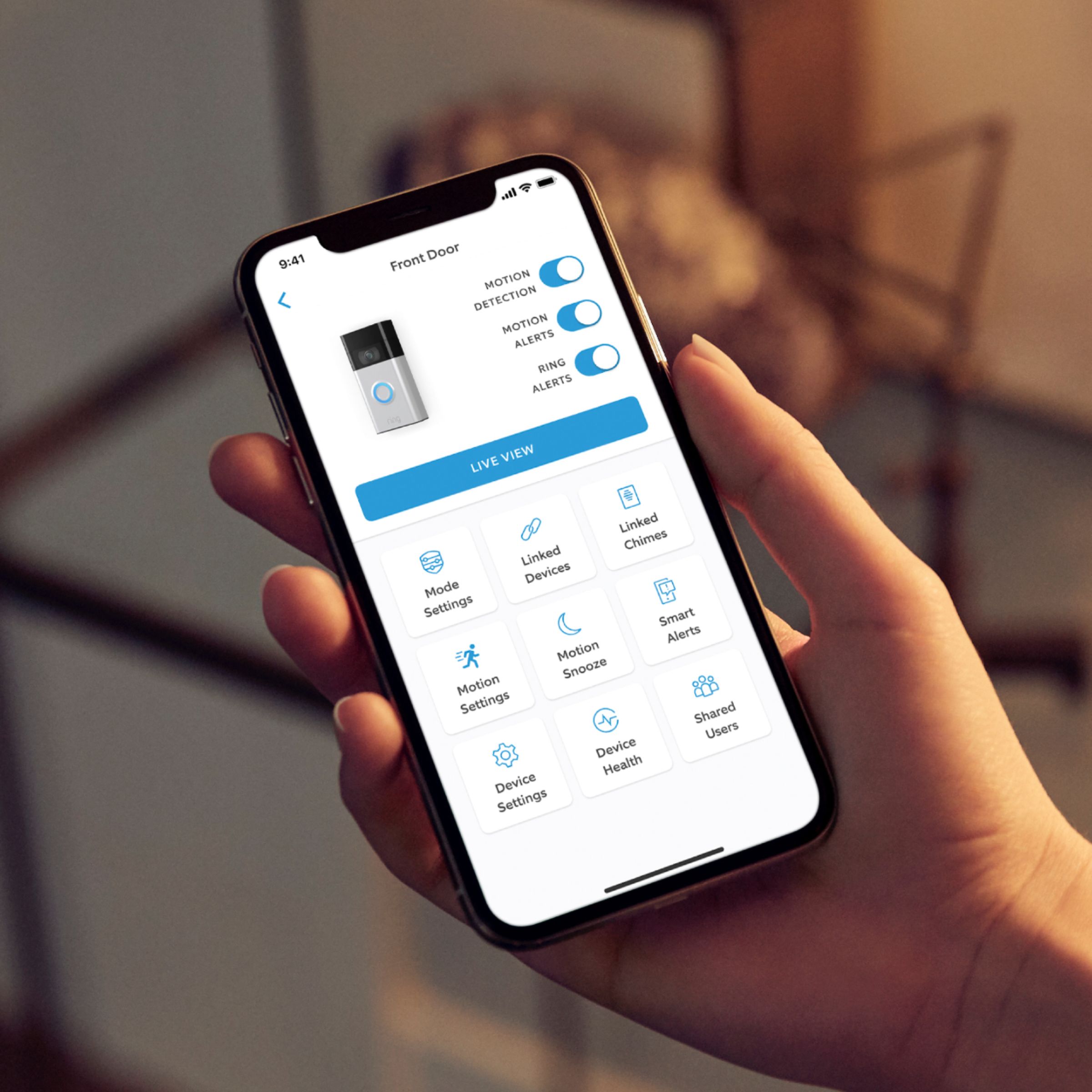
Yes, all audio and notification settings are customizable per each mobile device the Ring app is installed on. Once you've completed setting up your Ring device in your app, you will be the sole account Owner. As the account Owner, you have control over all the settings on your Ring devices. If you want to use multiple electronic devices (tablet, another phone, etc.) to control your Ring devices, download the Ring app onto the additional devices and use the same login and password you use to login to the Ring app. Here is a helpful article elaborating on accessing devices from multiple devices: https://support.ring.com/hc/en-us/articles/211018223-Allowing-Access-to-Shared-Users-and-Controlling-Ring-Devices-with-Multiple-Electronic-Devices.
For any additional questions or concerns, please feel free to reach out on our community forum at https://community.ring.com/.
Thank you,
Alexis with Ring
A:AnswerHello Mickey,
Great question! Ring has spare part kits available that contain everything you need to get your Ring device back where it belongs, protecting your home. Here is a helpful article for your reference: https://support.ring.com/hc/en-us/articles/115005688763-Spare-Parts-Information.
For any additional questions or concerns, please feel free to reach out on our community forum at https://community.ring.com/.
Thank you,
Alexis with Ring
A:AnswerHello Remodel,
Yes, when properly connected to existing doorbell wiring that is between 8-24 VAC, 40VA max, 50/60Hz the device will ring your home's internal mechanical chime kit. Here is a helpful, step-by-step guide to walk you through the process: https://support.ring.com/hc/en-us/articles/360041352731-How-to-Physically-Install-Your-Ring-Video-Doorbell-2020-release-With-an-Existing-Doorbell.
For any additional questions or concerns, please feel free to reach out on our community forum at https://community.ring.com/.
Thanks,
Alexis with Ring
A:AnswerHello Shariff,
Yes, when properly connected to existing doorbell wiring that is between 8-24 VAC, 40VA max, 50/60Hz the device will ring your home's internal mechanical chime kit. Here is a helpful, step-by-step guide to walk you through the process: https://support.ring.com/hc/en-us/articles/360041352731-How-to-Physically-Install-Your-Ring-Video-Doorbell-2020-release-With-an-Existing-Doorbell.
For any additional questions or concerns, please feel free to reach out on our community forum at https://community.ring.com/.
Thanks,
Alexis with Ring
A:AnswerHello courious,
Ring products “see” the world through a network of three linked passive infrared (PIR) sensors. These are heat sensors that detect motion by monitoring heat within the detection area. Since people are hotter than the surrounding areas, as a person enters the detection area, the heat measurements change. The motion sensors register this change as movement and send out an alert. In addition, the PIR sensors are pointed downward to detect motion from five feet to 30 feet away, while minimizing notifications from things like traffic.
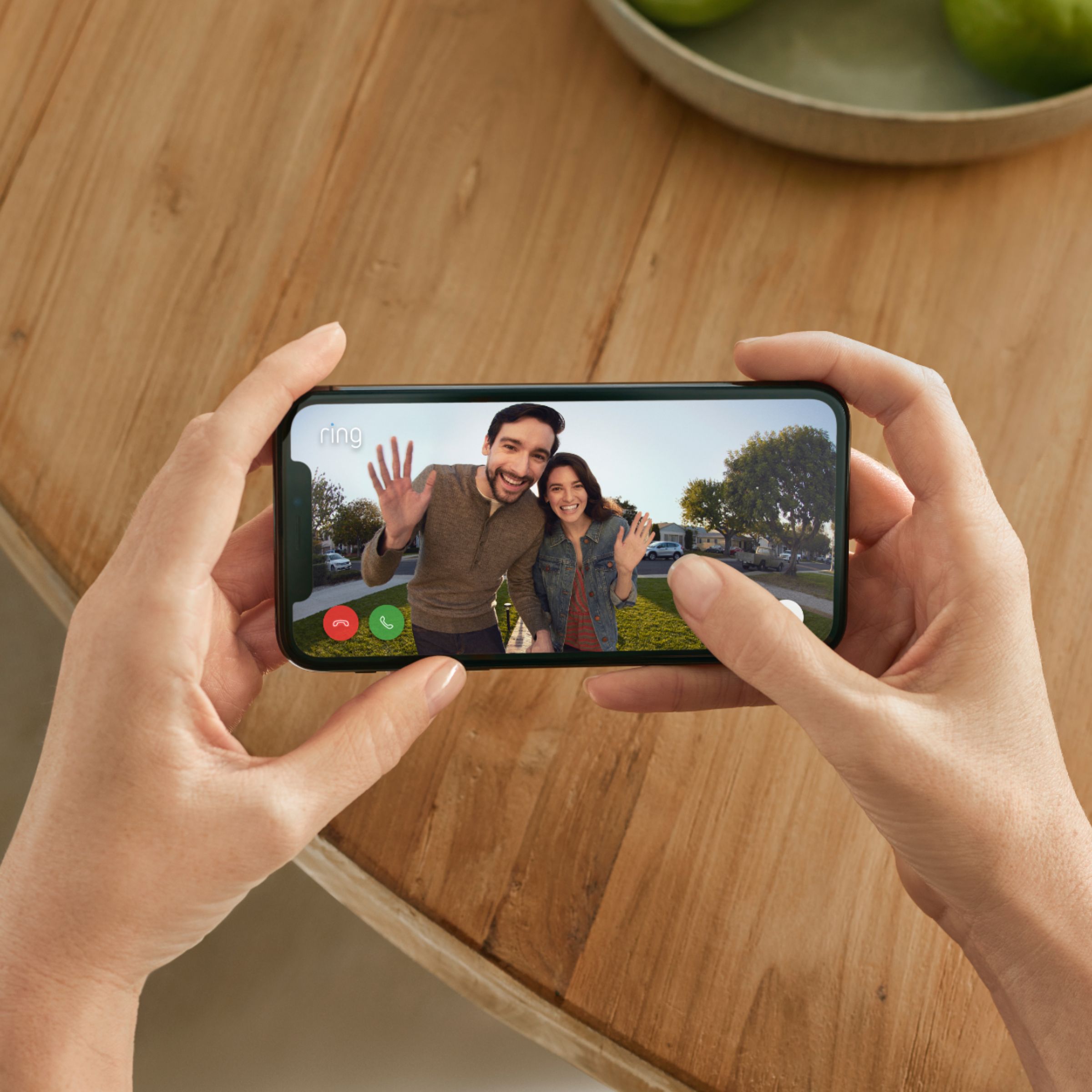
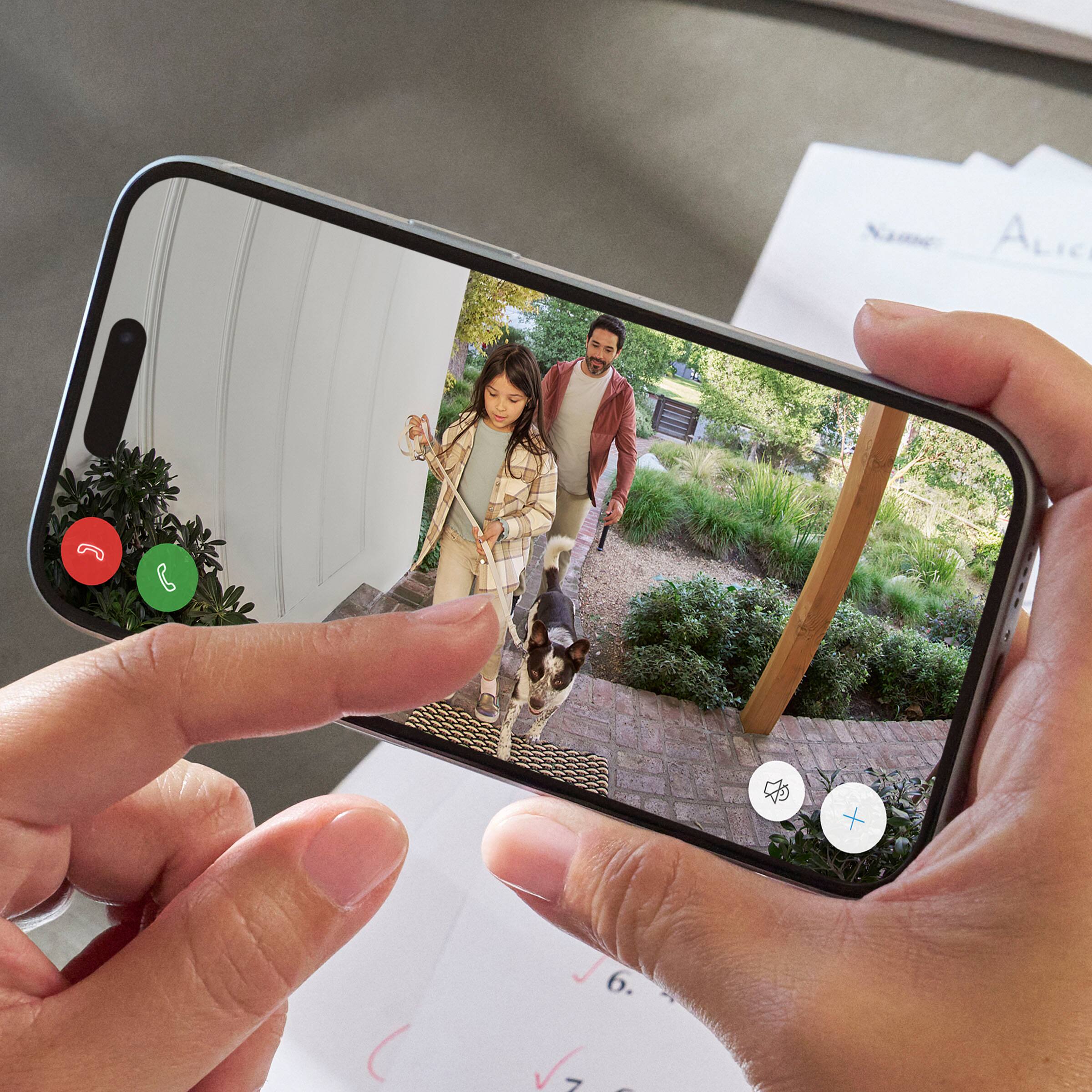
Our two-way talk feature allows you to communicate with visitors while viewing the video stream. Here is a helpful article about this feature: https://support.ring.com/hc/en-us/articles/208144516-Using-Live-View.
Once you've completed setting up your Ring device in your app, you will be the sole account Owner. As the account Owner, you have control over all the settings on your Ring devices. If you want to use multiple electronic devices (tablet, another phone, etc.) to control your Ring devices, download the Ring app onto the additional devices and use the same login and password you used to log in to the Ring app.
For any additional questions or concerns, please feel free to reach out on our community forum at https://community.ring.com/.
Thank you,
Alexis with Ring
A:AnswerHello,
The Ring Solar Charger is a secure mounting bracket with built-in solar panels designed for your Ring Video Doorbell (2020 Release). It is important to note that the Solar Charger's ability to recharge will vary based on device settings, motion notifications and sun exposure in the area of placement. The Solar Charger is not ideal for covered porches. To learn more about the Solar Charger, please visit the link below.
https://ring.com/collections/accessories/products/solar-charger-for-video-doorbell-gen2
If you have any additional questions please reach out to us at amazon.advocates@ring.com, and our team of product specialists would be happy to assist.
Sincerely,
Danielle from Ring
amazon.advocates@ring.com
A:AnswerHello Mark,
Almost all Ring products use wifi (wireless networking) to connect to the internet. Ring Video Doorbell (2020 release) is compatible with b/g/n wifi networks operating on 2.4 GHz frequencies. High speed internet is recommended for best performance of the device. Here is a helpful article that walks through the set-up process and connecting the device to your home's wifi network: https://support.ring.com/hc/en-us/articles/360041353291-Setting-Up-Your-Ring-Video-Doorbell-2020-Release-in-the-Ring-App.
For any additional questions or concerns, please feel free to reach out on our community forum at https://community.ring.com/.
Thank you,
Alexis with Ring
A:AnswerHello Geno,
It sounds like you may need a Ring Corner Kit to achieve the field of view you are looking for. The Ring Video Doorbell (2020 release) Corner Kit allows you to adjust your viewing angle by 15, 30 or 45 degrees right or left. Here is a helpful article that can offer you more suggestions as well: https://support.ring.com/hc/en-us/articles/360040763812-Proper-Positioning-for-your-Ring-Video-Doorbell-2020-release-.
For any additional questions or concerns, please feel free to reach out on our community forum at https://community.ring.com/.
Thanks,
Alexis with Ring
A:AnswerHello Joebob,
Yes, all audio and notification settings are customizable per each mobile device the Ring app is installed on. Once you've completed setting up your Ring device in your app, you will be the sole account Owner. As the account Owner, you have control over all the settings on your Ring devices. If you want to use multiple electronic devices (tablet, another phone, etc.) to control your Ring devices, download the Ring app onto the additional devices and use the same login and password you use to login to the Ring app. Here is a helpful article elaborating on accessing devices from multiple devices: https://support.ring.com/hc/en-us/articles/211018223-Allowing-Access-to-Shared-Users-and-Controlling-Ring-Devices-with-Multiple-Electronic-Devices.
For any additional questions or concerns, please feel free to reach out on our community forum at https://community.ring.com/.
Thank you,
Alexis with Ring
A:AnswerHello Lil,
The Ring Doorbell (2020 Release) is the model that is $99.99 on BestBuy.com. This is our second generation to the original Ring Doorbell. Here is more information on the technical specifications of this device: https://support.ring.com/hc/en-us/articles/360041190711-Ring-Video-Doorbell-2020-release-Information.
For any additional questions or concerns, please feel free to reach out on our community forum at https://community.ring.com/.
Thanks,
Alexis with Ring
A:AnswerHello,
Yes, once you've completed setting up your Ring device in your app, you will be the sole account Owner. As the account Owner, you have control over all the settings on your Ring devices. If you want to use multiple electronic devices (tablet, another phone, etc.) to control your Ring devices, download the Ring app onto the additional devices and use the same login and password you use to login to the Ring app.
You can give a Shared User the ability to view one or more of the devices on your Ring account. You can grant or revoke Shared User access at any time. In order to be added as a Shared User the person must have their own separate Ring account, and use their own email and password to login. If you have multiple Ring devices, you must add the Shared User to each device individually.
Here is a helpful article regarding granting shared users access to your devices: https://support.ring.com/hc/en-us/articles/211018223-Allowing-Access-to-Shared-Users-and-Controlling-Ring-Devices-with-Multiple-Electronic-Devices.
For any additional questions or concerns, please feel free to reach out on our community forum at https://community.ring.com/.
Thank you,
Alexis with Ring
A:AnswerMine does just fine. I don’t know how old my doorbell transformer is.
I’ve read that for many it isn’t an issue, but for some they have to charge it once a week.
Mine has been up a month and my battery reads 95%. I have had to take it down and charge it zero times.
My guess is the battery is the primary power source and it gets drained during use, and recharged when dormant (kinda like a hybrid, if this makes any sense).