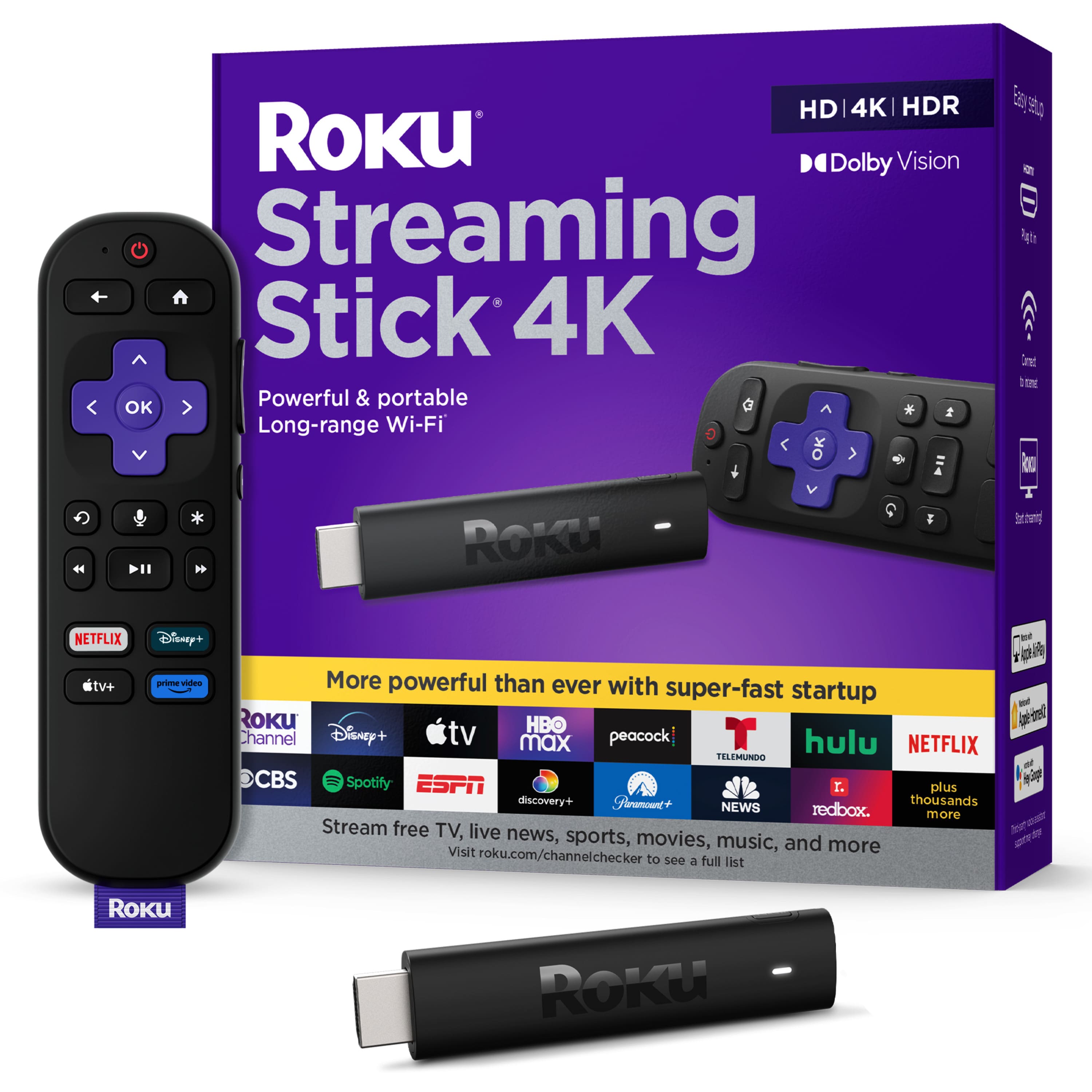
A:AnswerHi Jack! No the Roku Streaming Stick 4K does not have an Ethernet port. It does have a Long-range Wi-Fi Receiver that eliminates the need for an Ethernet connection.
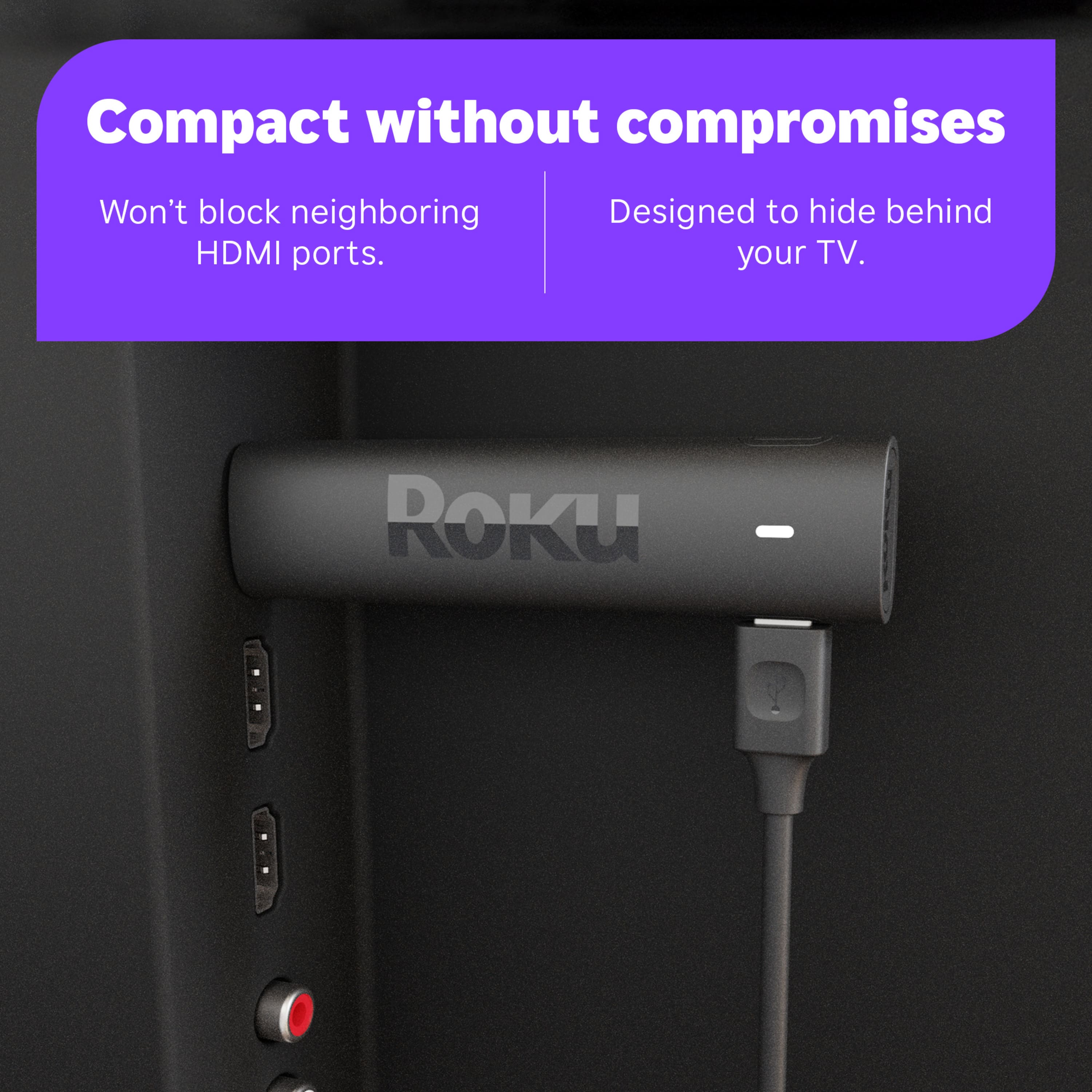
A:AnswerHi, RLB! The Roku Streaming Stick 4K and Streaming Stick 4K+ are powerful and portable. Both Streaming Sticks feature long range WiFi and super fast start-up. They are also portable, allowing you to take your favorite content with you. In addition both the Roku Streaming Stick 4K and Streaming Stick 4K+ are great for wall mounted TVs, as they plug into the HDMI connection on the back of a TV for a seamless setup. The Roku Ultra is our fastest and most powerful player ever, with a new and improved quad-core processor, you’ll enjoy channels that launch in a snap and a responsive interface. The Roku Ultra now has 50% more WiFi range and the ability to connect via Ethernet for the fastest, most stable connection. Enjoy cinematic streaming with the best in audio/video quality featuring Dolby Vision and Dolby Atmos. The Roku Ultra also comes with the enhanced voice remote featuring; personal shortcuts for one-touch control, private listening with the included headphones, lost remote finder and TV controls. You can always compare Roku streaming players using the link here: https://www.roku.com/products/compare
A:AnswerHi! On Roku devices you can download MASN everywhere, Hallmark TV, Hallmark Movies now, Newsmax TV, FOX News Channel, FOX Sports, and several other FOX apps. If you are ever curious about what apps you can get on your Roku device here is the link to look up any app Roku has to offer. https://channelstore.roku.com/search
A:AnswerKind of, with a bit of work! As you probably already figured out, local stations are broadcast instead of streamed. We were told we had to purchase a strong antenna to pick up the stations and that Roku would not work. That is wrong!
If you purchase a cheap subscription to Peacock, you can pick up most NBC stations but not always live.
If you purchase a cheap subscription to ParamountPlus, CBS news is available real time. TV shows are also available.
The free app Tubi has NBC , in my area, Kare11, and Fox9 news. All of them are news only. Tubi also has a lot of current tv shows but they are not real time. There is usually a day delay.
Most news stations also have a news app: ABC, CBS.
Then, of course, there is always free YouTube which sometimes broadcasts live News. I believe that a full subscription to YouTube gives you most everything you would want.
At this time, we cut our cable bill to $ 0 by using Tubi, Peacock, and ParamountPlus. I think the Total cost is now around $ 25.
There are many other free apps worth checking out but I just listed the apps that get you local news.
Hope this helps!
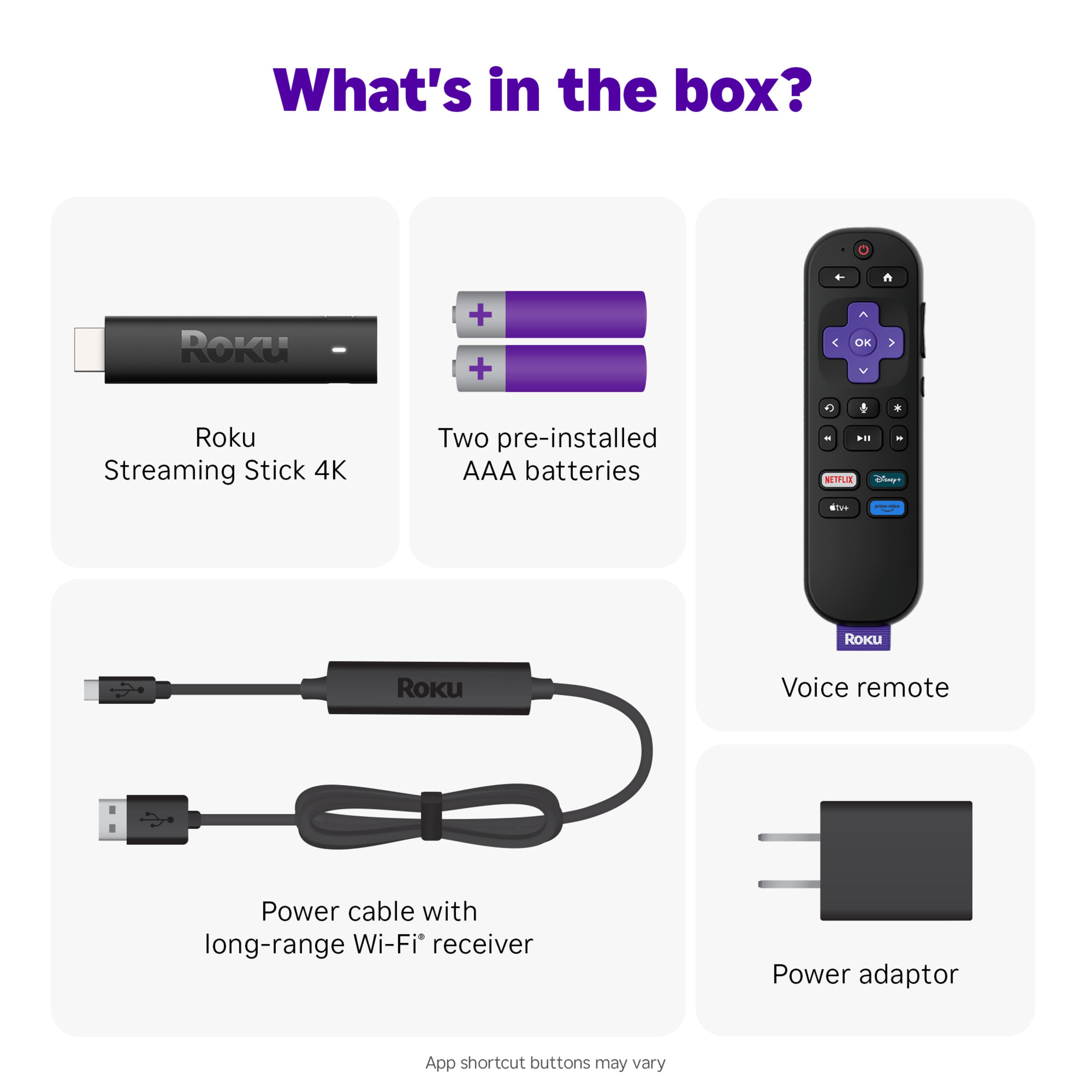
A:AnswerHello JohnnyP! Yes, the Roku Streaming Stick 4K is designed to be powered through the USB port on your TV. It comes with a USB power cable and an adapter, but if your TV has a USB port with sufficient power output, you can plug the Streaming Stick 4K directly into it. Yes, the remote for the Roku Streaming Stick 4K may have the ability to control the power and volume of your TV. This feature is called "HDMI-CEC". Make sure your TV also supports HDMI-CEC, and after setting it up in the Roku settings, you should be able to control your TV's power and volume with the Roku remote.
A:AnswerYes,it should work great. But you will need to use a Certified high speed HDMI cable to go from TV to Receiver and set the settings on your apps and the stick.
A:AnswerHello, Mel! Your Roku streaming player provides you with access to stream movies and TV shows over the internet, but does not have built-in storage for downloading or recording directly to the device. However, you can schedule and store recordings to a content provider’s online storage center if their streaming channel offers a cloud DVR feature. Some channels that offer this feature with a paid subscription include Sling TV, Hulu with Live TV, YouTube TV, fuboTV Premiere, and Philo.
A:AnswerHello Tony! A voice assistant such as Alexa is not required.; however, the Roku Streaming Stick is compatible with all three voice assistants, Alexa, Google Assitant, and Apple HomeKit.
A:AnswerHi Jon! Yes, the Spectrum channel in available on the Roku channel store. Just like your smartphone accesses an “app store” to add new applications, your Roku streaming player accesses the Roku Channel Store to add new channels. To add the Spectrum channel to your Roku Streaming Stick 4K start by pressing the Home button on your Roku Remote. Then scroll and select Streaming Channels to open the Channel Store. You can enter a keyword in Search Channels to find choices based on the title of a channel. When you want to add a channel to your Roku, select Add Channel to install the channel on your Roku device.
A:AnswerHi, TelevisionQuality! The Streaming Stick 4K does have 4K capability but unless your TV is capable of 4K you will not be watching 4K content. If your TV is 1080P HD it will still give you full 1080p quality.
A:AnswerHi, Ld! Unfortunately the Streaming Stick 4K doesn't have the headphone jack but the Streaming Stick 4k+ does or you can download the free Roku Mobile App and use it with wired headphones or via Bluetooth headphones.
A:AnswerI own the earlier Roku Streaming Stick Plus, and indeed they DO support Atmos, through enabled streaming apps passed through to your Atmos enabled AV system.
Observe this link: https://www.inputmag.com/reviews/roku-streaming-stick-4k-2021-review-secret-dolby-atmos-support