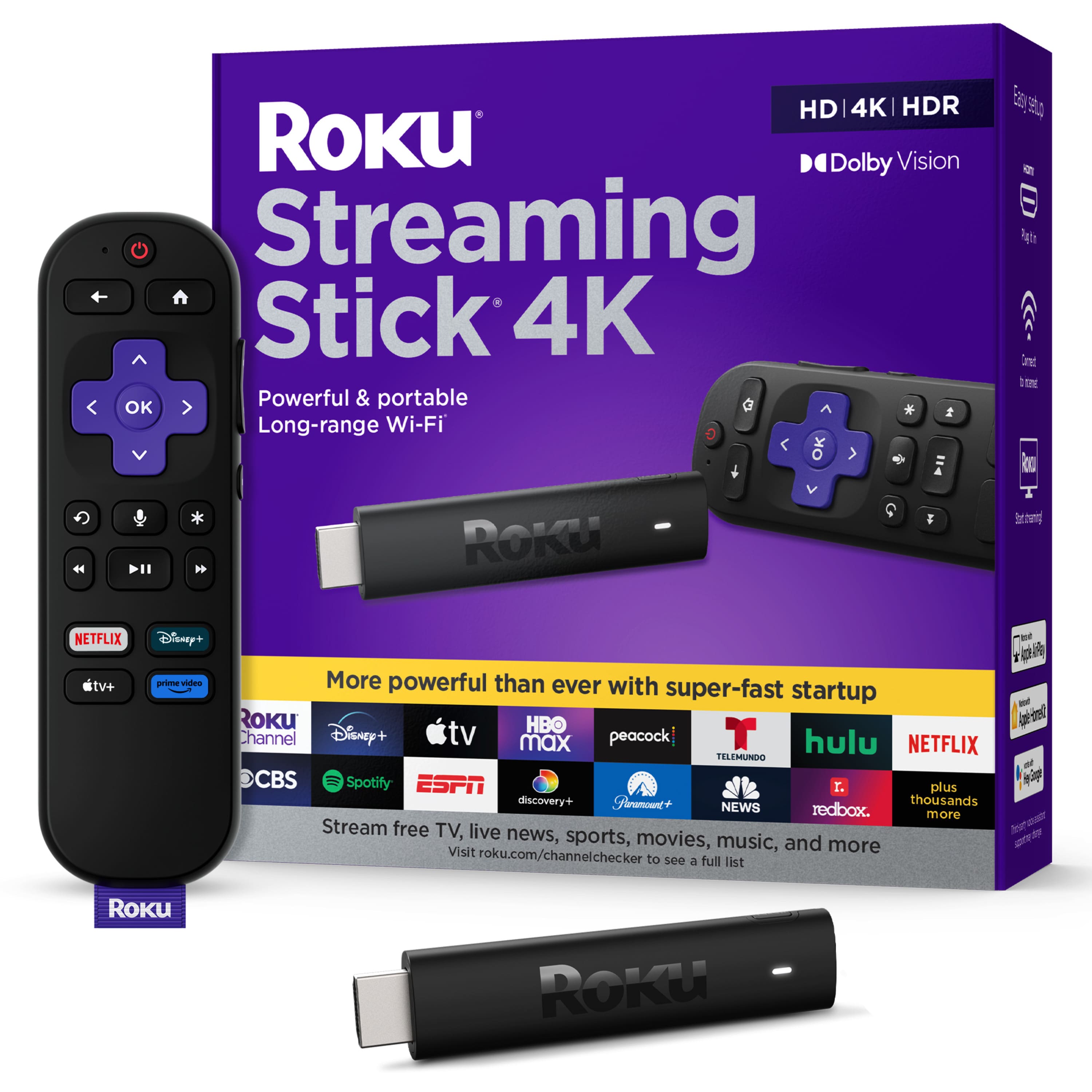
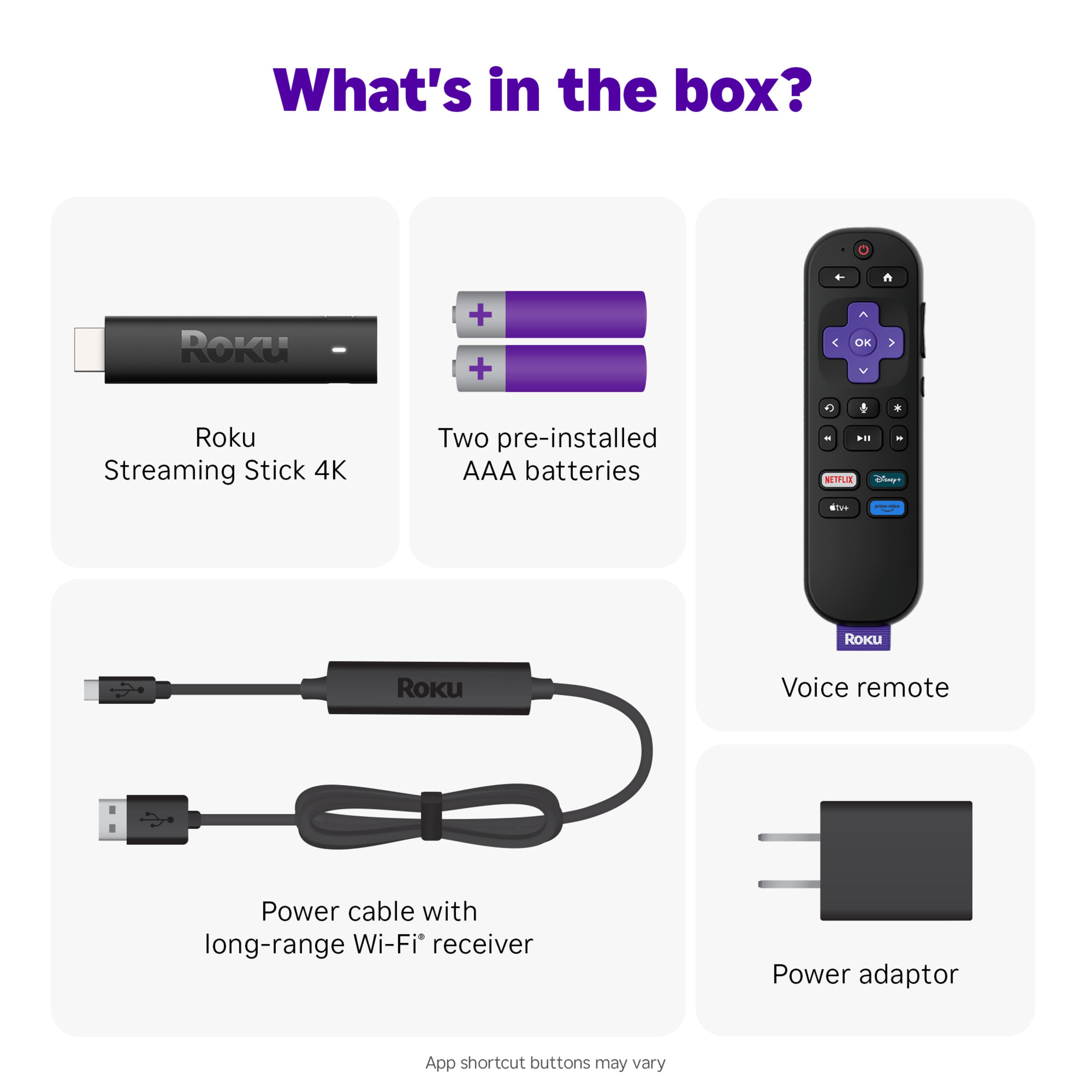
A:AnswerHello CuriousGeorge! The remote that comes with this model does not have a headphone jack. However, with the Roku App, you can use any Bluetooth enabled headphones for Private Listening on any Roku device. Please Note: Both the Roku device and the Smartphone have to be on the same Wi-Fi Network. The Roku App is available for both Android and iOS Smartphones and can be downloaded here: https://www.roku.com/mobile-app
A:AnswerHello peg! Yes, Xfinity Stream is available on the Roku Streaming Platform. All you'll need is a TV with an available HDMI port and a reliable broadband internet connection. As always, you can browse our Roku Channel Store at https://channelstore.roku.com/browse
A:AnswerIt does not store recordings like a VCR. I just gives you access to streaming content from you internet source.
I has no additional memory if this is what you were referring to.
A:AnswerThe Roku app for android and likely ios too allows you to connect to an Android device via bluetooth or 3.5 plug to listen silently. This applies to Samsung and Moto and Google phones as well as tablets like the Samsung A8 or Lenovo M10.
A:Answeryes using a Roku would make it a smart tv. And this Roku also includes airplay which comes with a lot of smart TVs
You can get the same apps you would on a smart tv on your Roku. You can get more apps on rokus than most smart TVs
A:AnswerHi! Yes, all Roku devices have Pluto! If you are ever curious about what apps you can download on your Roku device here is the link to our Roku Channel store. https://channelstore.roku.com/search
A:AnswerHi, Mousetrap351! You do not need an Amazon account to set up your Roku device. You will need to set up a Roku account but it is free and all you will need is your email! Now, you can get an Amazon account and use Amazon Prime via Roku.
A:AnswerHello LadyHawk! No TV provider is required. With Roku, there’s endless free entertainment including 200+ Live TV channels with news, sports, and more streaming on The Roku Channel. Plus, you can stream the most popular channels in a snap. It’s easy to keep watching what you love for less. No monthly equipment rentals, long-term contracts, or hidden fees. All you'll need is a TV with an available HDMI port and a reliable broadband internet connection.