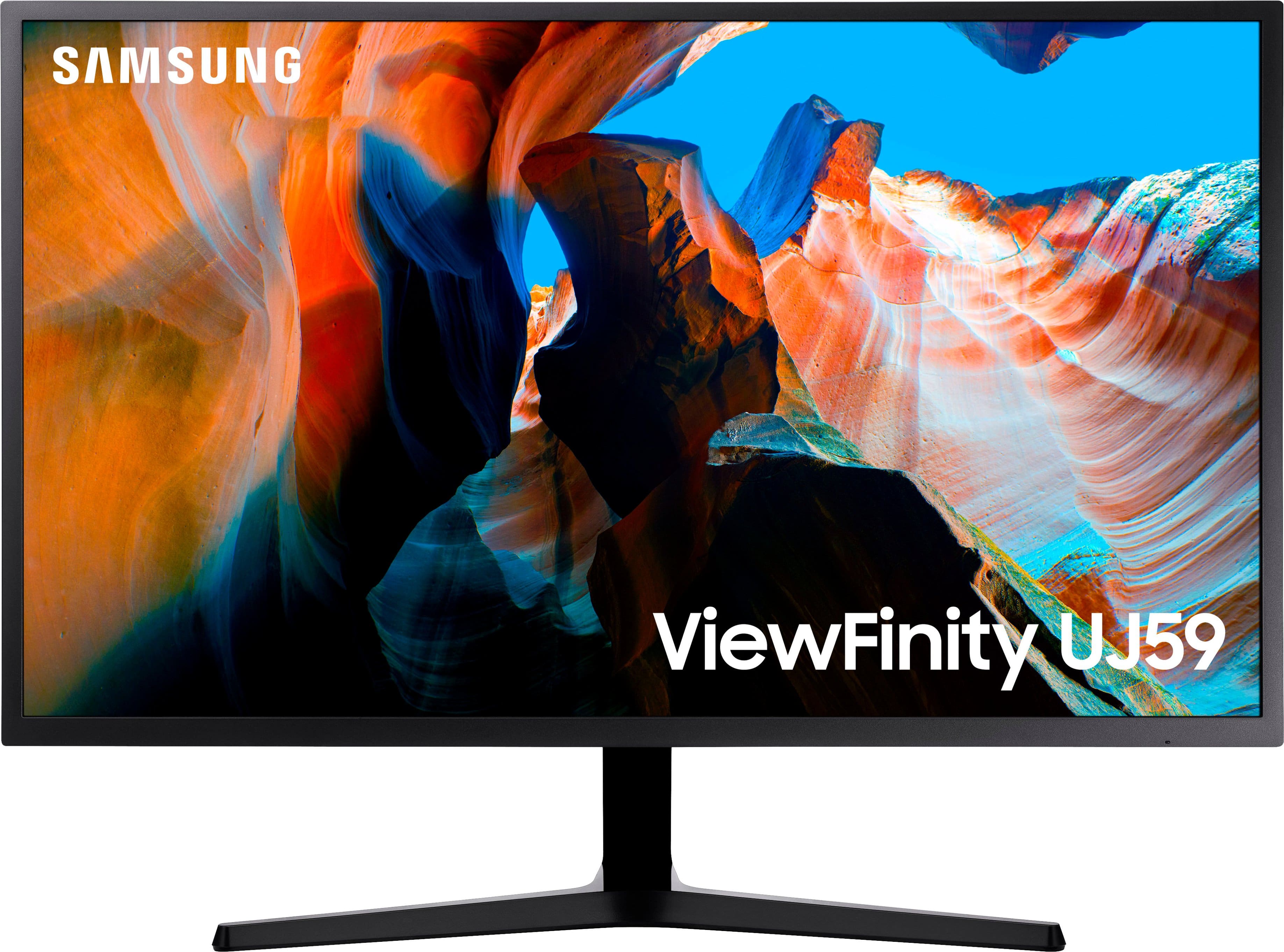
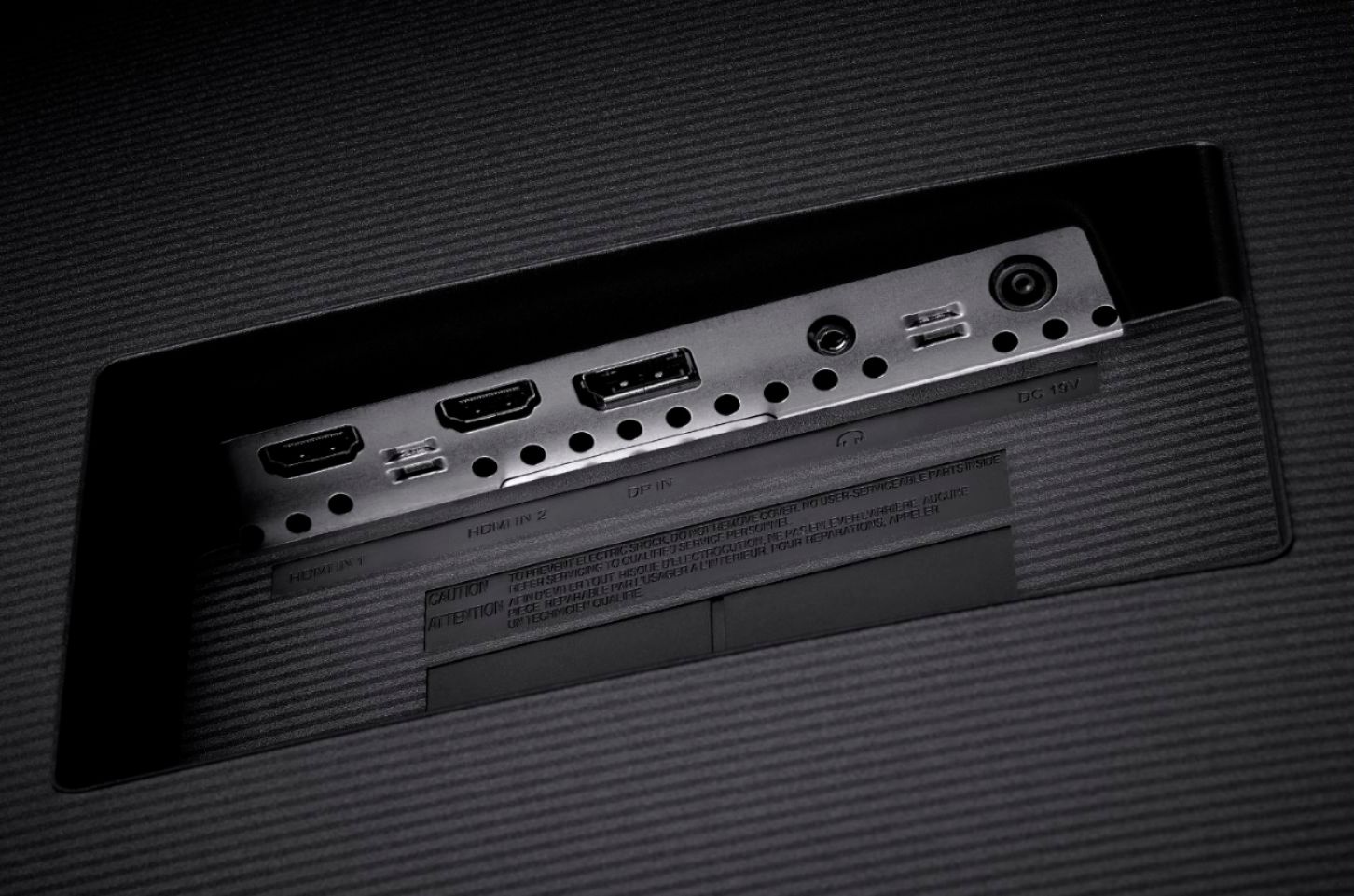
A:AnswerI've used it as a tv replacement for several days hooked into the receiver so I have sound (no speakers on the monitor itself). Works well. I cannot comment on Roku, but I have a desktop plugged into my AVR, and can watch DirecTV, stream on my PC, and even play games on PS4 all hooked into the AVR. I never expected to use it this way, but when I had to, it worked.
A:AnswerIf your Mac Pro laptop has a HDMI video output, yes. However to make good use of the monitor's 4K (UHD) capability, see if you laptop has 4K (3840 x 2160) resolution. If not you mighty be wasting your money since a "1080" (HD) monitor is a better match for your laptop's video output. On the other hand, 4K is what your next computer will no doubt output and even with 1080 (HD) output, the doubling does make for a better picture and the 32 inch size is great so long as you the desk space for it.
A:AnswerI have used mine on both Geforce 1050 and a 2080 (current GPU) and it works fine. I recommend checking the NVidia control panel settings, and, if you are using dual monitors that you set the resolution to match the other monitor (first) to see if that fixes the issue. Also, it seems obvious, but make sure you're using HDMI-to-HDMI (first) and not the Display port (with HDMI conversion.)
A:AnswerI don't think that it is. Not sure why the previous response indicates that it is. I can't find any information about it being HDR compatible. In fact take a look at this quite thorough review and rating.
https://www.rtings.com/monitor/reviews/samsung/u32j590-uj59
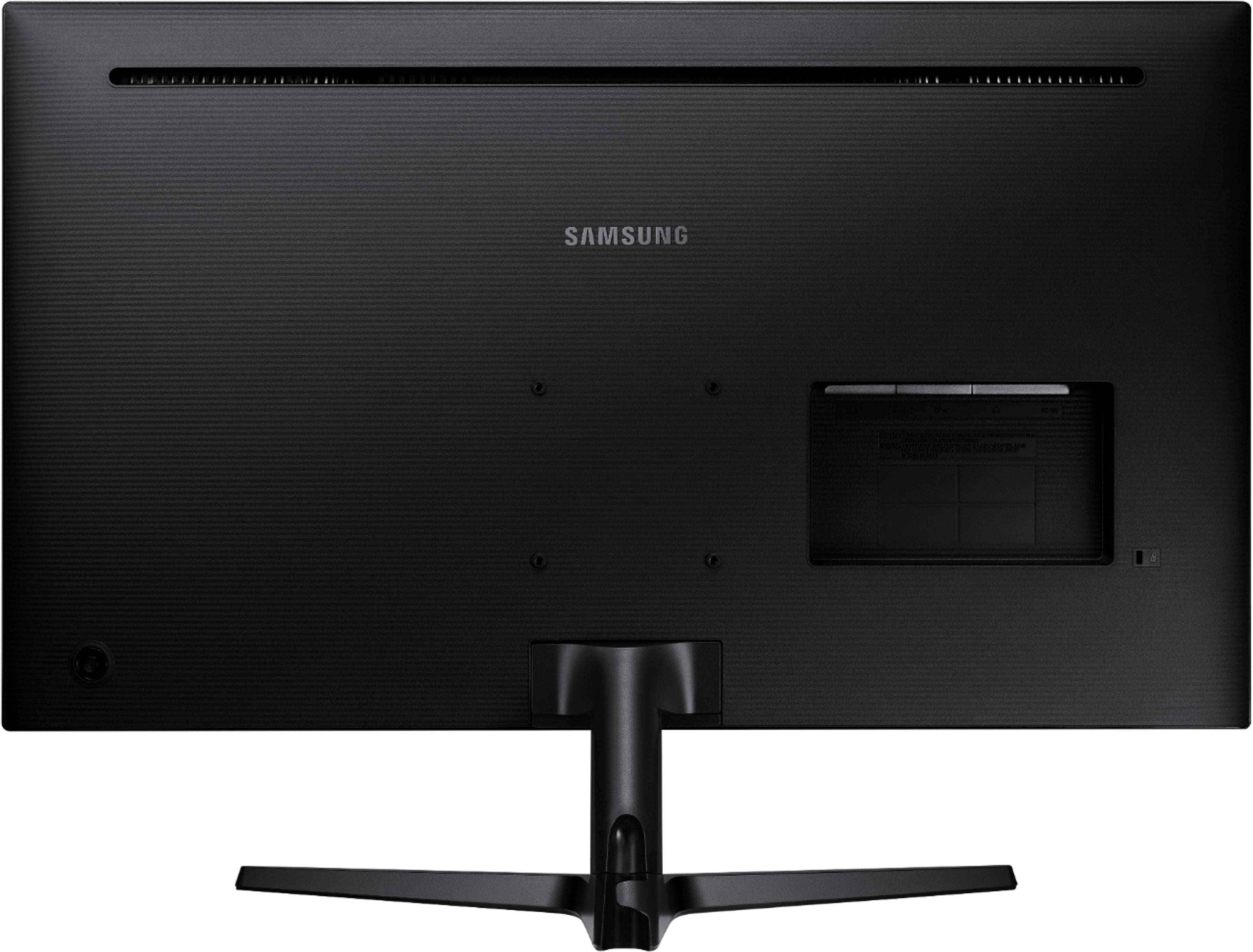
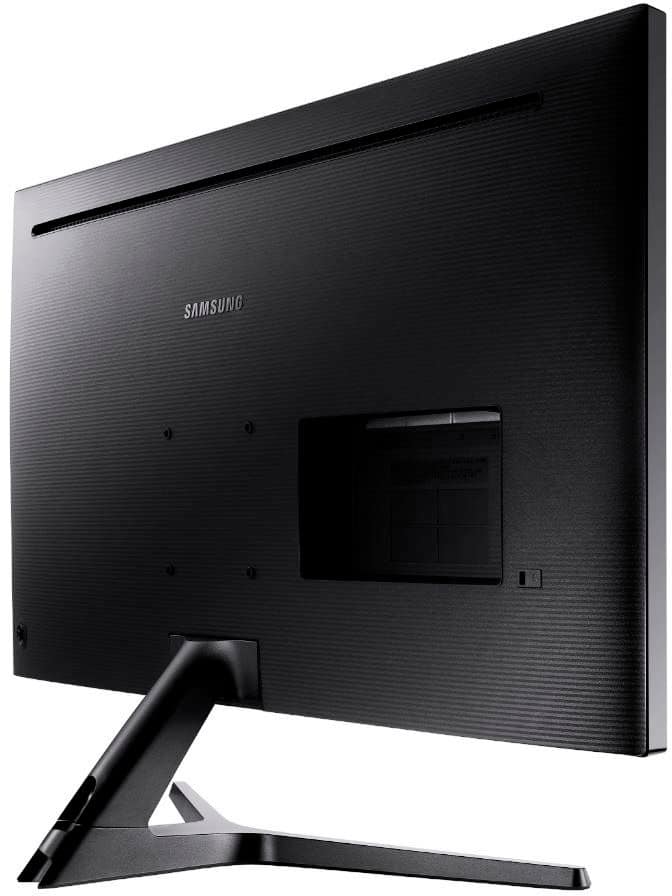
A:AnswerThis monitor has the plug built directly into the transformer (and a long cable to power the monitor).
Looking at it, I don't see how you can change the plug style - you may need to contact Samsung to get a power brick that has the European prongs - or use a prong adapter. I'm also not sure if their transformer is 'universal voltage'.
A:AnswerI use the Samsung - UJ59 Series U32J590UQN 32" LED 4K UHD FreeSync Monitor - Dark Gray/Blue Daily with both Solidworks and Autodesk software. I run it with QHD resolution. I turn down the brightness since I am sitting close to it. I use this monitor 40+ hours a week and have no issues.
A:AnswerYes, but you must supply an external speaker source as there are no speakers on this monitor. There is a 3.5mm audio out/headphone jack on the back.
A:AnswerThe Samsung UJ59 monitor does not have any methods for attaching to a wall. It does not have the standard threaded nut inserts as other monitors. However, you could mount the monitor on a wall by using supporting brackets for the base of the monitor and using another bracket to secure the top.