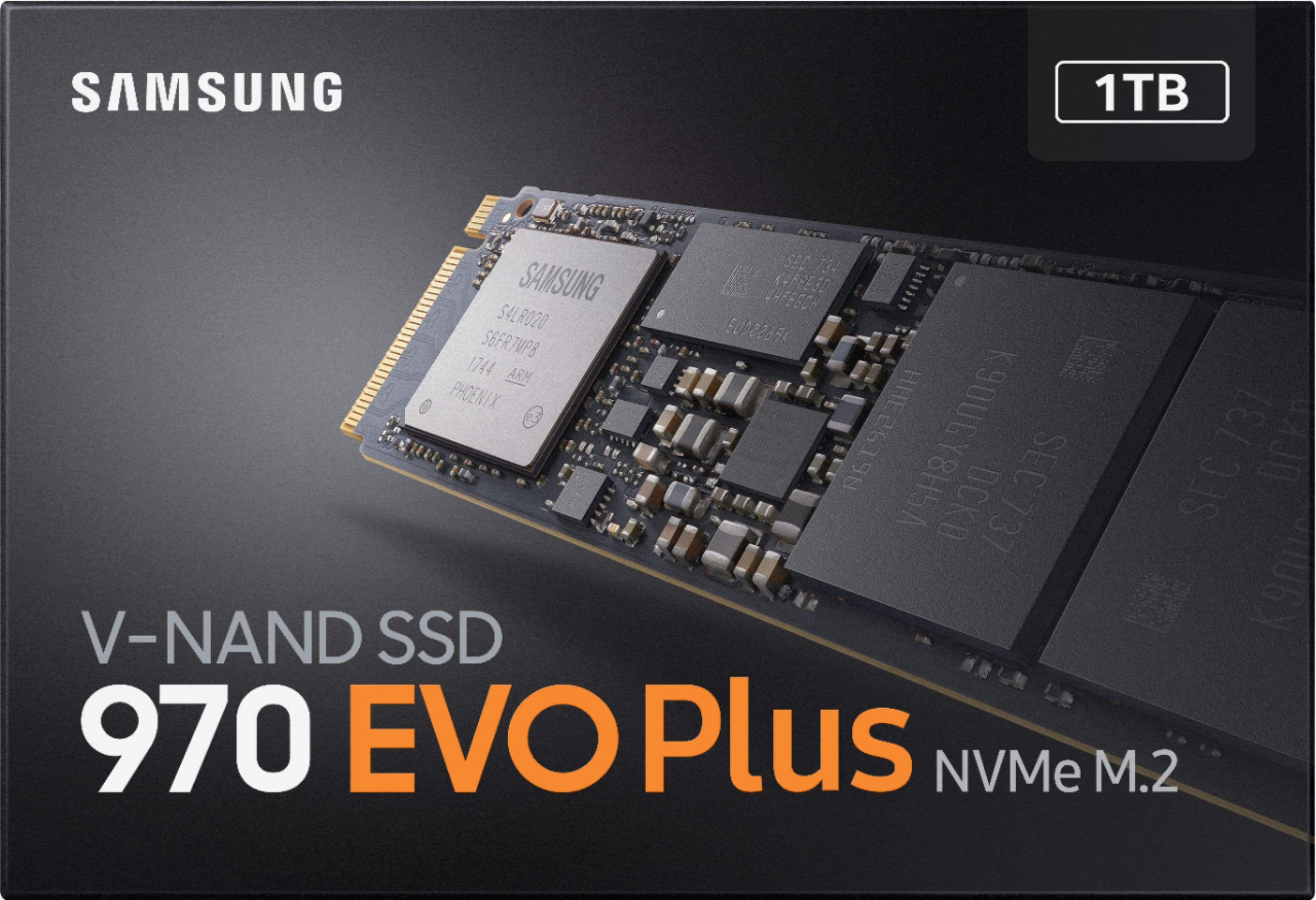
A:AnswerNo, according to what I've been reading, Apple used a proprietary connector for its SSD in that model, not m.2. Adapters do appear to be available for as little as $15, and are a little sled you plug into the macbook and then plug the m.2 drive into, but I can't comment on their reliability. One adapter listed on Amazon even specifically says it does not support the 970 Evo Plus.
A:Answerlcplea2:
Should you need assistance with the 970 EVO Plus and Home Assist Yellow, please know we are always here to help.
Call: 1-800-SAMSUNG (ask for Memory or press #, then 6 for Memory products)
Available 9AM – 9PM EST (Mon-Fri)
Samsung is committed to providing the best possible product experience, quality, and value, and we are always here to help with any of your questions or concerns.
- Samsung Memory
A:AnswerI wish I know. What I think is you can put an adapter for Pcie to SSD for MacBook Pro mid 2015 retina or you can try regular SSD upgrade.It depend on whether you want more space or more speed or both. In general Pcie SSD cost more but they are faster.
I haven't done on MacBook Pro mid 2015 retina so I couldn't tell you exactly.
A:AnswerYes. I personally use the 970 Evo Plus with my z390-E Asus Strix motherboard for a boot drive. It works perfectly. When installing on this specific board, be sure to peel off the plastic strip that covers the thermal adhesive for the ASUS m.2 heat shield and apply it to the m.2 drive once the drive has been slotted in place.
A:AnswerErnest, no the drive comes uninitialized, so you will have to pick Master Boot Record (MBR) or GUID Partition Table (GPT) when you put it in a system with Windows installed. From there, you can partition and format at your discretion.