A:AnswerI have had the watch for 7 months. I never have had this problem.. you should consider having the geek squad check it out. If you have a warranty just swap it out.
A:AnswerYou can answer or make calls on the watch, however you cant talk through the watch, you will need to grab your phone to have a conversation with whoever it is you are calling or answering a call from. A message on the watch will appear stating to check your phone anytime you call out or answer a call.
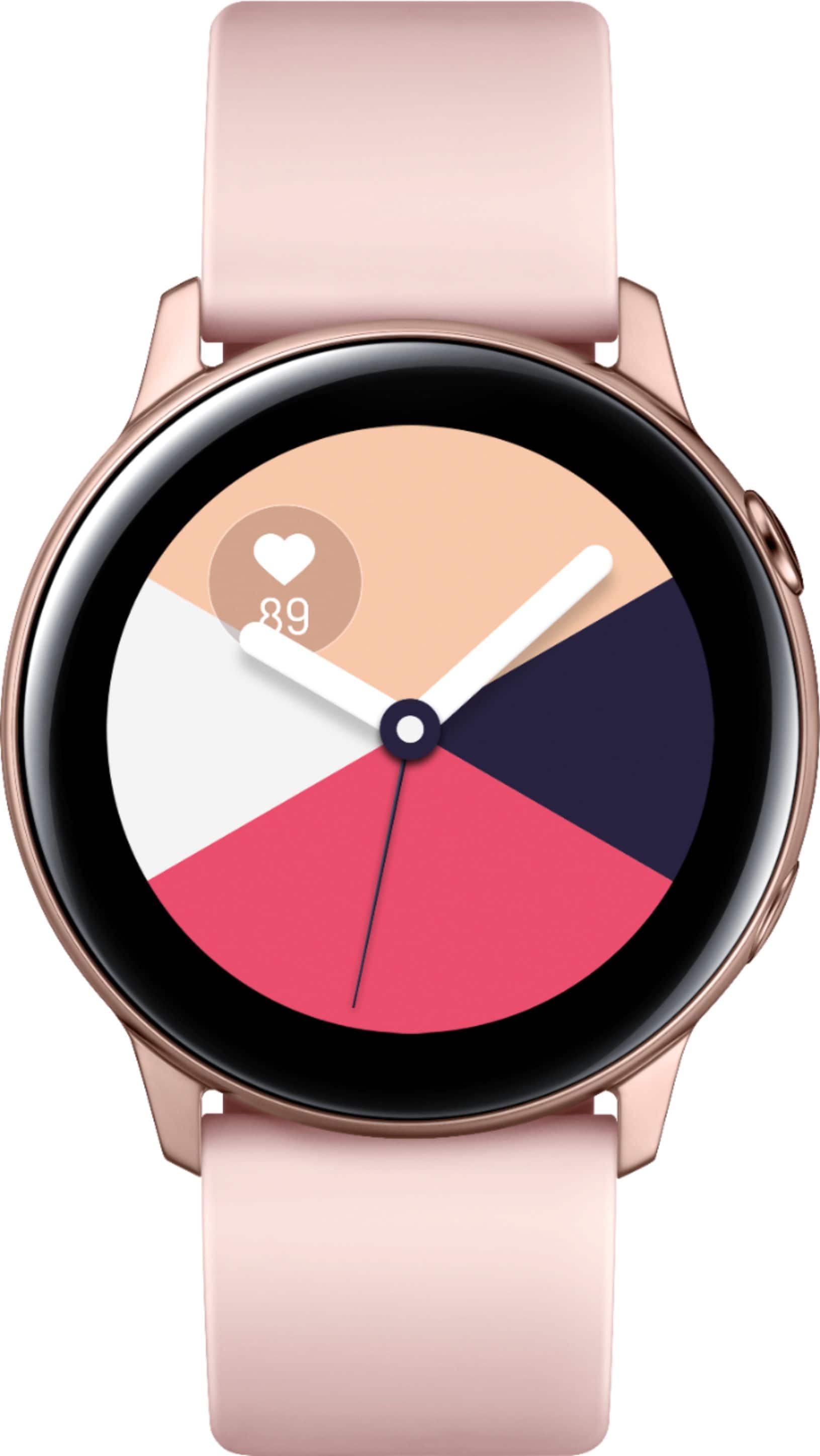
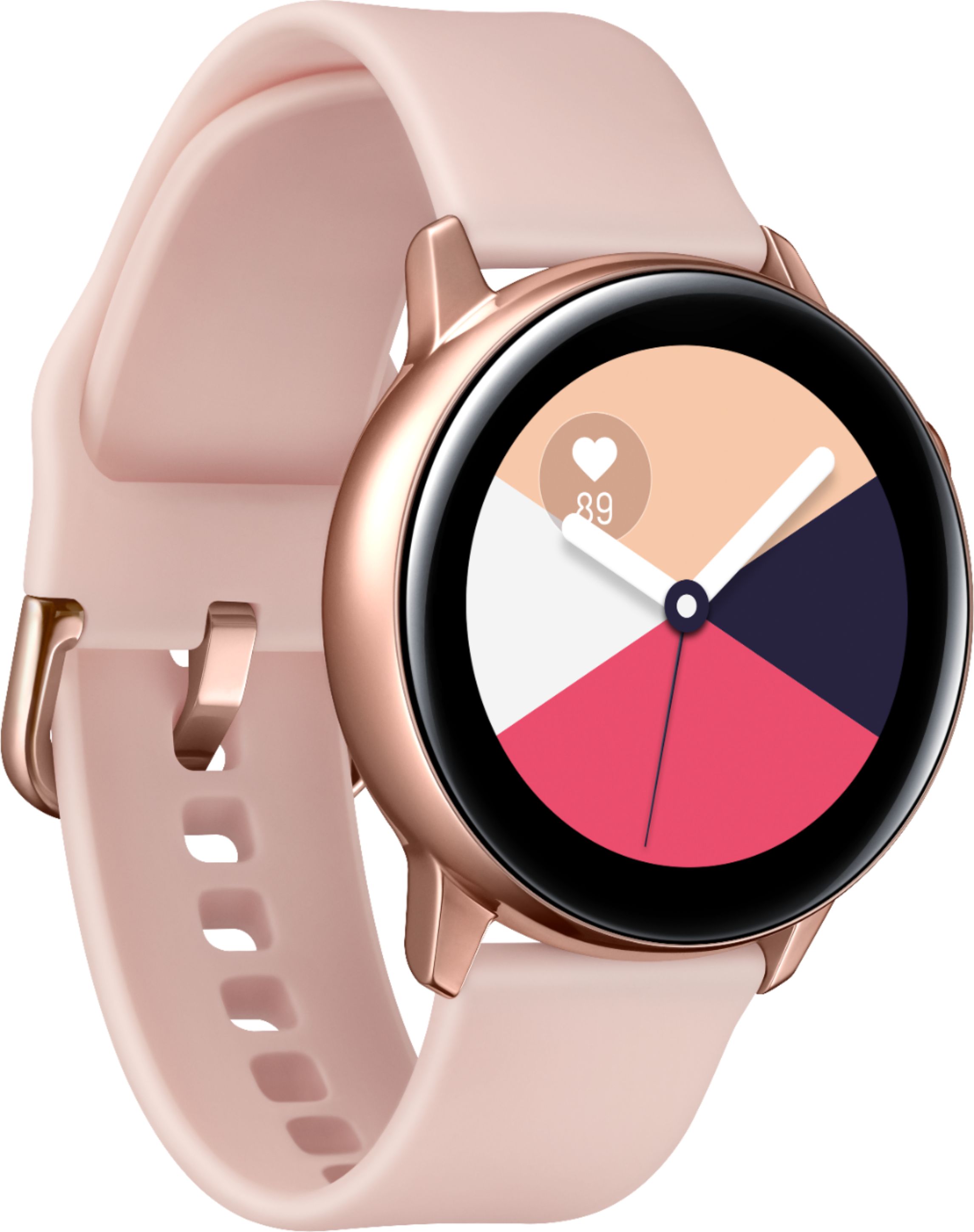
A:AnswerYes, there are settings on the phone that allow you to change the clock face. Mine is a digital face that shows time, date and temperature. There are even additional faces that can be downloaded.
A:AnswerHello Dada6, the Galaxy Watch Active utilizes the built in mic for Bixby interaction only and is not able to take calls directly on the watch. Please follow this link (https://www.samsung.com/us/support/answer/ANS00061408/) to learn more about making calls on this watch. ^Elizabeth
A:AnswerYes, you can text by voice through Bixby, or by touch. And, unfortunately you cannot talk on it. You can answer the phone on it, but it will just do that, answer it. So, you then have to talk on your actual phone. One drawback of the watch in my opinion. And, I never tried to use it for Facebook or Snap, so I can't comment on that. Sorry....
A:AnswerGreetings BLee,
Yes, you set alarms via your phone. However many alarms are on your phone will also be on your watch, including the snooze intervals if you use them.
A:AnswerYou can text directly on the screen as "screen write" or you can use a "keyboard" You also have options to use predictive/personalized short responses and emojis. You can make a call but then you have to go to your phone since it does not have a speaker. Which is fine by me because who wants to look like Dick Tracy talking into their watch or having others hear your conversations...all alerts can be sent to your watch and you can read all incoming emails, texts, FB posts and view pics...you set the ones you want alerts from