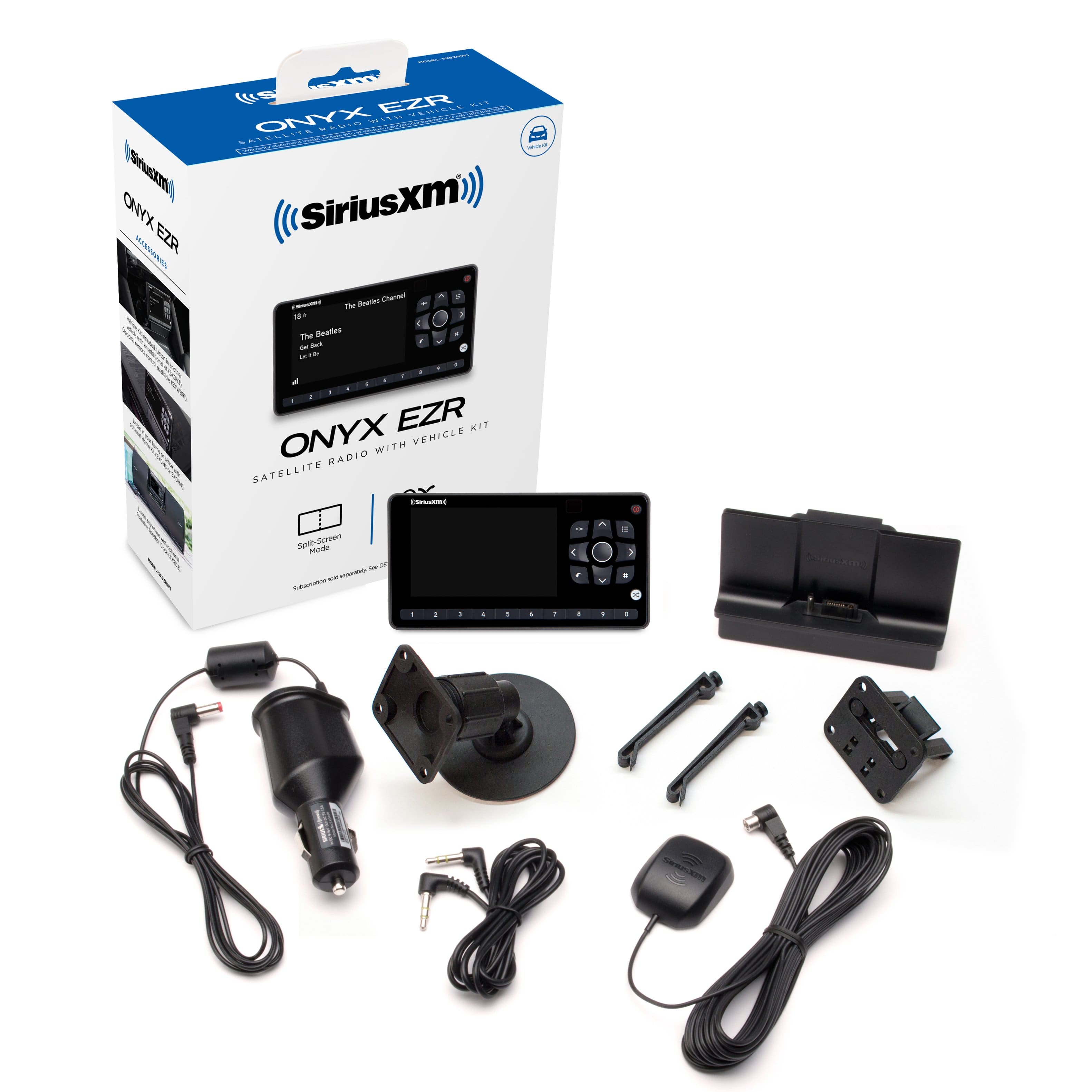
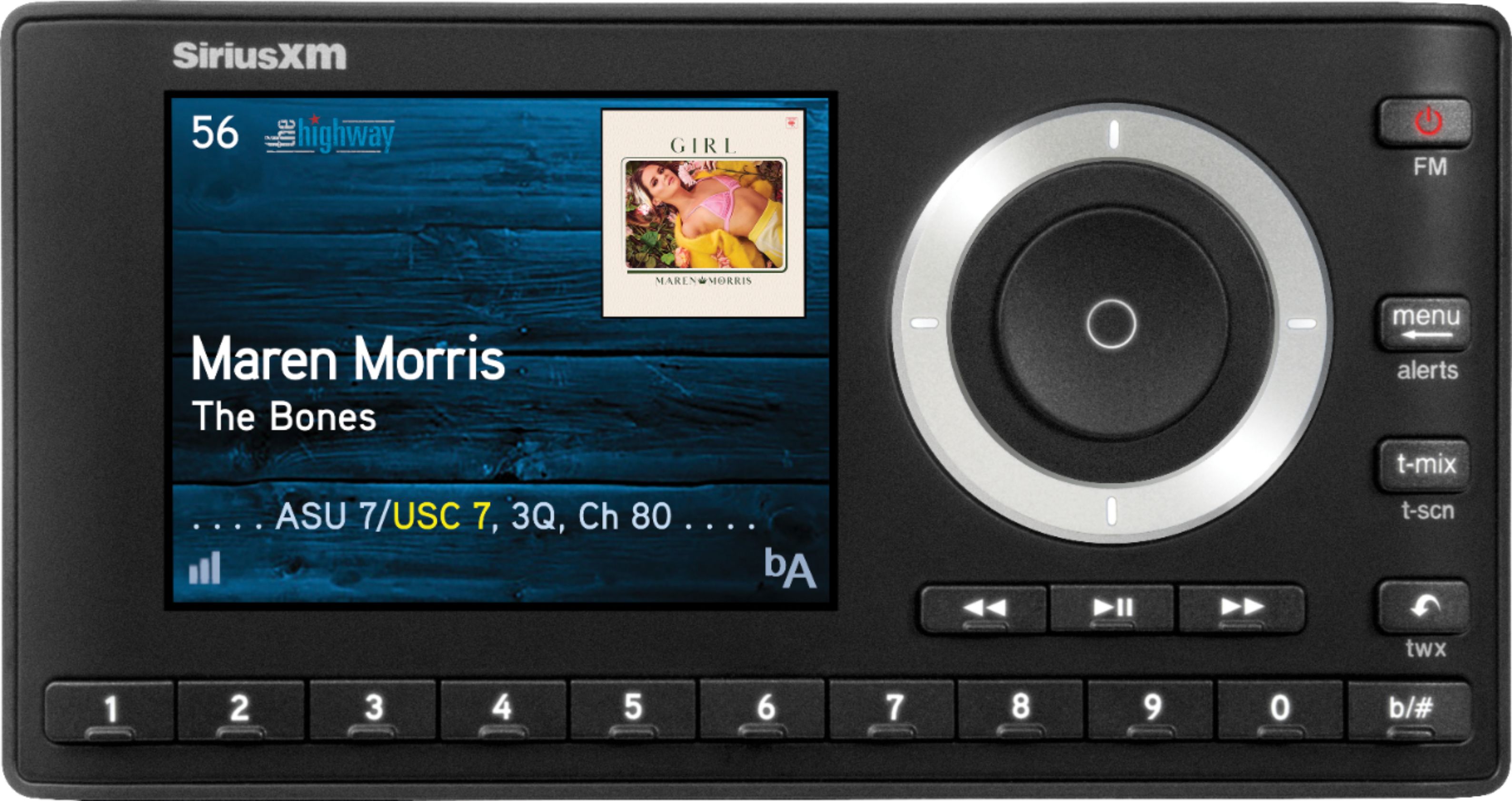
A:AnswerThe Onyx EZR comes with a vent mounting clip and a dash mounting pedestal- either can work for your application. It is always a good idea to consult a Geek Squad Agent professional installer.
A:AnswerThe installation in a heavy truck is very similar to the installation in an automobile. You may need to get a truck sat radio antenna or mirror bracket for the supplied antenna that comes with the Onyx EZR in order to get the best reception. Check out our Road Dog Trucking channel dedicated to professional drivers on channel 147. For Geek Squad installation, I'd recommend calling the store directly to see if they can service your Peterbilt.
A:AnswerThe Onyx is a legacy XM tuner, the Onyx EZR (SKU: 5792106) and Onyx Plus (SKU: 1489779) radios are SiriusXM, which gives you access to more channels. Or you can upgrade to the Tour radio (SKU: 6408173), that provides you both access to SiriusXM's Satellite and Streaming services.
A:AnswerYes you can. We recommend a motorcycle mount to securely mount and weatherproof the radio for your ride. Unfortunately these are not available at Best Buy.
A:AnswerYes it shouldn’t be a problem. You just need to have a 12 volt connection and a working fm radio. The Sirius /Xm radio sits to the side somewhere.
A:AnswerI am not sure if it will. I use mine by using a cassette adapter for the sound. It has a spot for a jack to be plugged in (cassette adapter port) so it wouldn’t hurt to try it.
A:AnswerYes you can. They run through an FM channel. Just much more inconvenient changing your fm channel during interference on local channels while traveling. Has like 10 save settings if you find places that have good reception.
A:AnswerYes, this is compatible. It comes with the satellite radio unit, various types of mounts that will allow you to place the unit where you like. A magnet mount antenna, and a cigarette lighter/12volt power plug. I believe it comes with an auxiliary cable for sound also. You can hear it through your radio 2 different ways. If you have what looks like a head phone Jack for your stereo but for input, just plug the cable in to that and in to the back of the radio and you'll have sound. If you dont, you can use the FM transmitter built in. Try to find a station that has only static and no bleed over from other radio stations or there will be interference.
That may be a lot of info, so to summarize and answer (again), yes, it is compatible.
A:AnswerStick the magnet antenna on the roof of your truck. Run the wire down your windshield inside the little rubber grommet. Do this carefully or you may allow water to get in through the windshield. Follow the top of the windshield, down either side to an open door, run the wire in up under the dash and over to where you are putting the radio. Plug in the power with the 12 volt cigarette lighter plug. Use the provided auxiliary cable for sound, or set up the FM transmitter. Use the included mounts to put the radio unit where you like. There are sticky mounts and/or some clips that go in the A/C vents. Use your preference. Use the aux input on YOUR stereo if you can. Using the FM transmitter, there is often "bleed over" from other radio stations because the fm transmitter is not very powerful.
Hope that helps. The instruction book tells you the specific steps for the fm transmitter. It's super easy. Just go in to the settings on the satellite radio, pick a station that has nothing on it. Select it, and then it will broadcast on to your radio on that station. Make sure its tuned right on both radios. One number off and it wont work. For example. 98.9 on the satellite needs to be 98.9 on your radio. Not 98.7.
A:AnswerThis unit connects only with aux cable and fm transmitter. It has a separate head unit for the satellite radio. You may have an option to buy the box that goes behind the radio and integrates the Sirius info on to your factory radio. If you already have a SiriusXM button, but it does nothing, or says contact dealer, etc that might be the route you want to go versus this unit.
A:AnswerThe Onyx EZR comes with a 90day limited warranty. But if you maintain an active paid subscription on that radio, then SXM Customer Care may extend your warranty for subscribed products for up to a year.
A:AnswerThe unit plugs into your radios AUX port only.
It does not have a usb type plug.
The onyx plug is the male type that plugs into the auxiliary port on your vehicles radio.
A:AnswerHi Budd the kit came with the mounting device it needs of course the device itself and also my kit was definitely installed at Best Buy which is where I purchased it. I hope I answered all of your questions for you Thanks!!
A:AnswerThe tuner can play through your radio just fine. Find an unused channel in the lower range, then just set the tuner to the same channel. One thing to keep in mind is that if you travel to different cities, that vacant channel may be used elsewhere & if it is a strong station, it can bleed through on the radio. In that case you would need to find a different channel that is unused & change the tuner setting to match.