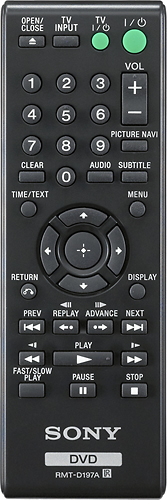
A:AnswerYou will have to download your music to a computer and then put it on a CD, then of course all you have to do is put it in the player and press play if it doesn't automatically start
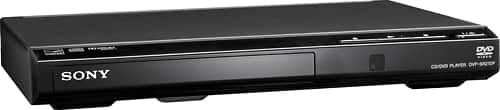
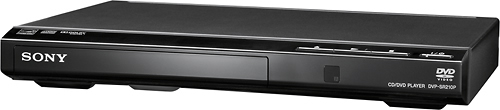
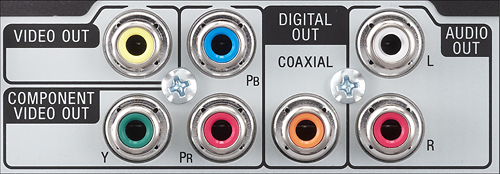
A:AnswerHello J, thank you for your message. In regards to your question, this particular model number of DVD player can be plugged to a TV through RCA cables. The compatibility depends on the available ports that your third party brand of TV has. We kindly share with you the operating instructions: https://docs.sony.com/release/DVPSR210P.pdf. Best regards, Oscar.
A:AnswerPlease check the connections for your unit, the following link will provide a guide on how to connect it to your Television:
http://esupport.sony.com/US/p/tutorial-display.pl?tut_id=438&mdl=DVPSR210P
A:Answeryou have wrong source selected on tv. cycle through the options till it shows color. also you have probably both component and composite hooks ups. make sure correct cable is in correct jacks.
A:AnswerI had one supplied for a business laptop one a few years ago which plugged into the USB port. The laptop was a Thinkpad, so the remote DVD was probably an IBM product. It was just plug & play. Look on-line for a plug & play remote DVD player.
A:AnswerYou would have to have Internet access at your house. Connect to your wifi wirelessly or wired whichever is convenient for you. Once you're connected you should be able to access pandora and Netflix.