A:AnswerHello, thank you for your message. For information in how to pair and connect it to an i-phone, check the link below: https://us.en.kb.sony.com/app/answers/detail/a_id/49389. -Oscar.
A:AnswerI think this is a function of the source and not the headphones. Some transmitters allow two simultaneous devices or more, but most only allow one Bluetooth device at a time.
A:AnswerThey turn off after a few mins of not playing anything. I wish there was a way to extend it as I use them for work and find them off a lot more than I would like them to be.
A:AnswerYes assuming your TV has an audio out port of some kind. You need a Bluetooth transmitter and an adapter to change the (most likely) red and white Audio cables to the mic style cable. You can google it and there are step by step instructions out there.
A:AnswerI looks as if the headphones are trying to pair with a device. If you don't want that, then you will need to use the included aux cord and use them like wired headphones. If you want to use wireless, you have to pair the headphones to a device.
A:AnswerThey would definitely work because you can use the wire with them. If your Sony stereo isn't Bluetooth capable then you won't be able to use the Bluetooth feature. ( Super bass only works with the Bluetooth feature by the way)
A:AnswerYes, this unit is compatible with Android 4.1 or later version and the effective frequency range is 100 Hz - 4,000 Hz. Bluetooth specification Version 3.0
2.4 GHz band (2.4000 GHz-2.4835 GHz)FHSS, Network Transport Protocol : A2DP (Sampling frequency 44.1 kHz), Transmission Range: 20-20,000 Hz
Line of sight approx.30 ft (10 m), ~ Jeannette
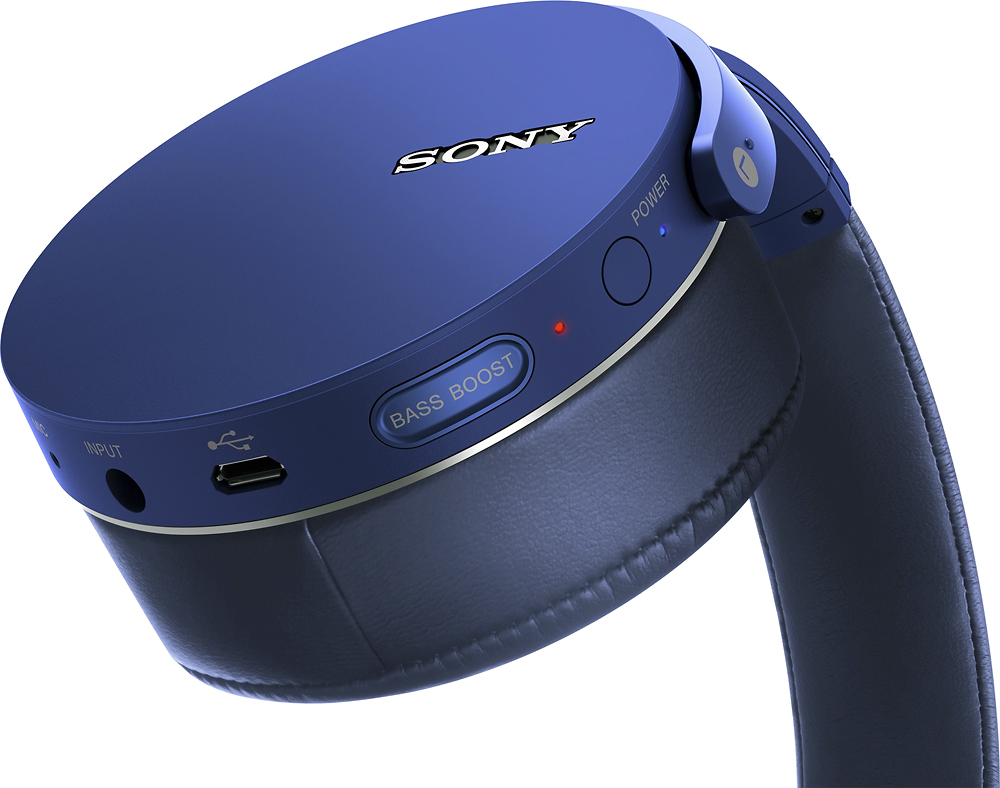
A:AnswerHello mom, thank you for your message. In regards to your question, you will be able to use it with your electrical guitar by plugging it into the input jack. A 3.5 mm headphone cable should be use for this purpose, but your electrical guitar must have a output headphone jack. Best regards, Oscar.