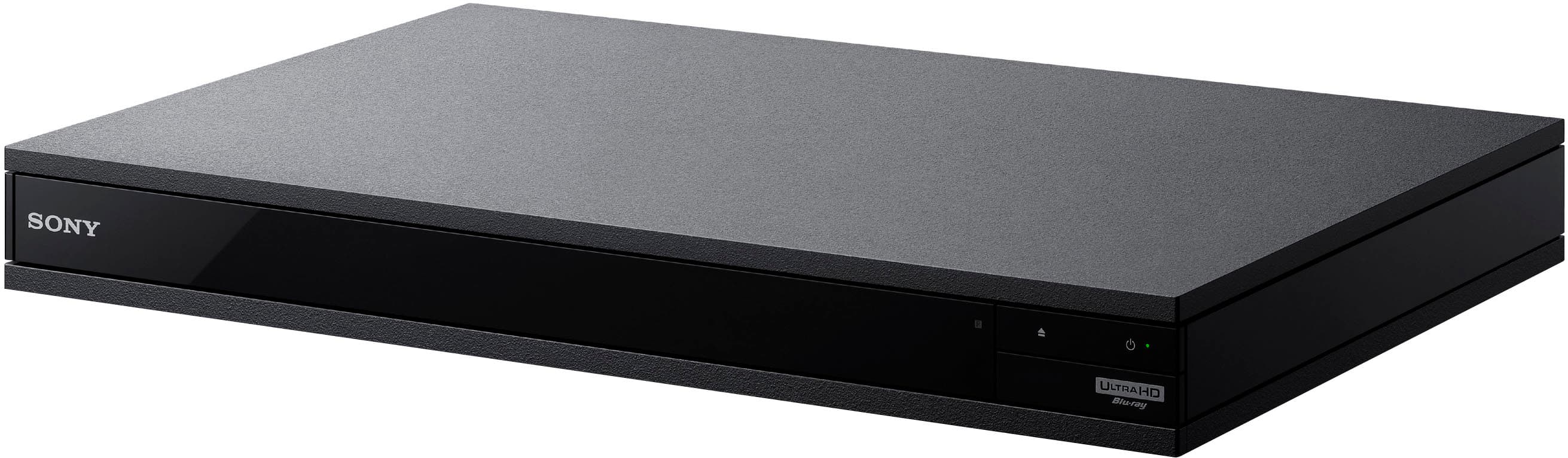
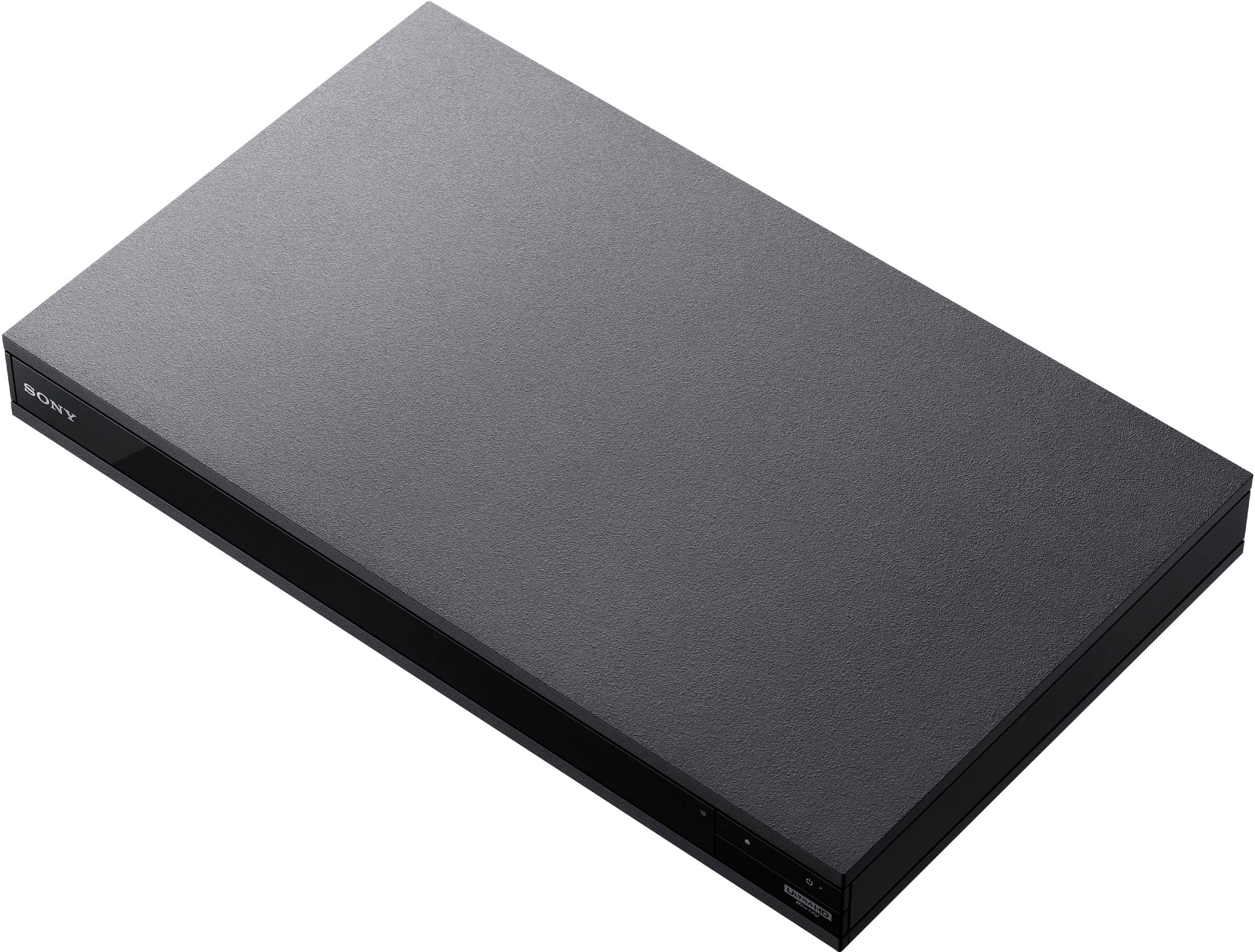
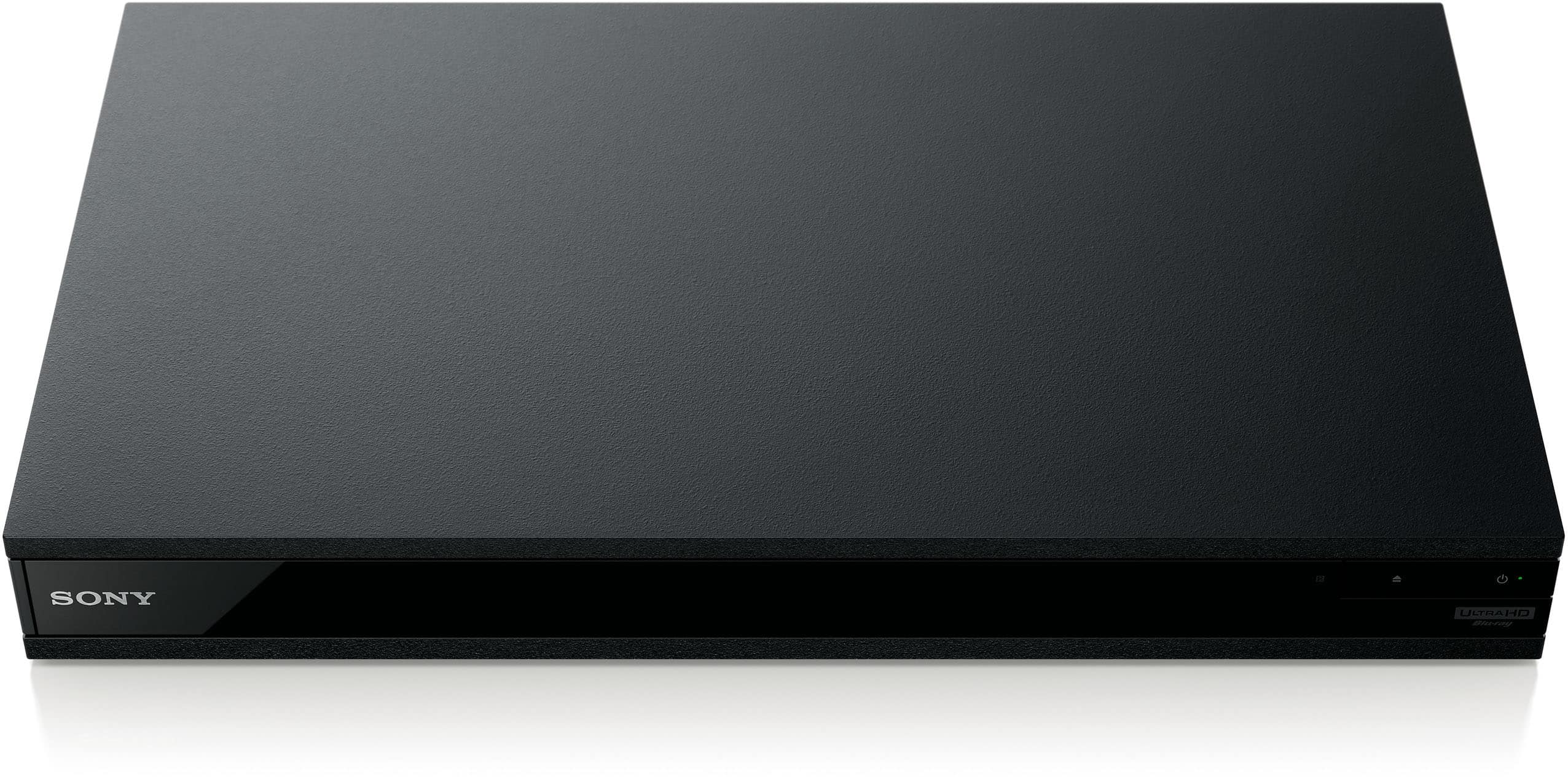
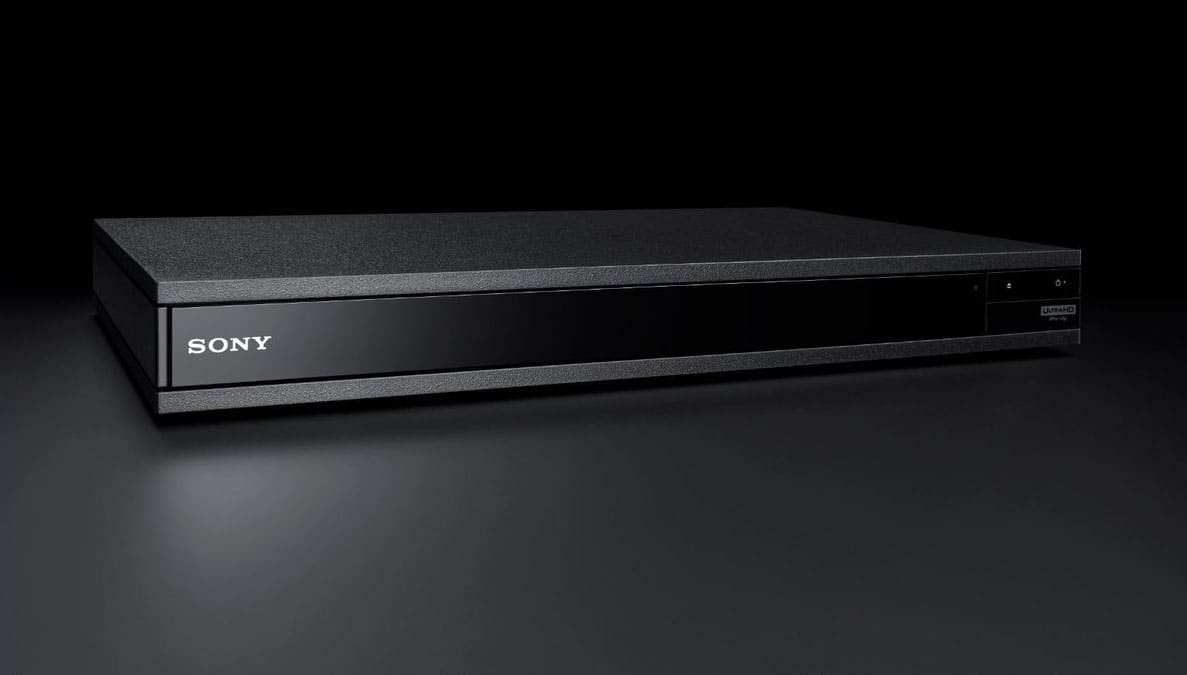
A:Answer How old is the HDMI cable that you are using to connect the Blu Ray Player to your TV? You need an HDMI cable that is rated for hi speed 4k signals, otherwise the player will default to a lower resolution. Also, are you running the signal through a receiver or directly into your TV? If you are using a receiver, then both the cable from the player to receiver and the one from the receiver to the TV need to be high speed. Also, your receiver itself has to be rated for 4k. Basically, every link in the chain from player to TV has to be rated for 4k.
One handy feature on this player is there is a way to check to see if the player is sending a 4k signal. While watching a 4k disc, press the 'display' button on the Sony player's remote. It will bring up a display that will show you both what resolution video (and audio) is coming from the disc and also what the player is sending to the TV. If it shows that a 4k signal is coming from the disc, but the player is only sending a 1080p signal to the TV, then either one of the connections mentioned above is the problem, or if you're all good there, it could be a setting on either the blu ray player or your TV. Check to make sure all the settings are correct on both devices (and your receiver if you are using one) Good luck!