A:AnswerBrand response from Vantop Team
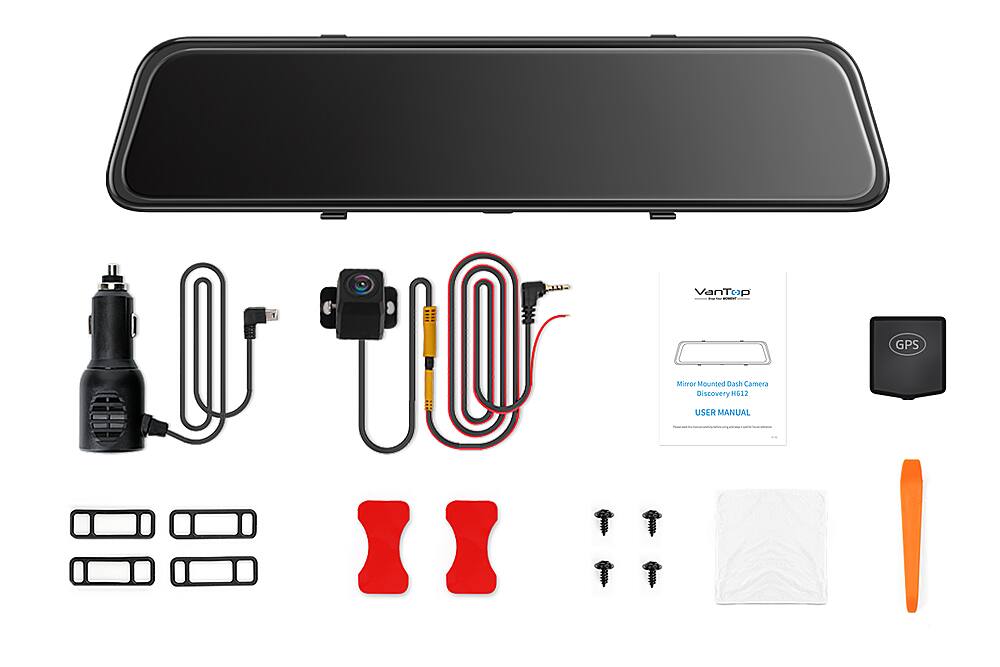
In regard to your query, we regret that we don't sell the backup camera for the dashcam separately. However, we have the replacement rear camera in stock, and we are willing to help you out soon.
We are dedicated to ensuring your 100% satisfaction. Please feel free to reach out to us via support@vantop.com. We are more than happy to assist you further.
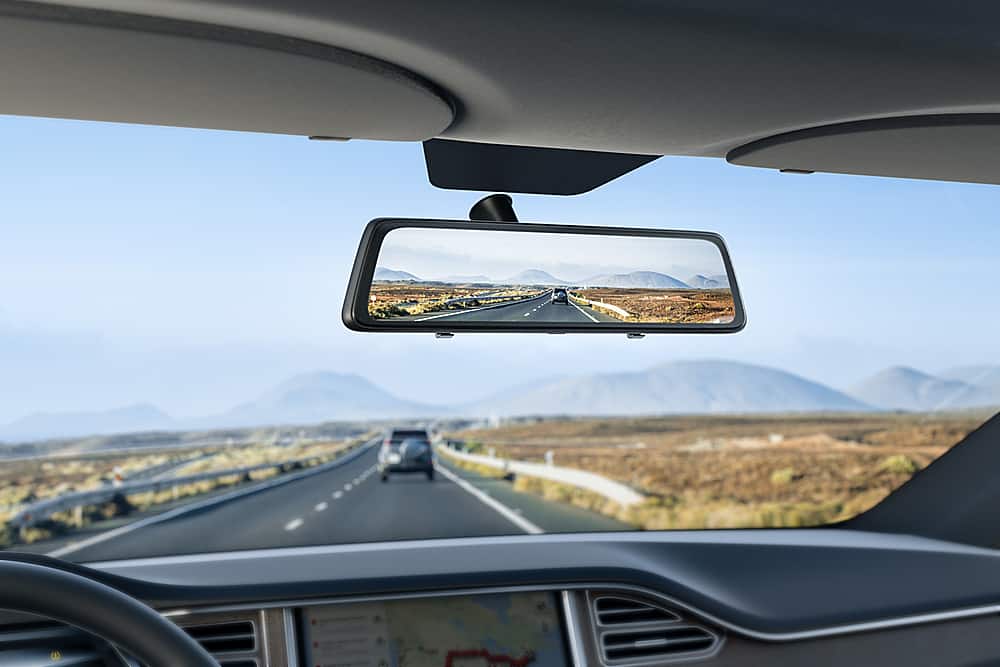
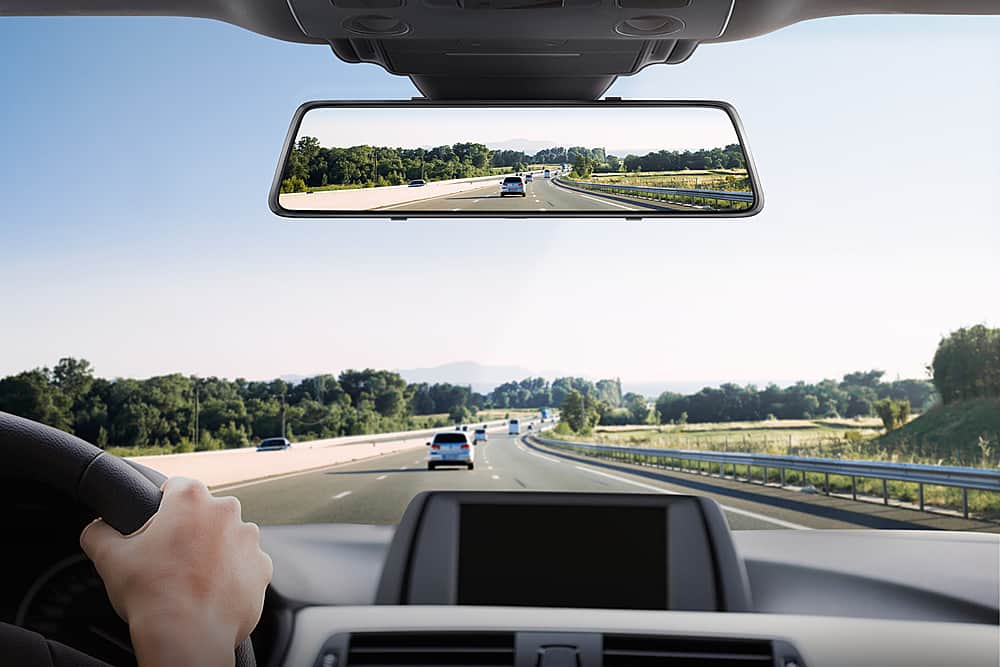
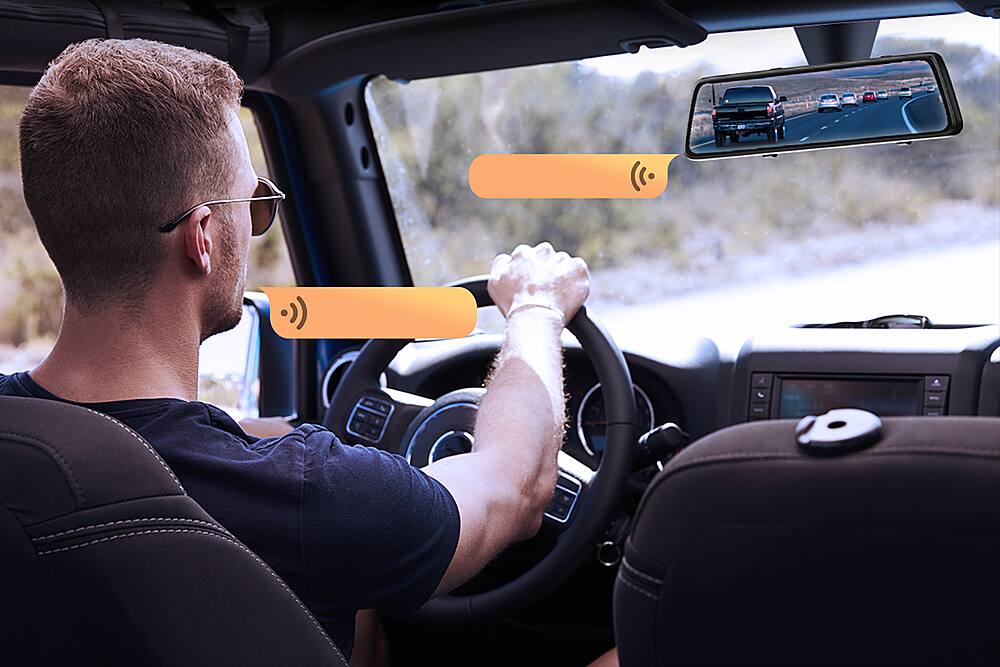
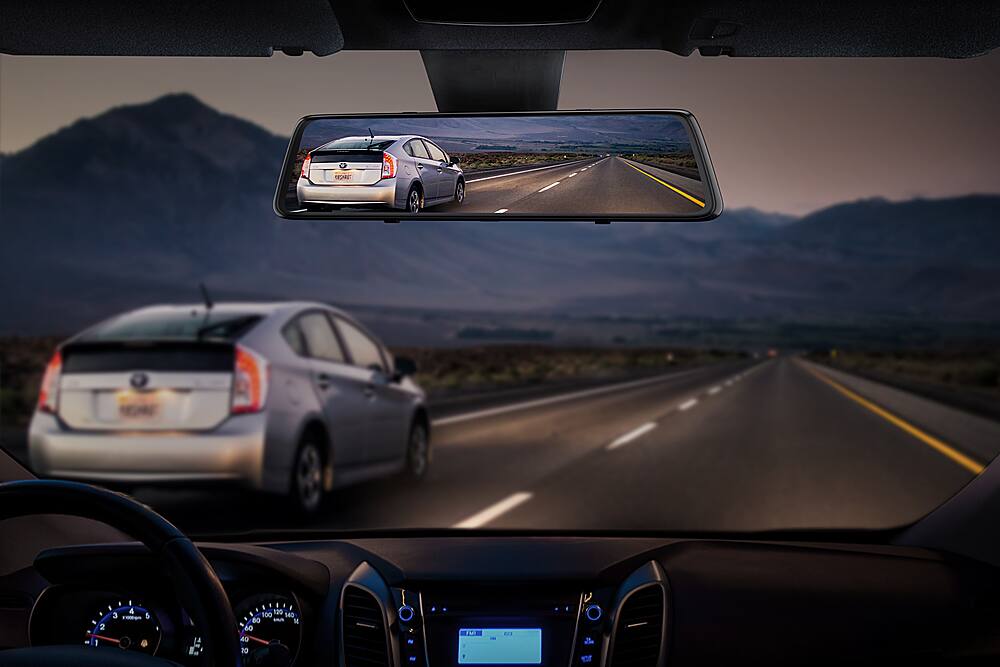
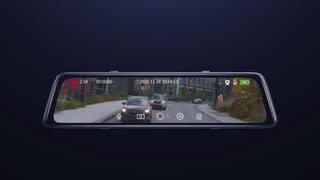
A:AnswerYes it does function as a mirror. You tap the screen and it lights up. After 1-5 min, depending on your settings, the screen goes to sleep and you can use the mirror. It also has a button at the bottom you can press to turn off the screen and go into the mirror mode.
A:AnswerBrand response from Vantop Team
In regard to your query, you can slide right on an empty section of the touchscreen to check photos/ videos saved. You can find locked videos in two folders: "Front Locked Videos" and "Rear Locked Videos."
Please note that videos in the standard saved video files cannot be locked. If you want to lock real-time recording videos, you can press the lock button on the real-time recording interface to lock the video.
We are dedicated to ensuring your 100% satisfaction. If you have any other questions, please reach out to us via support@vantop.com. We are more than happy to assist you further.
A:AnswerBrand response from Vantop Team
If you use the car charger, please kindly check if the cigarette lighter still provides power after the engine is off. If your car still provides power after the engine is off, then the dashcam will drain the battery of your car until it turns off.
In this case, we need to unplug the car charger when the engine of the car is off to avoid the drainage of the car battery.
Also, it is suggested to purchase the 3-core hardwire kit. And the parking mode function only can be used when you connect the device to your car via a hardwire kit.
If you installed the 3-core hard-wire kit, please kindly note that hard-wire kit has low voltage protection function. When the voltage is lower than 11.8V(+0.2V), the hard-wire kit will automatically cut off the power from the car. Therefore, it will not drain the battery of the dashcam.
For your concern, we are sorry that the accessories of the dashcam are not available for purchase from Best Buy.
We are dedicated to ensuring your 100% satisfaction. If you have any other questions, please reach out to us via support@vantop.com. We are more than happy to assist you further.
A:AnswerBrand response from Vantop Team
In regard to your query, we suggest that you contact Best Buy for further information.
We are dedicated to ensuring your 100% satisfaction. If you have any other questions, please reach out to us via support@vantop.com. We are more than happy to assist you further.
A:AnswerBrand response from Vantop Team
In regard to your query, the cameras are not wireless. And there are installation instructions in the user manual. Please refer to it.
We are dedicated to ensuring your 100% satisfaction. If you have any other questions, please reach out to us via support@vantop.com. We are more than happy to assist you further.
A:AnswerBrand response from Vantop Team
In regard to your query, the HF612L works on a 2019 Acura Rdx.
We are dedicated to ensuring your 100% satisfaction. If you have any other questions, please reach out to us via support@vantop.com. We are more than happy to assist you further.
A:AnswerBrand response from VanTop Team
Regarding your issue, please contact with our support team. We'll send the manual for you.
We are dedicated to ensuring your 100% satisfaction. Please reach out to us via support@vantop.com . We are more than happy to assist you further.
We offer a 24-month warranty for this product, plus lifetime technical support. Our standard for responding to email quests is less than 24 hours, and we look forward to hearing from you!
A:AnswerYes they do. Be careful of placement of mirror as this can cause interference with advance vehicle electronics as in TPMS system and remote start.
A:AnswerHello, in answer to your question. I’ve been using this mirror for a few weeks now. I don’t know if It has Dimming or not I didn’t get that far with it. One thing I can tell you is since you can speak to it I just had the screen turn off and I can use it as a regular mirror. Most of the time I just leave the screen on and use it as my rearview mirror it’s just as good if not better. I hope that has been helpful to you. Have fun with it and good luck.
A:AnswerBrand response from VanTop Team
Regarding your issue, please kindly understand that the videos are encoding in H.264 or H.265 according to the system settings. So we need to use the media players that support the encoding H.264/H.265 to view the videos such as VLC Player with 2.2.0 version, Elmedia video player or Potplayer.
We are dedicated to ensuring your 100% satisfaction. Please reach out to us via support@vantop.com . We are more than happy to assist you further.
We offer a 24-month warranty for this product, plus lifetime technical support. Our standard for responding to email quests is less than 24 hours, and we look forward to hearing from you!