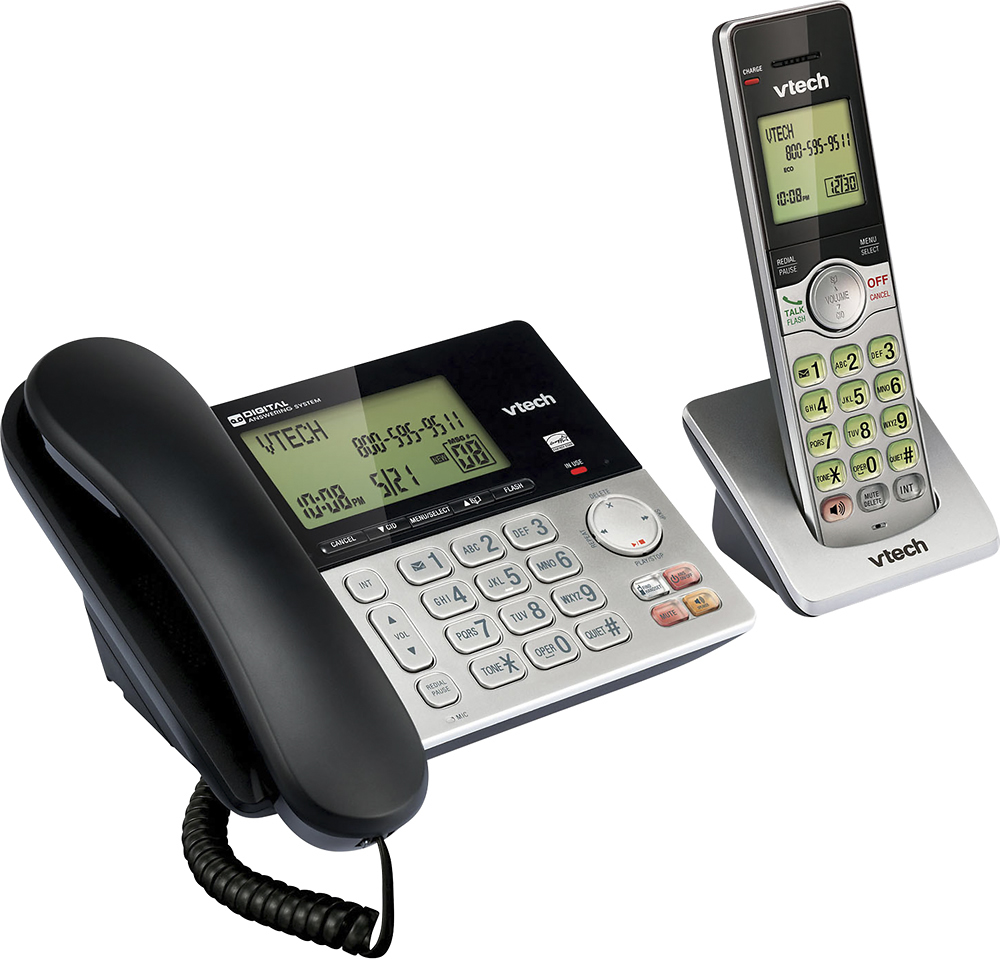
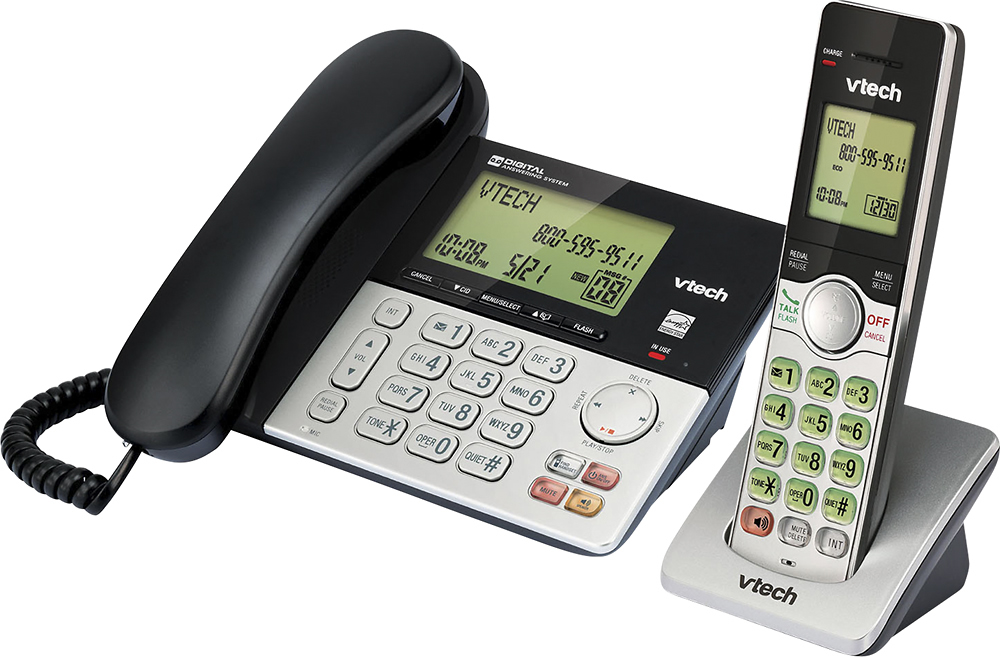
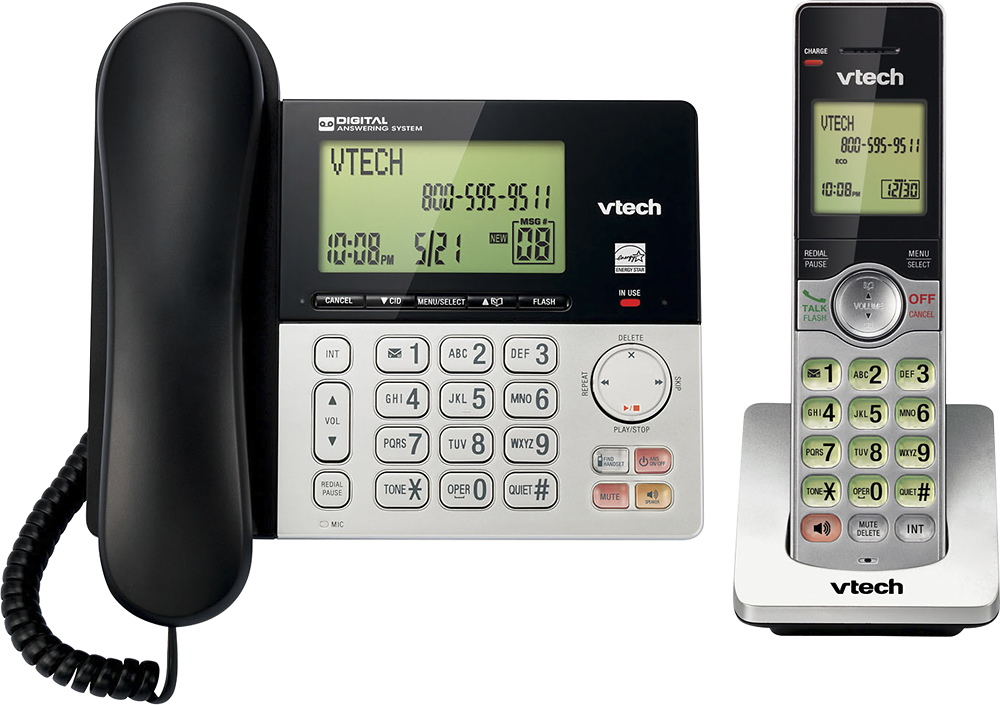
A:AnswerHi - Voicemail is subscription from your local telephone service provider. Please contact your telephone service provider to get the instructions on how to listen to your Voicemail messages.
Thank you,
-VTech Support
A:AnswerHi - The CS6949 does not have a jack for a corded headset. Instead, you may check the model DS6251-2, which does have a jack for a 2.5mm corded headset. Thank you.
A:AnswerMegan - You have set the language to either Spanish or French. When the phone is not in use, press MENU, then scroll up or down using Volume button until you see either Configuracion (Spanish) or Reglages (French). Press MENU. You will now see either Idioma LCD or Langage ACL. Press MENU. Now, scroll up or down until you see >English. Press MENU. You will see >Set English? Press MENU to confirm.
A:AnswerHi - The VTech CS6949 is capable of Voicemail and 3 way conference calling as long as you are subscribed to the services from your telephone service provider. You may reach our to your service provider for any subscriptions inquiry.
Thank you,
-VTech Support
A:AnswerComes with 4 rechargeable AAA batteries, 2 for each cordless. Instructions specifically say not to use regular alkaline batteries, only rechargeable.
A:AnswerHi - The VTech CS6949 supports a maximum of five devices. The cordless handset compatible with the telephone base is the model VTech CS6909. Here's how you can register a cordless handset to the telephone base.
Step 1. On the telephone base, press and hold FIND HANDSET for about 4 seconds until the IN USE light turns on, display shows Registering......
Step 2. On the cordless handset, press QUIET#. Display shows Registered and you will hear a confirmation tone.
Thank you,
-VTech Support