A:AnswerIt should be possible. I use cut and paste myself. By dragging the picture, it will at least copy it. Then you can delete it later.
I have hundreds and hundreds of pictures on mine that I used this technique for.
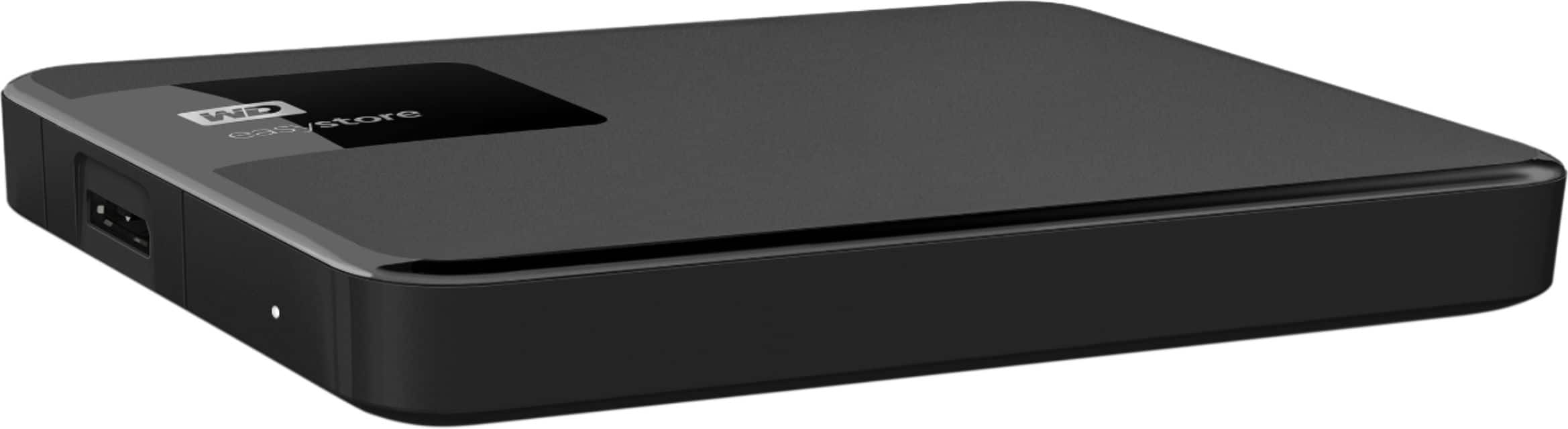
A:AnswerIt really depends on the file sizes, but since you said you're not sure what the sizes mean, I'm going to take an assumption that your Mac's HDD is 1TB, so 2TB should be plenty for you. This will be great for backing up your files.
A:AnswerI do not see why not. In fact you should be able to boot from this USB drive when you start up with the Windows Boot Management menu (Usually F12).
A:AnswerThe hard drive is just a place to store your digital data. For security of your files, you would need an encryption app or software. If you're talking about a place to store video for home security, the bigger the better. I would recommend storing home security video on a cloud server.
A:AnswerYou always want to back up the stuff you do not want to lose for example; pictures, music, and documents. If you back up.your stuff onto an external hard drive and your computer stops running and you either need to replace it or format it you will still have all your stuff. Because if those things happened and you did not back up you will lose everything.
A:AnswerYes, USB 3.0 is backwardly compatible with USB 2.0. The key difference is the connection speed - USB 2.0 has a lower transfer rate than USB 3.0.
For your tablet, there should be no other difference between the devices.
A:AnswerI have one on my Xbox One and it works great. When you plug it in to the USB 3.0 port on the Xbox One, the system will see the drive and will reformat it so it can be used. You will have to go to the system menu, under stowage and change where you want you games ect stored or transferred. The short 3.0 USB cable is a pain because of it's short length but don't be tempted to use an older USB 2.0 cable. Performance will slow down if you do.
Hope this helps