A:AnswerHi CAB,
Thanks for showing your interest in WD My Book drive. Please know we have tested this drive on Windows and MacOS. For more information you can refer to this link. https://shop.westerndigital.com/en-us/products/external-drives/wd-my-book-usb-3-0-hdd
Need Help? Please see our “ Contact Us” page for information
A:AnswerYou have to connect both to the PS4. You'll have to add the games from the 1 Tb drive to the PS4's internal HD. Then go under settings, external hard drive...activate the 8 Tb... transfer files. It takes a bit to do.
A:AnswerHi Paul,
Thanks for showing your interest in WD My Book. Please refer to the link mentioned below to check the compatibility.
See the page no.8
http://products.wdc.com/library/UM/ENG/4779-705157.pdf
Need Help? Please see our "'Contact Us" page for information
A:AnswerHi HD,
The WD My Book hard drive comes pre-formatted for Windows OS. However, the hard drive can be reformatted in the supported filesystem for Mac OS. Please refer to the link mentioned below for more information.
Reformatting Required for Mac OS Compatibility:
https://support-en.wd.com/app/answers/detail/a_id/3879
Need Help? Please see our "'Contact Us" page for information
A:AnswerAbsolutely, I use it in a similar manner. I have a small form factor short term backup 4TB drive that I keep handy. I back up to the 4TB drive and then weekly I transfer files from it to the 8TB for long term storage. You could do the same with your 1TB drive. Keep in mind this 8TB is not intended to be running constantly like a network drive, it's best to back up data to it and then remove it. In my case, I leave it connected until I power down the computer then disconnect it and put it back in a cabinet where I store it, it's only on long enough for the file transfer, no more than an hour or two per week.
A:AnswerQuestion 1: As far as PS4 compatibility, I can't say for sure but it DOES work with my Xbox One after just testing it.
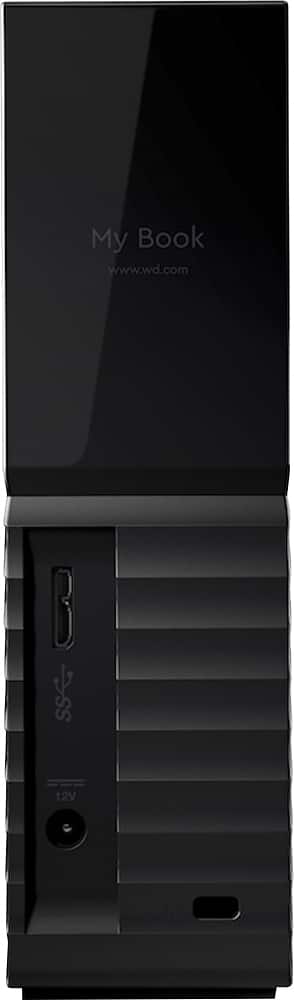
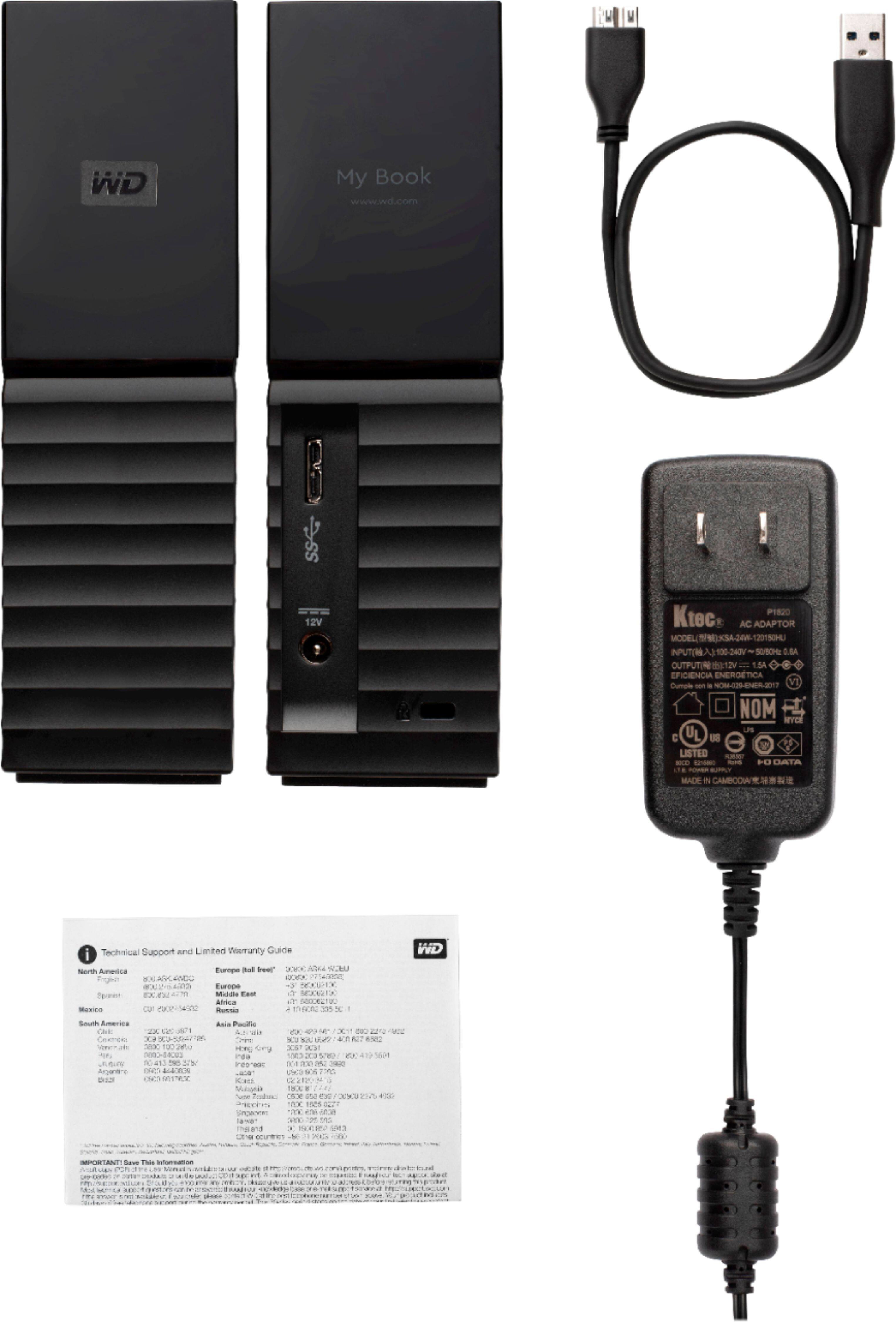
Question 2 - Yes, it comes with both the 3' - USB cable (USB-3.0 Micro-B 10-pin [External Hard Drive] to USB-3.0 Type-A [computer or PS4] ) and the AC Adapter for its power source.
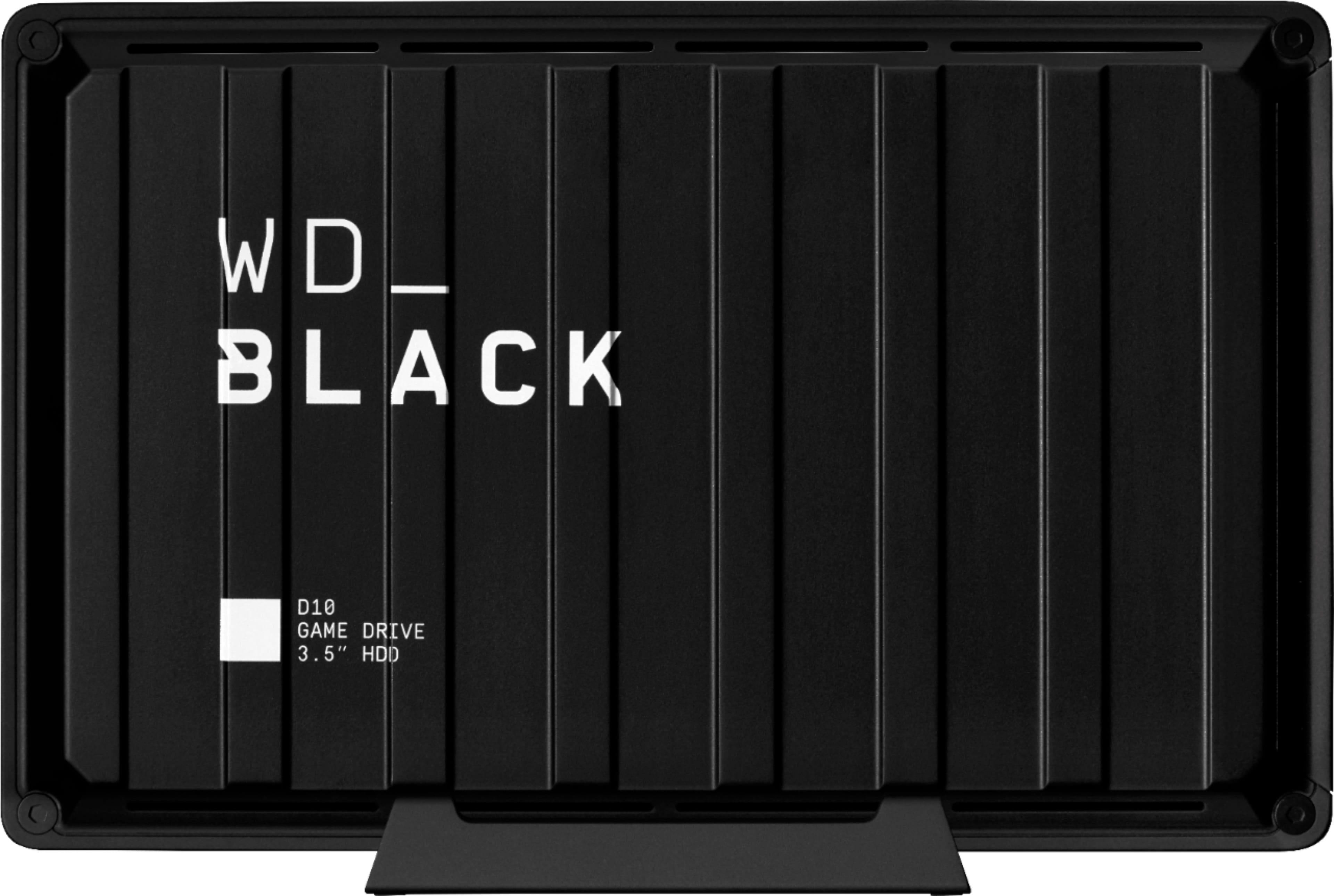
This hard drive will likely work well for PS4 but WD makes a better drive specific to gaming, allowing for faster transfer/render speeds. I would check out the WD - WD_BLACK D10 8TB External USB 3.2 Gen 1 Hard Drive. If you want a hard drive that's literally built for speed and money isn't a big issue, say if you want to run your games off the drive and not just have it as a backup, I would go with a SSD considering it has no moving parts reducing noise/heat and increasing speed. The downside is the price per GB is significantly higher than a HDD (about 4x cost) but it's usually worth it.
I included the link to both recommendations as well as pictures of this hard drive's cable and ports. I hope this helps.
A:AnswerIf you're referring to Digital Documents then yes, that is exactly what it is built for. You can use it as a system backup or just store documents/files on it, making room on your computer for better-operating efficiency.
A:AnswerThe hard drive only has 1 USB port to connect to one computer at a time. BUT.... What you can do is use some of the MacOS features regarding file sharing and hard drive sharing between computers on a network or connected via another method.
Check out these apple support articles, they should give you a good starting off point:
https://support.apple.com/guide/mac-help/connect-mac-shared-computers-servers-mchlp1140/mac/10.15
https://support.apple.com/guide/mac-help/set-up-file-sharing-on-mac-mh17131/10.15/mac/10.15
https://support.apple.com/guide/mac-help/set-up-your-mac-to-be-secure-flvlt003/10.15/mac/10.15
There is another feature called
A:AnswerYes, but, if its an older system you may have to format it to fat32. There is a setup utility on newer DVR security systems to point it to the external drive. It may be more cost effective for you to buy a larger internal sata or ssd drive if your comfortable with disassembling your system.
A:AnswerYes this will be an excellent place to back up movies, music, school work, etc. How many it will back up depends on the size of the movie as well as the size of the back up hard drive. Mine has over a thousand movies on it with room to add more.
A:AnswerYou can do anything you want with the drive if you are able to do it outside of the provided software. It's just an external drive. The provided software seemed to have limited security options that probably wouldn't allow you to set security for different users or partitions.
A:AnswerNot knowing what part of your gaming activity would be present on the disk, what matters is the actual read and write speed over your USB port connection. That speed may well be fine for certain games, other, high-intensity video interchanges might be a limiting factor. That said, nothing beats a success, but a failure...... Try one.
A:AnswerThe case is not designed to be easily opened to replace the drive. The case is a screwless design. But, it can be opened with some prying and the proper tool. You might wind up with some dents or scratches on the case and/or broken clips if not very careful. You can search for for several videos that show you how to do it.