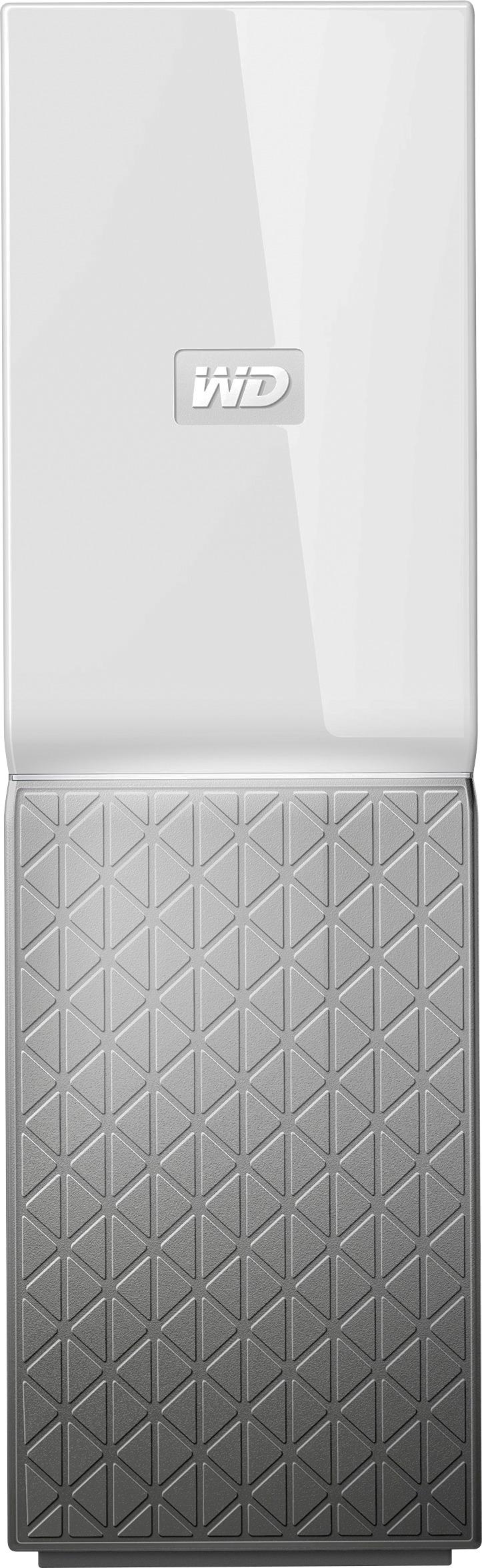
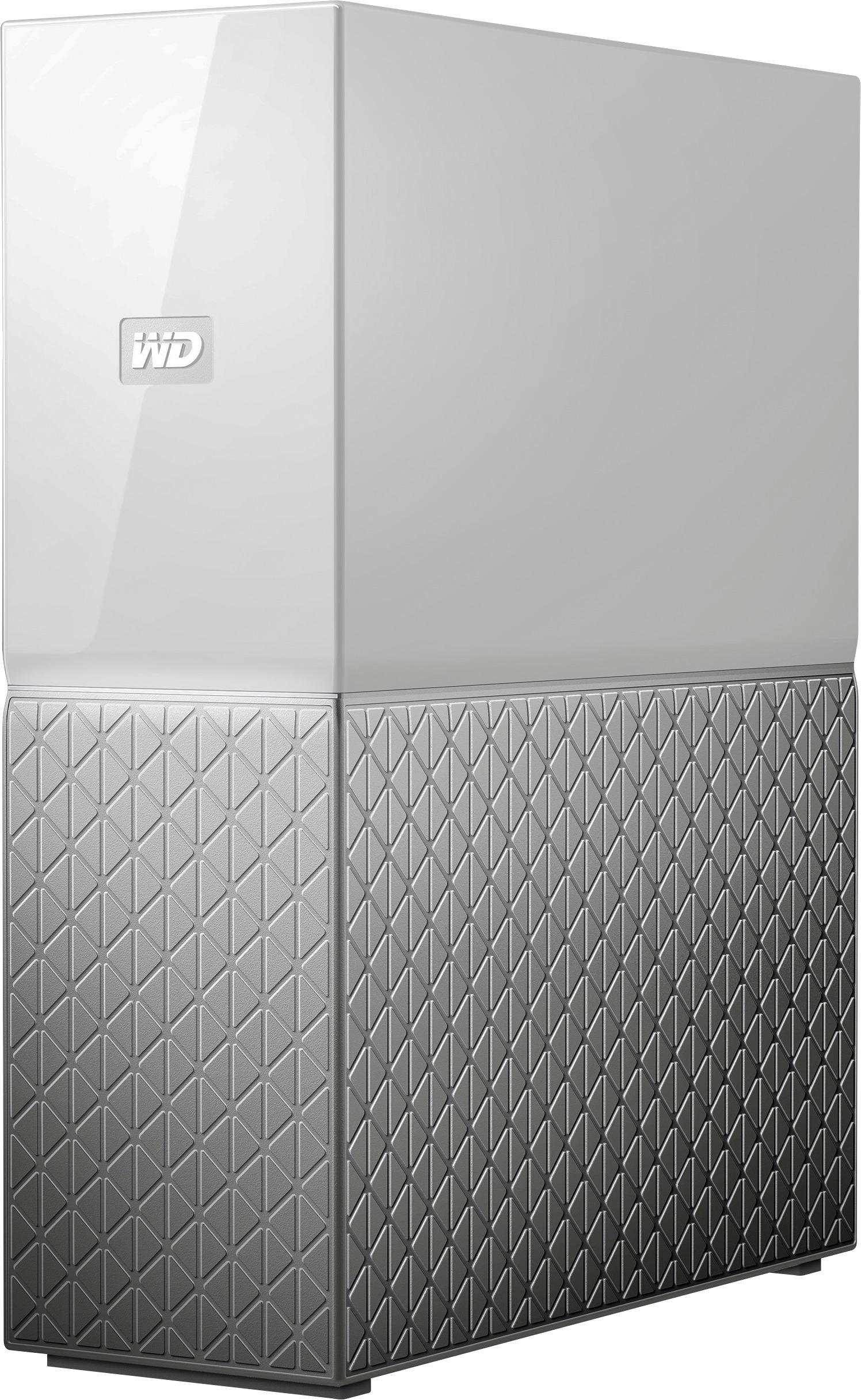
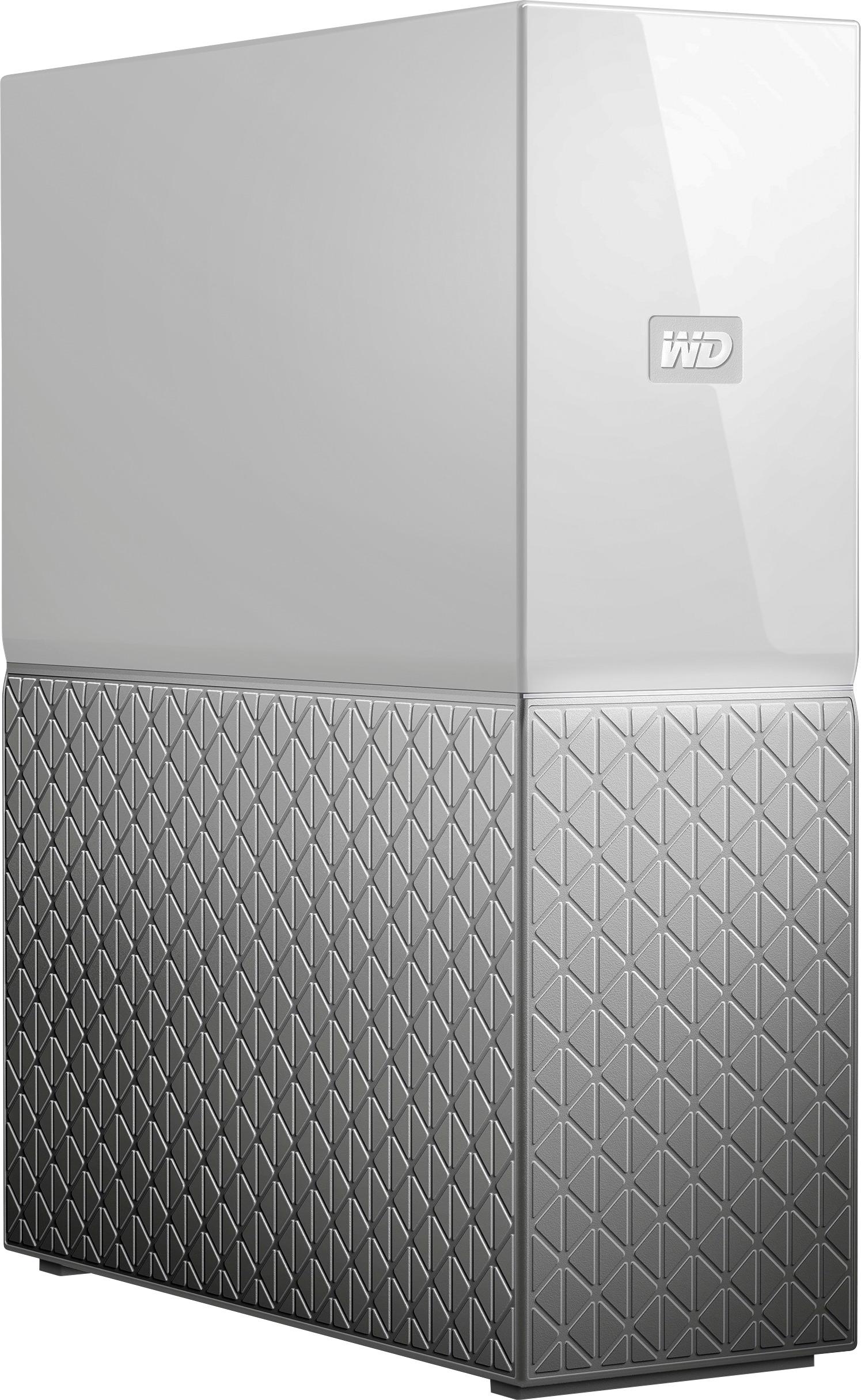
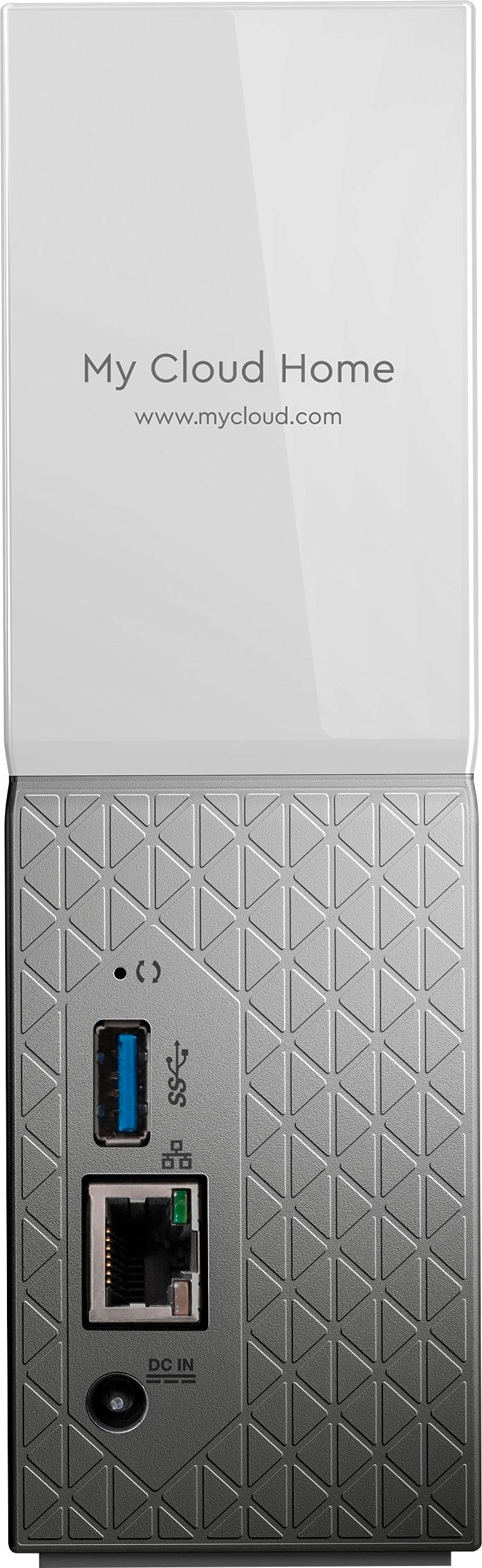
A:AnswerHello, Please be informed that the My Cloud Home device fit your needs with support for streaming services like Google Chromecast and Plex Media Server. For more information about the drive refer the Product overview and User Manual in below links- Product Overview- http://products.wdc.com/library/AAG/ENG/4178-707321.pdf User Manual- http://products.wdc.com/library/UM/ENG/4779-705163.pdf -Need Help? Please see our "'Contact Us" page for information.
A:AnswerHello,
I use Windows 10 and have had no Network Management Issues. I had no issues pinning the drive to Network Neighborhood where it operates as a NAS. What is better when you download and install the My Cloud Home Software it places a Z Drive in Windows Explorer which is even easier. I am coming from the Original My Cloud and this is a huge upgrade. Hope this helps.
A:AnswerHello,Please be informed that My Cloud Home is an easy-to-use personal storage device that plugs directly into your Wi-Fi router at home so you can save all your digital content in one central place. Yes, the devices public share can be accessed locally on the computer in the local network. But for the private shares internet is required. For more information on the device refer to the User Manual and Product Overview in below link: User Manual: http://products.wdc.com/library/UM/ENG/4779-705163.pdf Product Overview: http://products.wdc.com/library/AAG/ENG/4178-707321.pdf -Need Help? Please see our "'Contact Us" page for information.
A:AnswerHi,Please be informed that My Cloud Home is an easy-to-use personal cloud storage device. Its run on a different operating system and for my cloud series it will considered OS 5. For more information about the drive refer to the User Manual: http://products.wdc.com/library/UM/ENG/4779-705163.pdf -Need Help? Please see our "'Contact Us" page for information.
A:AnswerHi, Please be informed that in order to assist you better, we request you to please get in touch with our customer service team. This way we can ask you some questions to discuss in detail & to provide the best possible answer. -Need Help? Please see our "'Contact Us" page for information.
A:AnswerThe device is basically a drive on your network that performs as any other drive. You'll need to either place your key phrases in the title, or use an organizer software to do what you want. I will follow this in hopes someone has a better answer.
A:AnswerI believe there is only 1 drive in each unit, based on your choice of devices. 1 2TB or 1 4 TB, etc. The unit has 2 physical drive bays, so I assume you could add another drive if you wanted for additional capacity of the or for raid.
A:AnswerHi richgore, Please be informed that My Cloud Home is an easy-to-use personal cloud storage device. No, it does not supports additional drive. For more information about the drive refer the Product overview and User Manual in below links-
Product Overview- http://products.wdc.com/library/AAG/ENG/4178-707321.pdf
User Manual- http://products.wdc.com/library/UM/ENG/4779-705163.pdf -Need Help? Please see our "'Contact Us" page for information.
A:AnswerHi Candi, My Cloud Home is an easy-to-use personal cloud storage device that plugs directly into your Wi-Fi router at home so you can save all your digital content in one central place. Individual, private spaces for each user - Invite family and friends to create individual accounts. They can manage, access and share their content as they want. For more information on the device refer to the link: http://products.wdc.com/library/UM/ENG/4779-705163.pdf -Need Help? Please see our "'Contact Us" page for information.
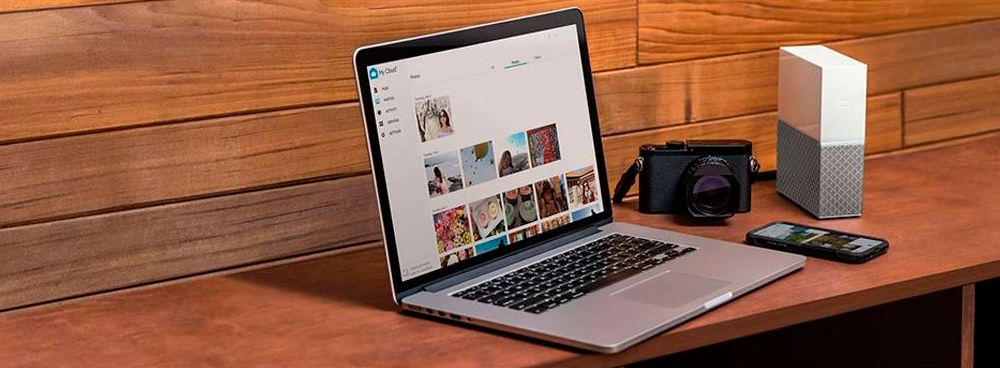
A:AnswerHi HarborIslander, My Cloud Home is an easy-to-use personal storage device that plugs directly into your Wi-Fi router at home so you can save all your digital content in one central place. Back up the photos and videos on your phone, and wirelessly back up and sync all your PC and Mac computers and cloud accounts. This can be accessed locally and remotely on PC and Mobile devices. For more information on the device refer to the link: http://products.wdc.com/library/UM/ENG/4779-705163.pdf -Need Help? Please see our "'Contact Us" page for information.
A:AnswerAs far as I can tell, no. It does not behave like a traditional hard drive (NAS or otherwise). On MacOS, disk utility will not identify it, and the few setup options it has do not include partitioning.
A:AnswerHi Dgm,
Please be informed that the WD My Cloud Home needs to be connected directly to a network router.
http://products.wdc.com/library/UM/ENG/4779-705163.pdf
Need Help? Please see our "'Contact Us" page for information.
A:AnswerAbsolutely.
This drive can run PLEX server (free) and then I put that app on my streaming devices, phones, tablets and PCs. PLEX runs really well on this drive and provides an amazing interface to your, movies, pictures and music.