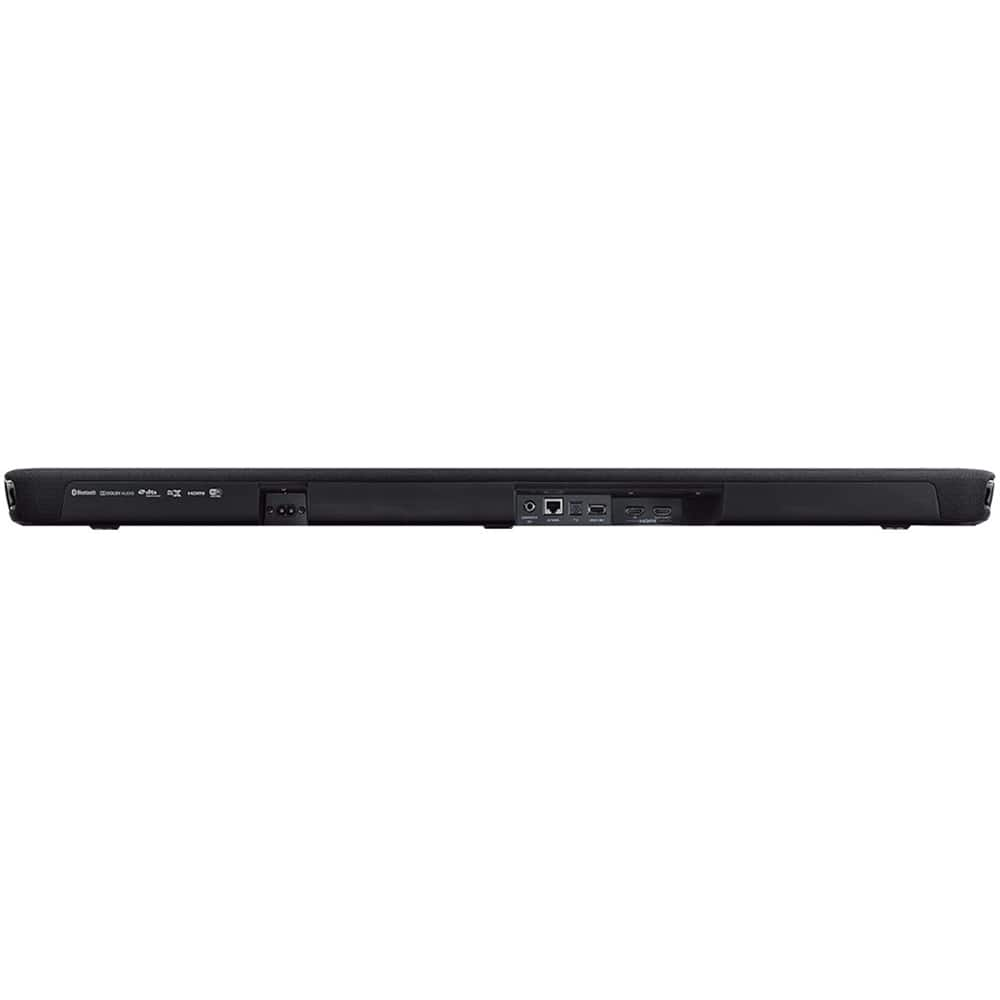
A:AnswerNo, HDMI and optical outputs only. Consider one of these adapters:
https://www.bestbuy.com/site/insignia-hdmi-audio-extractor-black/6324750.p?skuId=6324750
https://www.bestbuy.com/site/insignia-hdmi-to-rca-converter-black/6134314.p?skuId=6134314.
The 2nd one needs an RCA to AUX cord.
https://www.bestbuy.com/site/insignia-6-3-5mm-stereo-audio-rca-cable-black/6412631.p?skuId=6412631
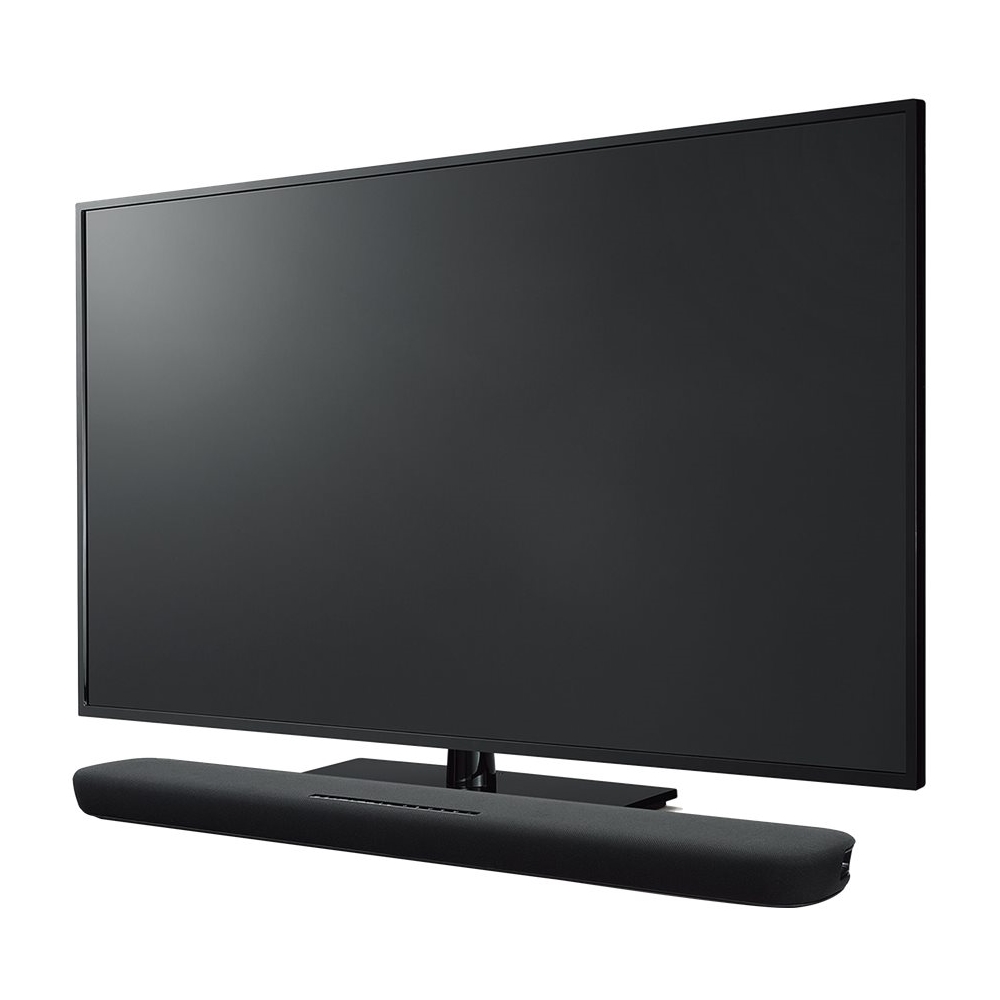
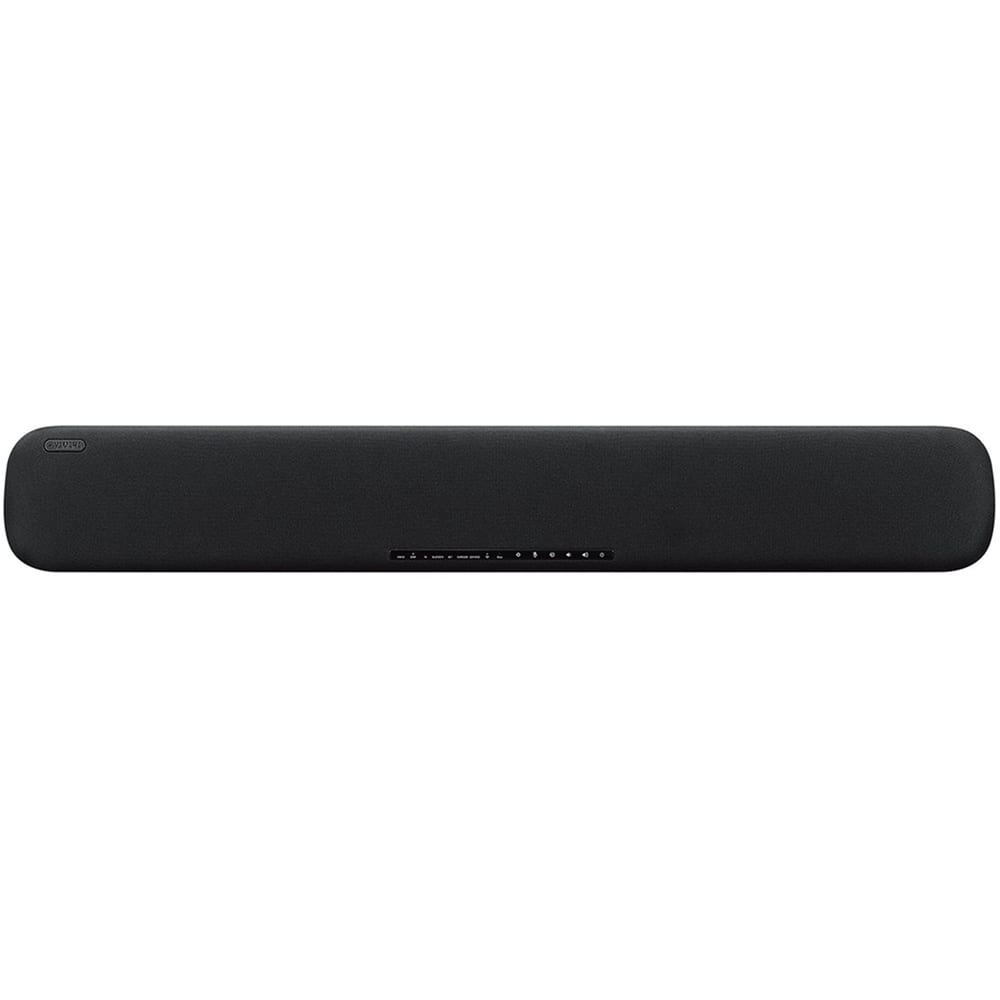
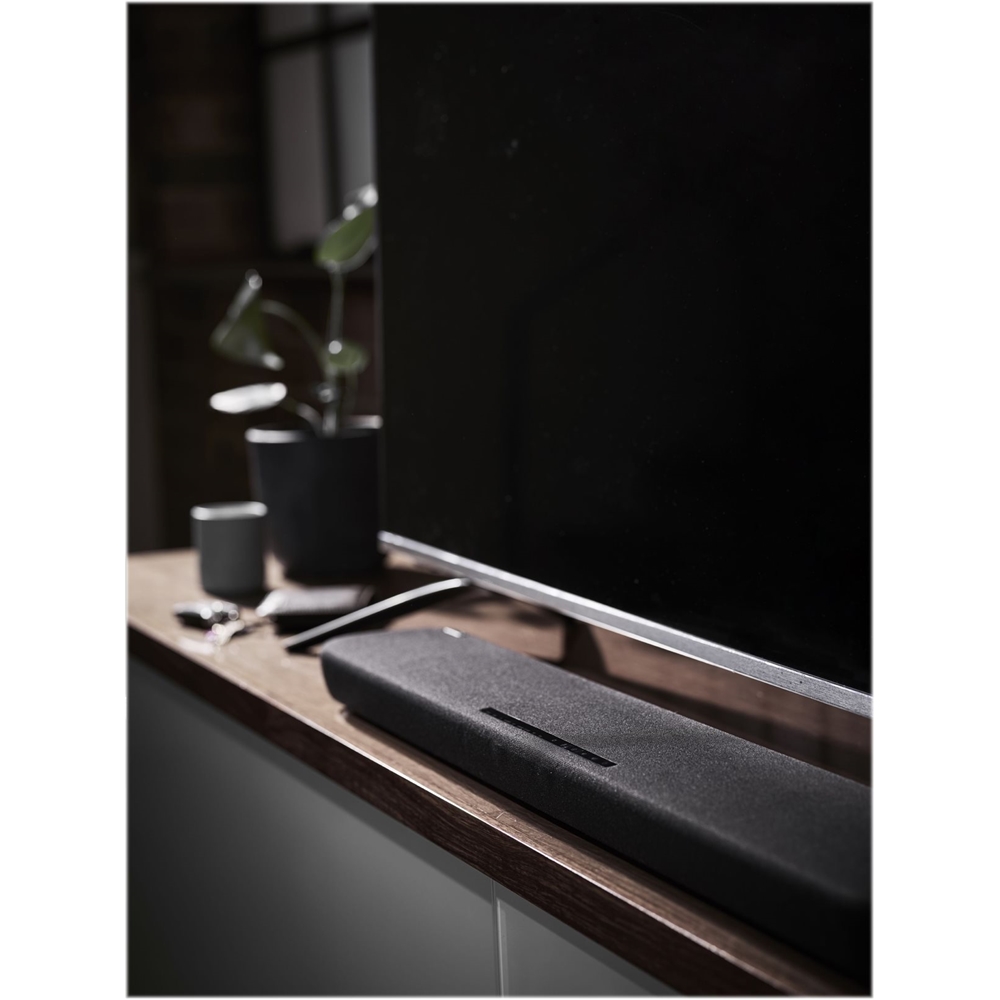
My opinion: this is a great soundbar.
A:AnswerDITTO! Very annoying, especially missing a punch line or the answer to those soap operas' probing questions, etc. LOL!
I sure hope we get a solution, otherwise; it's going back.
A:AnswerI was able to add mine to my "everywhere group" but then it shows an error as far as playback. I think it is supposed to work but so far mine has not.
The error given is that it is not on the same network...which it is.
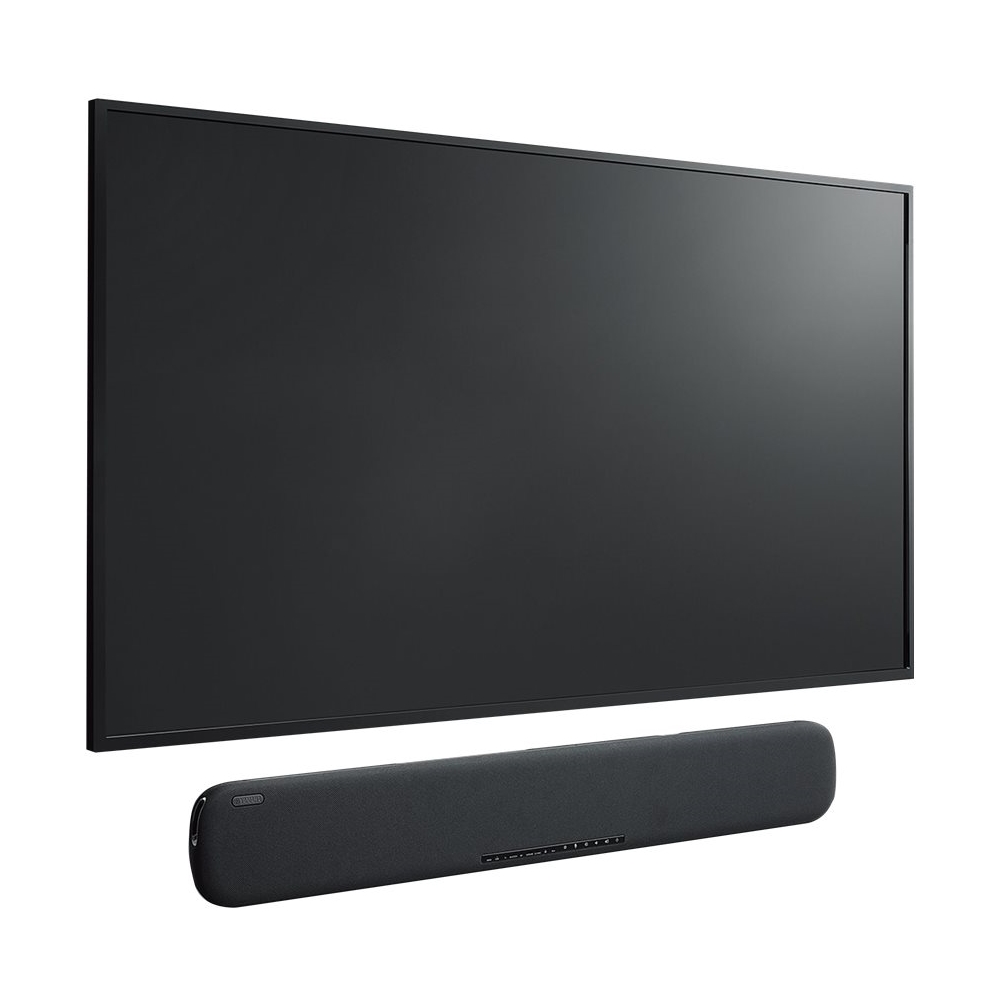
A:AnswerSure thing! All sound bars should be able to be wall mounted. Visit the official Yamaha website before purchase though, it should have info about it.
A:AnswerI see another purchaser said "It will require holes drilled into the soundbar"
Don't drill into the soundbar! There are mounting slots on its bottom, about 8" from each end. Tape the mounting template to the wall (leveled), mark drill-hole locations on the WALL, remove the template & drill holes in the WALL. Attach mounting hardware (not included) securely to the wall, using the holes you drilled. Align the factory made slots on the bottom of the soundbar to the heads of mounting brackets you just attached to the wall. The soundbar should drop less than half an inch on the bracket heads so it doesn't pull straight off. To remove the soundbar from the wall brackets, lift it while pulling towards you as you lift. It should hang and remove pretty easily.
A:AnswerThere is no built-in facility for a wireless woofer. You will need an RF wireless adapter for the soundbar and a matching one for the subwoofer input.