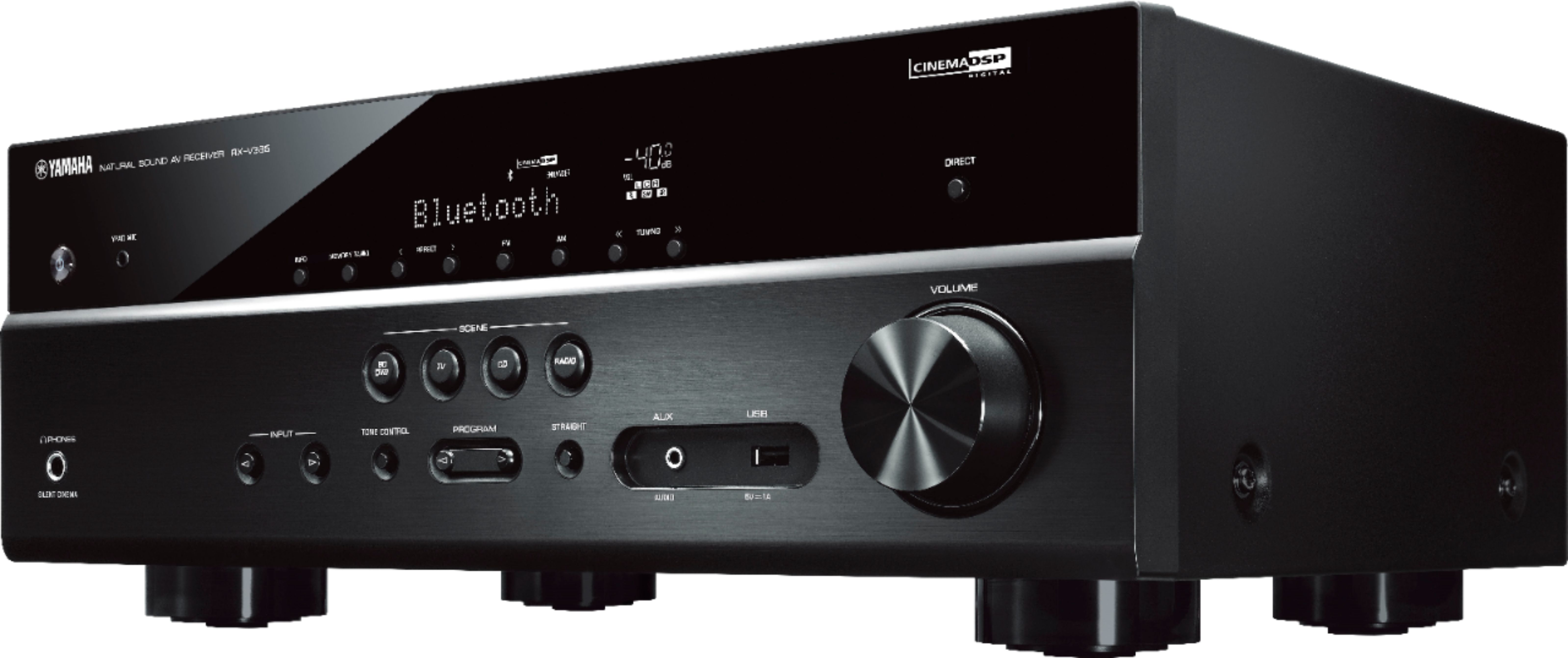
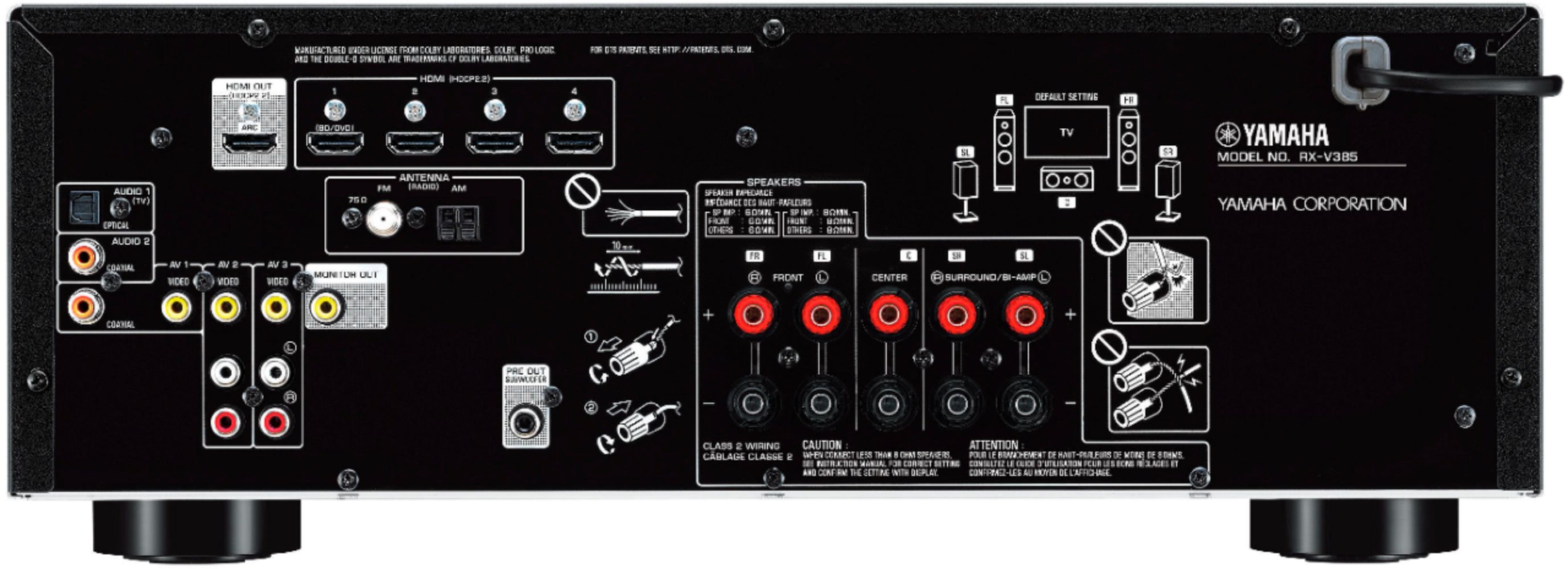
A:AnswerThe rear speakers are hard wired and the speaker wire to hook the rear speakers to the unit is included with the unit. The Bluetooth allows you to connect a Bluetooth device to the receiver so you can stream audio (only audio no video) to the receiver. A perfect example would be your phone. I use the Bluetooth to play music from my phone to the receiver. You just switch the input on the receiver to Bluetooth and do a scan on whichever device you want to connect to the receiver and it automatically pairs with the receiver.
A:AnswerI think the subwoofer has plenty of bass and have cranked it only to half before and had it vibrating our floors. There is a individual volume control knob on the back of the subwoofer which will allow you to turn it up. There is also an individual subwoofer bass level control in the receiver and the receiver has a button on the remote you can press for extra bass. The subwoofer included with the receiver is a "powered" subwoofer so it has to be hooked up to it's own power outlet. The powered subwoofers perform better since they don't have to draw power/voltage from the receiver. You can use a different sub with the unit and most subs will work. If you buy a sub, go with one that is a powered sub and not a passive one.
A:AnswerNo, they are all hardwired and must be connected to the back of the receiver using the included speaker wire. You would have to buy a rear speaker wireless kit if you wanted the rear speakers to be wireless.
A:Answerit has built in am/fm but no dvd. it has multiple hdmi inputs so you can connect dvd and send the video straight through to tv and amplify the sound through the stereo
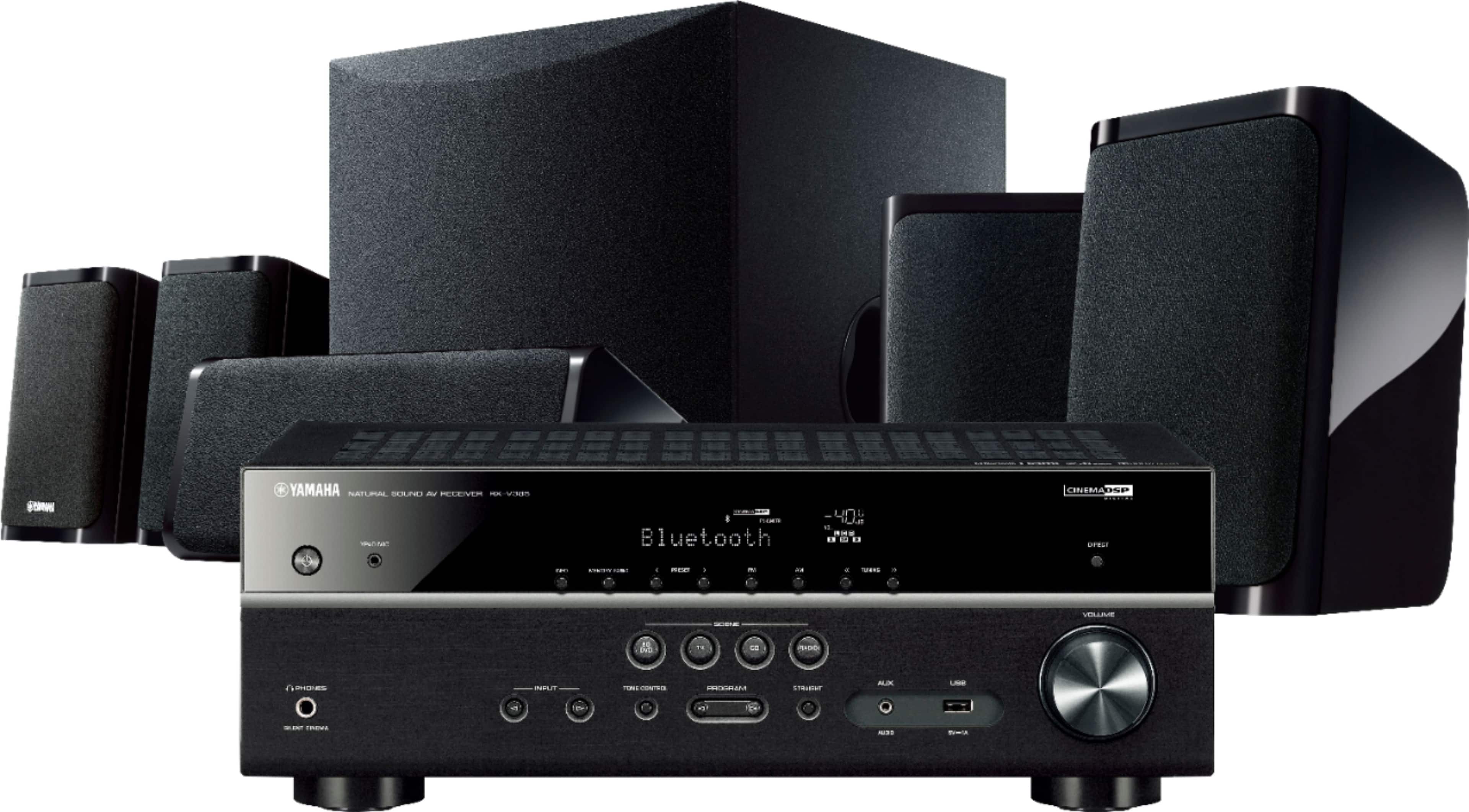
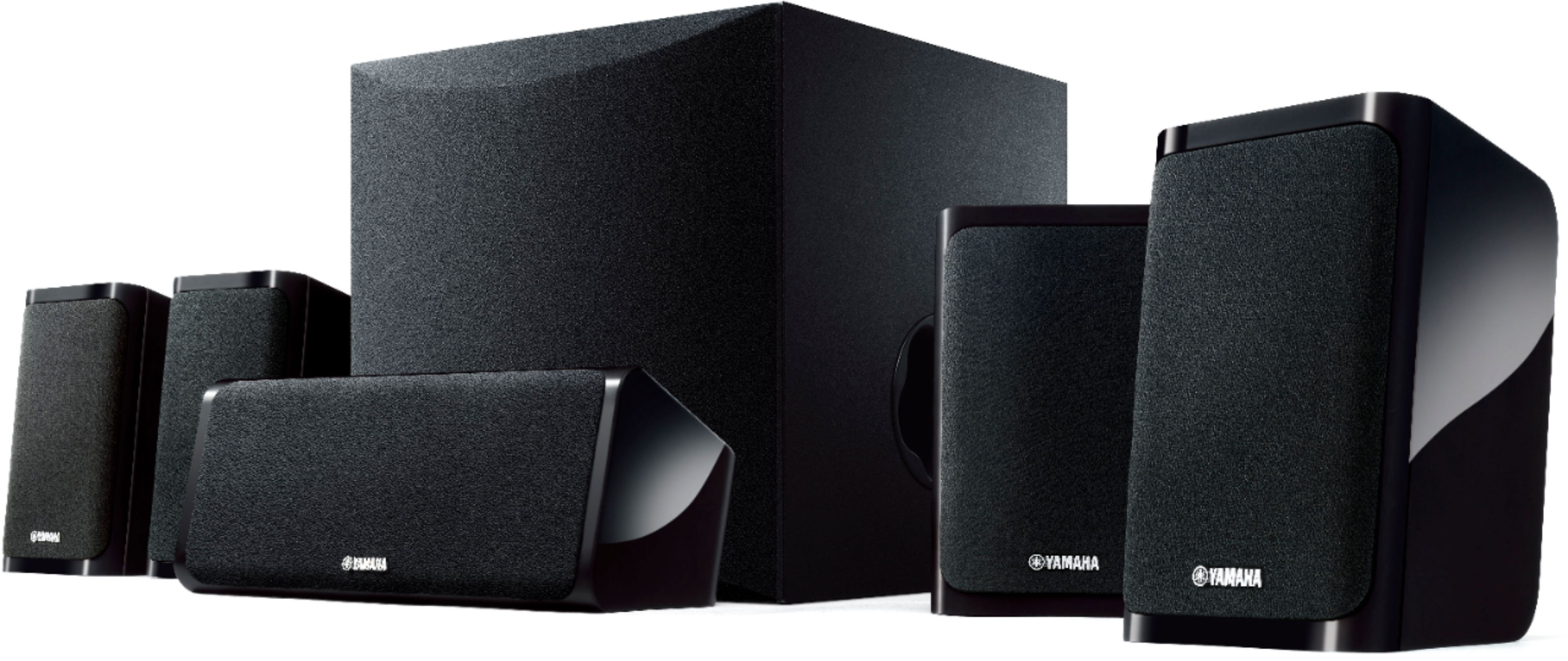
A:AnswerThe included speaker models are as follows: The whole package is labeled NS-P41. Making that up are 4 NS-B40 front and surround speakers (identical), 1 NS-C40 center speaker, and 1 NS-SW050 subwoofer. Each speaker has a max input power of 100 watts, for a total of 600. The front/surround and center speakers are all powered by the receiver, but the subwoofer requires it's own plug. All of the speakers are wired, so you'll want to consider how you are going to hide wires, particularly for the surround speakers.
A:AnswerYes, it does. I have tried it both ways and I will tell you, it’s better to do it through the HDMI as it has better performance and control with the arc and the controller for source. Through HDMI it will be able to sense what sources the sound is coming from and when you switch sources, it will sense the change and display the source. For example, I have all my components connected to my tv and the receiver is connected to my tv via HDMI with the arc. When I switch my sources on my tv the receiver senses that and displays what source is being used on the readout panel of the receiver. It’s also great at being controlled by the source and tv to the point where I turn off all my components with one button.
A:AnswerFor the best surround sound, having rear speakers is necessary. Virtual surround is never as good as the real thing. In a small room a soundbar may be fine, but you have very limited control of sound direction because you cannot move speakers to the necessary position in order to 'fill up the space' with sound. I hope that makes the difference clear.
A:AnswerHa... No! Check out this link, for a more accurate description: https://usa.yamaha.com/products/audio_visual/home_theater_systems/yht-4950u/specs.html#product-tabs.
A:AnswerNo, however, they where easy to hang with slots on the back of the speakers. I’ve hung four of the Speakers, two in front two on the back. I could hang the center speaker but it fits nicely on my console. Overall the Yamaha RX-V385/HTR-3072 has been a good experience.
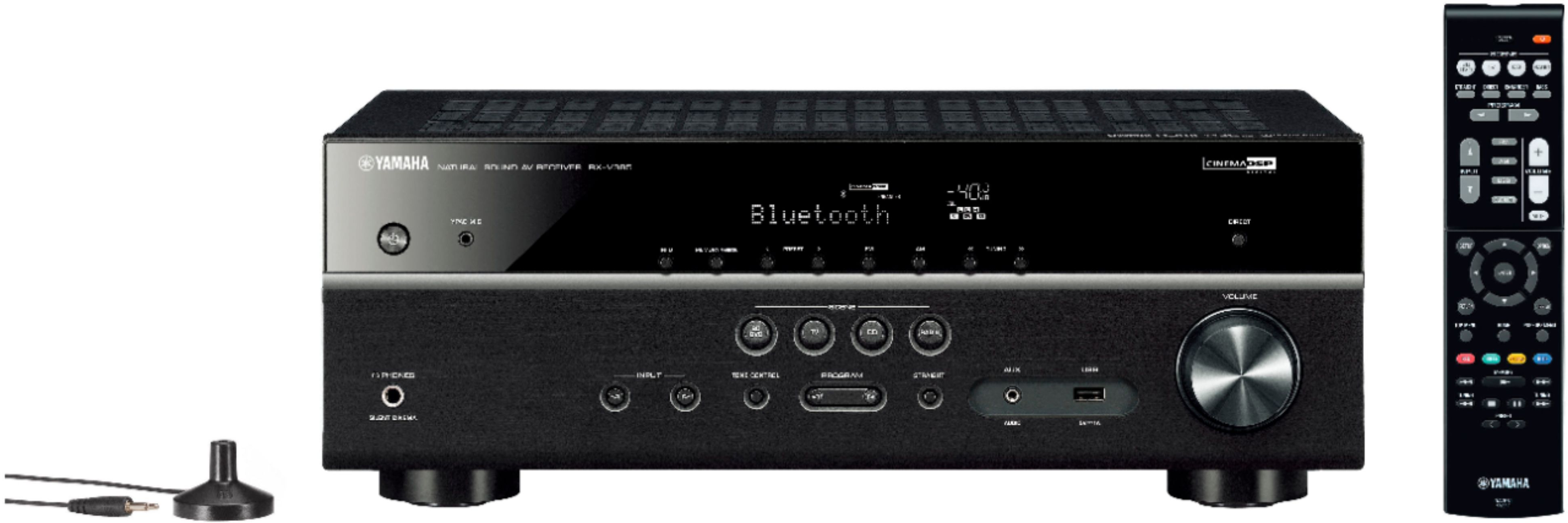
A:Answeryes very simple at the top of remote find "program" see pic button's and toggle thru until 2ch stereo then sound only comes thru front speakers