Surface Pro 3 Docking Station
-
Microsoft - Surface Dock 2 - Black
SKU: J3ZKK5228RSee all Docking StationsProduct Description
A black docking station offering USB-C, DisplayPort, Ethernet, and six USB ports for seamless desktop connectivity.Your price for this item is $169.99Save $484The previous price was $654.92 -
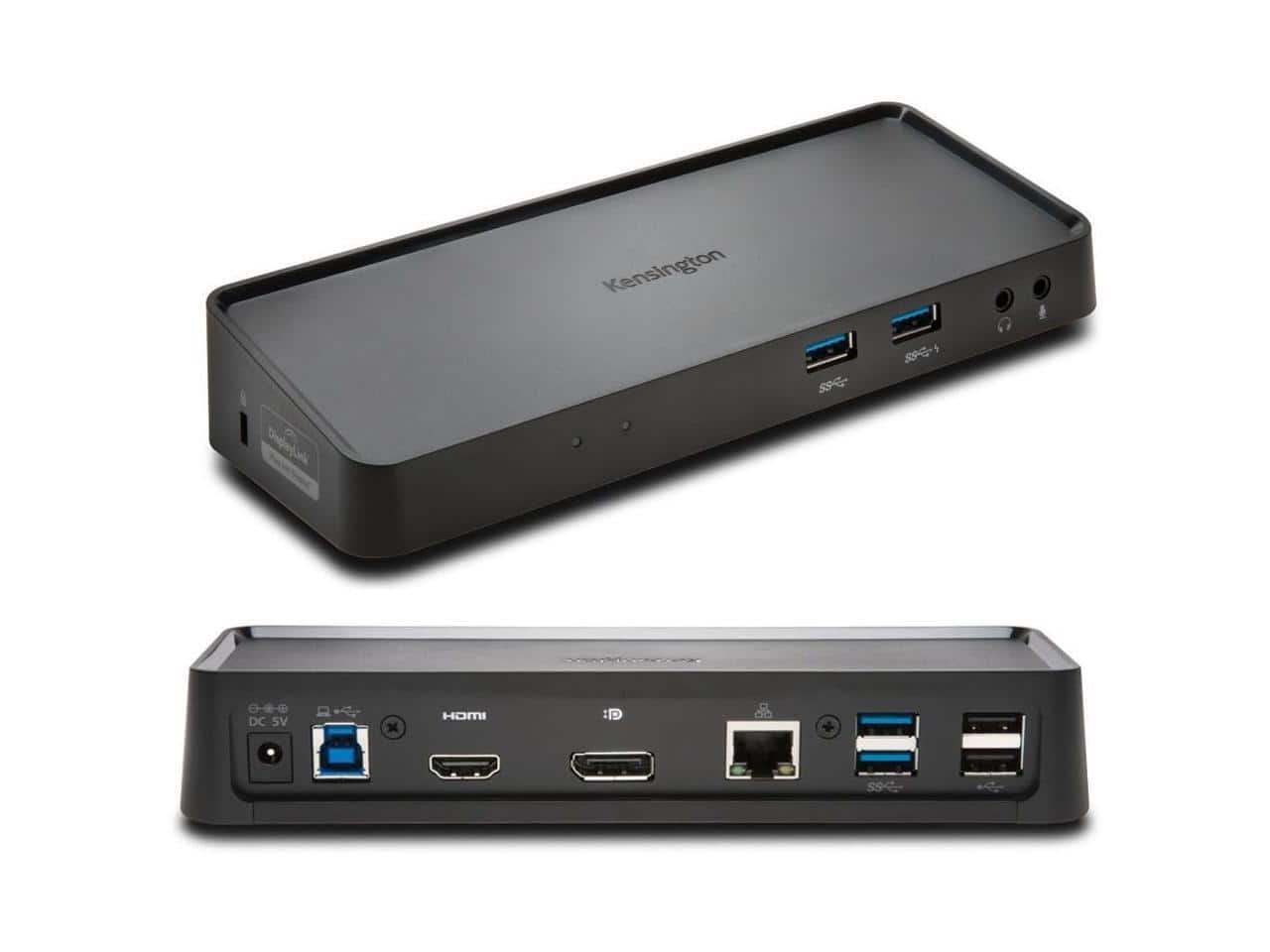
Kensington - Dual DisplayPort & HDMI Docking Station USB 3.0 for Windows, Mac OS, Surface Pro & Surface Laptop (K33997WW)
SKU: J7RJZKQWVCSee all Docking StationsProduct Description
A powered docking station supporting dual DisplayPort and HDMI outputs for Windows, Mac OS, and Surface devices.Your price for this item is $90.99 -
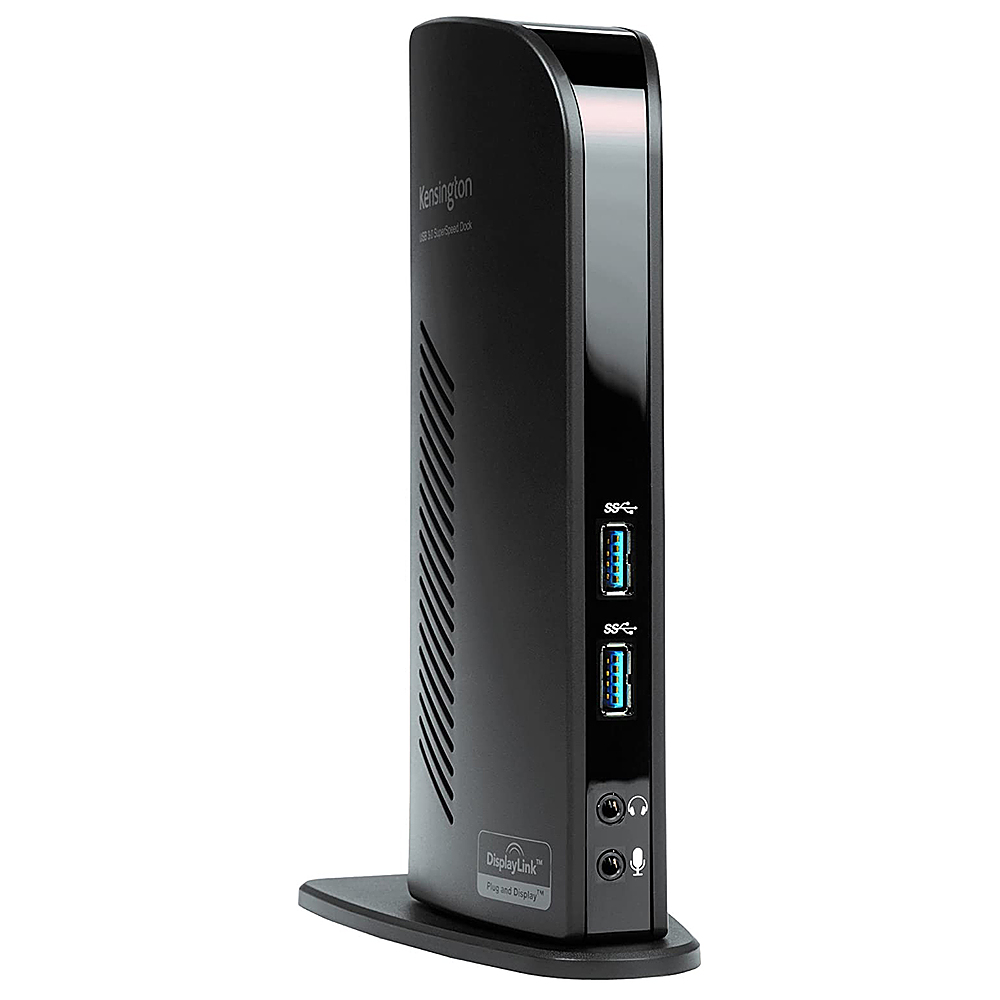
Kensington - USB 3.0 Docking Station Dual DVI/HDMI/VGA sd3500v - Black
SKU: J7RJZKQW6VSee all Docking StationsProduct Description
A black USB 3.0 docking station offering dual video output, multiple ports, and headphone jack connectivity.Your price for this item is $86.49Save $12The previous price was $99.04 -
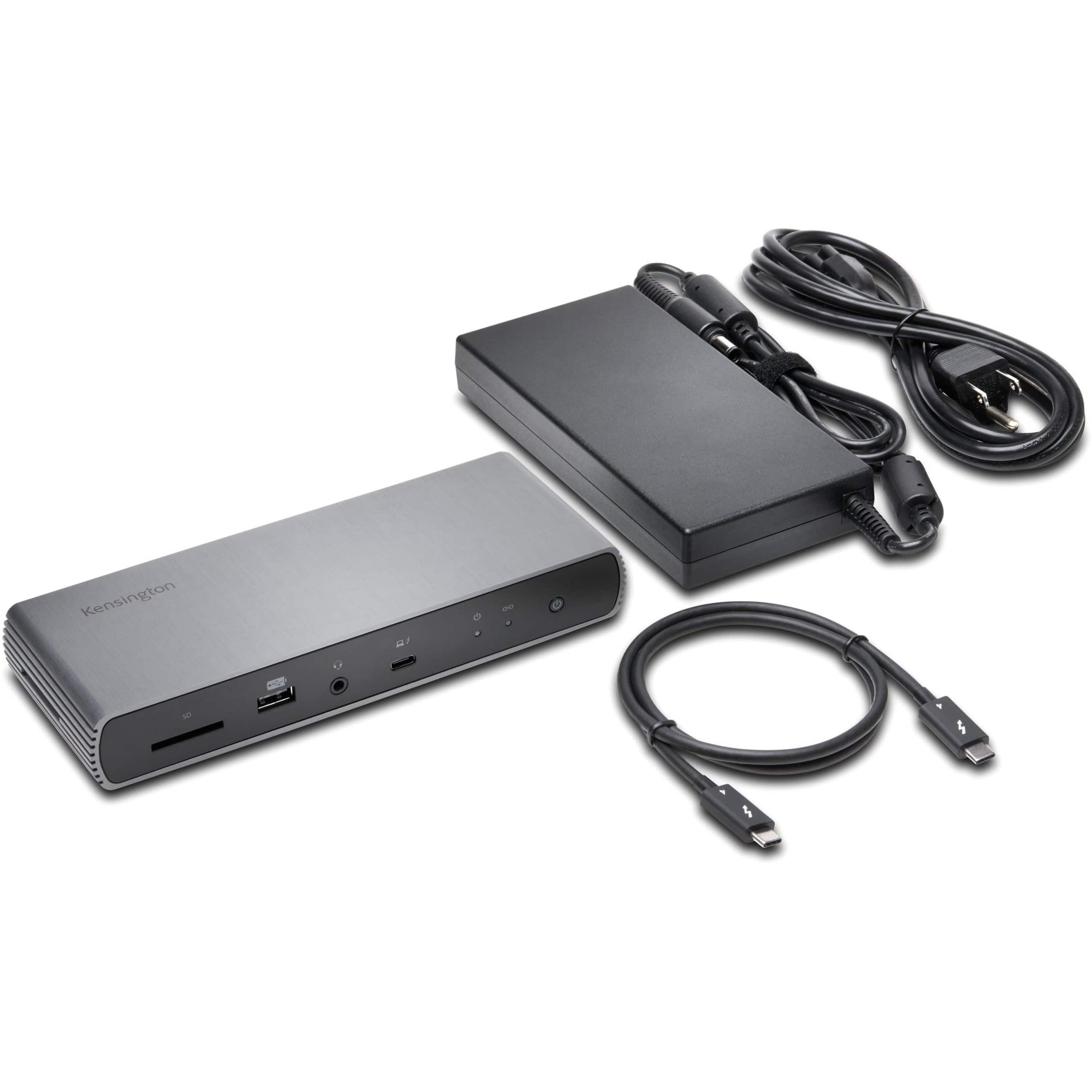
Kensington - SD5750T Thunderbolt 4 Dual 4K Dock
SKU: J7RJZKW8YQSee all Docking StationsProduct Description
A gray Thunderbolt 4 docking station supporting dual 4K displays, USB-C/USB-A accessories, and Surface devices.Your price for this item is $358.46Save $89The previous price was $447.99 -
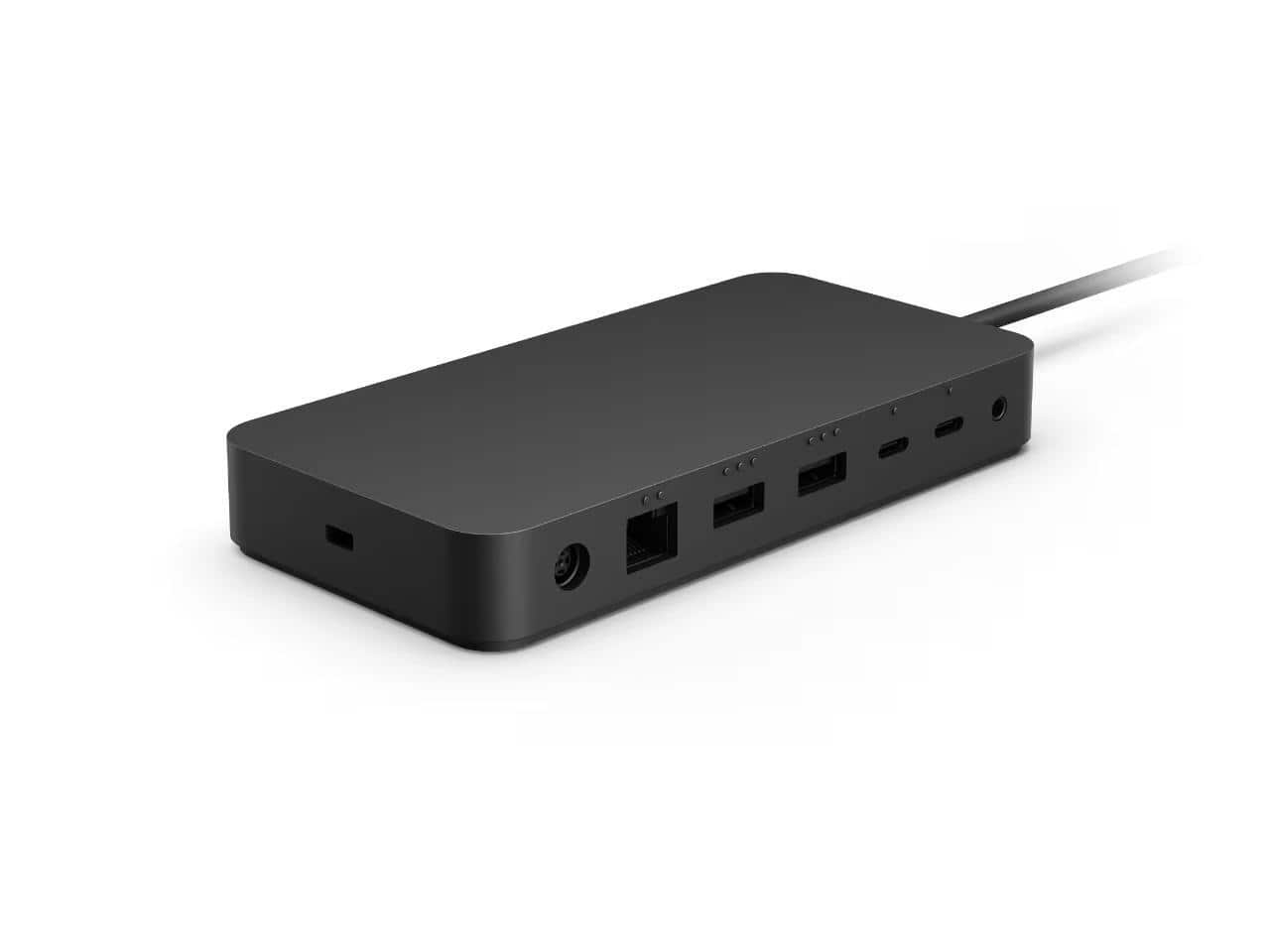
Microsoft - SURFACE TB4 Docking Station BLACK
SKU: JJGXP2HC67See all Docking StationsProduct Description
A powered black docking station supporting up to four displays and six USB ports for enhanced productivity.Your price for this item is $269.99Save $3The previous price was $273.49

Best Sellers





Related Pages






FAQ
The Surface Pro 3 Docking Station is specifically designed for use with the Microsoft Surface Pro 3 tablet. It may not be compatible with other Surface models or tablets.
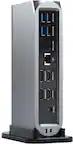
The docking station provides a range of connectivity options, including USB 3.0 ports, an Ethernet port, a Mini DisplayPort, and audio input/output jacks, allowing you to connect multiple peripherals.
Yes, you can connect external monitors using the Mini DisplayPort on the docking station, enabling a multi-screen workspace for enhanced productivity.
Yes, the Surface Pro 3 Docking Station charges your device while it is docked, ensuring your tablet stays powered throughout the day.
To set up the docking station, simply connect your peripherals to the available ports, slide your Surface Pro 3 into the dock, and ensure it is securely connected. The device will automatically recognize connected accessories.