Surface Pro 2 Connectors
-
Microsoft - Surface Dock 2 - Black
SKU: J3ZKK5228RSee all Docking StationsProduct Description
A black docking station offering USB-C, DisplayPort, Ethernet, and six USB ports for seamless desktop connectivity.Your price for this item is $169.99Save $195The previous price was $365.01 -
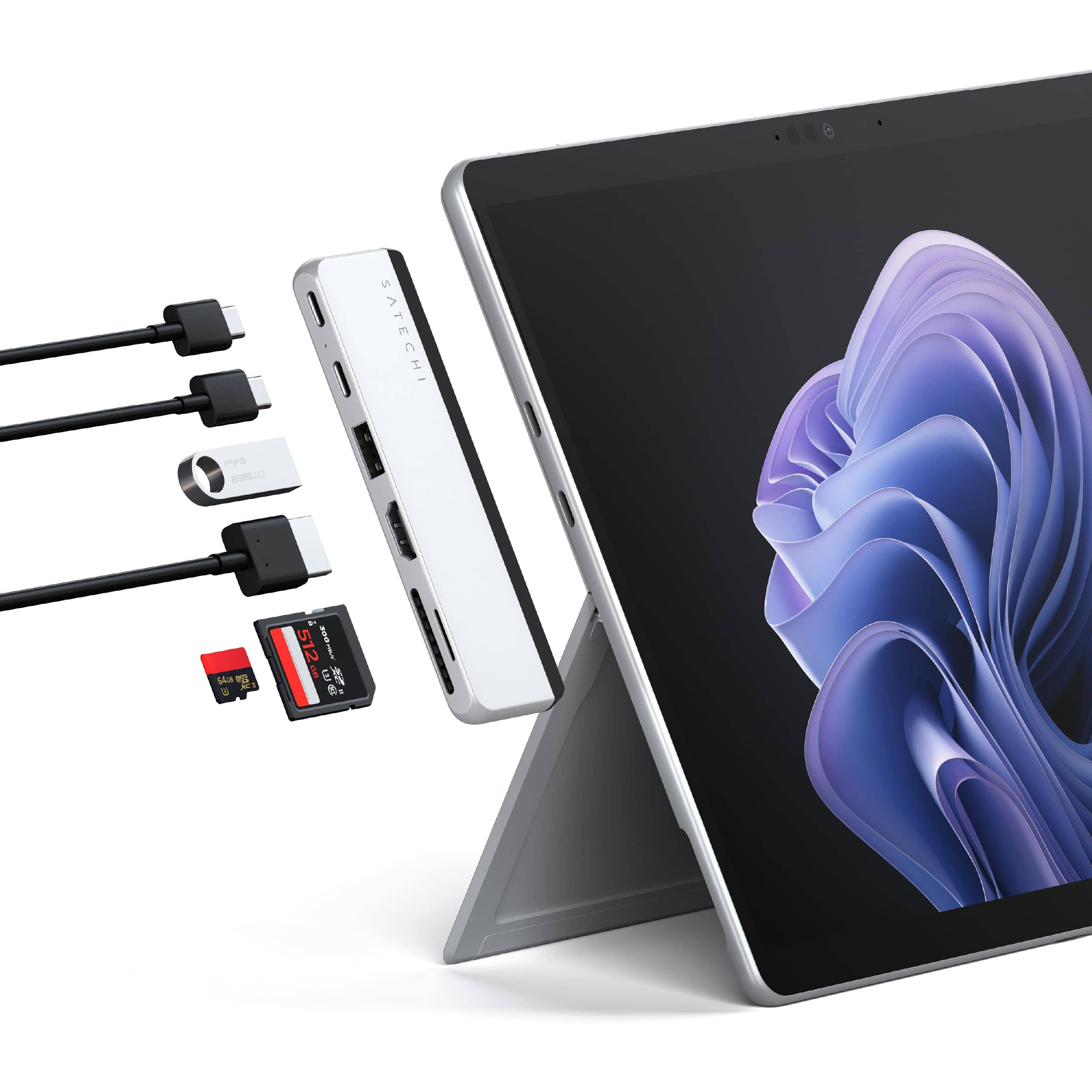
Satechi - Dual USB-C Hub for Surface Pro 11/10/9 - 4K 60Hz HDMI, USB4 Pass-Through, USB-A 3.2, SD/TF Card - Silver
SKU: J3GWC4CCQGSee all Docking StationsProduct Description
A sleek silver hub that adds HDMI, USB4, USB-A, and SD/microSD card slots to Surface Pro.Your price for this item is $41.99 -
Microsoft - USB-C Travel Hub - Black
SKU: JJGXP25VG5We were under inclement weather, everything was closed; except, that’s right Best Buy!!...So it is great when you use one input but not for using 2 at the same time....Literally, my Best Buy!!!!...Best...
See all Docking StationsProduct Description
A portable black USB-C hub offering HDMI 4K support, Ethernet, and multiple USB ports for universal connectivity.Your price for this item is $104.99Save $15The previous price was $119.99 -
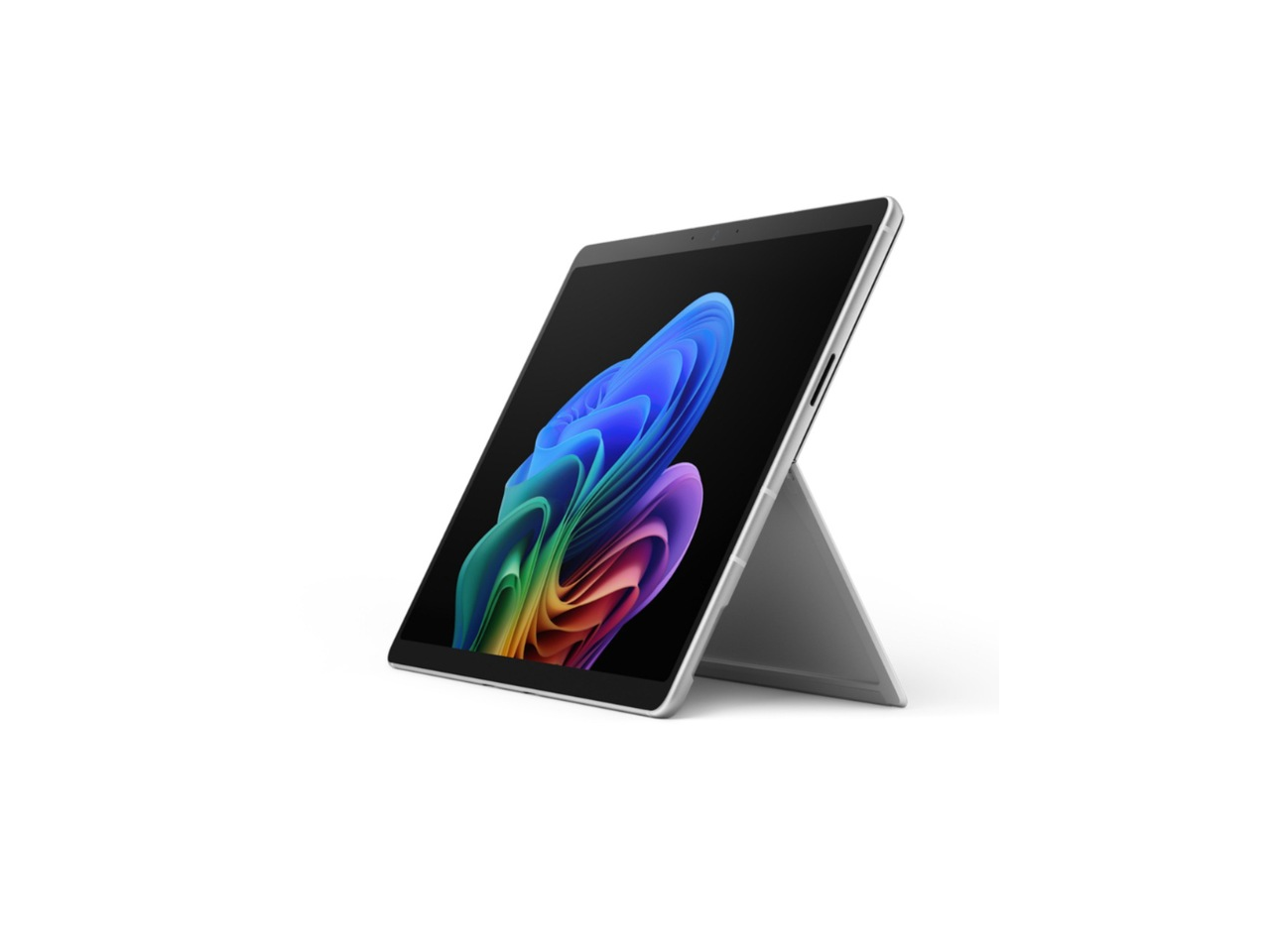
Microsoft - Surface Pro 12th 13" PixelSense Intel Ultra 5 335 32GB 512GB SSD Win 11 Pro Wi-Fi 7 USB-C/Thunderbolt - Silver
SKU: JJGXP3J263See all All TabletsProduct Description
A silver tablet featuring a 13" PixelSense display, Intel Ultra 5 processor, 32GB RAM, and Wi-Fi 7.Your price for this item is $2,999.99Save $245The previous price was $3,245.00


Best Sellers





Related Pages





FAQ
The Surface Pro 2 is compatible with a variety of connectors, including USB 3.0, Mini DisplayPort, and the proprietary Surface Connect port for charging and docking. You can also use adapters to connect HDMI, VGA, and Ethernet cables.
Yes, you can connect your Surface Pro 2 to an external monitor using a Mini DisplayPort to HDMI, VGA, or DVI adapter, depending on the input of your monitor.
Yes, USB hubs and docking stations are available that connect to the Surface Pro 2’s USB 3.0 port, allowing you to expand the number of available USB ports for peripherals.
Yes, the Surface Pro 2 supports wired Ethernet connections when you use a compatible USB-to-Ethernet or Surface Dock Ethernet adapter.
Absolutely! The Surface Pro 2 features a standard 3.5mm headphone jack for audio output and microphone input. You can also use USB audio adapters for additional audio connectivity options.