Camera Connectors
-
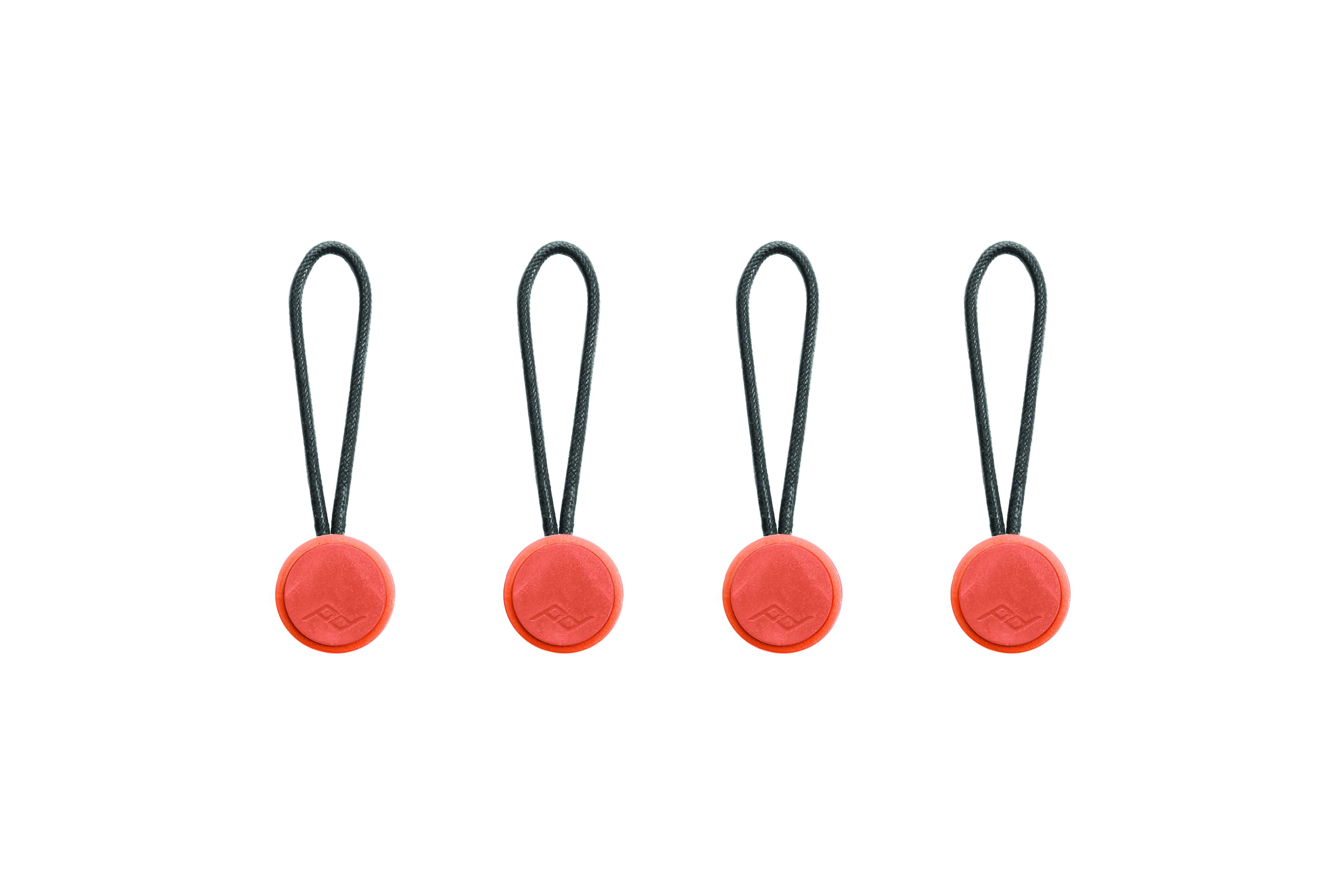
Peak Design - Anchor 4-Pack - Ibis
SKU: J3YCJYF42FThese are great for the wrist holder to add while I walk the dog, run an errand, or work in the yard.
See all Camera StrapsProduct Description
A set of quick-release, ultra-secure connectors in ibis color for camera straps and compatible devices.Your price for this item is $14.95 -
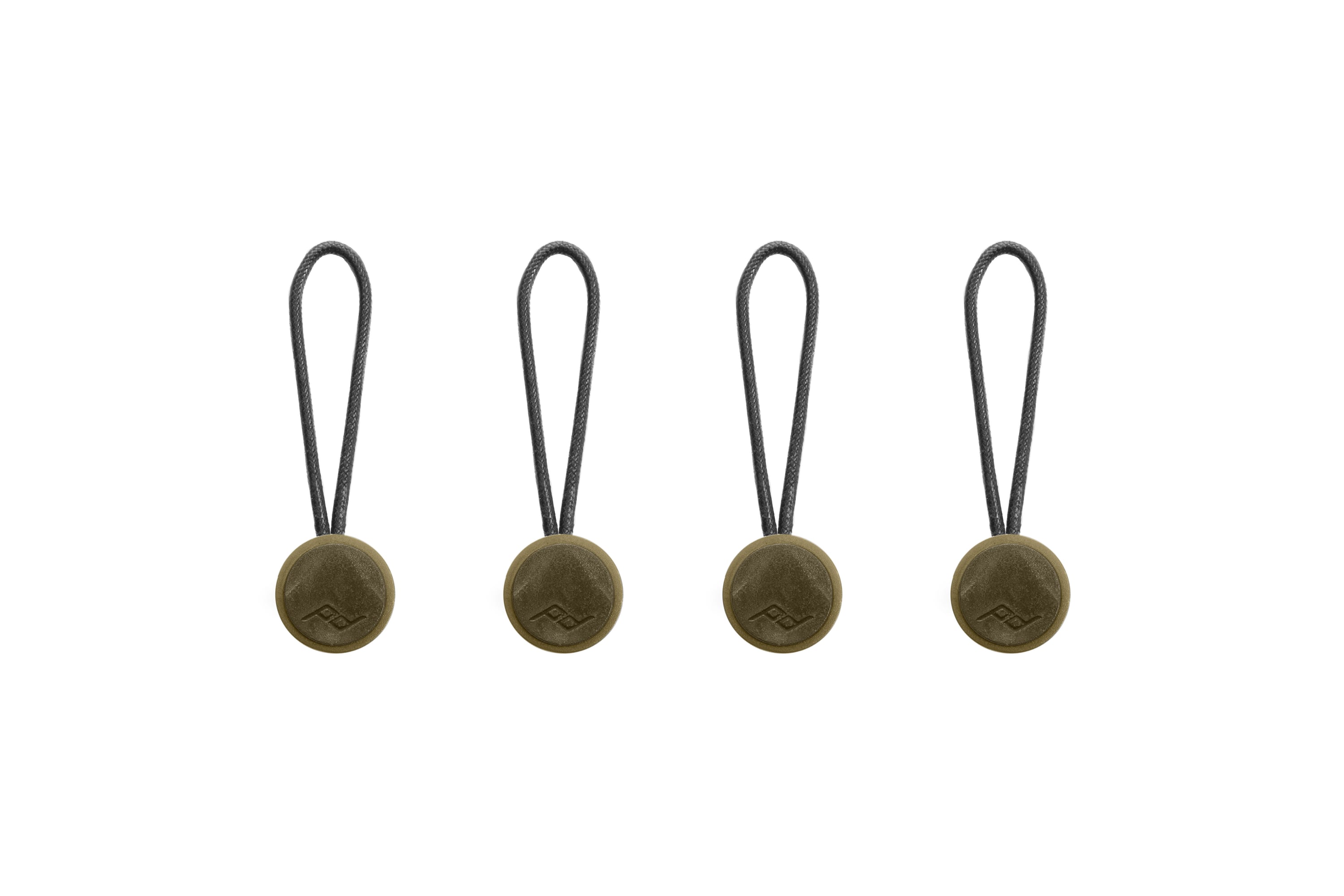
Peak Design - Anchor 4-Pack - Kelp
SKU: J3YCJYF4JKSee all Camera StrapsProduct Description
A set of green quick-release connectors for securely attaching camera straps, binoculars, or other devices.Your price for this item is $14.95 -
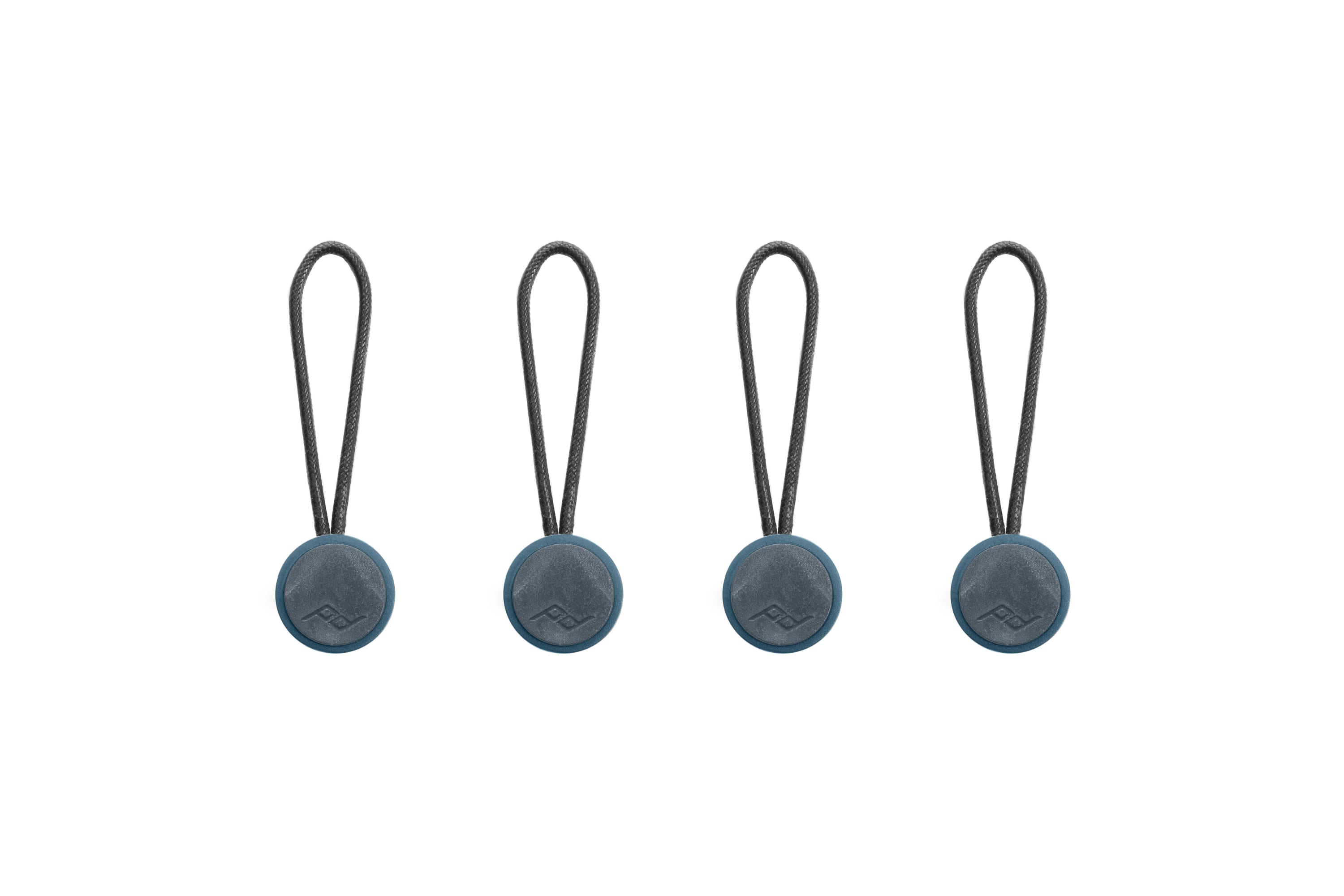
Peak Design - Anchor 4-Pack - Ocean
SKU: J3YCJYF4C7Love the updated version of the anchor links
See all Camera StrapsProduct Description
An ultra-secure, quick-release connector set in ocean blue for camera straps, binoculars, or devices.Your price for this item is $14.95 -
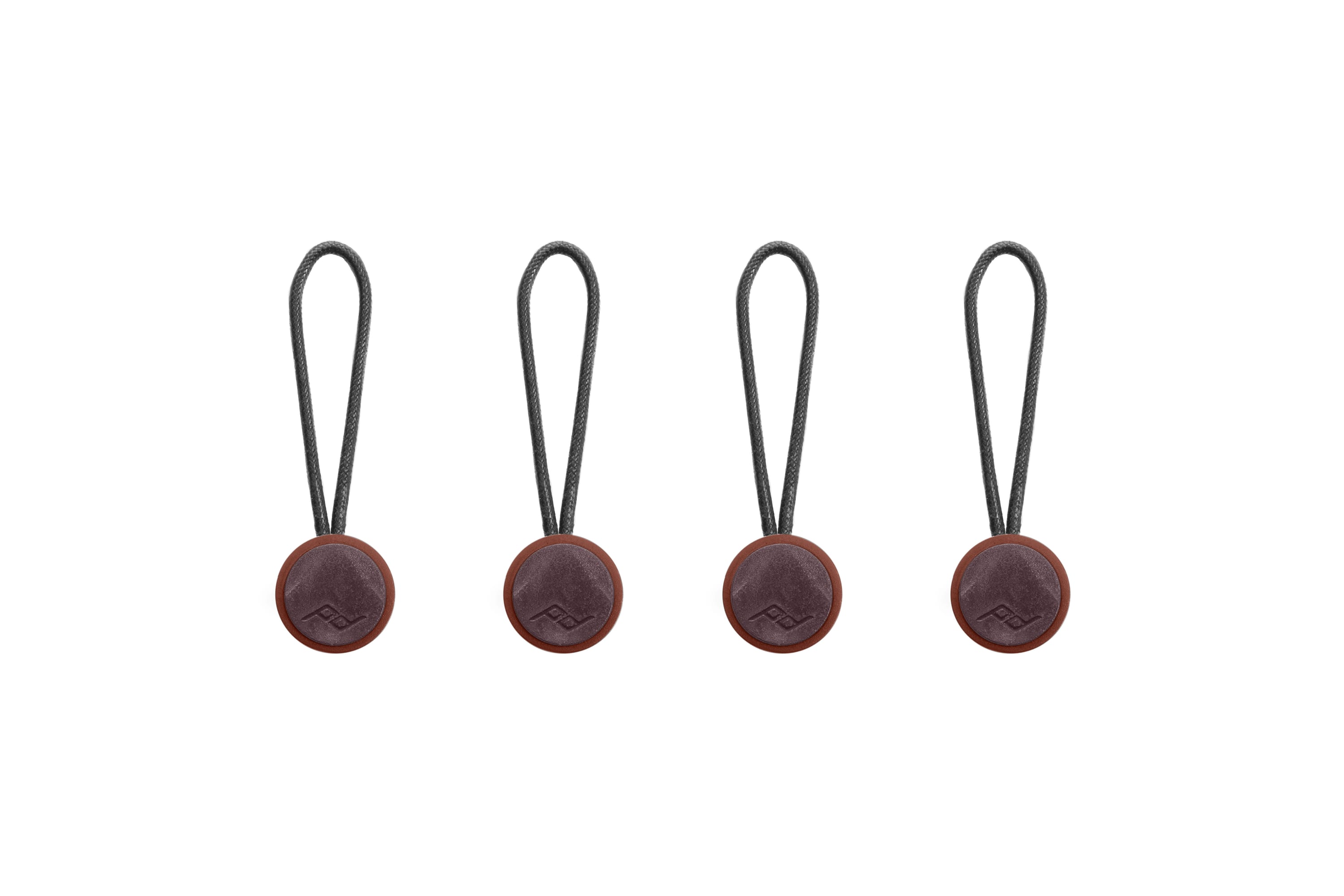
Peak Design - Anchor 4-Pack - Eclipse
SKU: J3YCJYF4J9These are a great item to add to your Peak Design bags (and camera, of course).
See all Camera StrapsProduct Description
An ultra-secure, quick-release connector set in eclipse color for camera straps and compatible devices.Your price for this item is $14.95 -
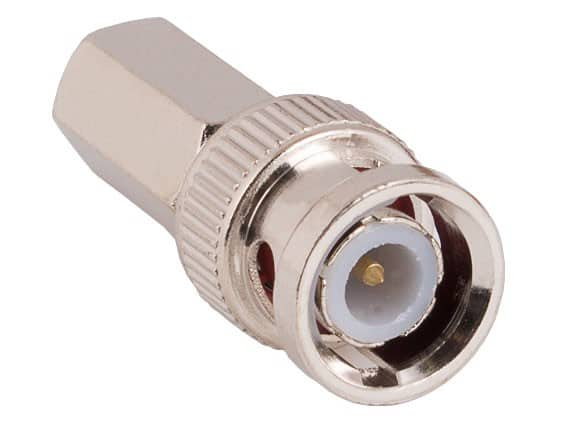
Cable Leader - BNC Male Twist-On Connector for RG-59U/62U Coaxial Cable - Silver
SKU: J39TZ86TQ9See all Monitor & Video CablesProduct Description
A silver twist-on BNC male connector for RG-59U/62U coaxial cables, ideal for CCTV installations.Your price for this item is $8.99 -
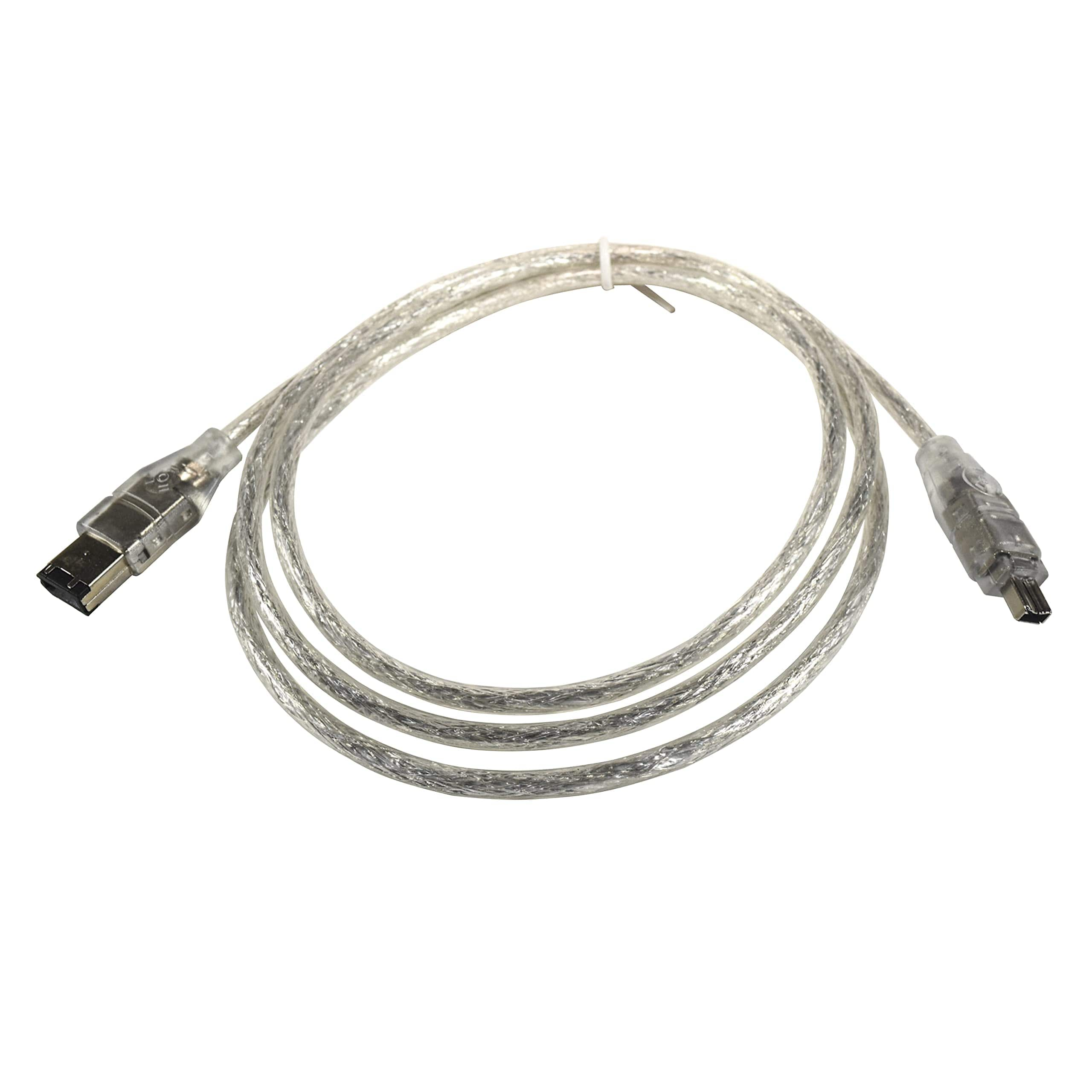
HQRP - IEEE 1394 4pin to 6pin Cable Cord for Canon ZR, ZR10, ZR100, ZR20, ZR200, ZR25MC, Elura, 10, 100, 2, 20MC Camcorder
SKU: J3ZSL2XGCYSee all Camcorder Adapters & ChargersProduct Description
A high-speed FireWire cable with 4-pin to 6-pin connectors for reliable DV camcorder data transfer.Your price for this item is $10.95 -
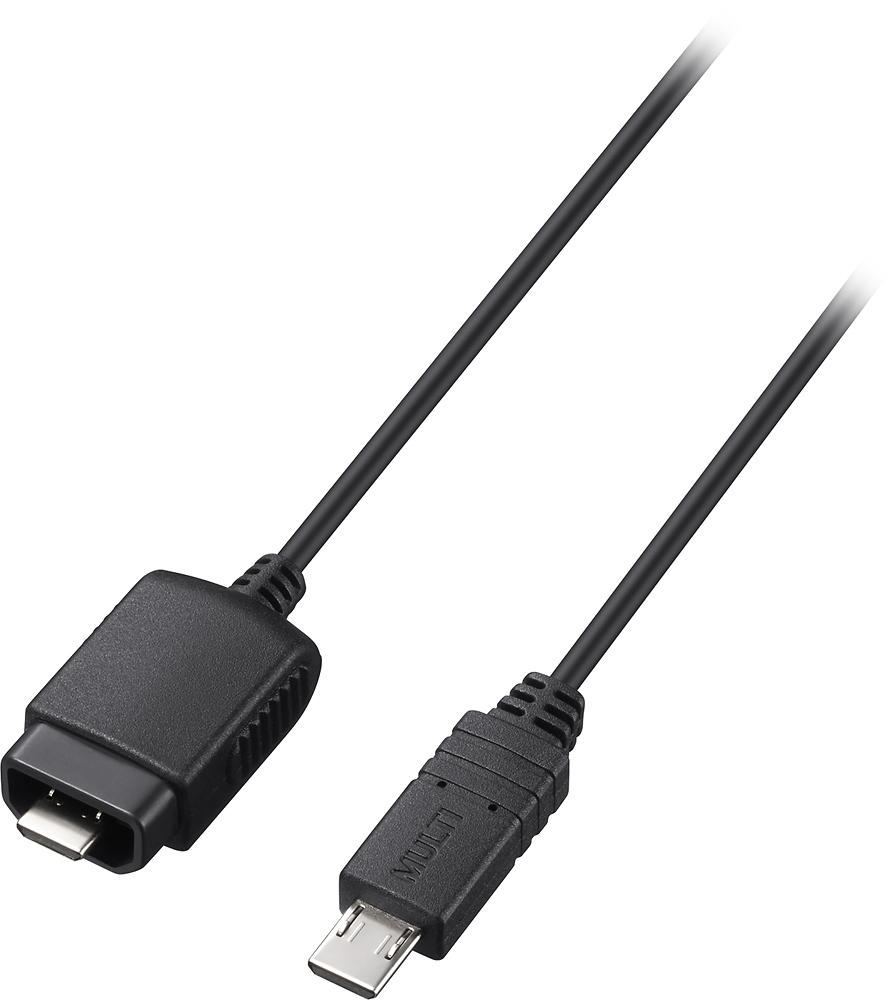
Sony - Multi-Terminal Connecting Cable - Black
SKU: J7XSRHZQR6See all A/V Cables & ConnectorsProduct Description
A black multiterminal cable enabling remote control of up to 15 cameras and accessories via wireless receivers.Your price for this item is $28.00 -
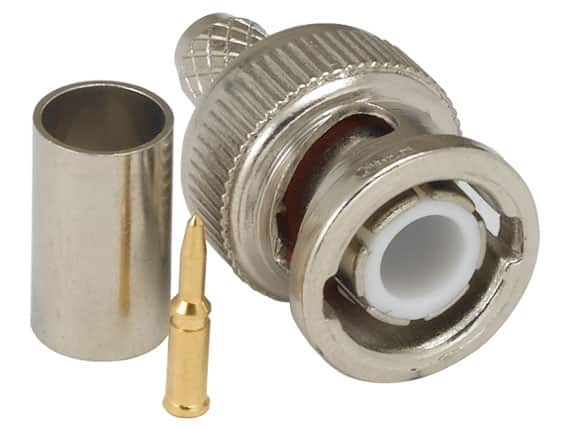
Cable Leader - BNC Male Twist-On Connector for RG-59U/62U Coaxial Cable - Silver
SKU: J39TZ86THJSee all Monitor & Video CablesProduct Description
A silver BNC male twist-on connector for RG-59U/62U coaxial cable, ideal for CCTV installations.Your price for this item is $8.99
Best Sellers

Related Pages


FAQ
Camera connectors come in various types, including USB, HDMI, Lightning, micro USB, and proprietary connectors designed for specific camera brands. Some connectors also support audio and video output or enable charging and data transfer between devices.
Yes, many camera connectors are designed to facilitate direct photo and video transfers from your camera to your smartphone or tablet, often using USB or Lightning connectors compatible with your device.
Many camera connectors, especially those using standard USB or USB-C interfaces, are compatible with both Mac and Windows computers. Always check the product specifications to ensure compatibility with your operating system.
Certain camera connectors, such as HDMI adapters or capture cards, allow you to output video from your camera to a computer or monitor for live streaming or real-time viewing. Check that your camera and connector both support video output features.
To select the right camera connector, identify your camera's output port and the input port of the device you want to connect to. Match these with the connector type, and consider any additional features you may need, such as charging capability or video output.