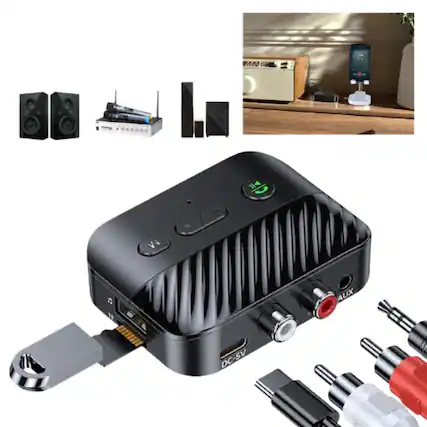
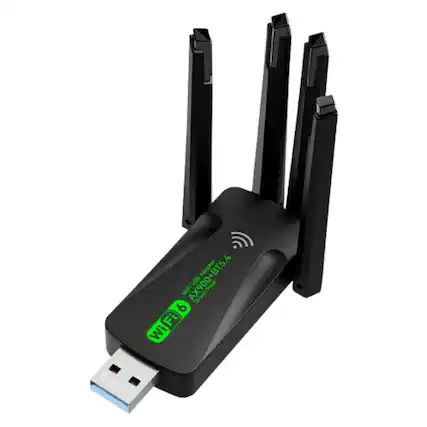
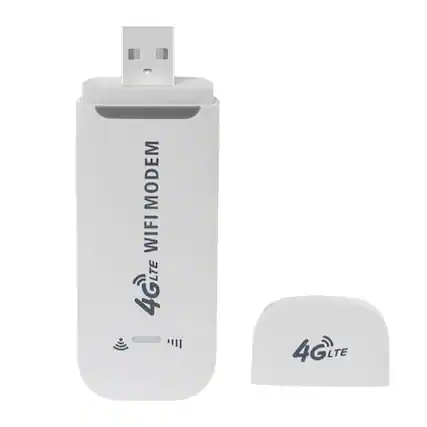
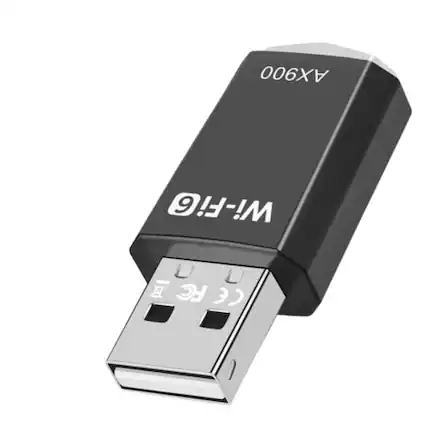
A good Wi-Fi connection depends on three things: the modem, which connects to the internet, the router, which creates the Wi-Fi signal, and the Wi-Fi hardware in the device you’re using. A USB Wi-Fi adaptor falls into the third category. It comes in handy if you would like to add Wi-Fi capability to a device that doesn’t have it, if you are having issues with built-in Wi-Fi hardware or if you want to upgrade the Wi-Fi standard on your device.
A wireless USB adapter is easy to use with most laptop computers or desktop computers. If you want to expand the number of USB ports (and the kinds of USB ports) on your device, you can use a USB hub in conjunction with your adapter. If your device does not have the right kind of USB port for your USB Wi-Fi adapter, you can use an adapter cable like an HDMI to USB adaptor or USB C to USB adaptor.
To use ethernet, you can also choose a USB to ethernet port adaptor, and for increased security on Wi-Fi connections, consider a Wi-Fi adapter with data encryption.