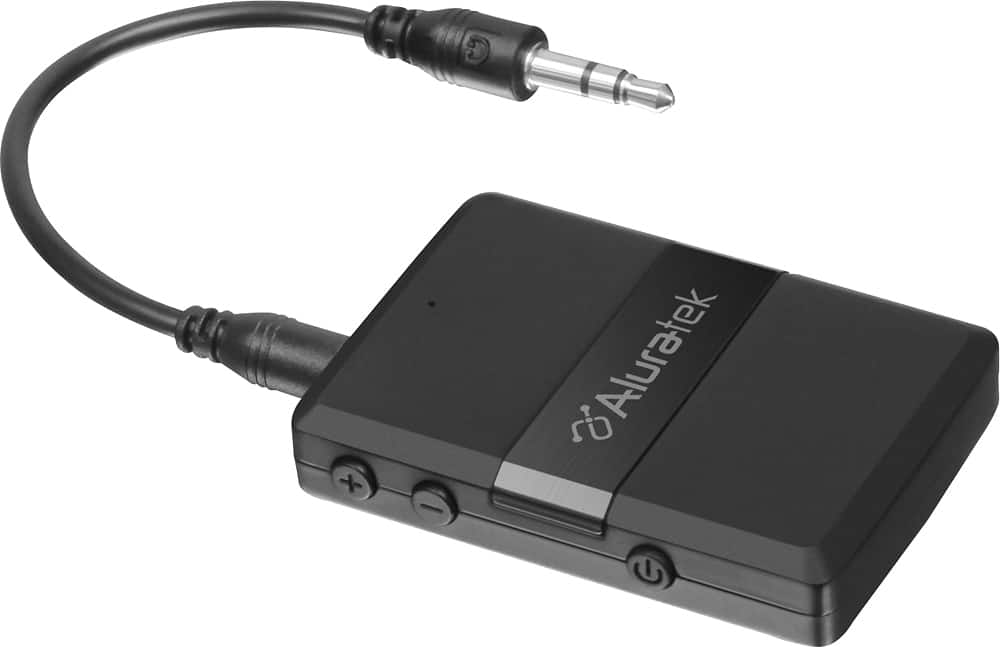
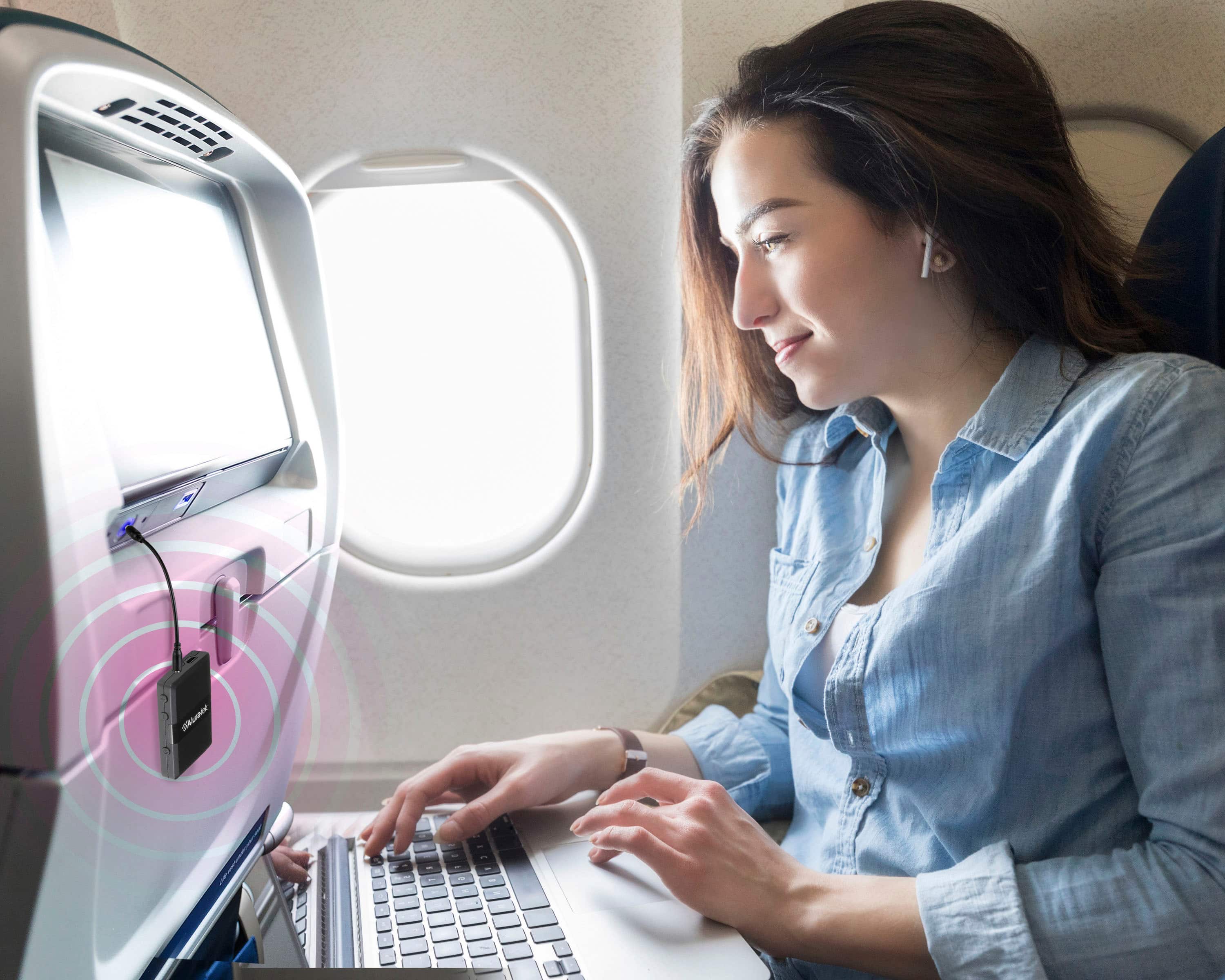
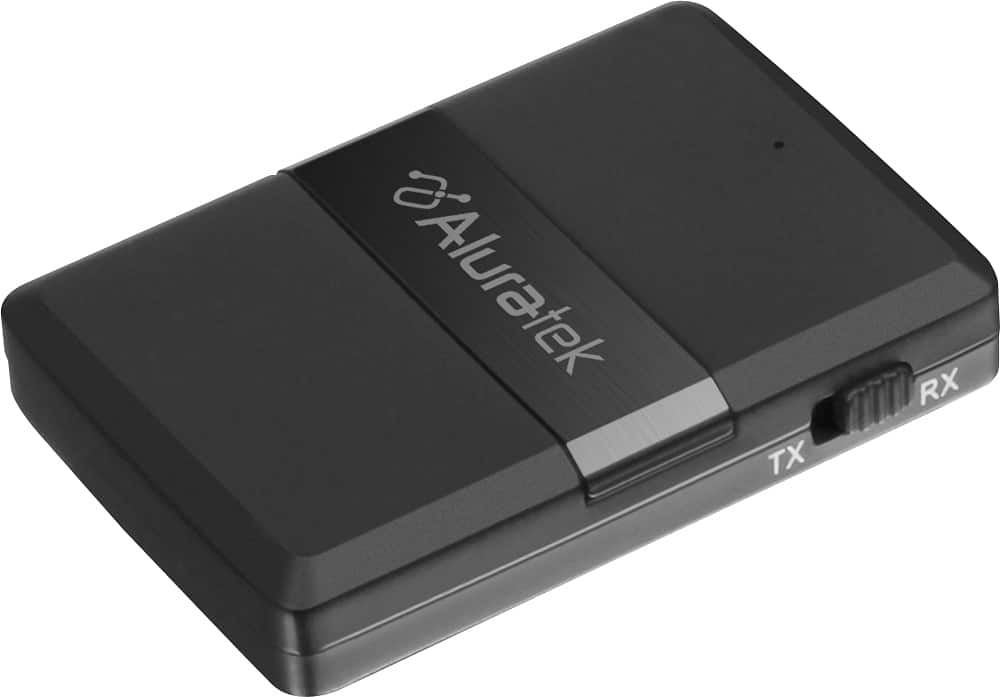
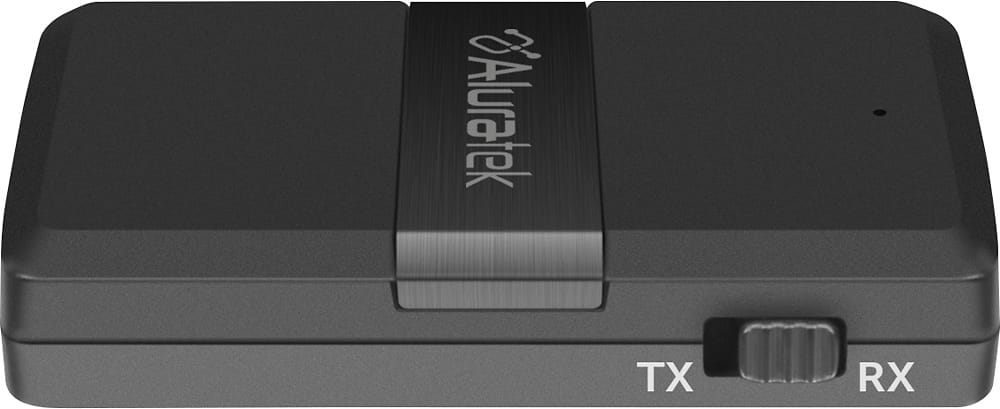
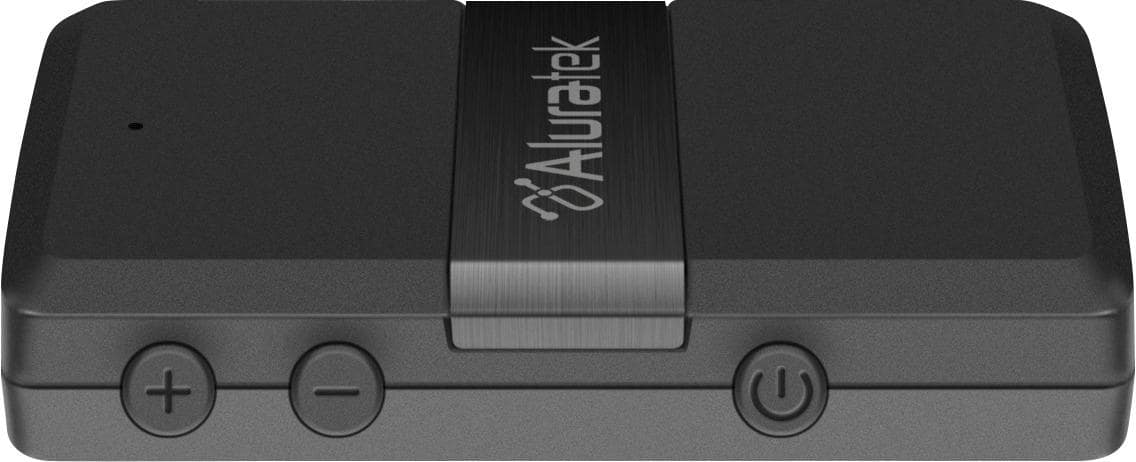
A:AnswerFirst you need to make sure that you are set to transmit the signal and not receive. Once you have the correct setting then hold the power button for a few seconds to get it in pair mode. After all that and you still have no sound, play with the volume buttons on the transmitter. Hope that helps
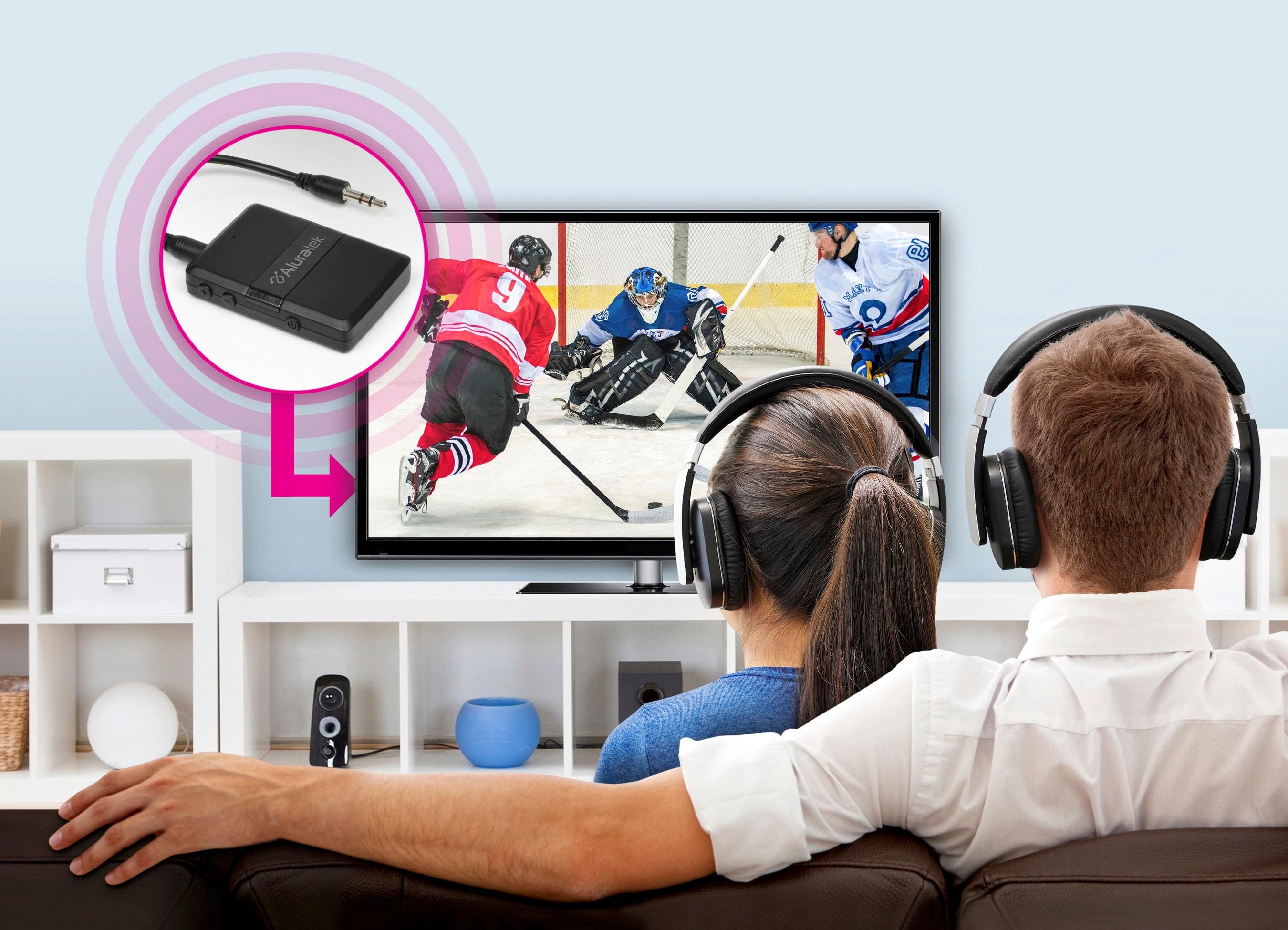
A:AnswerYes - it will work on any 3.5mm jack. I actually use it for television listening at the gym where the feed is through the treadmills. I've used phone, adapter from sound board. Note: this works best in audio situations as with bluetooth there can be a visual lag between lip movement and sound.
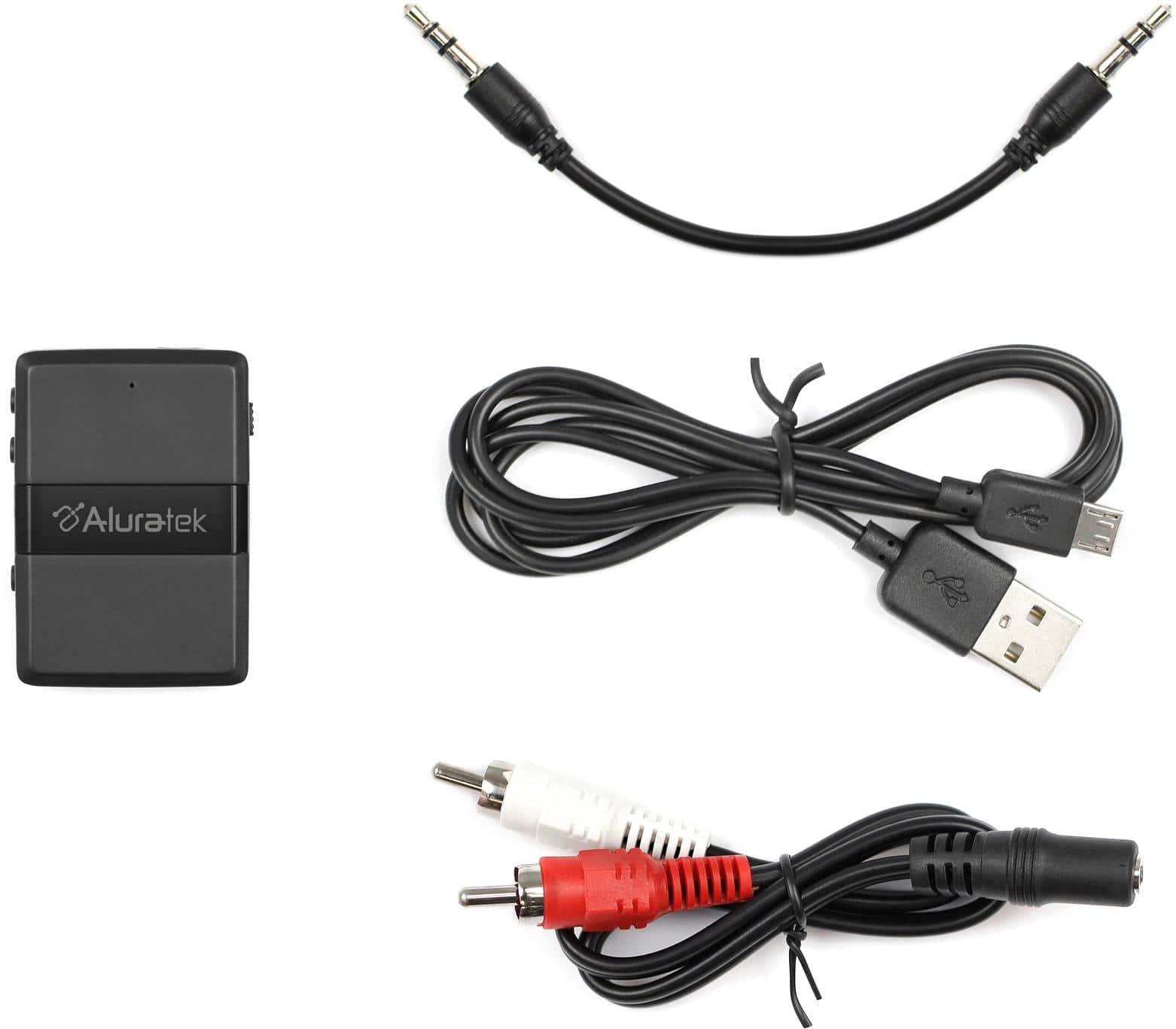
A:AnswerThe aluratech uses a regular headphone jack to transfer the audio signal to your device.
If your TV or cable box has a headphone jack OR a pair of cynch stereo output you can connect to that. However that's 1/2 of the equation.
You now need something that pairs to the bluetooth signal. This means it must have an interface that allows you to select the BT signal to listen to and choose the aluratech device. For example, your car stereo would do that... But I doubt a bluetooth speaker would have that unless maybe it comes with a phone app. Maybe a smart connected stereo receiver would offer this option. Not sure. BT receivers tend to only emit (to headphones).
A:AnswerIn order to send audio FROM the iPod to your bluetooth speaker you will need a transmitter. Our model ABT05F will work nicely. If you want to send the audio through your Denon receiver you can use a transmitter on the iPod and then also connect a receiver (model AIS01F) to the Denon. The transmitter (ABT05F) will pair with the receiver (AIS01F) and you can play your iPod audio through the receiver. You will need an open audio IN port on the Denon to connect the bluetooth receiver.
A:AnswerYou probably need to see if your car stereo has a pre-amp output (in the back maybe). If so you would need to plug to that. However after that you'd need a smart device to select the bluetooth signal to receive.
A:AnswerI had no problems being connected outdoors with a clear line of site, and the receiver mounted 7ft high. I had the phone in my pocket, streaming music, while while walking over 60ft away! I used it in this arrangement while on battery. I was very pleased and it works well for my needs.
A:AnswerYou may not be able to connect it. Most of the current non-bluetooth TVs do not have the 3.5 mm or the RCA output connections - just optical. You would need a converter to connect between this and the TV. Seems it would be easier to just get a bluetooth transmitter with optical connection.
A:AnswerWhen I used it on my vehicle, it only plays media audio, no phone or messenger calls.
But, my car also only connects to my phone for calls only, no Bluetooth media function, so it balances out for me.
I hope this helps!
A:AnswerWE used it to pair an older stereo receiver (output) to a set of Bluetooth head
hones and a blue tooth speaker. Worked great. Not a iPhone user so not
sure on that.
A:AnswerYes, that should work. When it is in receiver mode, you can transmit from your phone to devices that do not have Bluetooth. I have used it with an older speaker and in my car. It works perfectly.