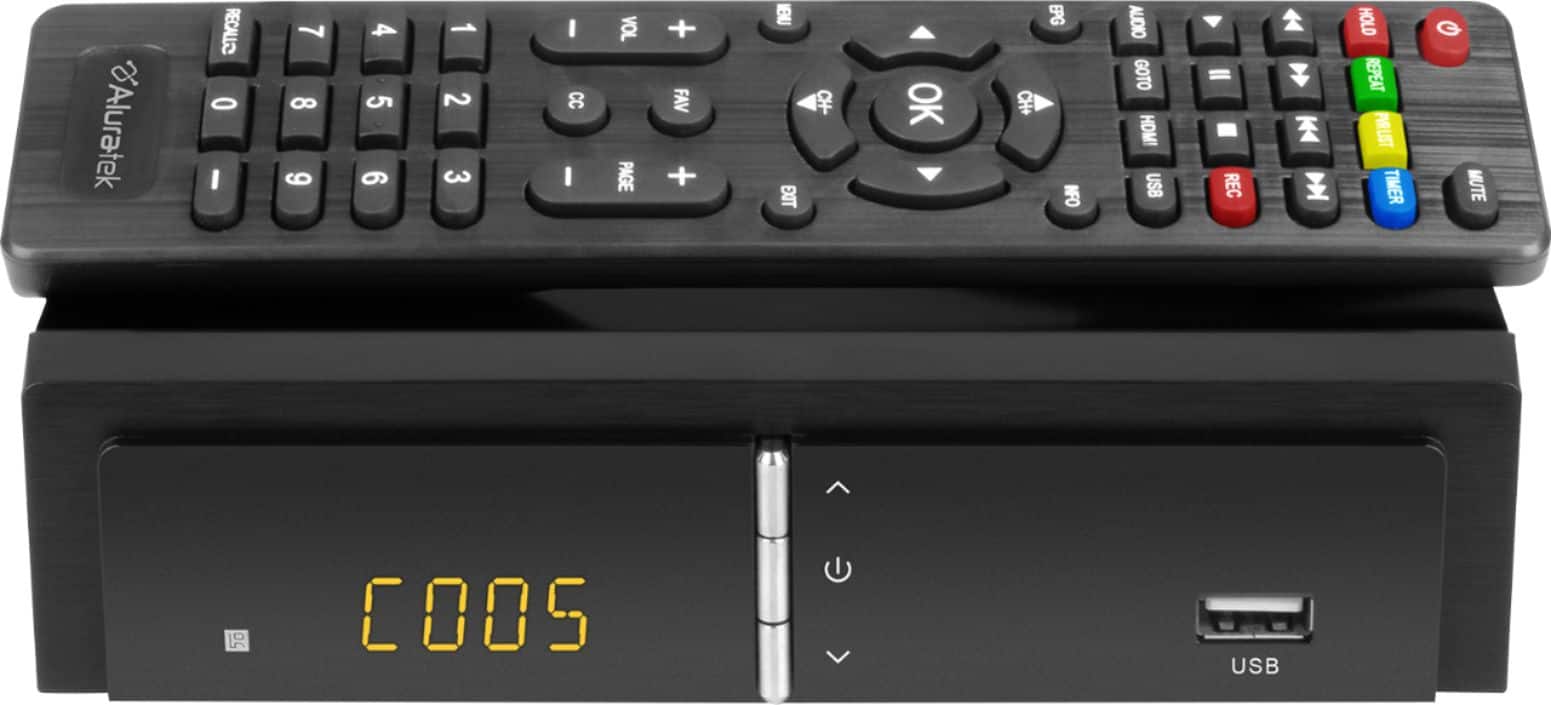
A:AnswerI would say no as these boxes are designed to convert an over-the-air digital signal to analog. You can record from the digital signal , but you record to a USB connection such as a flash drive or 2 TB or less external hard drive. You can then either use the box or depending on what type of connections you have on your TV or software on your computer, you can play the files.
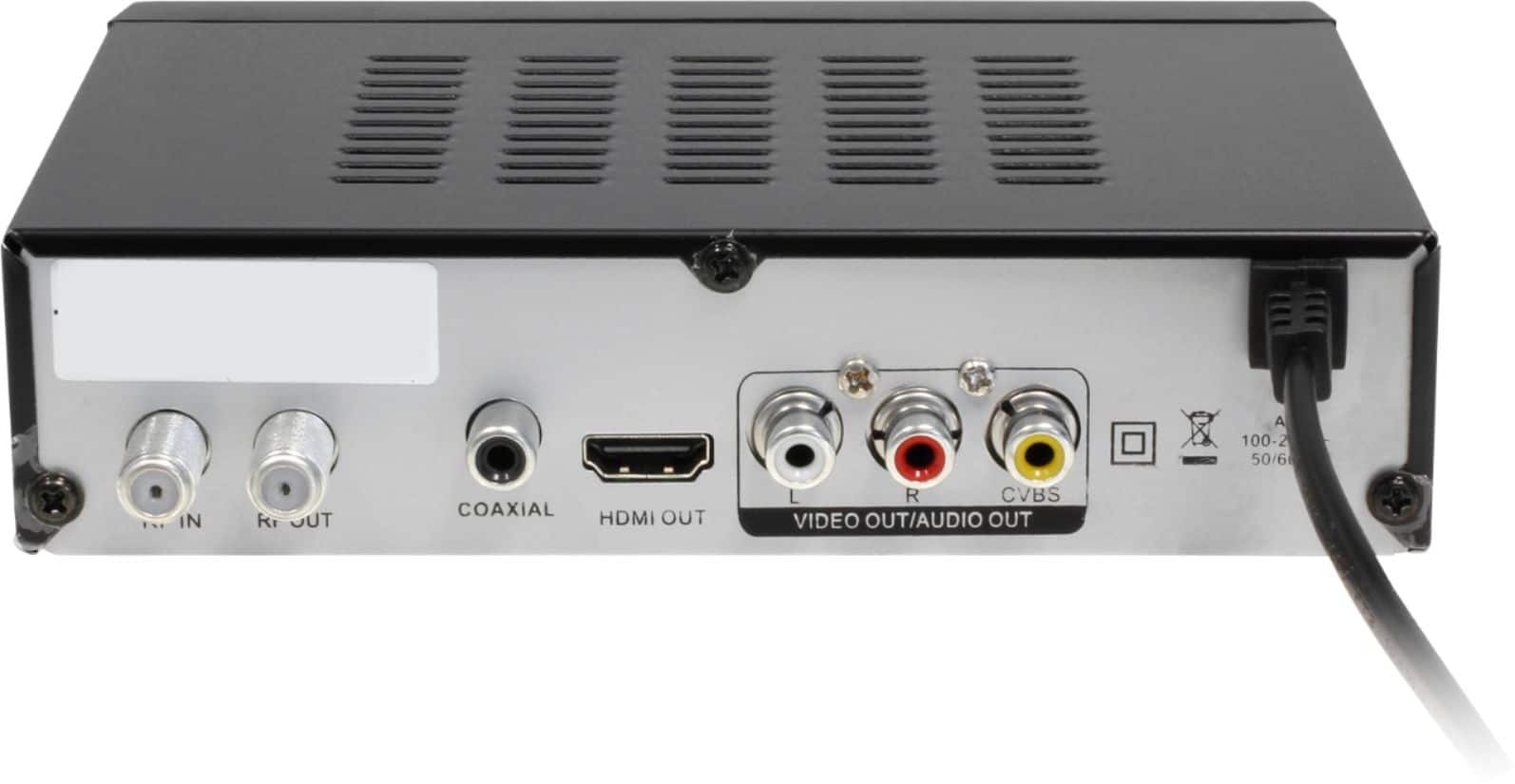
A:AnswerNot sure. I do not know enough about Cogeco. The TV Box is an over-the-air converter for TV sets. An indoor over-the-air antenna is attached to the tv box coax input, then the box is connected to the TV via HDMI or red, white, and yellow audio and video RCA style cables. The box is not compatible with cable, satellite and other types of streaming packages if you plan to run them through the box. Those things can be run independently on other ports on the TV.
A:AnswerYes. You can setup auto record features to record certain programs and then stop. You can do this manually too. Recordings are done with the use of a USB thumb drive (we recommend 32GB).
A:AnswerYeah it converts but does your VCR's tuner? Probably not. Either way, you're defeating the purpose of the built in PVR on this Aluratek. Use it instead, that's why it's there. NO TAPE!
A:AnswerNo. You can get an amplifier for the antenna. You would attach your indoor antenna to the amplifier, then connect the amplifier coaxial cable to the RF-In on the back of the Aluratek TV Box, then connect the tv box to your TV via HDMI or via the red, white and yellow RCA cables.
A:AnswerThis unit is for Over the Air channels only. The quality of the resolution will depend on your antenna and how well the channels come in within your region. The remote control can do previous and return. Go to our website, www.aluratek.com, and search under products to read more about the TV Box.
A:AnswerWorks off antenna cable feed with TV as monitor through input choice, buy has an HDMI port for output only I believe. If your TV has a cable type output, maybe csn use that as a feed into device, but I haven't tried.
A:AnswerProbably not. The conversion in the TV box is for an indoor antenna for Over the Air TV only. The antenna connects to the RF-In coaxial port and then the TV box should connect to the TV via the HDMI or the red, white, and yellow RCA cable.
A:AnswerIt doesn't 'do' hard drives at all, only registering floppy disks and thumb drives. You may as well forget about recording anything, however, as either the channel will come and go or the box will botch the recording. And to think I bought a 1TB hard drive thinking I'd be fine sans cable...