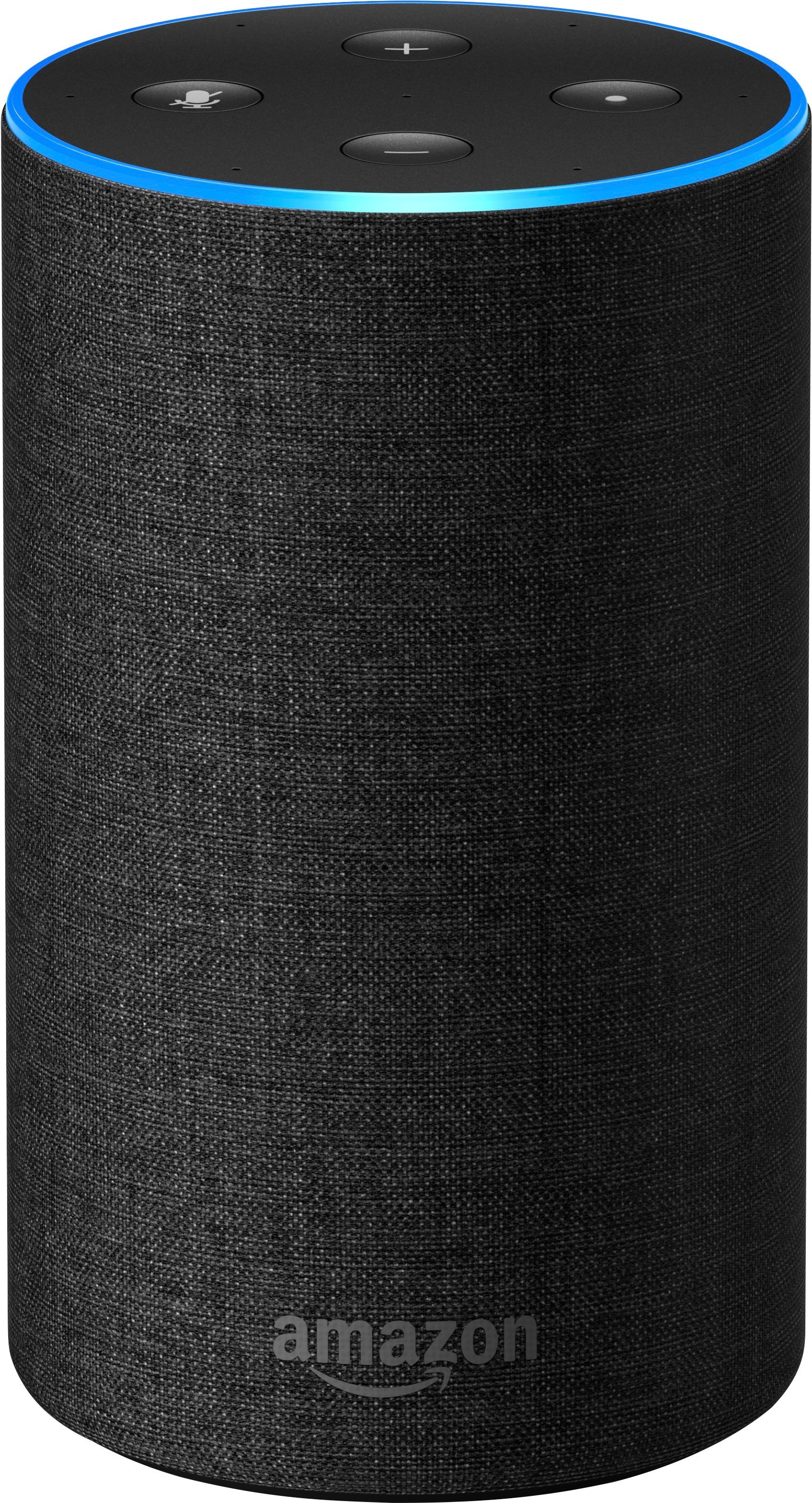
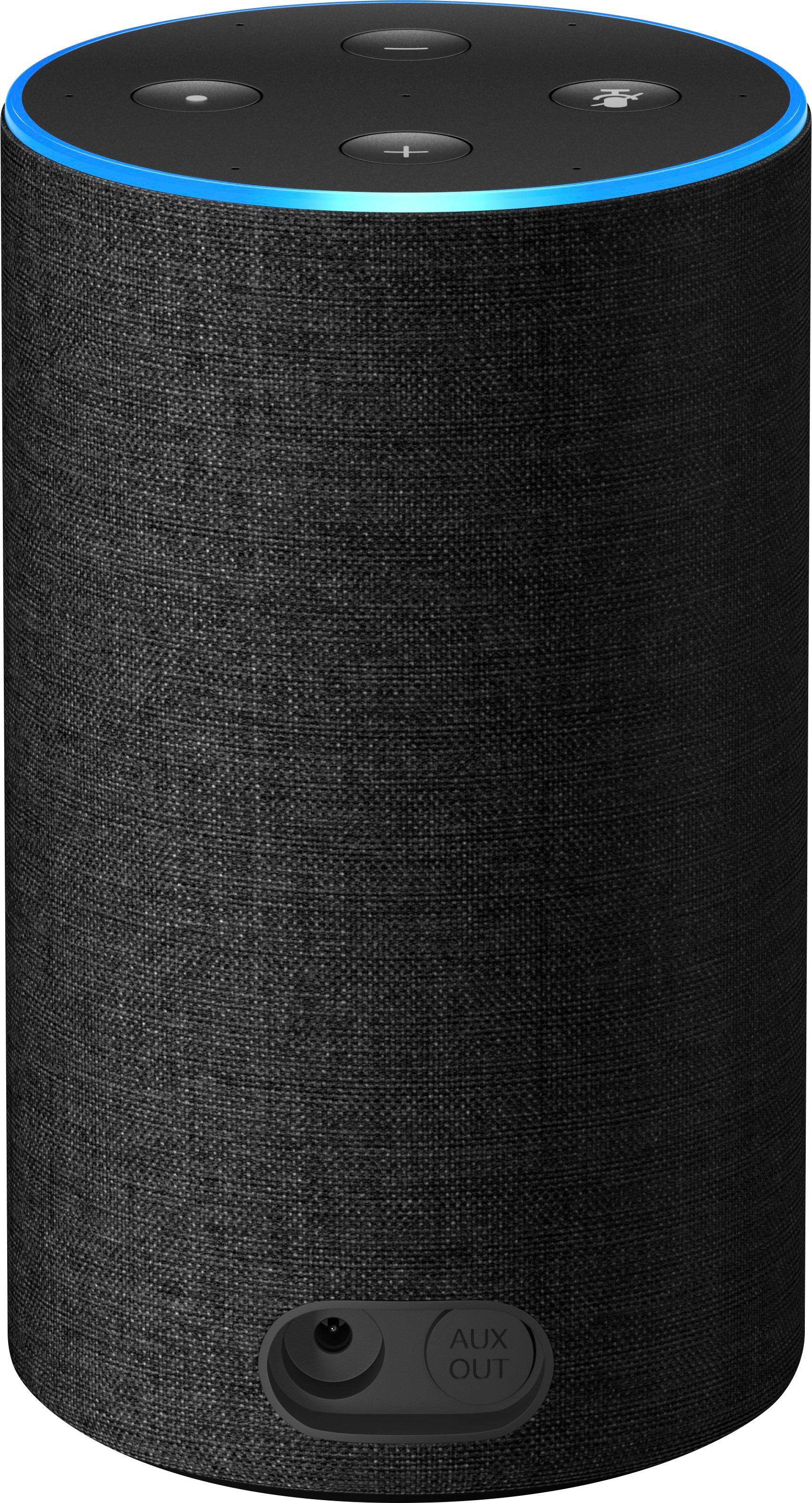
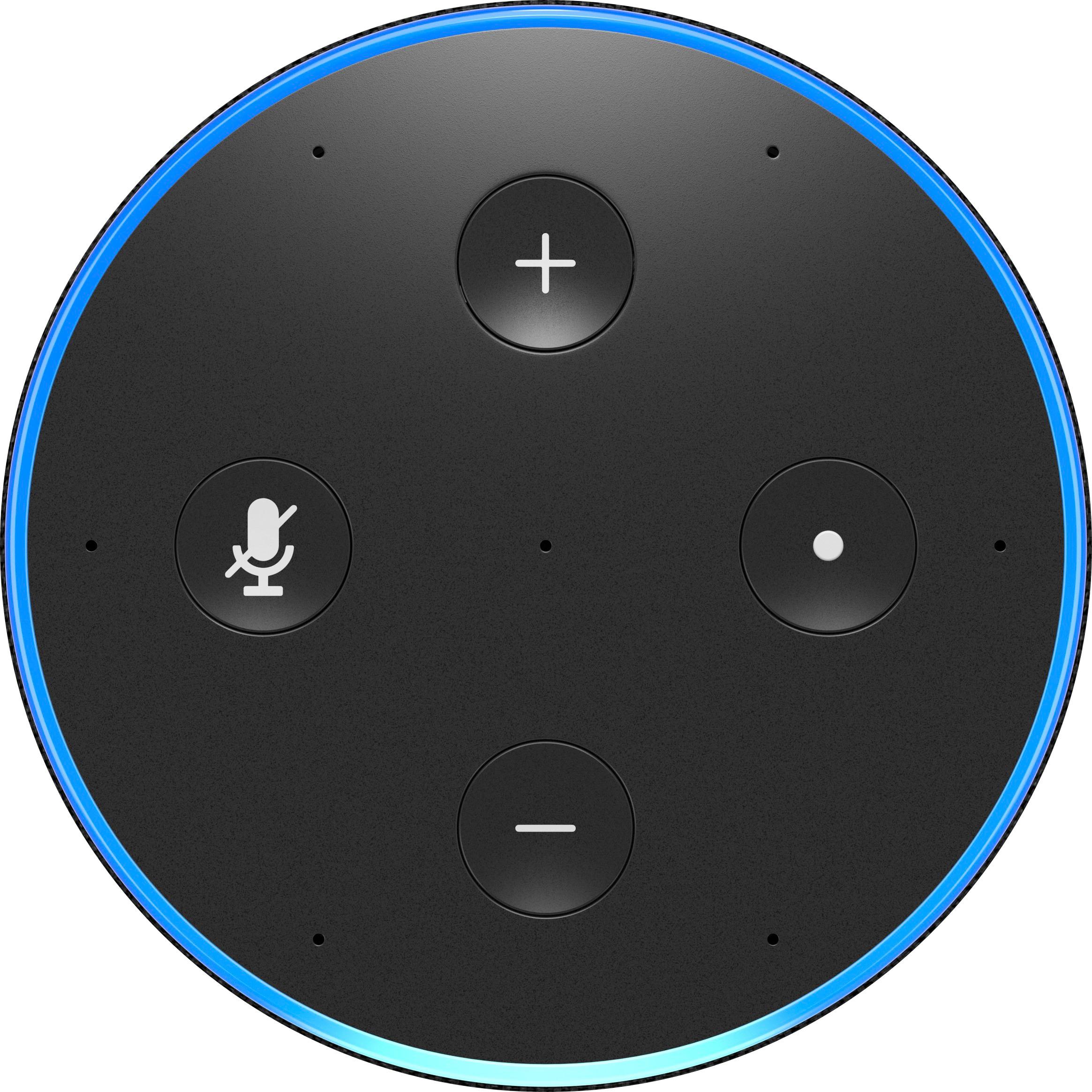
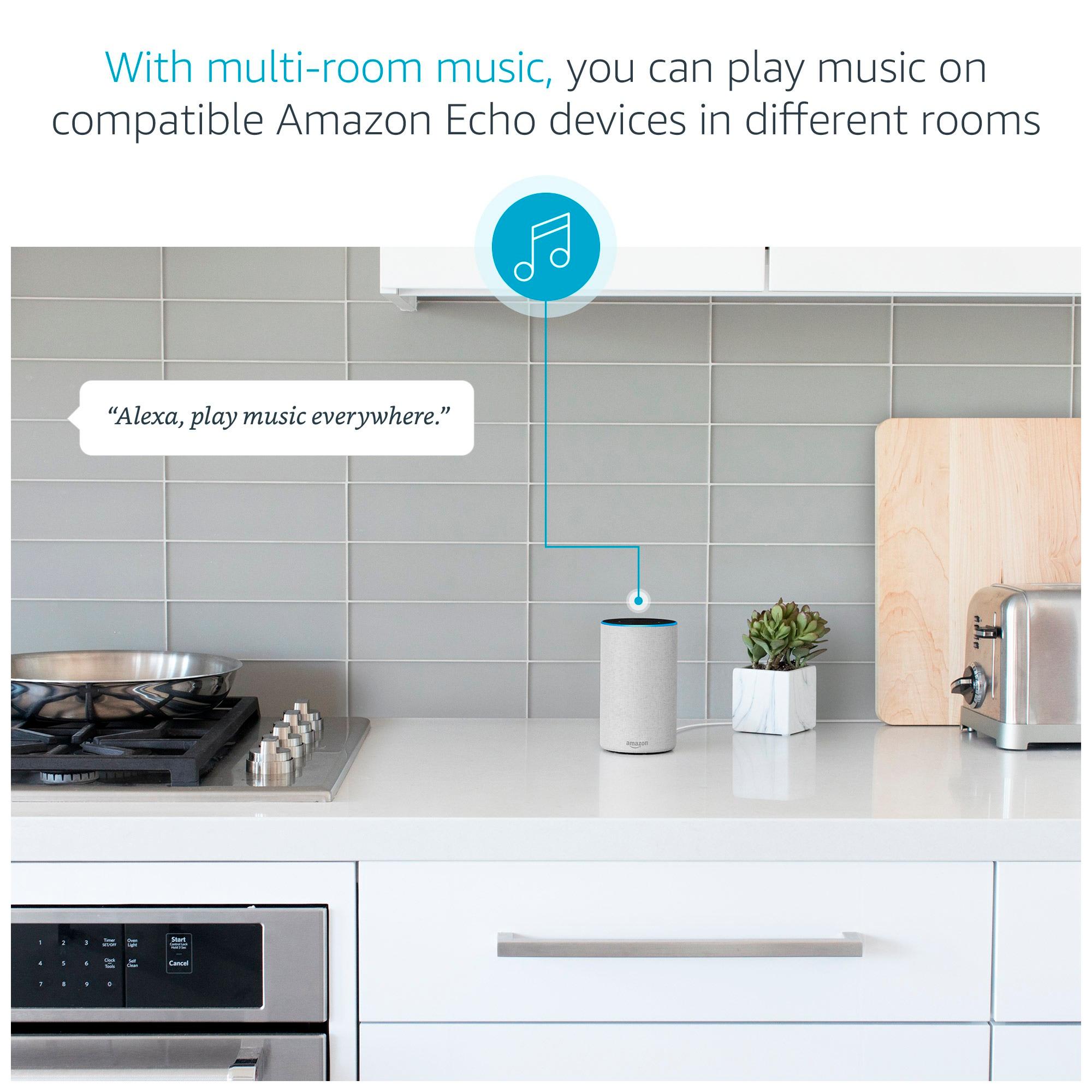
A:AnswerYou just plug it in and connect to WiFi. If it remains in the same house you can plug it in all over your house. It’s easy to setup. Use the Alexa app and it will walk you through everything for setup. To turn on use the command of “Alexa” a blue light on top will turn on and you can say what ever like “Alexa what’s the weather for today” or “Alexa play Spotify”
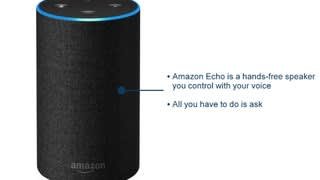
A:AnswerIT is basically and speaker with a microphone connected to the internet. You can say play top 40 music, and it plays it... you can connect smart products to it like lightbulbs, thermostats, and doorbells. You just say turn on the lights and bam. You can ask it questions and play games etc... Its very smart and fun to use.
A:Answerdisconnect ur iPhone from that Alexa and it will become available. choose the group u want to add it to and then exit out of the app and add ur iPhone back. I think it has to do with the bluetooth
A:AnswerI believe this would be possible. You would have to connect to your cell phone and have echos throughout your home. Alexa would not be able to tell if someone fell down but could call out if they were able to speak out but not reach a phone.
A:AnswerYou can use it to tune to a specific station using the iHeartRadio app if downloaded on your phone and connected via the Alexa app.
And yes you can ask it to stop playing at any set time or duration you choose.
A:AnswerWe tried and tried to connect our cable box with harmony and alexa but it wouldn't work. Our new Sony TV comes ready for alexa but it is a little slow. More of a novelty and not quite ready for daily use.