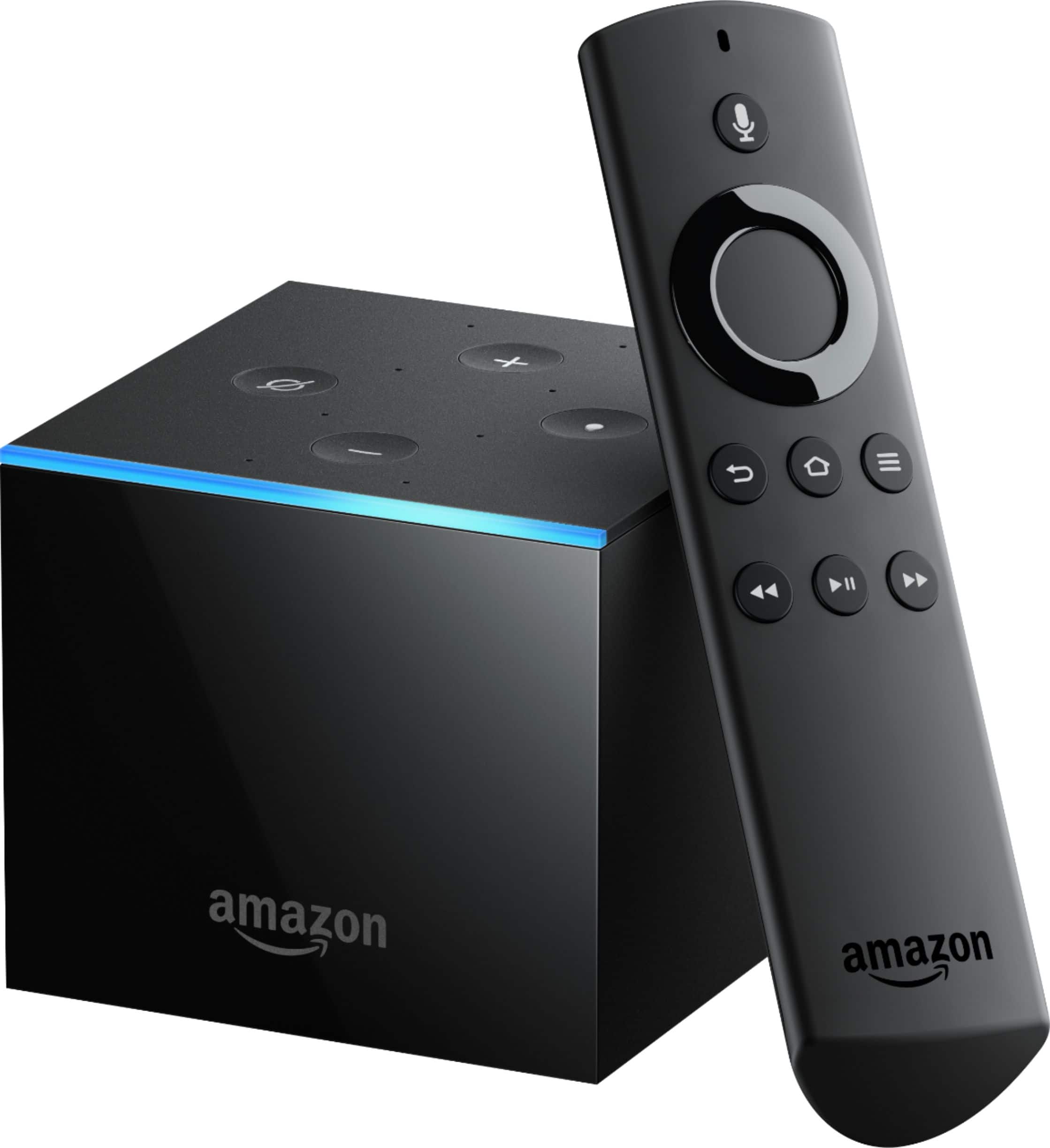
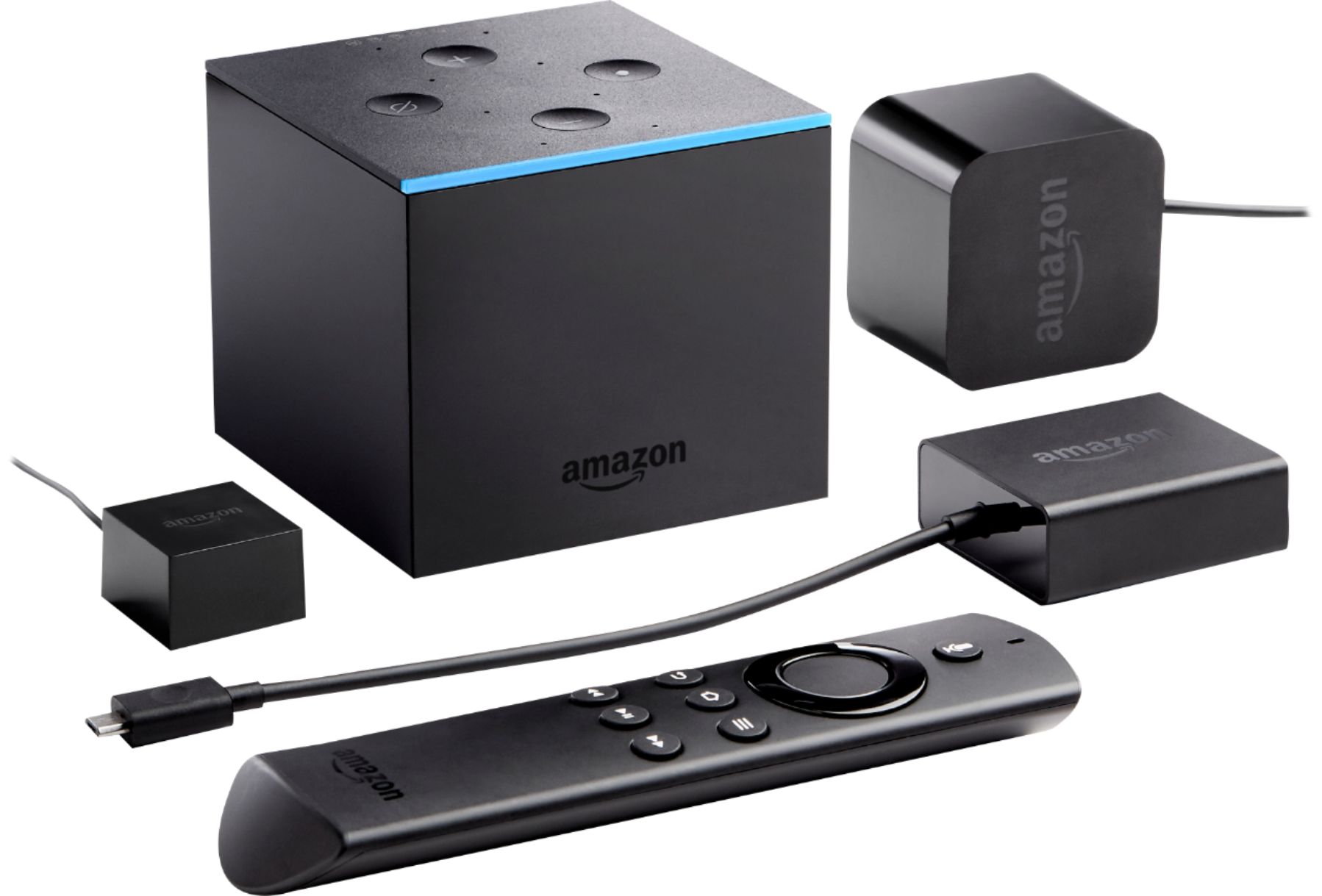
A:AnswerI believe you are looking for the Fire TV recast, being released November 14, 2018. It will work with the Fire TV cube, or other Fire TV streaming devices to send recorded shows to your TV. The link below is for the 2-tuner, 500GB version. There is also a 4-tuner, 1 TB version. The Fire TV recast will record from an antenna, and NOT from cable. I suggest googling it before buying if you're unfamiliar with the device.
A:AnswerSimple, Smart TV's don't carry the app where you are able to d'load it. That is why you need a media box(Nvidia Shield, Fire stick or box or Roku, etc).
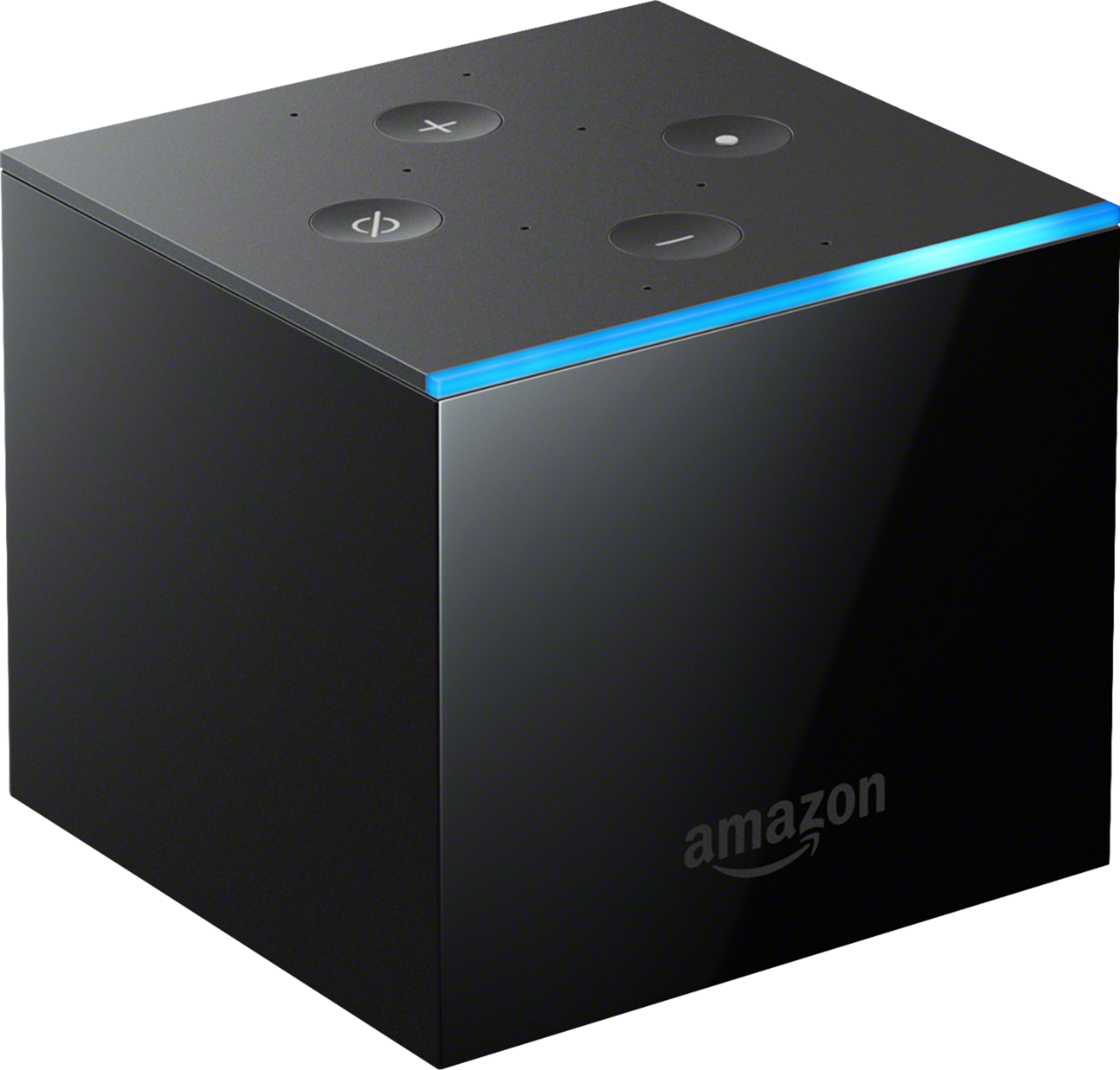
A:AnswerSince you purchased yours within 30 days of a price drop, you should be able to get a refund (in the form of a Best Buy gift card) if you still have your receipt. Don't ask though after the 30 days from purchase date has passed. Now, regarding your Cube, the most important thing to remember is to place the cube at least 2 feet from any speakers, particularly your TV's speakers. I found this out the hard way. Alexa is very sensitive and cannot easily distinguish voices coming from your speakers or your voice when it's too close to your speakers. Give the cube the right separation and it is fabulous!
A:AnswerSounds like you need to flush your Fire TV cache to start fresh. You can call Amazon Customer Support at 1 888 280-4331. ask for the Fire TV Cube techs, and they will walk you through it and not leave you until the problem is resolved. One of the good things about Amazon products is great, step by step Customer Support. Free for the life of your product.
A:AnswerYes, ALL of the functions of the Fire TV Cube should be available on your non -smart tv, because all Samsung tvs coding is built into your Fire TV Cube. Your Fire TV Cube actually turns your non-smart tv into a smart tv. You can call the Fire TV specialists at Amazon at 1 888 280-4331 to confirm this.
A:AnswerDevelopers! Long answer! The screen comes up before the real data is available. So, developers put in bogus date (should be blank) while the real data is being acquired. You should blink more often (so you don't see something that lasts a micro-second.)
A:AnswerOH, EXTERNAL... Sorry, my brain thought internal. If Amazon does a firmware update that will allow the Cube to use the micro USB port to connect to an external HDD (while you must at that point use the Cube with WiFi) then it could be possible? However that might be way in the future with all the other release issues that need to be fixed. Other than the Micro USB port there is no other port that I see could support an External HDD... I think this cube is just the 1st stepping stone in the way of replacing cable boxes with cloud based DVRs, but I do expect a serious APP based true DVR to be eventually released from Amazon purely based on Echo (Alexa) and Apps working with a DVR.
A:Answer1.11 and 1.06 versions both work. However, you must enable ADB Debugging in the settings
You will find all the details here: https://www.toptvtricks.com/mouse-toggle-fire-tv/