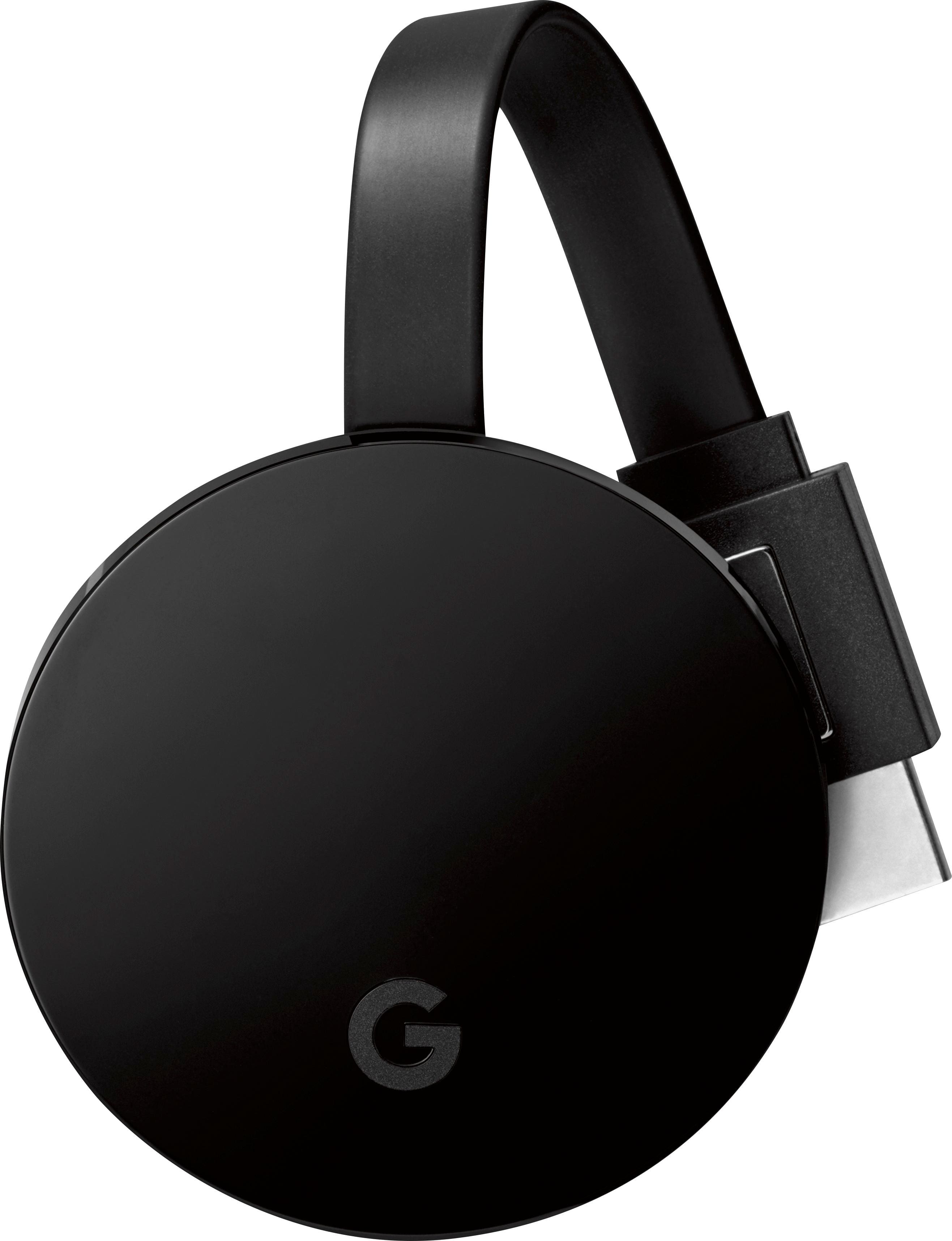
A:AnswerNot if you're planning to use Google casting. It is not "compatible" with Google apps. Maybe Airplay, but I can't confirm as I don't use Apple devices. For mirror casting your best bet would be a Chromecast
A:AnswerIt depends on the apps you download. I have Netflix and Hulu so there are a lot of choices. I added Kodi incase I can’t find it on the other 2. You could also subscribe to prime service but you can’t just plug it in and everything movie is right there.
A:AnswerI had an older model tv and while it had an HDMI & USB port I couldn't get it to work. However, I have a comcast box and maybe you have to buy an adapter--seems I read that somewhere. Go on Amazon and look under their reviews as lots of people answer questions there.
A:AnswerIt’s not necessary. I have one and trying to get them to fully communicate with each other. Right now the Echo works as a wireless speaker for it
A:AnswerYes. I was able to mirror my iPhone 7 plus. I downloaded a mirroring app to the fire stick and it works great. My iPhone home screen came right up on the tv screen. Hopefully they don’t remove or change that app
A:AnswerBetween Fubo TV (about $40 a month) and ESPN (about $5 a month), you will have plenty of sports to keep you busy covering every sport imaginable from baseball to cycling to soccer to Australian rules football.