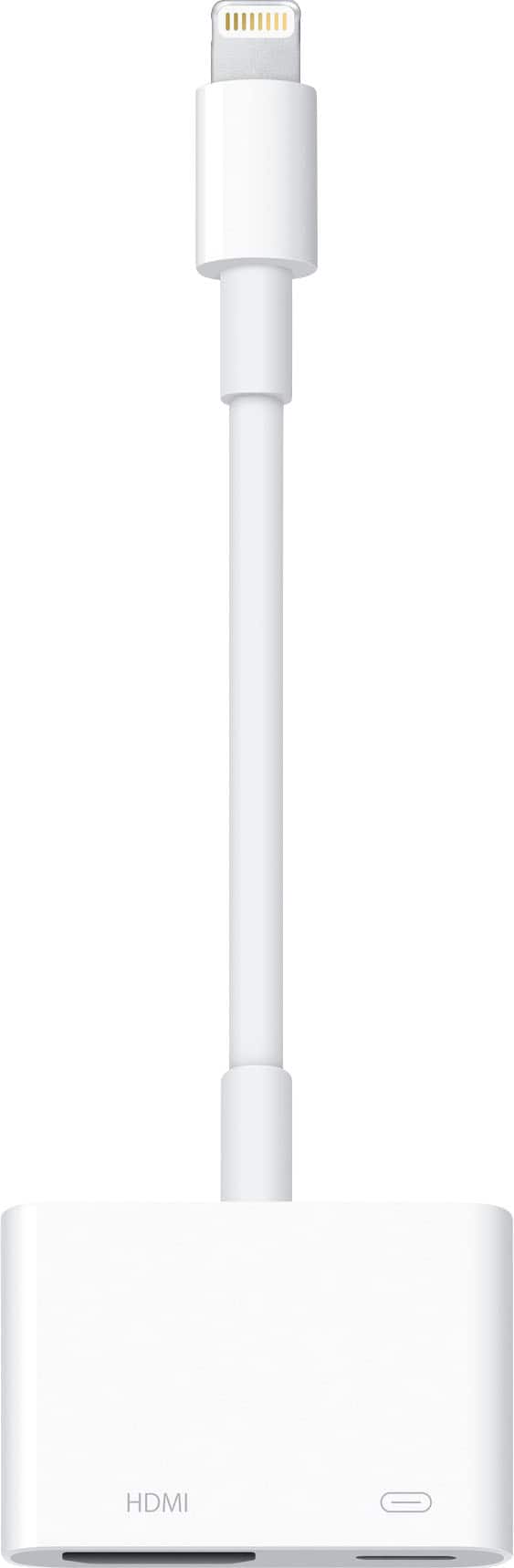
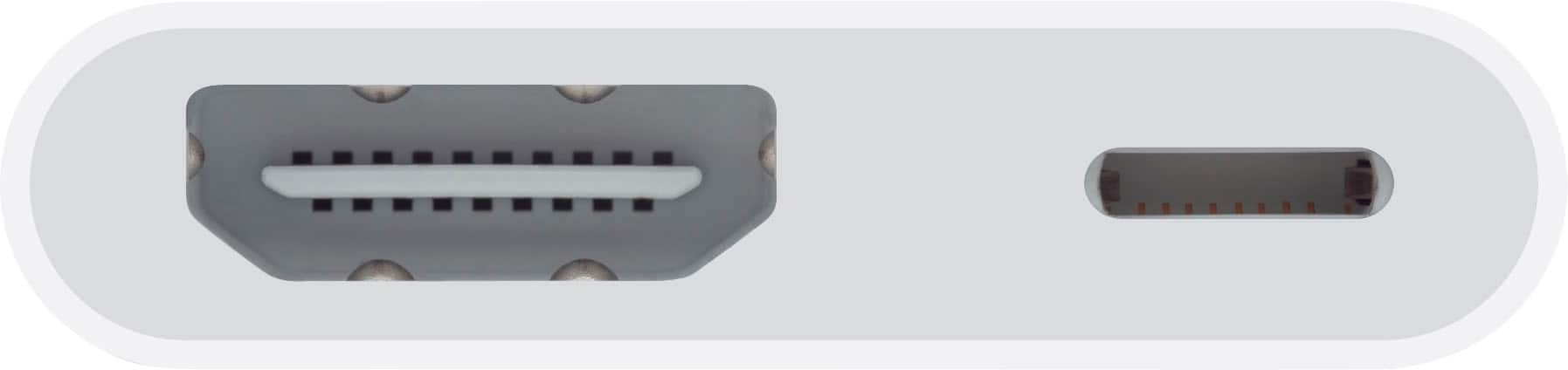
A:AnswerIt fit with my air2 lightning port. If your port is larger than no you might have to look for one marked special for your tablet. They do say what it is compatible with.
A:AnswerIf you are away from home and do not want to use a questionable internet service, You can connect your adapter to the tv’s hdmi port and have your iphones or iPads content on the tv screen. As long as your iPhone or iPad can display the content, you can access it.
A:AnswerThe AirPod pros work through Bluetooth on your iPad or iPhone. As long as they are connected to your iPhone or iPad, there should be no problem for the sound to transfer to the tv. AirPods work with Apple TV
A:AnswerI just tried mirroring my Vudu account. I needed to Putin my password but had no problem with mirroring. I would assume using the hdmi to lightning or usbc would be the same and access is a password away
A:AnswerIt should- it works with Hulu, Netflix, HBO I just don’t have Disney plus but it pretty much just mirrors anything on your phone to the tv. Even your home screen and text messages
A:AnswerIf you trust the WiFi service of the tv and you have Apple TV you can screen mirror from you Apple device. If you don’t have Apple TV but you want to watch video from your Apple device you can use an hdmi cable and the either the adapter for hdmi to lightning or the hdmi to usbc depending on whether you device has lighting or usbc port.