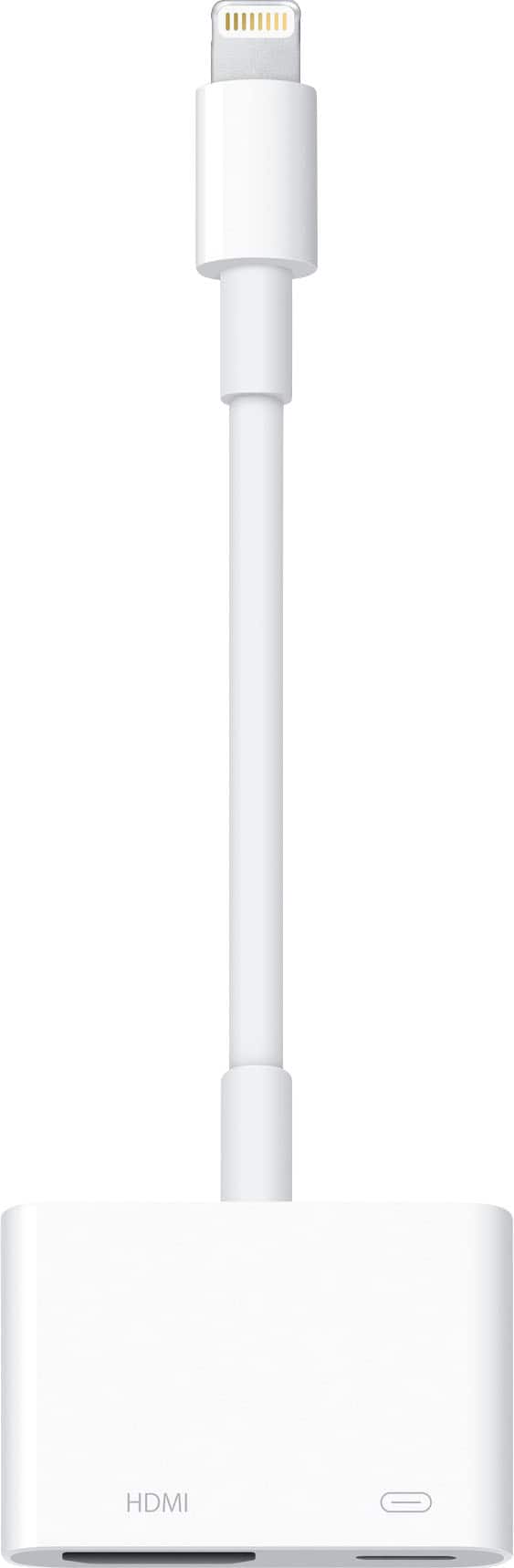
A:AnswerHey, Joanna. This little device is great. I use on my non smart TV to play things from my phone. Yes, it does work with Netflix, Hulu, Hulu Tv, YouTube, PlayStation Vue, and most other streaming video service. The only service I have issues with is NFL mobile, but other than that one, all is great. It essentially mirrors your screen on the TV, so you could even see Gacetime calls on it. Hope this helps.
A:AnswerNo you cant. Comcast has licensing restrictions to prevent that from happening. I tried doing it to, screen came up saying you cant airplay/screen mirror from the app to tv
A:AnswerYes, this is currently suported by Netflix, Hulu and many others. If it seems to not be working properly, try an Apple Tv and then just airplay your media through that
A:AnswerI used this with my Ipad Air. It worked fine about the first 6 times I used it, and then just stopped working. Too expensive to work for such a short period of time.
A:AnswerNot sure why you'd want to view your iPad on your external camera screen as it has a lower resolution than your iPad's screen. Unless you are using the very first iPad produced (which had no camera), you are able to view the camera from all models of an iPad on a monitor, projector, etc.