A:AnswerI would start by powering off everything and starting from scratch with the sound bar first and then the subwoofer and finally the surround speakers. Follow the set up guide
A:AnswerHey there, Dave! To avoid wireless interference, keep other wireless equipment 1 – 3 ft. (0.3 – 0.9 m) away from the wireless receivers. Place the speakers and wireless receivers outside and away from metal cabinets, other audio/video components and direct heat sources. Also, place the speakers at ear height or higher in the back of the room. If placing the speakers in an enclosed bookcase shelf, position them at the front edge of the shelf. For a sound that is directed straight at the listener, aim the speakers in towards the listener. For a sound that reflects off the walls to fill the room, aim the speakers out towards a rear or side wall. We hope this helps! Ashley - Bose Support
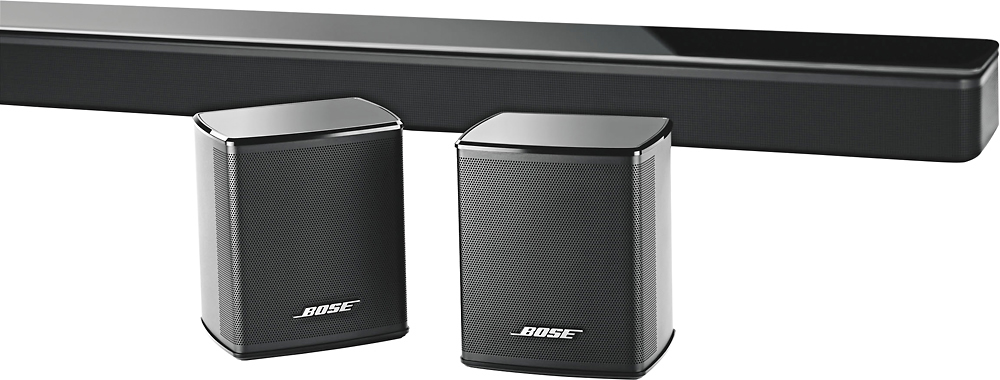
A:AnswerNo these are rear speakers to add on for left and right rear sound when paired to sound bar. Need to buy sound bar separate and required for these speakers to work
A:AnswerHello Grady,
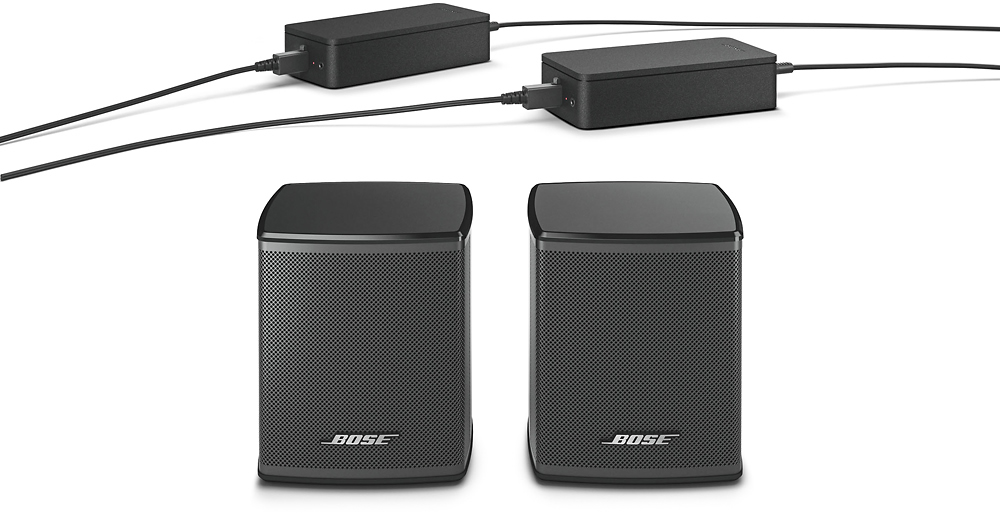
Thank you for the question. We can confirm that the connection between the rear speakers to the media console is wireless. The AC adapter cable length cannot be shorten.
Thank you again,
Mohsin - Bose Support
A:AnswerHello Oldgold, thank you for your question. Yes, the Surround Speakers are compatible with the UFS-20 Series II floor stands. Have a great day! Best Regards, Greg - Bose Support
A:AnswerHi, Chito.
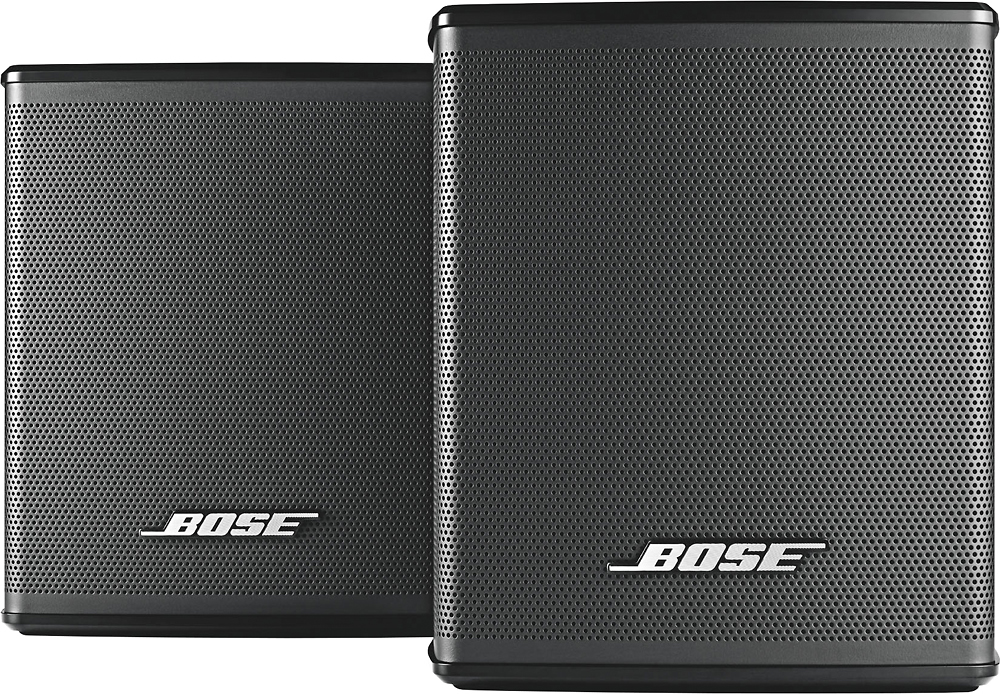
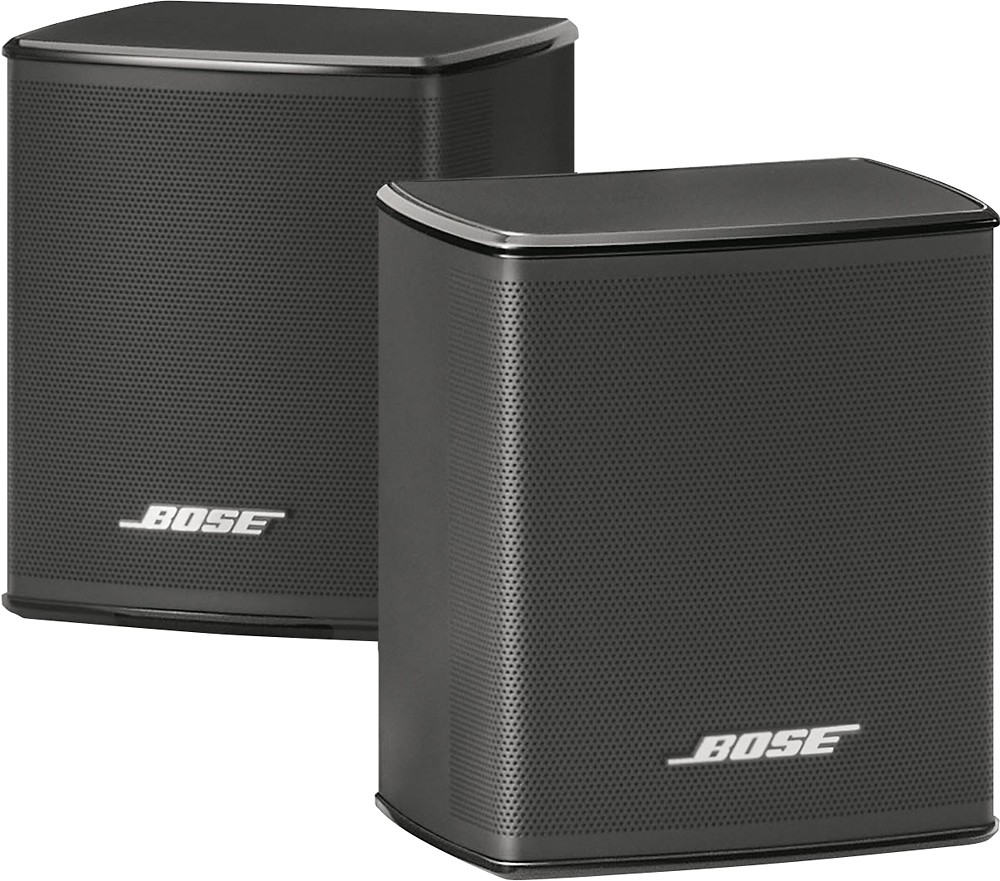
Thank you for your interest in the Virtually Invisible 300 wireless surround speakers! These speakers will pair with your SoundTouch 300 soundbar and Acoustimass 300 bass module to create an incredible 5.1 surround sound experience. Enjoy your movies, and have a great day!
Jesse - Bose Support