A:AnswerThe RX 480 does indeed use the memory type GDDR5. If you have any further questions please do not hesitate to get in touch with our support team; we're happy to help.
Tech support:
(888)937-5582
- Cyber_Tech2
A:AnswerThe motherboard comes with multiple auxiliary ports to connect to. Personally my sound is streamed via Bluetooth to my sound bar. (Bluetooth included) Sound also plays through the Graphics card when connected with HDMI to my TV. Many audio options available. If an auxiliary cable is what you need, they are very easy to find and cost efficient.
A:Answerwindows 10 was all ready loaded when i bought it, you need finish the set up, the disk is for your backup you need to do your windows updates for drives and other updates if you need a disk drive there are external one you buy and plug it into a USB port, Steam is very good gaming download web sight and origin origin only does EA games you have to register for both
A:AnswerPlease check your monitor cable or try another one if possible. The AMD Radeon RX 480 provides one HDMI or 3 DisplayPort connections to the graphics card. If You're already using DisplayPort cable you may try HDMI or another DisplayPort cable. Please contact our technical support department if you need additional assistance at 1.888.937.5582 Monday through Friday from 7am to 7pm PST.
A:Answerdid you scratch off the silver part to show the rest of the code? the little silver section scratches off like lotto tickets exposing some extra parts of the activation key.
A:AnswerYou will need to use a headset that has a separate plug for the microphone and headphones. There are adapter's you may purchase to convert your single plug headset to a separate headphone audio output/ microphone input jacks. Please feel free to call us if you have any other questions at 1.800.707.0393.
A:AnswerPlease contact our technical support department directly to get assistance on this issue at 1.888.937.5582 Monday through Friday from 7am to 7pm PST.
A:AnswerWe sincerely apologize for the state of the keyboard. Feel free to get in touch with our support team for assistance replacing the keyboard; we're happy to help.
Tech support:
(888)937-5582
- Cyber_Tech2
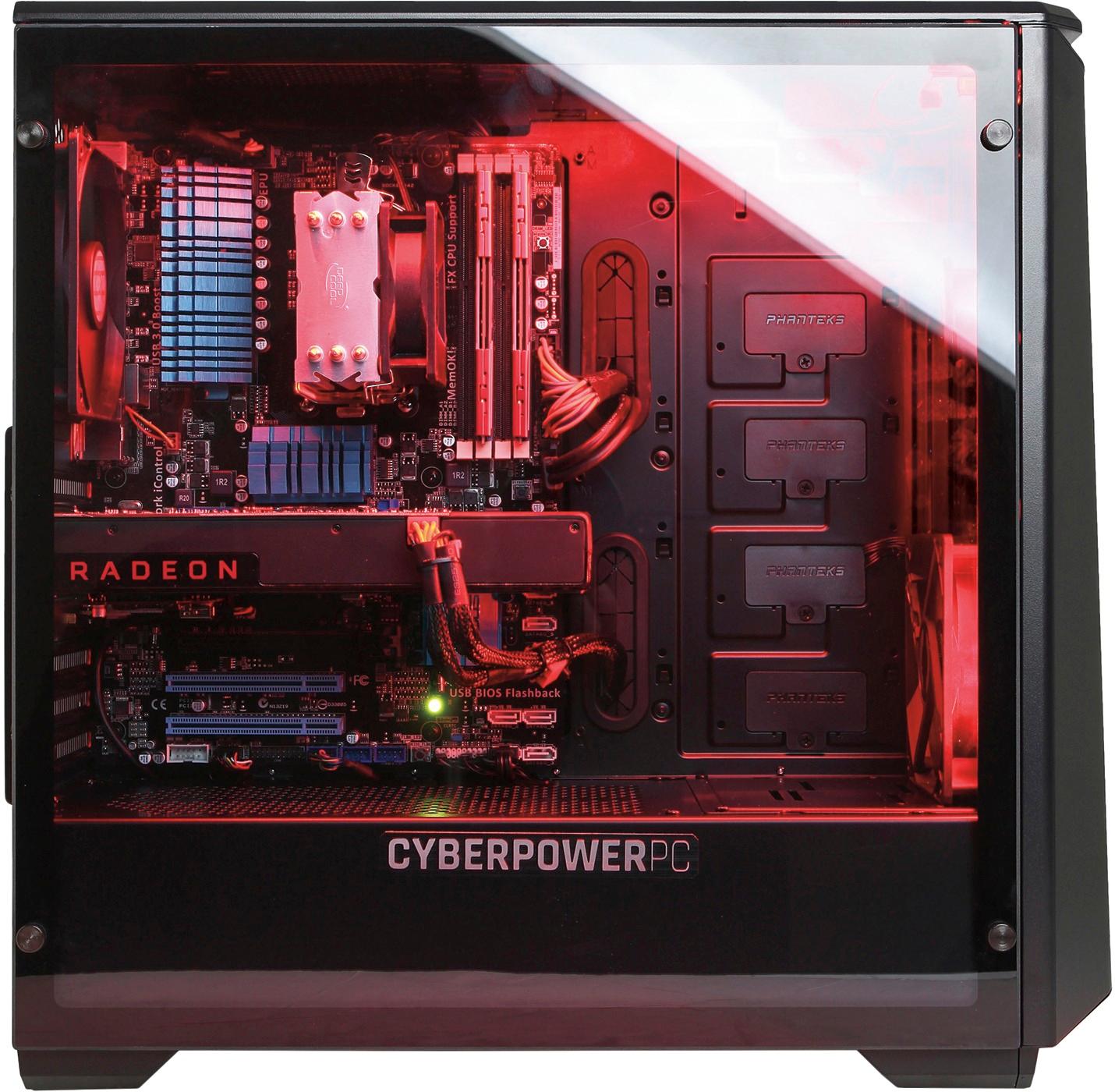
A:AnswerRemove the right side metal panel and you will find two 3 1/2" Hard Drive Trays, two 2 1/2" Hard Drive /SSD Trays and a cluster of various power connectors.
A:AnswerDiablo and star craft are seamless. Call of duty is smooth as well as borderlands. Have not had it struggle but a few times when the screen was filled with action and explosions. Even then, it was very short and still looked good.
A:Answerno issues just indicates that your keyboard is getting power while booting up. Like when turning on a car all the warning lights and such come on then turn off.