A:AnswerOpen your app on your phone or tablet. Then go to account, then to advanced settings. You'll see that you can select the networks time zone or you can specify a specific time zone. Once you do that, just re sync your watch and it should be good. Sometimes on mine it takes a couple syncs before you see the new time.
A:AnswerIt tracks your resting heart rate while you sleep. You do have to enter your information for your hours of sleep. You can also enter your water consumption. You can add them from your phone and/or computer. I've been using it for about a month but I'm still learning.
A:AnswerI can't speak about the other Fitbits, but tennis is one of the exercises one can choose on the Surge. I don't know what information it gives different from the 'workout' exercise mode I often use, which gives duration, intensity (heart rate) and calories burned. A nice thing about the Fitbit is that it's personal: you enter (or with the right smart scale, it syncs) your height, weight, body fat... and Fitbit does the rest. I'm attaching photos of the recognized activities (you choose 7 for your Fitbit) and the automatically recognized exercises, by default recognized after 15 minutes. These are found most easily in the Fitbit online app under settings/device.
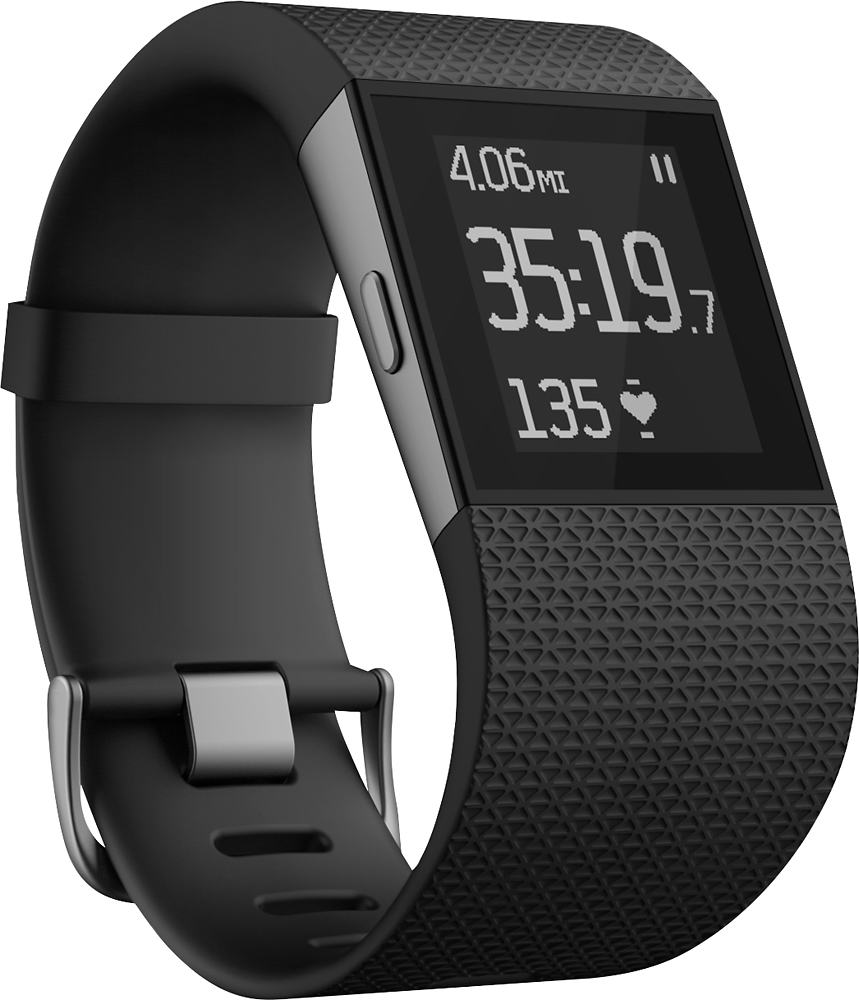
A:AnswerThe most draining is the use of GPS and it only uses that on a few different options. I haven't tried to disable the GPS but my surge only needs charged every few days.
A:AnswerThe device comes with a cable from USB to fitbit proprietary format. USB is an international standard. You might need a local adapter to USB, but those should be pretty common.