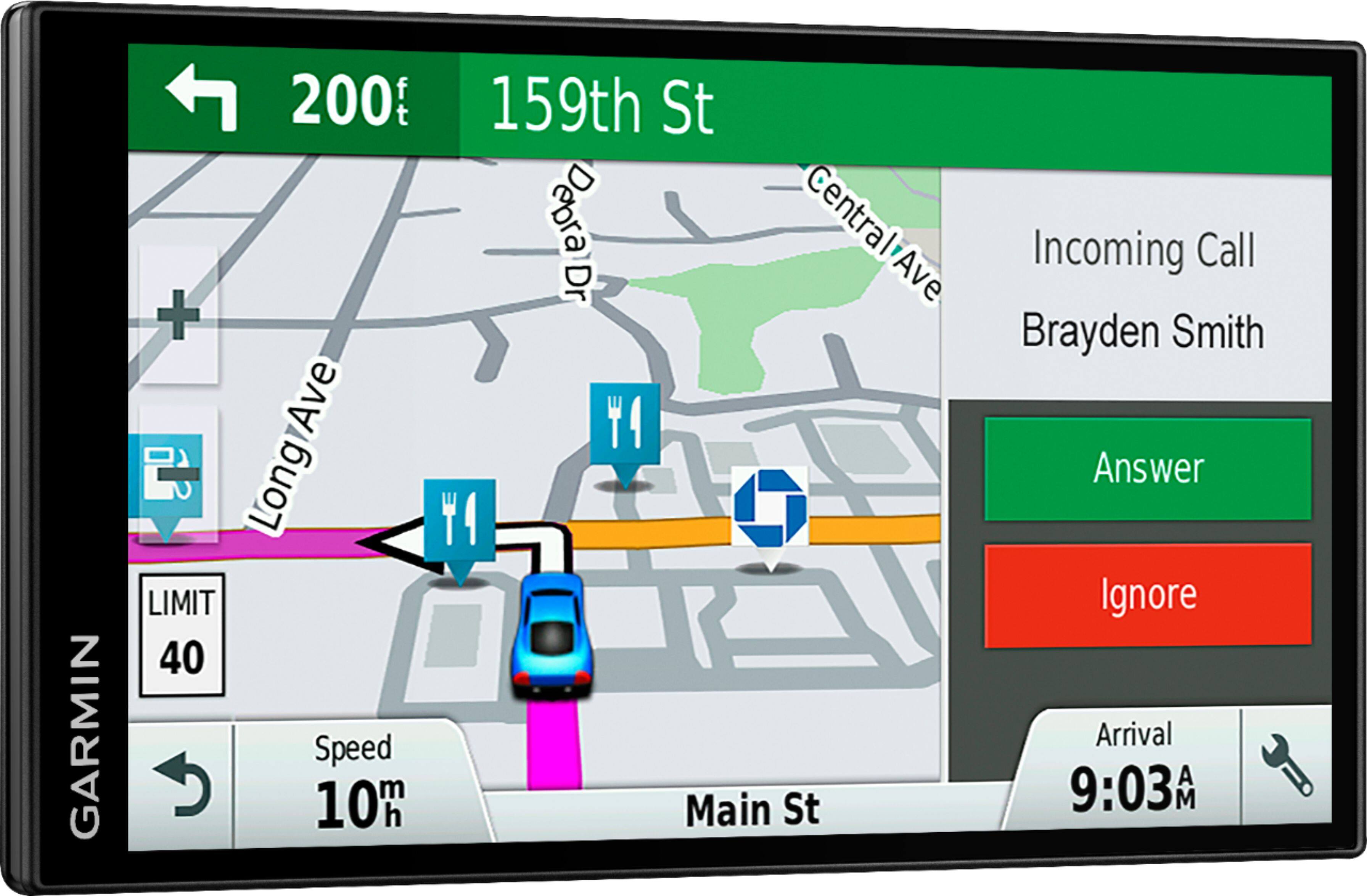
A:AnswerI know it works great in my 2002 3500 chey truck. I cant think of why it wouldn't? You might have to turn off the blue tooth in the car while in use?
A:Answerour machine often says to make a legal U turn where ever it sees we can. You can always do what you want w/o listening and th machine will just reboot and not keep saying recalculating, recalculating.
A:AnswerYou can download the owner’s manual from the Garmin Product support page using this link: https://bit.ly/2SL4yO8
Or you can view the complete owner's manual on the GPS. Select Apps > Owner's Manual. The owner's manual appears in the same language as the software text.
A:AnswerNo, this model includes a Vehicle suction cup mount to attach the GPS to your vehicle’s windshield and a vehicle power cable that connects to the vehicle’s cigarette lighter/power port.
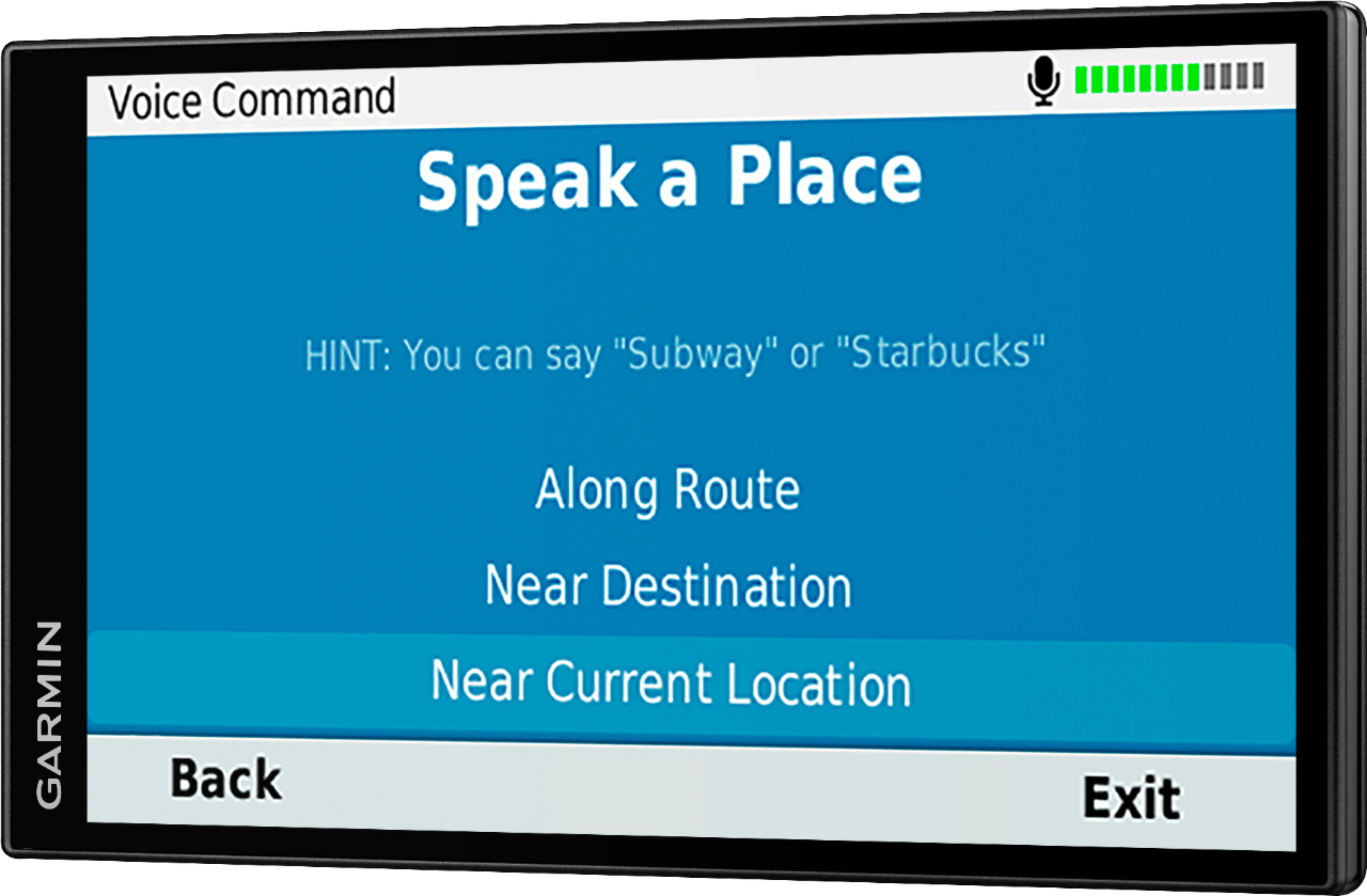
A:AnswerYes, this model includes the Voice Command feature that allows for voice activated searching of addresses, points of interest and places. However, if you choose, you can manually type the addresses.
A:AnswerNo, this model doesn’t include any truck specific routing. The Garmin dēzl™ series includes detailed maps for North America that also include truck-related restrictions – like bridge heights, sharp curves, weight limits and more – and related information for most major roads and highways.
A:AnswerYes, this model supports using Latitude/Longitude to search for locations. This Garmin FAQ explains Finding a Location Using Coordinates: https://bit.ly/2WfsJmR
A:AnswerIt does not require line of sight as long as it can pick up satellite reception your fine. If it doesn't initially connect put it in your window until it connects then put it back down on your transmission tunnel
A:AnswerThis is a GPS device and can connect to your smart phone via blue tooth. So I'm not sure what it means if it works with 2018 Cadillac? Otherwise a GPS device should work in any vehicle.