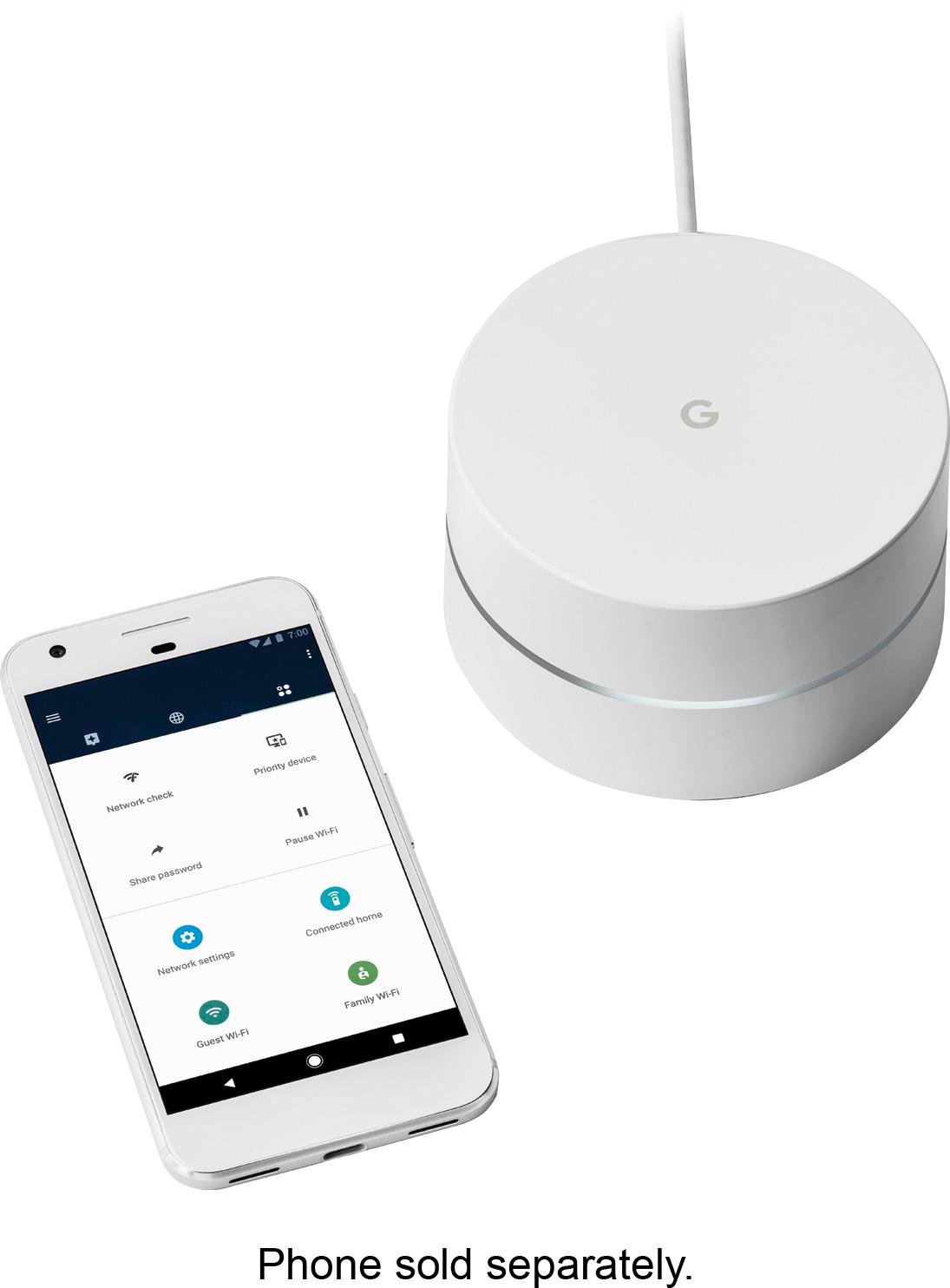
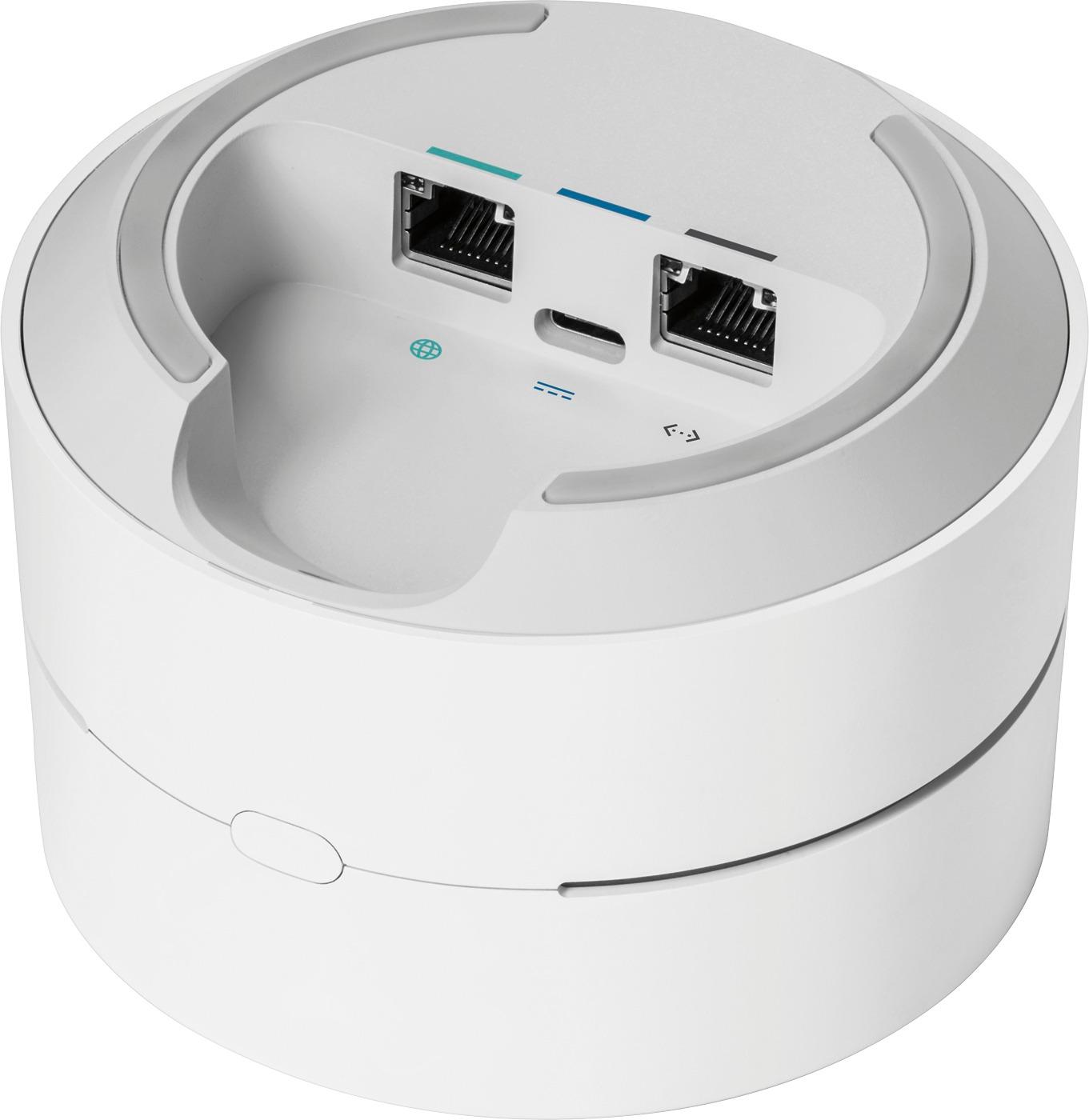
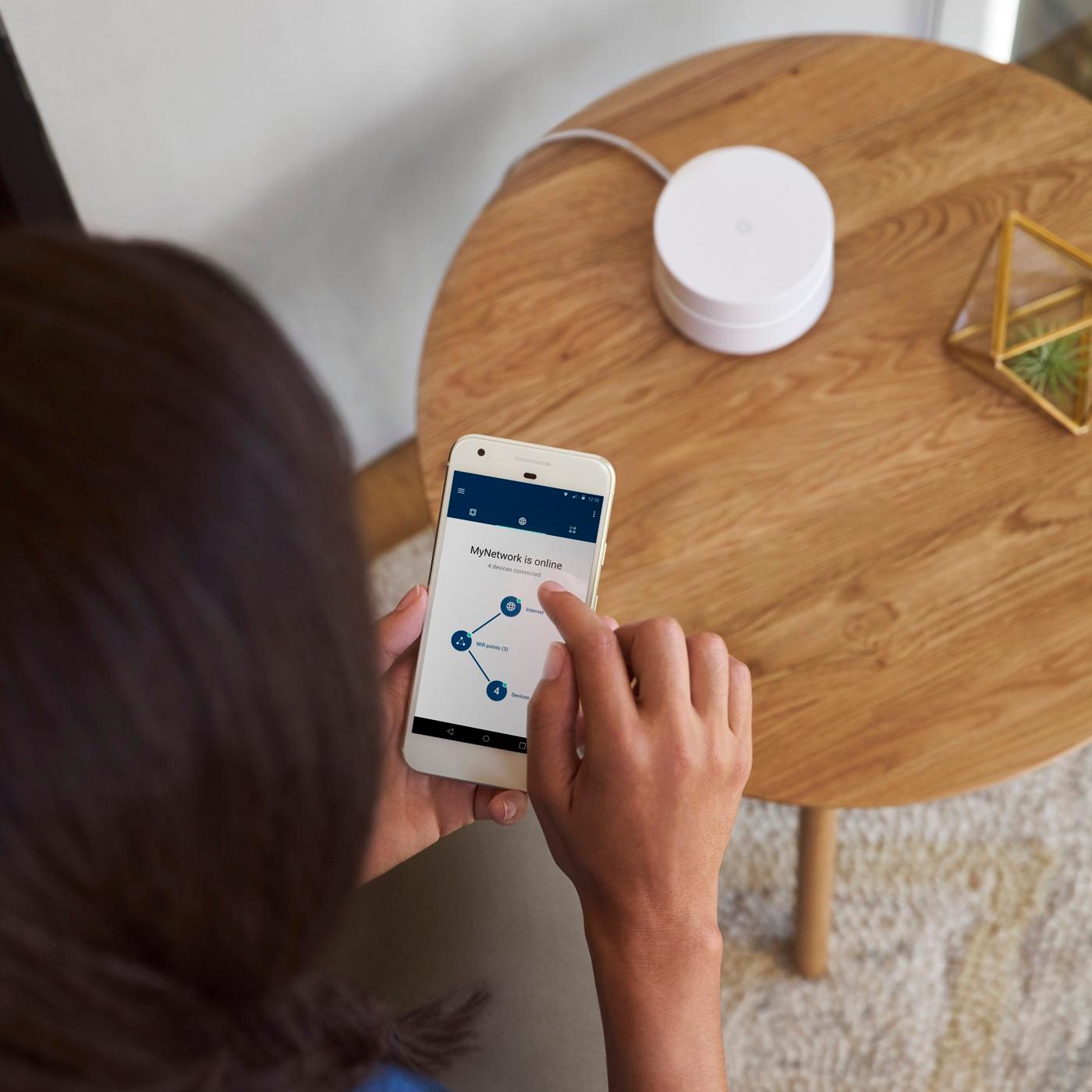
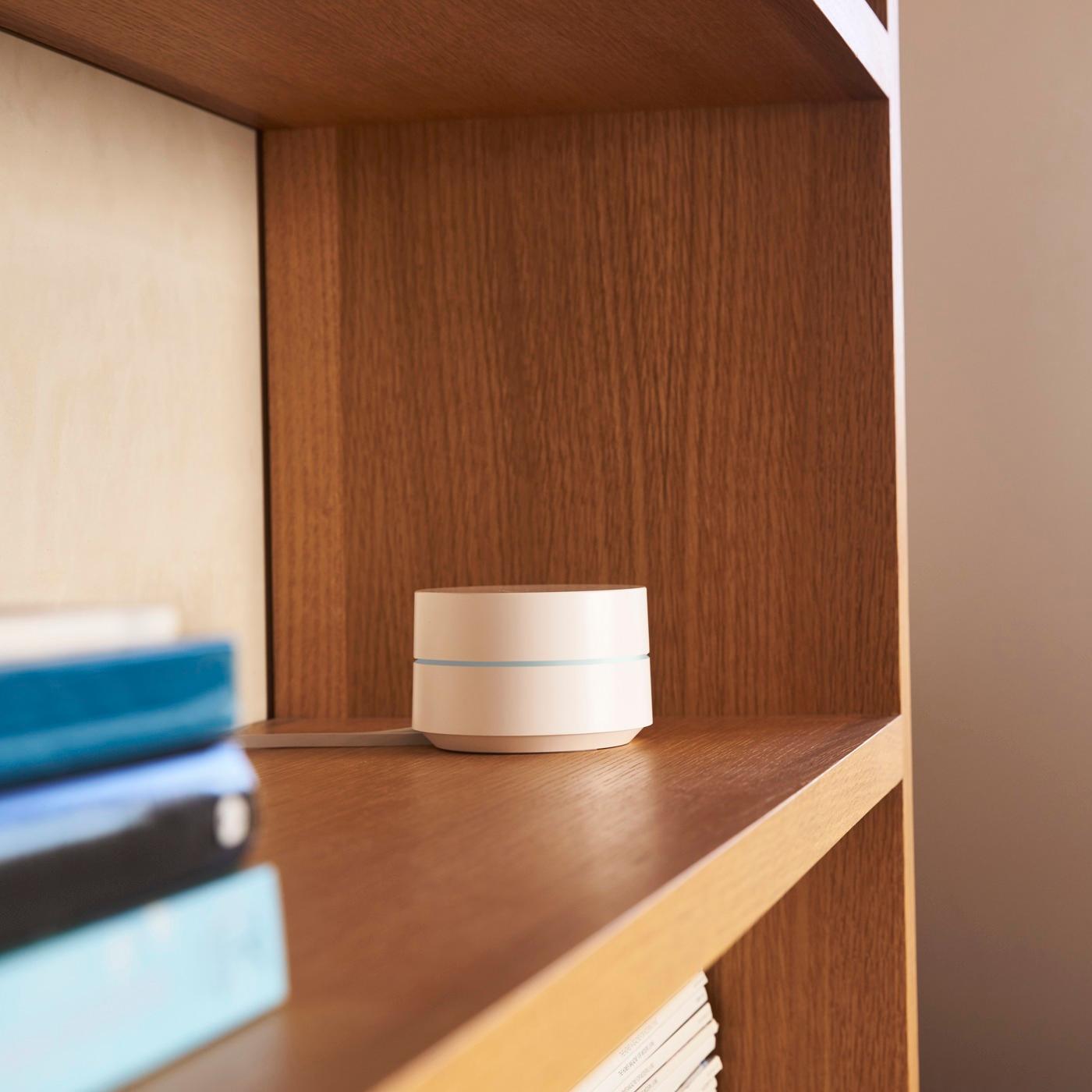
A:AnswerYes you can. I have done this myself. Works great for managing your home network and remotely managing and troubleshooting a second location. In my case, my parents home network.
A:AnswerCan’t give you an answer about those type of walls, but I will say with the strength of the signal and the range You will know real quick if you need to take it back or not.
A:AnswerIf by "feet" you mean devices, the answer is about 200!
This is an answer I saw on another site that I think is particularly good if you're interested:
The theoretical limit is determined by the addressing setup, which by default would allow over 200 devices to have addresses assigned. But, an address won't be reused until the assignment ("lease") expires, which would be at least a few hours (perhaps as much as 24 hours). So, the answer sort of depends on how many unique devices you expect to have connected in a given period of time. If you don't have a lot of churn, you'll be able to support a lot of devices simultaneously (over 200). If you do have a lot of churn, you may run out of addresses faster than they can be freed up for reuse. That kind of situation would likely only apply in an environment Google WiFi was not intended for, though (like a restaurant with public WiFi). It is possible to change the subnet mask and expand the DHCP address pool, but I do not recommend that unless you really know what you are doing.
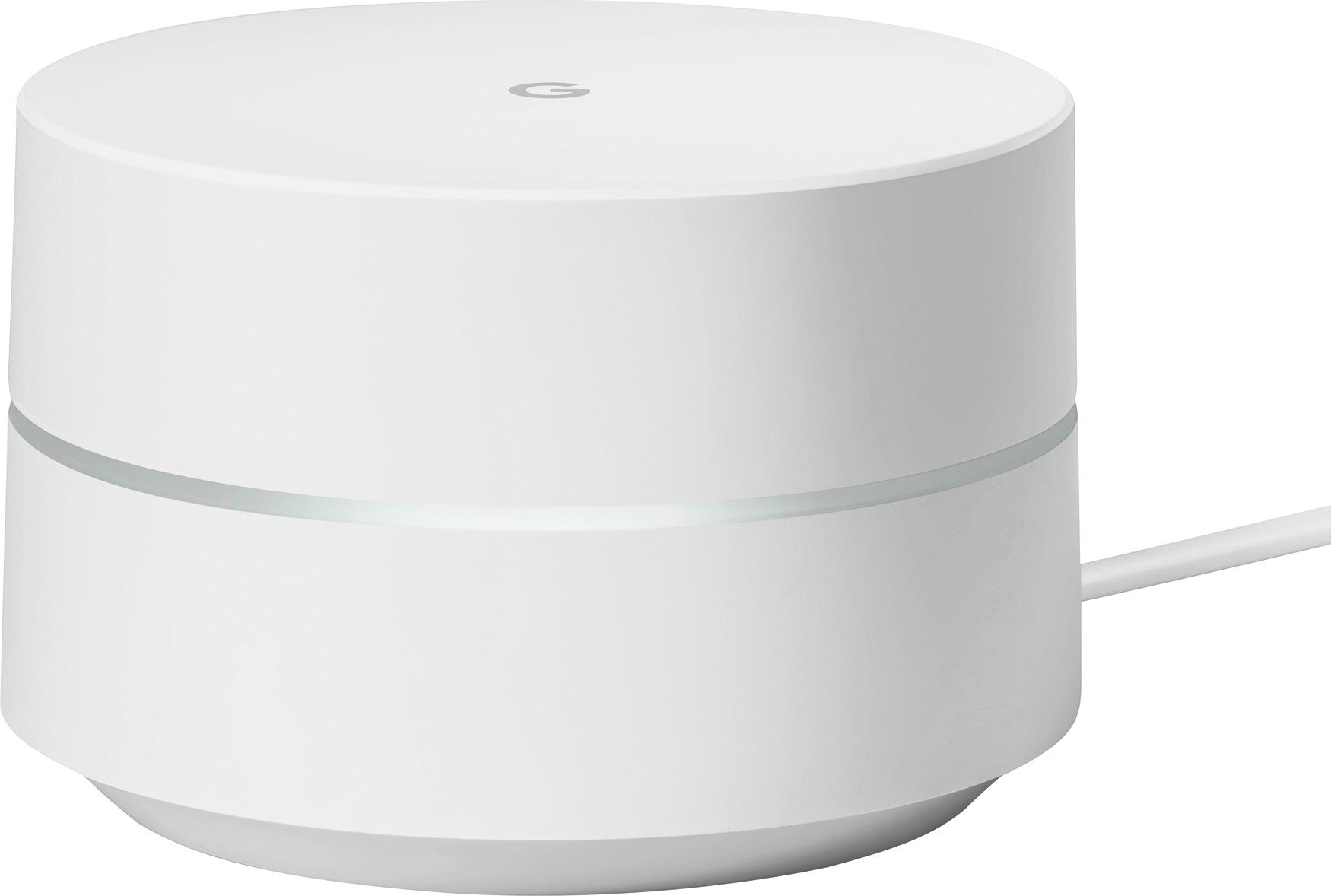
A:AnswerI would be very surprised if it didn't. I have one on all three floors of my house and I get a signal in my basement like never before. (cable provider comes in the top floor).
You may want to play around with the placement of your two or three google devices to get the best out of your signals because remember they're wireless as well, but my experience has been great.
A:AnswerThis would not be compatible with an AT&T modem but you
Could still have a use for it. If you have fiber internet and you have an active jack in the part of the house you need the extender for, you could set up this Google WiFi point as an additional network for the house. Having two WiFi networks isn’t ideal but it gets you the access you need. Just a thought.
A:AnswerDocsis 3.1 refers to the modem. This is a wireless router. Docsis 3.1 refers to the speed capability of the modem for downloading. I believe it is for 1,000Mbps which is 1Gig. This router will support those speeds. If the router displays Gig or 1,000Mbps, it will handle a docsis 3.1 modem. And you have to be subscribed to those speeds from your internet provider too.
A:AnswerYou need a stronger Wi-Fi signal outside the house. To do this you could use a Google mesh three pack and put one of the mesh units near the outside walls where your cameras are.