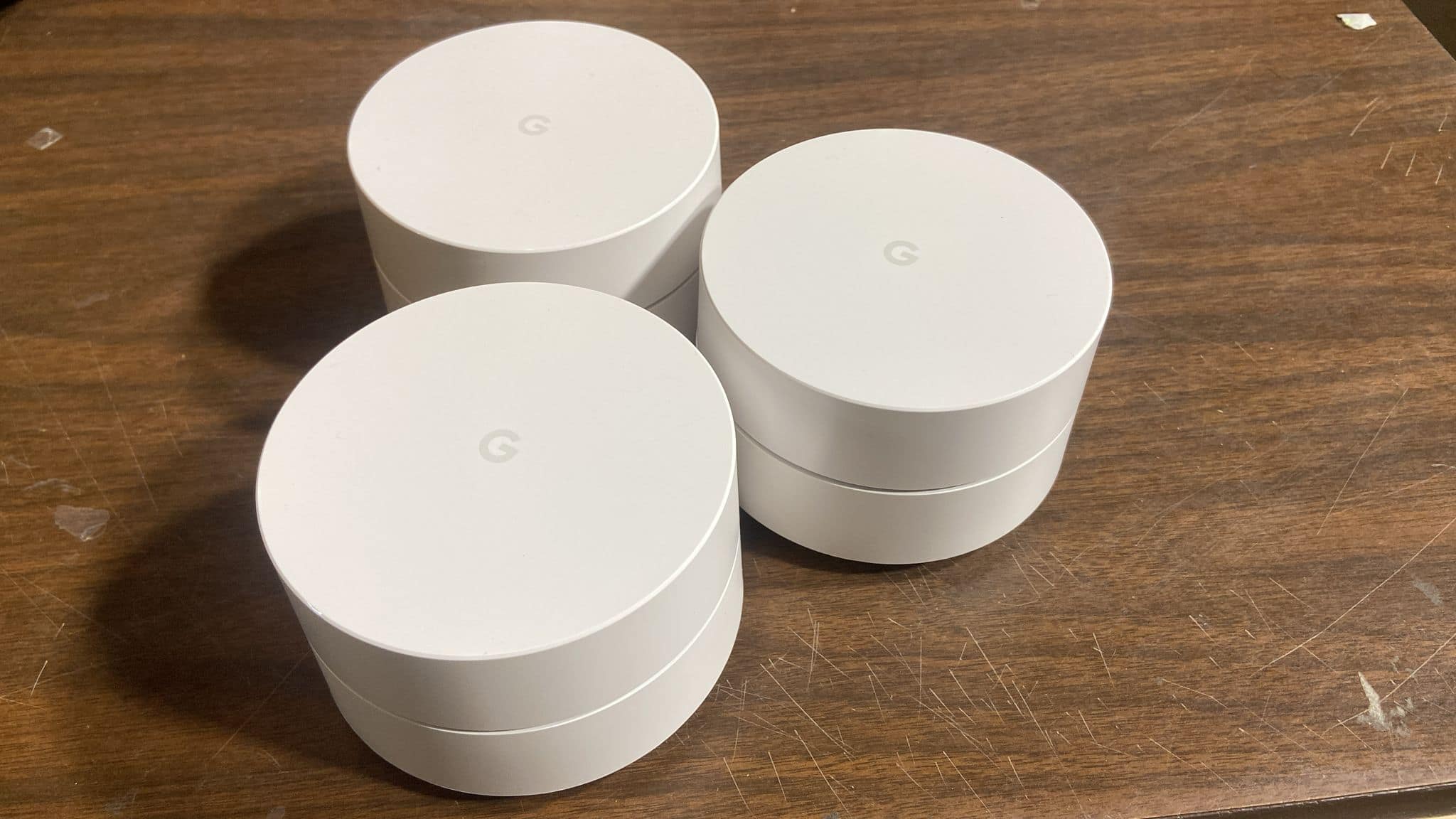
A:AnswerI have a Netgear Modem and Router all in one and I hooked up my Google Wi fi mesh without any issues. I can run two networks at the same time or you can disable one them so it gives you flexibility. No you don’t have to do anything to setup.
A:AnswerGoggle wifi is just a router not actually internet service provider (isp). If you're paying the rental fee from spectrum for their modem wifi as a spectrum customer I'd return that equipment because if you keep it for a few years you basically paid it off if you get the one router google wifi. They have a modem that's non wifi and it cost nothing. Back to the google wifi - I got the three it's easy and works well. And this way I can take it where ever I go and enjoy it. I bought the three. I have an additional one I'm not using because the one was good enough. I didn't even need to hook up the second one but did it any way. I get strong internet fast and all over. Even in the yard. Front and back. To me it was well worth it. The only thing is I dont have the phone with them just wifi. To me it was worth it and I'd do it again. The app features alone are wonderful. Great management and testing. I hope this helps you.
A:AnswerGoogle wifi will work as a router, but there has to be some source of internet connection via Ethernet. so if the dorm already has internet wired to the room and there is an Ethernet jack, google wifi will detect the internet signal and allow you to continue the setup!
A:AnswerYes you will need internet acces. Typically you will purchase the service, they may or may not provide you with a modem and then you can get the google router. Most of the time the internet can just be switched on by the provider in your area so you may not need any kind of set up or installation for anything. Internet really differs in price. Most companies will have tiers based on the speed of the internet. I have the preferred service with cox which for the first two years was $50/mo and then they jacked it up to $70/mo. Cox provided me with a modem so all I had to do was plug the google WiFi into the the modem with the cable that google provided and then download the app and complete the set up process. So essentially, to obtain WiFi for your household using the google WiFi router you will need these items: internet service (probably around $50 per month), a modem, google WiFi router, and a device compatible with the google WiFi app. You will need to install the google WiFi app to use google WiFi. I would highly recommend this product though. It is awesome!!! Oh and you can google internet companies in your area. You may have options like cox communications, time warner, Comcast, at&t or a number of other smaller companies.
A:AnswerThis is simply a router setup. As long as you can connect those devices wirelessly to the network, you are all set. If you must connect via ethernet, I wouldn't necessarily recommend this device because of the limited ethernet ports on the devices (you don't 4 or 8 ports like you see on a "normal" router.
A:AnswerWhen setting up the whole-home system, the instructions say to place them no more than two rooms apart. I'm getting 5,000 SF of strong coverage that way.
A:AnswerBased on a review I found, one Google unit has a range of about 105ft when acting as a router, so this would not provide the range you are looking for.