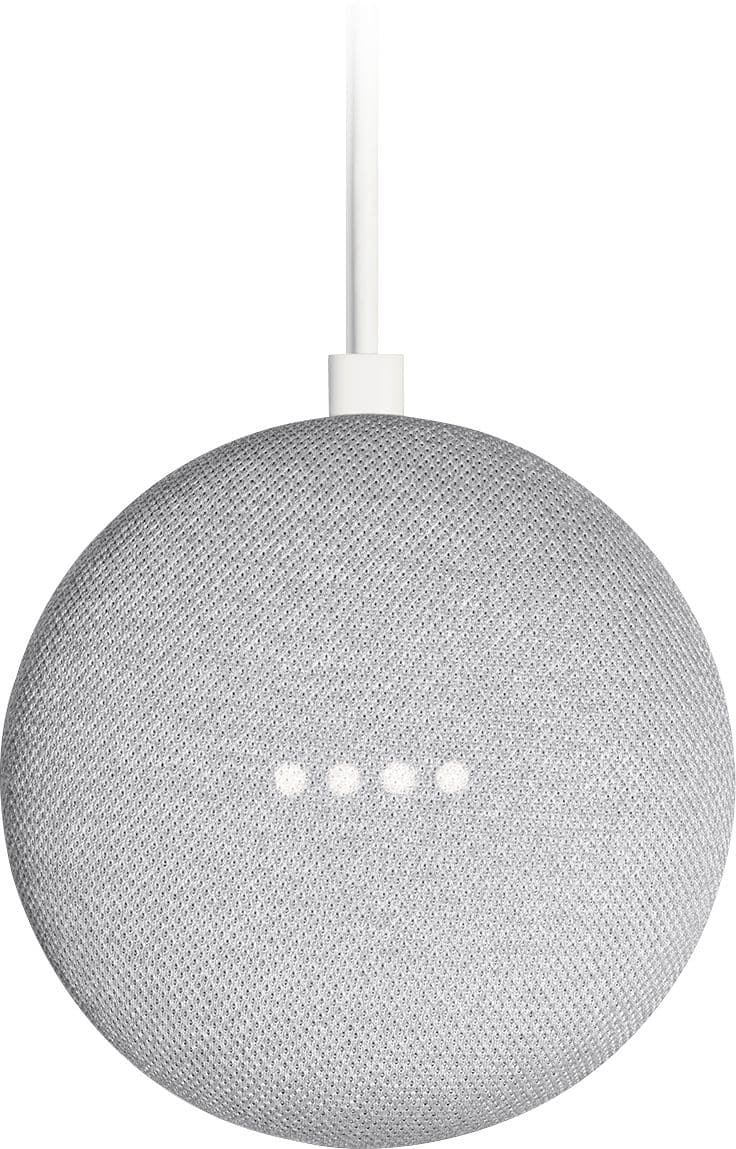
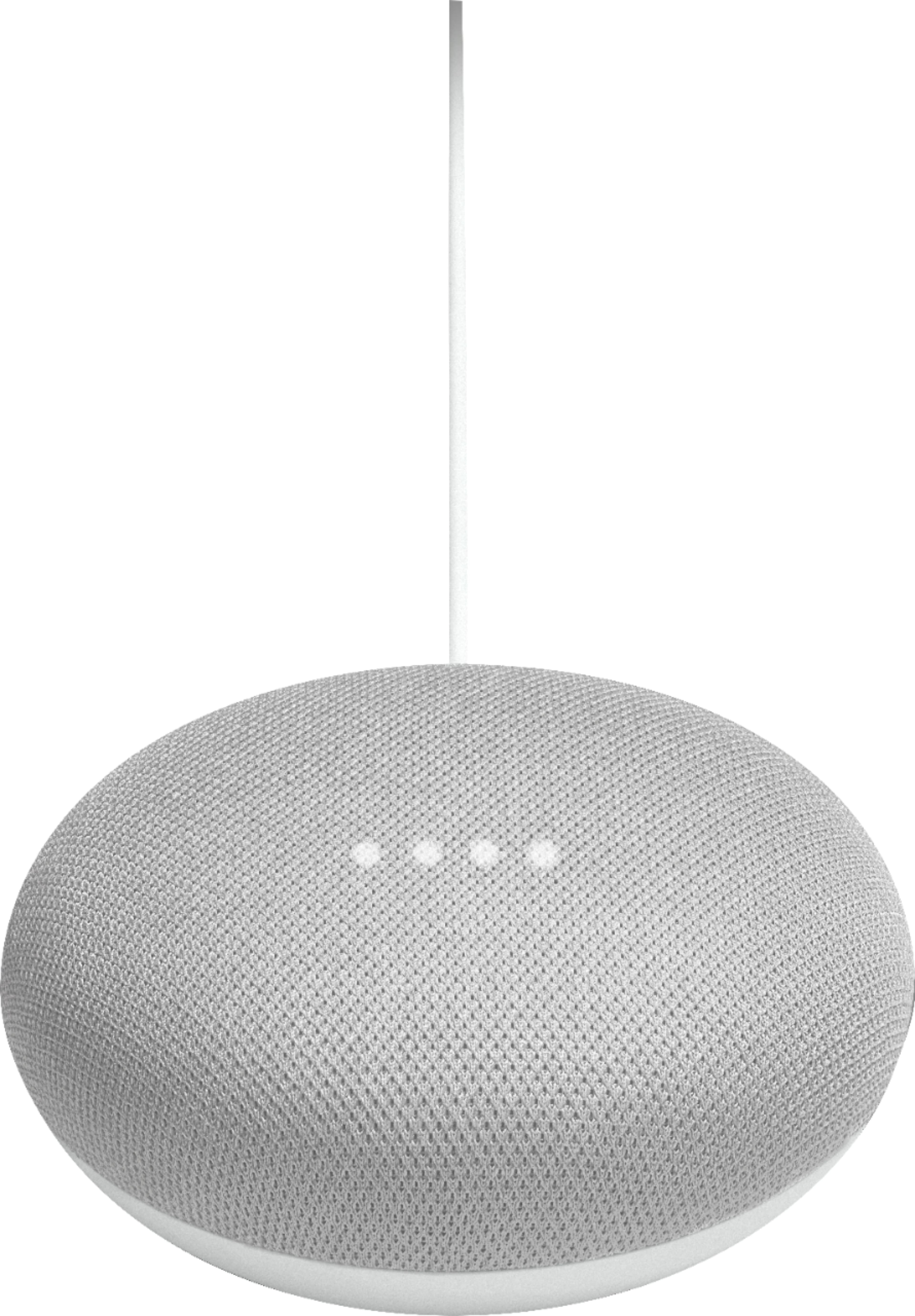
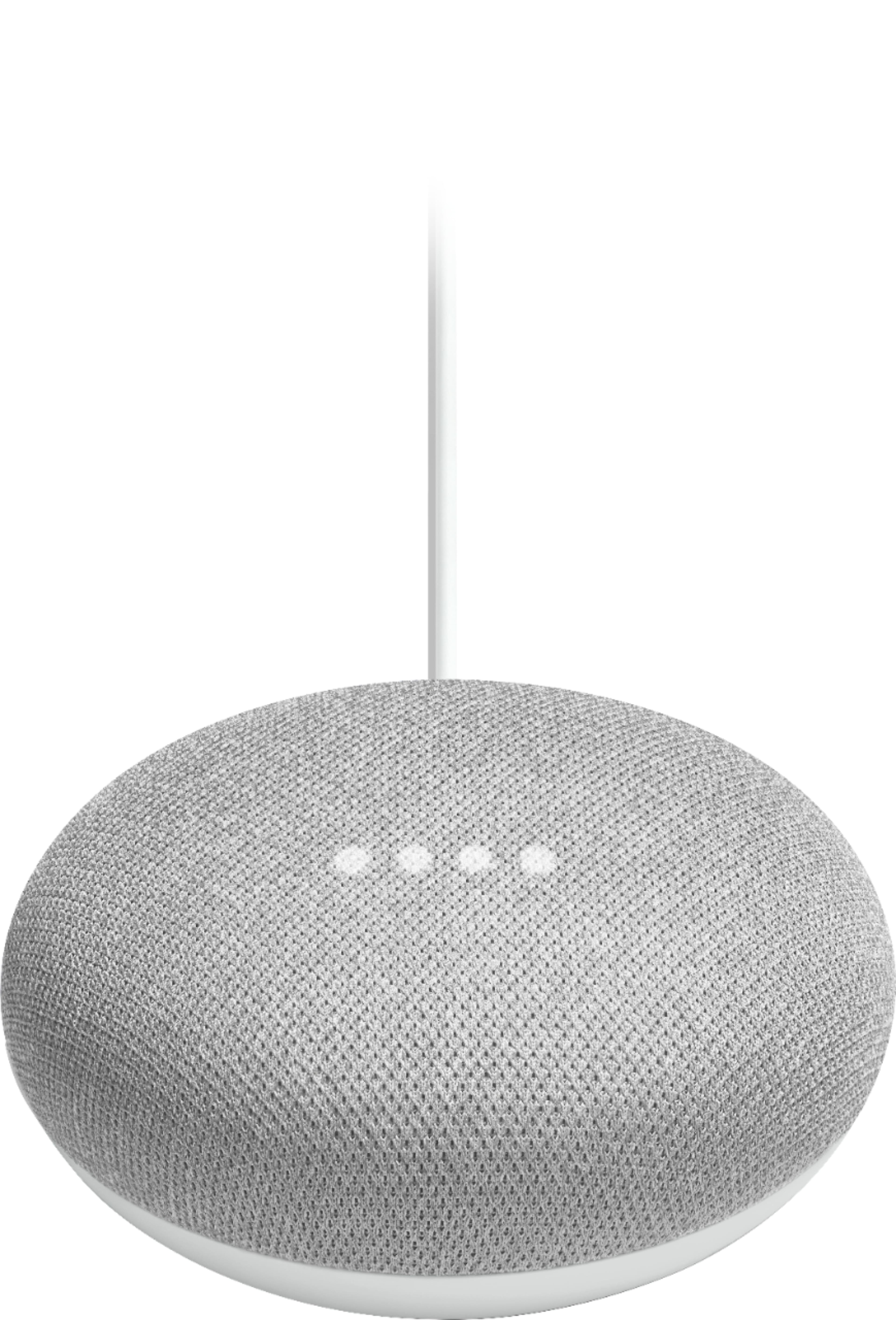
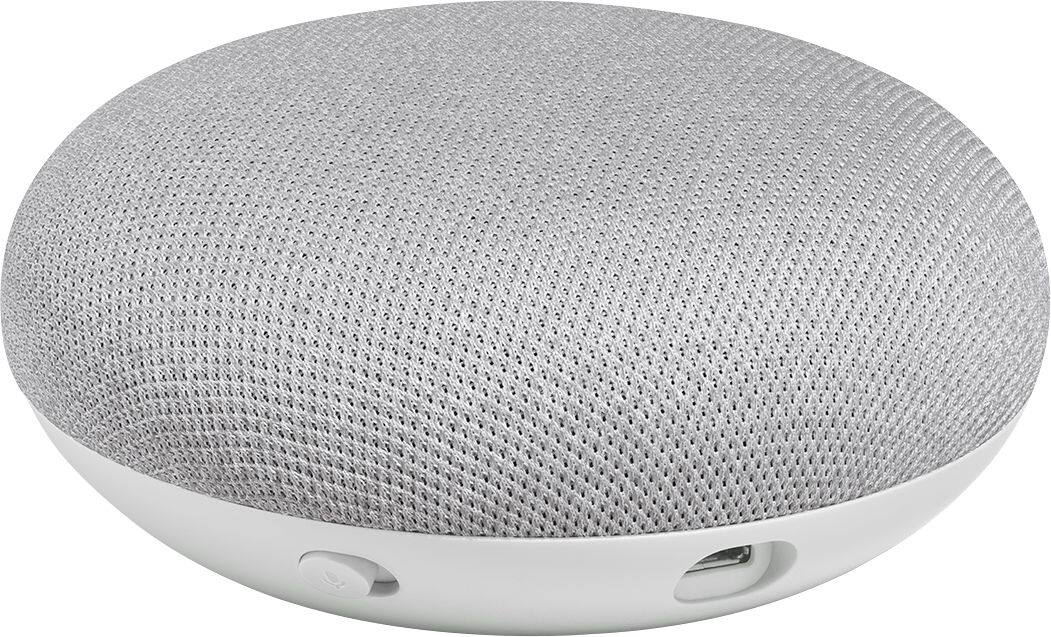
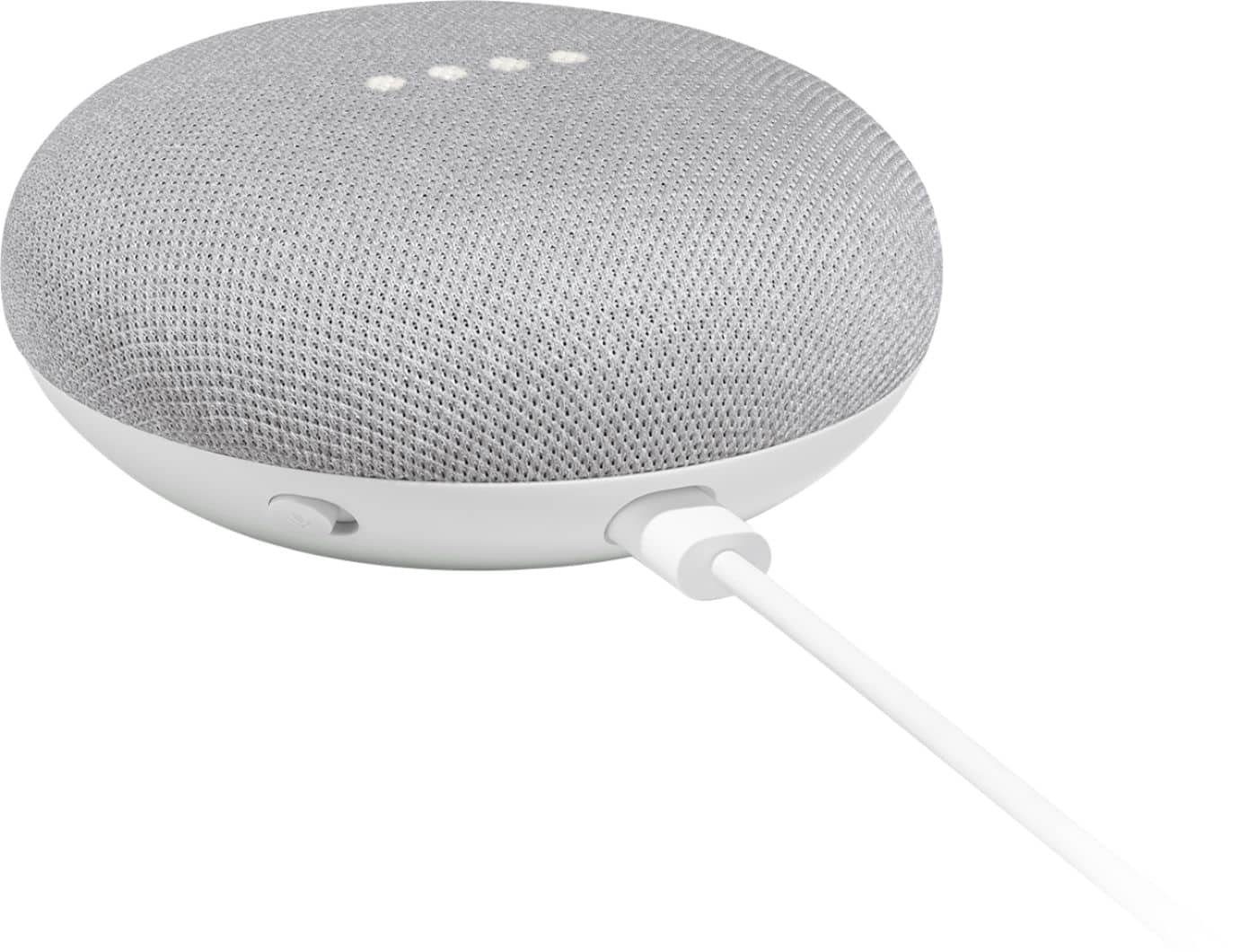
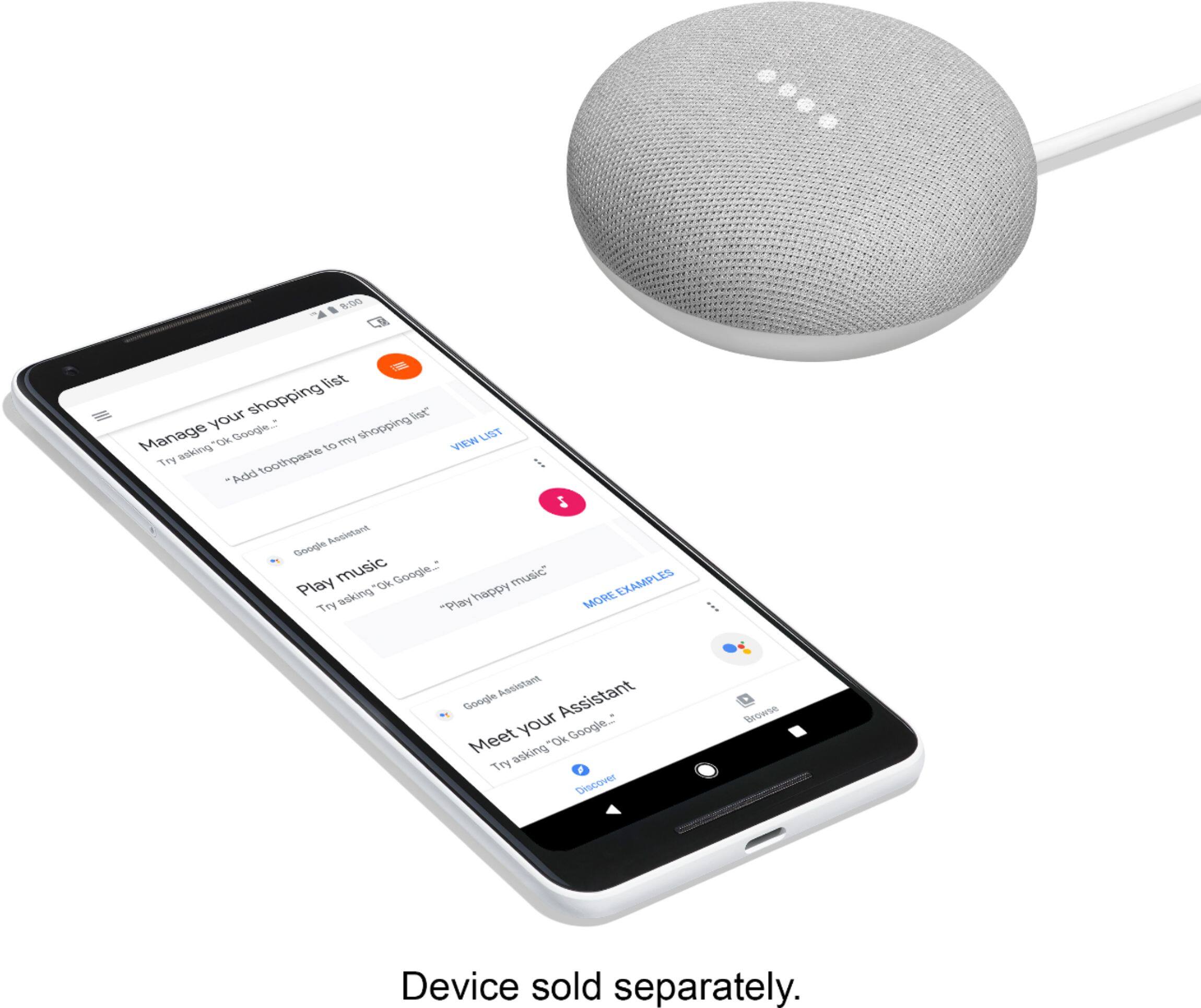
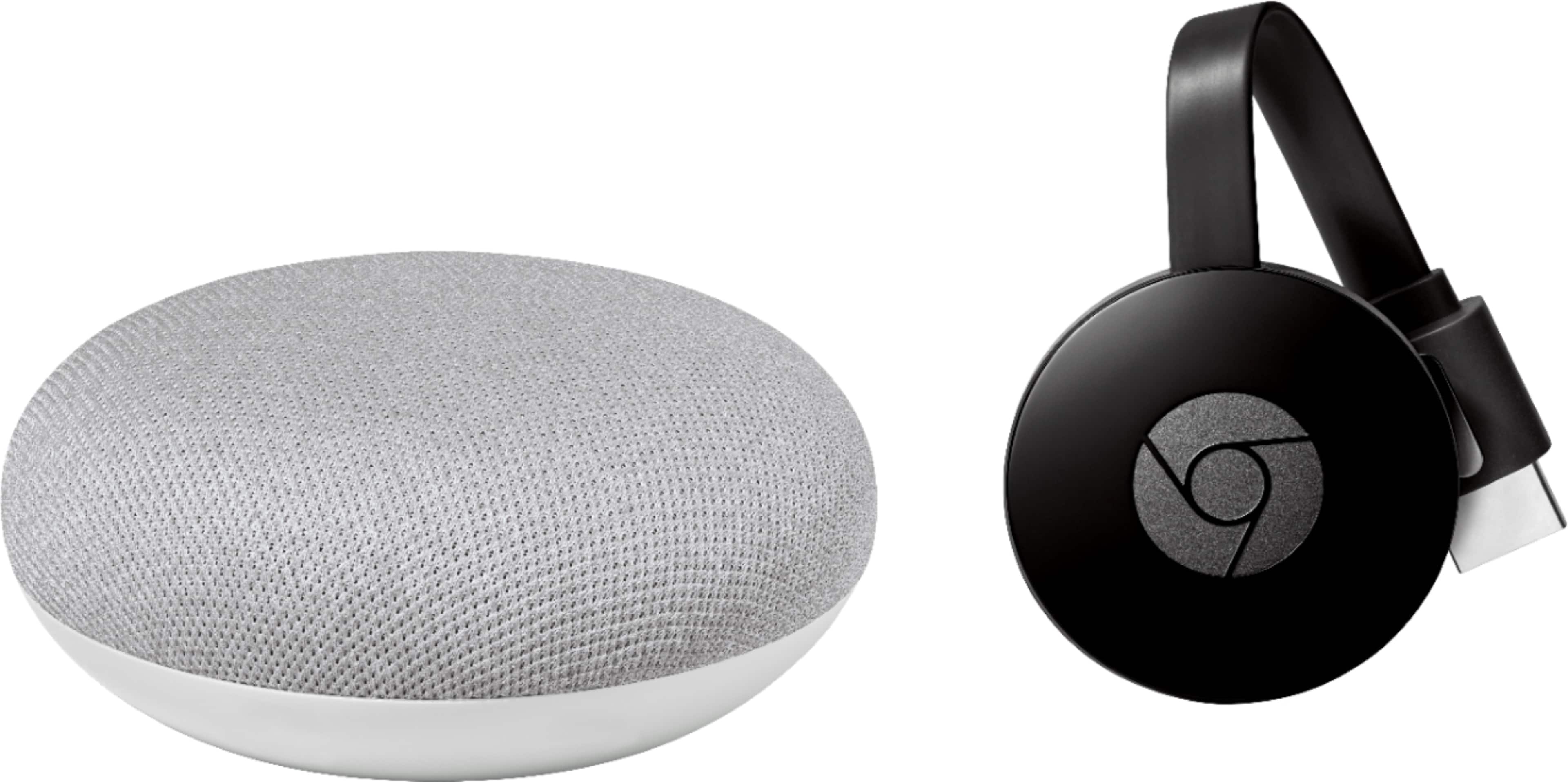
A:AnswerYou just need the Google Home app on your phone to set this up, plus an internet connection at home. Otherwise, nothing else is needed. It comes with the power adapter.
A:AnswerYes - with multiple Google Home's and Home mini's in the home, Google will have you assign each device to a room so you can speak more generally and it'll know what room has which devices in case of overlap. And yes, from either home you can control all devices known to the home.
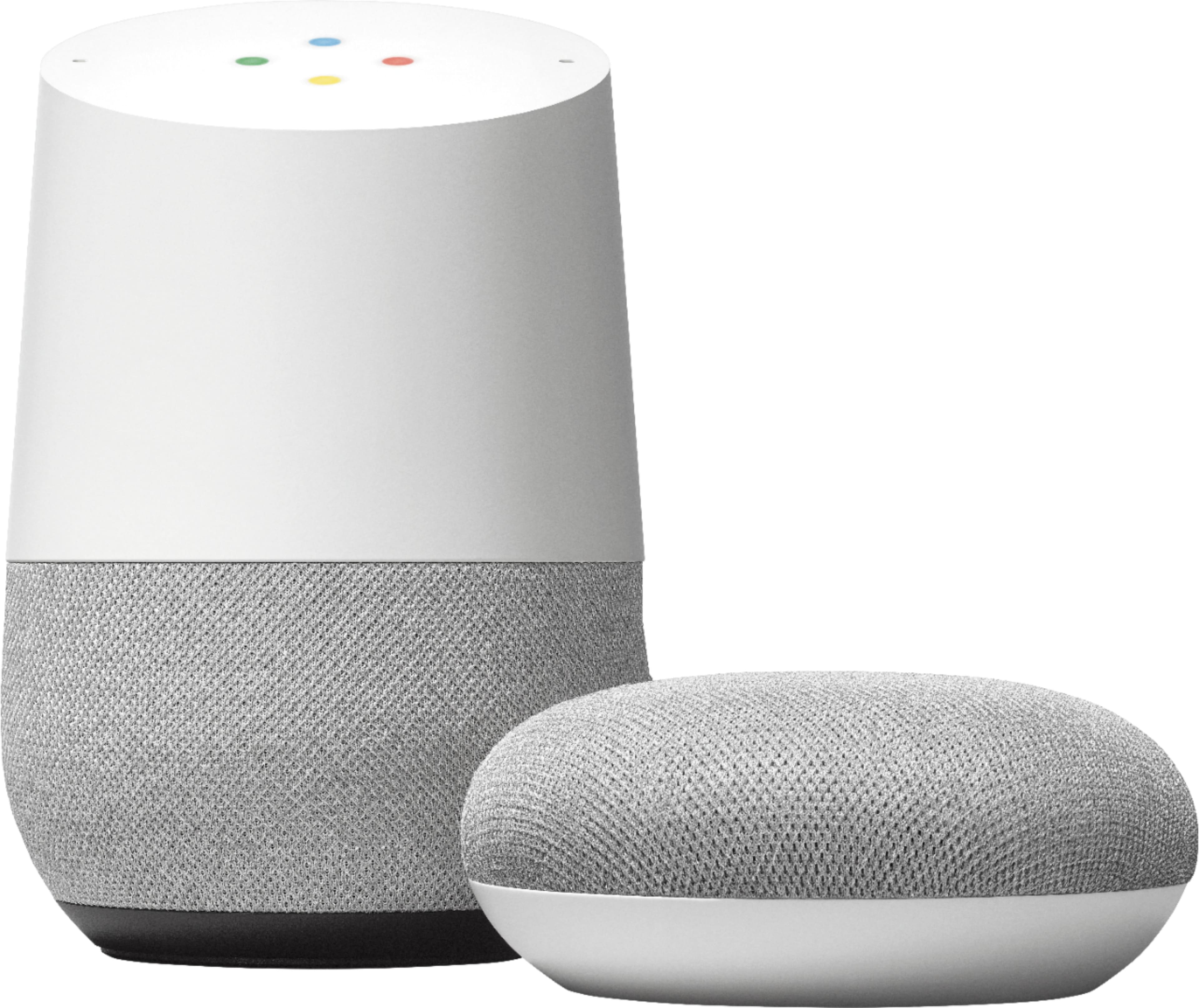
A:AnswerIt is a smaller version of google home with all the sam 3rd features. It works with other connected devices like wemo switches and ecobee smart thermostats. It can make calls l, tell jokes, take notes, set timers, read you recipes, search google etc
A:AnswerAbsolutely. The only time you'll need to set it up again is if you change networks. (I'm assuming, if you're asking this question, that there's only one in your house.) If you unplug it and move it to, say, an office or other location, you'll have to reconnect it to the network.
A:AnswerIf you have the samsung hub it may be able to control the tv, but all other stuff you can train it to control. I use with nest and hue lighting.
A:AnswerJust another competitor item, to keep the technology world in competition. It serves the purpose just like the Amazon Alexa; these items rely on linking your accounts in order to work properly, like gmail email account, iheart radio. You talk to the device such as, "What time is it", etc.. and it responds. It is just preference and which account you own such as Amazon or Google. Hope this helps..
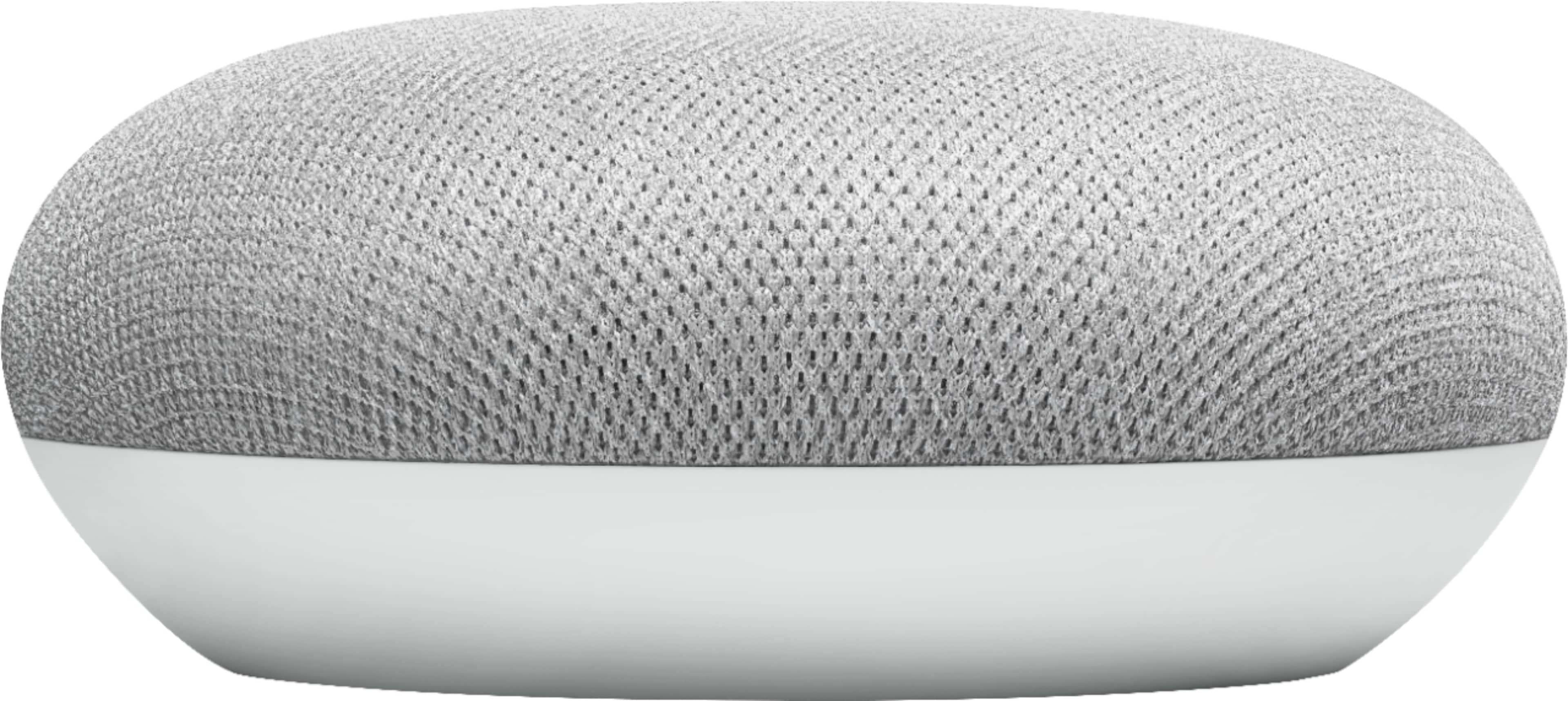
A:Answeri personally recommend the google home the echo is nice but for me networking with my phones like my calendar and maps as well as my smart home is endless