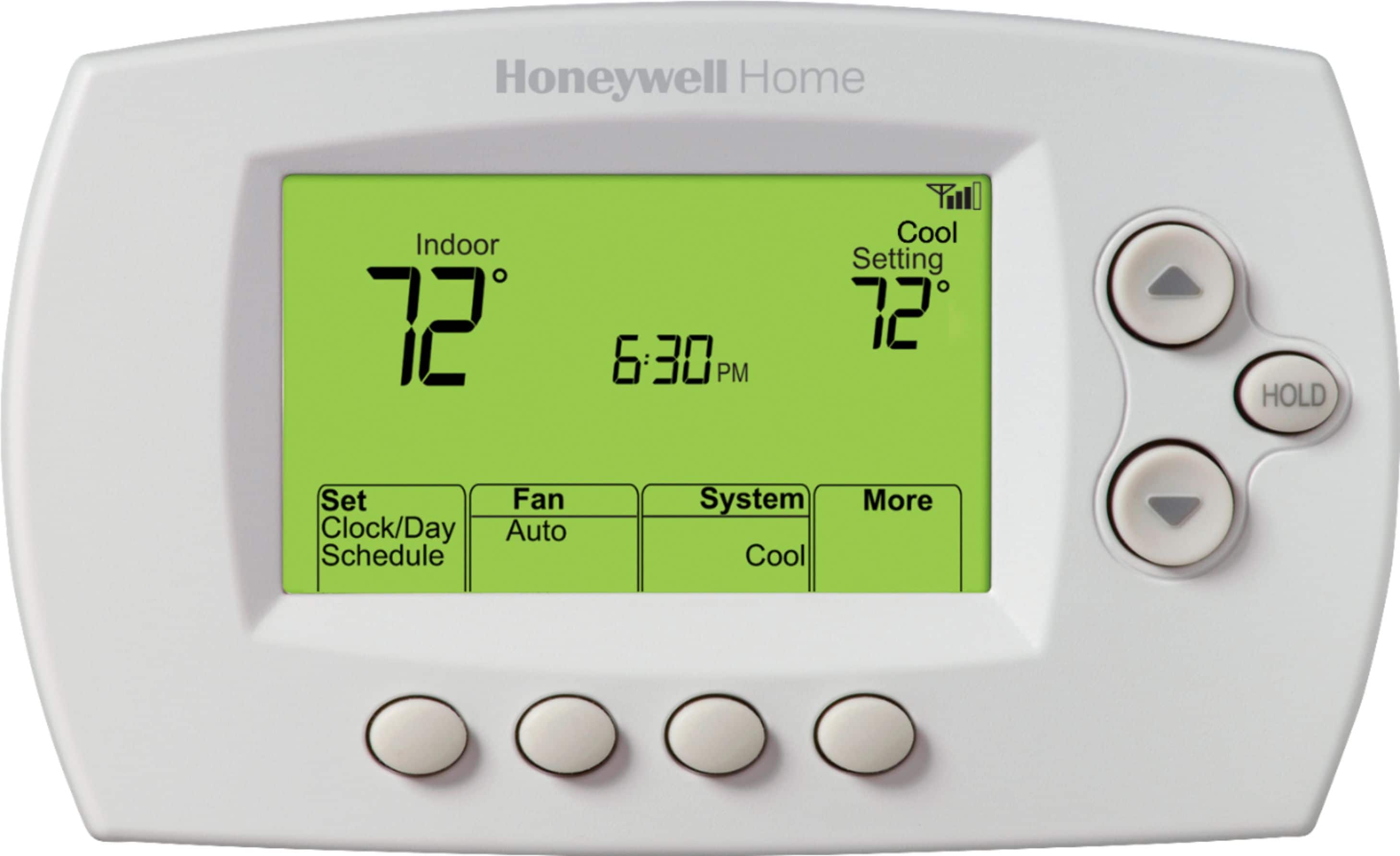
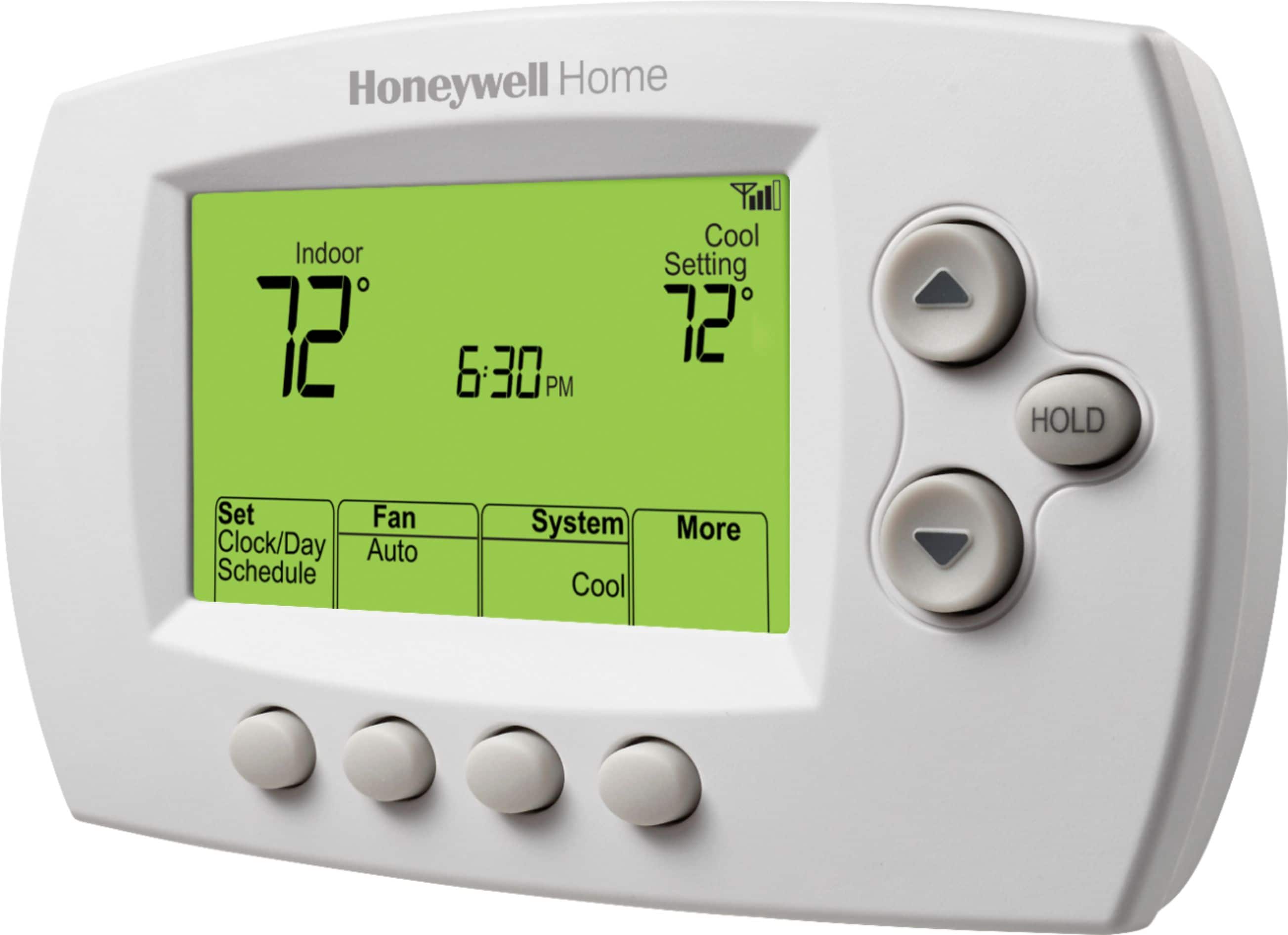
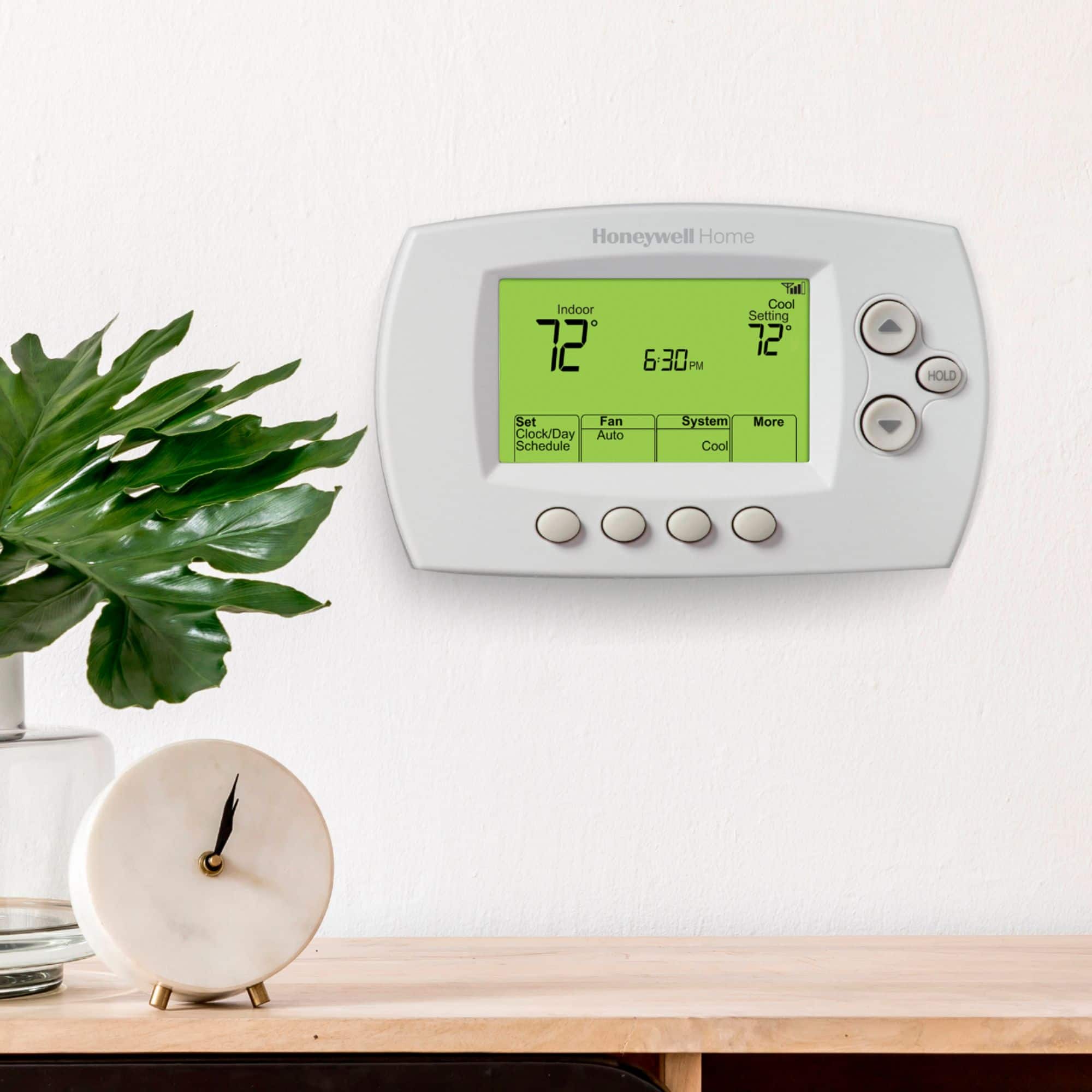
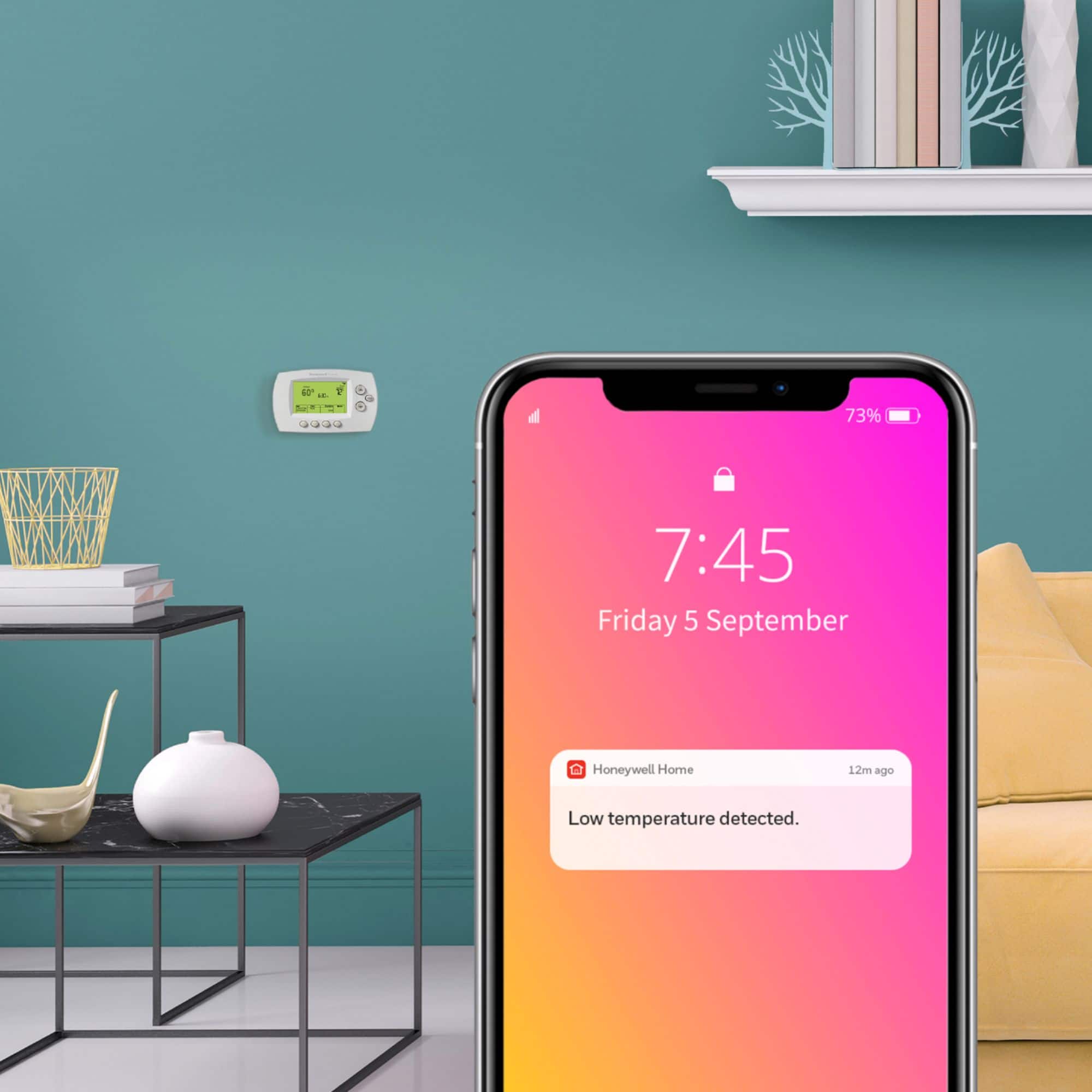
A:AnswerHi Joanna Kay, when installing the new thermostat you will wire the thermostat like for like. This thermostat does require a Common (C). If your previous thermostat has a C wire connected, you can use it on the new thermostat. If you have an extra wire, you will also be able to use that as a C wire. To connect the thermostat to WiFi, you will need a 2.4 GHz network and access to a wireless device. If you need assistance installing the thermostat, please contact us at 1-855-733-5465
A:AnswerThis model would not work controlling two systems, your RedLink model connects to an interface control module that makes makes this happen. By adding a RedLink internet gateway THM6000R to your current application you will have the option to control your RedLink thermostat's remotely. -Joey
A:AnswerHi there,
To set the thermostat to a permanent hold, change the indoor set point, then click the hold button. The temperature you set will be maintained 24 hours a day until you manually change it or press Cancel to
resume the program schedule. -Joey
A:AnswerHi Ricktx! Thanks for reaching out to us. The Wi-Fi thermostat model RTH6580W is compatible with our Total Connect Comfort servers, not with Lyric app. With this you will be able to control your thermostat from the TCC App and Website. Please, let us know if you have additional questions at 1-855-733-5465. Thank you again and enjoy your day!
A:AnswerHi there! To permanently adjust the temperature on the Honeywell 7-Day Programmable Thermostat, press the "HOLD" button - this will turn off the programmed schedule. Press the "Cancel" button to resume the programmed schedule; the "HOLD" indicator will disappear from the screen. Hope this helps!
A:AnswerHey there, thank you for reaching out with this question. This thermostat is in fact compatible with a heat pump with electric strips as an aux heat. If you have any further questions please feel free to reach out. -Jay
A:AnswerThe 7-Day Programmable Thermostat with Wi-Fi Capability works with most 24 volt AC systems such as forced air, hydronic, heat pump, oil, gas, and electric. This thermostat requires a C-wire, or “common wire” which enables the continuous flow of 24v AC power to the thermostat - it is not compatible with 12v DC applications. We hope this helps!
A:AnswerHi there, thank you for your question. The Resideo Honeywell Home 7-Day Programmable Wi-Fi Thermostat can be set up to control a heat only system. You don't need to connect your AC if you don't want it to be used. If you have any additional questions, or would like some other thermostat recommendations, feel free to give us a call at 1-855-733-5465 and we'll be happy to help out. Thank you again for your question and we hope this was helpful.
A:AnswerHello there! The screen flashing can mean that the thermostat is not receiving enough power from the HVAC system, we recommend making sure that all the wires are firm and secure inside the terminals and that it is receiving constant 20-30 VAC between the R and the C wires. After making sure that the voltage is correct we can recommend performing a factory reset to the thermostat, to do that please contact us at (855) 733-5465 Monday - Sunday 7 am to 10 pm CST and reference case 01103070, we will be happy to verify the settings and guide you to perform a reset to the thermostat. Have a great weekend!
A:AnswerHi Khauman!
Thanks for reaching out, this is going to depend on how your zoned system is wired, I suggest reaching out to us by phone for compatibility at 1-877-468-1502. Thank you, -Joey