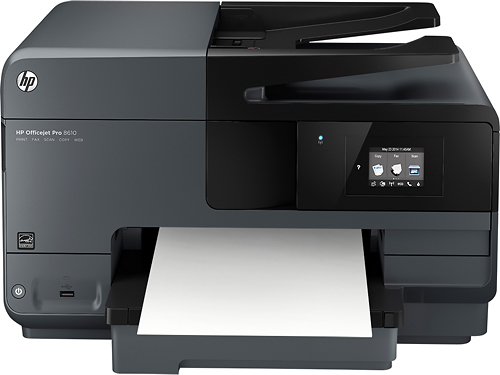
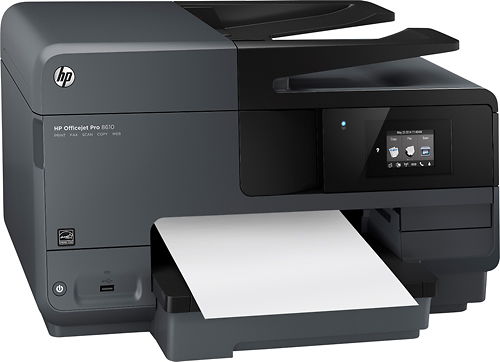
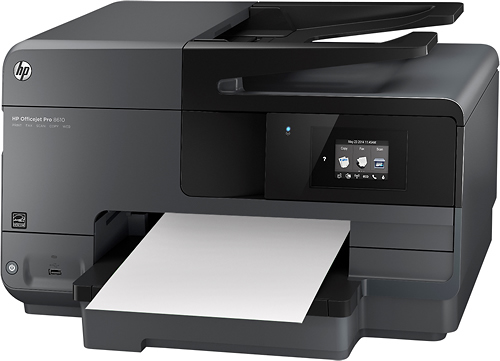
A:AnswerThe HP OfficeJet Pro 8610 is compatible with Windows 10. I am using it after I discovered that my Lexmark and HP LaserJet would not work with Windows 10.
A:AnswerI Have found HP software is generally pretty bad. I find when I run into problems I completely delete it and re-install from their site. Everything works well until the next time. If you have a paper feed problem, an old trick I used was using painters alcohol on a sheet of paper and feed it, followed by a couple of sheets of plain bond. Also if you are using high quality paper that is really smooth you will find it causes the feed roller to loose its traction. Alcohol usually cleans the residue and resolves the problem.
A:AnswerThis printer has a paper tray that loads in the front. It's best to not add a few pieces at a time, but rather pull the entire drawer out and load to the top, pressing down on the paper to ensure proper loading.
I haven't had any problems at all with paper jams in this printer.
A:AnswerAll Ink cartridges are refillable but HP has changed the chip so eventually the printer will think the cartridge is empty. Buck up and buy new ones, if you print a lot sign up for the cartridge program.
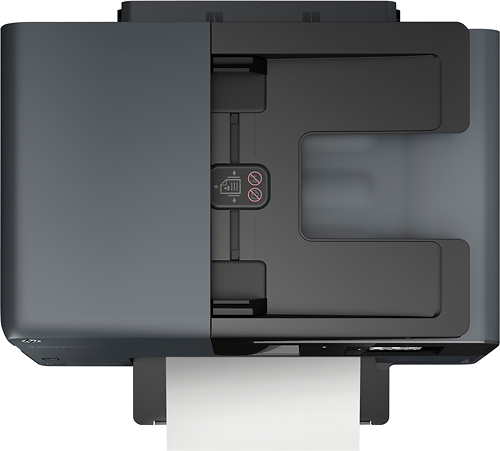
A:AnswerAbsolutely! I got this printer for school and it has done an incredible job for me under heavy use. Most document feeders are not worth the time and yet the one on this printer is wonderful for doing your copy work or scanning in for PDF
A:AnswerDid you install the software on you PC first? Then set up the printer? If you do it that way, it will tell you to turn on the printer and walk you through the setup. During the software process you set the language.
A:AnswerThe 8620 has, in addition to the features in 8610:
- slightly faster printing speed (2 ppm additional)
- bigger screen
- 50 pages (vs. 35) document feeder
- legal size on the flatbed scanner
A:AnswerNot sure. I know my wife's Nook ( the new one made by Samsung) will print over our wifi network. Also I can print from my iPad Mini (using HP ePrint program free from the App Store). Also can print from two different brands of PC's. TRY THIS: Google "HP printer driver for Kindle" and see if anyone knows of one. Googling is an incredible source for answers to almost anything!