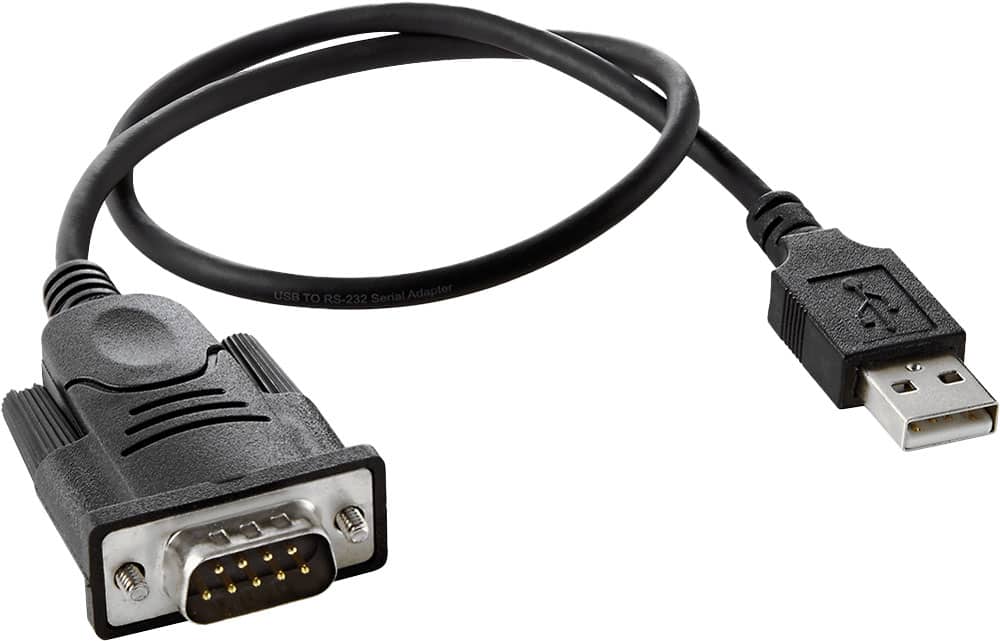
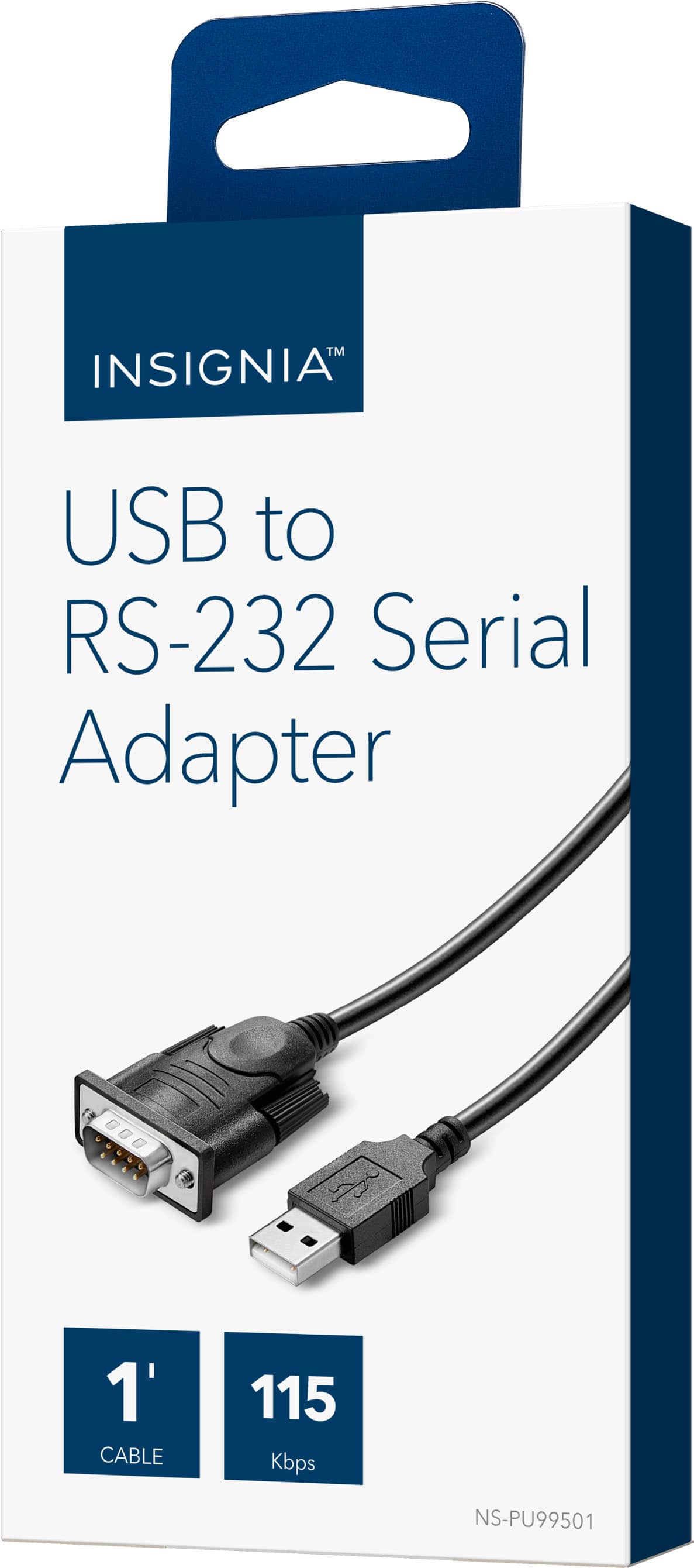
A:AnswerI have only seen them in 2 foot or less. If you need longer, use a USB extension or a longer serial cable plugged into the appropriate end. Walla! Longer cable.
A:AnswerOnly the cord came in the package. I was unable to use it because it only has two rows of prongs and I needed one with three rows. Basically, I wasted my money. I just suggest you be sure it’s what you are looking for before ordering, especially now that we’re sheltering in place.
A:AnswerTry assigning a USB port manually. Windows 7 has the basic USB to RS232 driver. Add the device manually and assign the USB port. It will usually pick up on port 3.
A:AnswerThere should be no null modem built into this converter, which means that your RS-232 device may need to be connected with one. The USB adapters typically do not provide much power over the connection to RS-232, so you result may vary according to the maker of that device and whether or not it is getting a good power supply voltage. Almost any older laptop ( best to find one that had Windows XP or NT installed ) that has a DE-9 serial port should work with appropriate software. Many folks would recommend Putty or Procomm(tm) communications software with hardware handshaking set to none, rather than DTR or RTS/CTS for testing purposes. Spend $15-$20 at any older computer repair or TV shop, or find one at an amateur radio 'hamfest'. Use one known-good null-modem connection to test the new USB-RS232 converter. Be aware that your PC using the USB end may or may not need expert configuration for connection to some equipment. This involves the use of the 'control panel', and is not for PC beginners. The gender ( male pins or female sockets ) of your device not matching the RS-232 side of the converter is usually a dead giveaway that you would need a null modem ( some are wired different from others ). Older modems expect to be known as DCE ( data communication equipment ) and connected to a PC which would be typically wired as DTE ( data terminal equipment ). Without knowing that designation of your equipment or the BPS rate and other parameters- I cannot say more.
A:AnswerI haven't looked into the authenticity of the ICs in the two units I have, but they both identify themselves as Prolific PL2303, and they both seem to work fine.
The product works for me out-of-the-box with all recent Linux distributions I've tried it on, x86 and Raspberry Pi -- no additional drivers needed. Shortly after it's connected, a TTY device should be created automatically as /dev/ttyUSB<n>, where <n> is a decimal number.
A:AnswerHi, thank you for bringing this to our attention. To download the driver for the Insignia™ 1.3’ USB-to-RS-232 (DB9) PDA/Serial Adapter Cable, please visit this link: https://www.bestbuy.com/site/insignia-1-3-usb-to-rs-232-db9-pda-serial-adapter-cable-with-prolific-chipset-black/5883029.p?skuId=5883029. Navigate to the “Features” section, then select “Manual and Guides.” There, you will find the Firmware, Drivers, and Software zip file available for download.