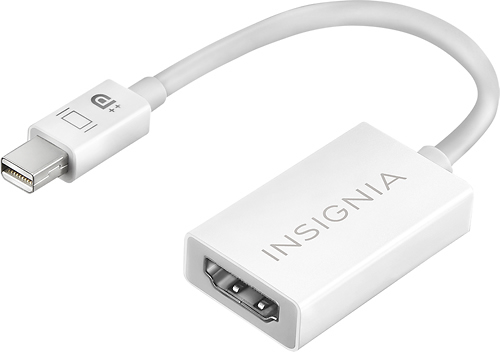
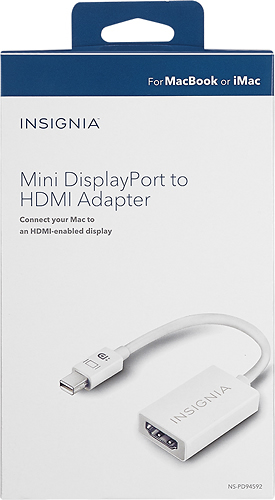
A:AnswerAs long as your computer has an mini hdmi port and your tv supports an hdmi port. Yes it will work. Make sure you have a regular hdmi cord to connect to the adapter and tv.
A:AnswerYes, Plugs straight into you mini display output jack and then connect your TV's hdmi cable to to the adapter, and on your mac under system Preferences go to displays and calibrate the Display/ Setup Display to whatever looks best to your eyes.
A:AnswerYes, if you have the correct driver. I have a Mac so I don't have to worry about such stuff. I saw some chatter about drivers in the instructions but paid no attention to it.
A:AnswerI used this to connect my Surface to one large monitor. I also needed a HDMI cable to complete my connection. Don’t know if your 2 monitors are connected or if this answers your question.
A:AnswerIf you don't know what kind of connection your phone has, you need to take it to Best Buy & ask them. Or you could look at the manual that came with your phone. Or you could try to find out on the LG website.
A:AnswerAt first I was going to say: "This is not a Lightning adapter." Then I realized you want to put a Lightning-to-Mini DisplayPort adapter in series with this one. i don't think it will work.
A:AnswerIf your Mid-2010 MacBook has a Mini HDMI port, you can use it. If you don't know, look up the specs at OWC or Macsales.com. If that is too much, what are you doing with a computer, anyway?
A:AnswerNo. You have to use something like ApplePlay and either a Lightning port adapter or serious prayer to get a signal from your iPhone to any external monitor.