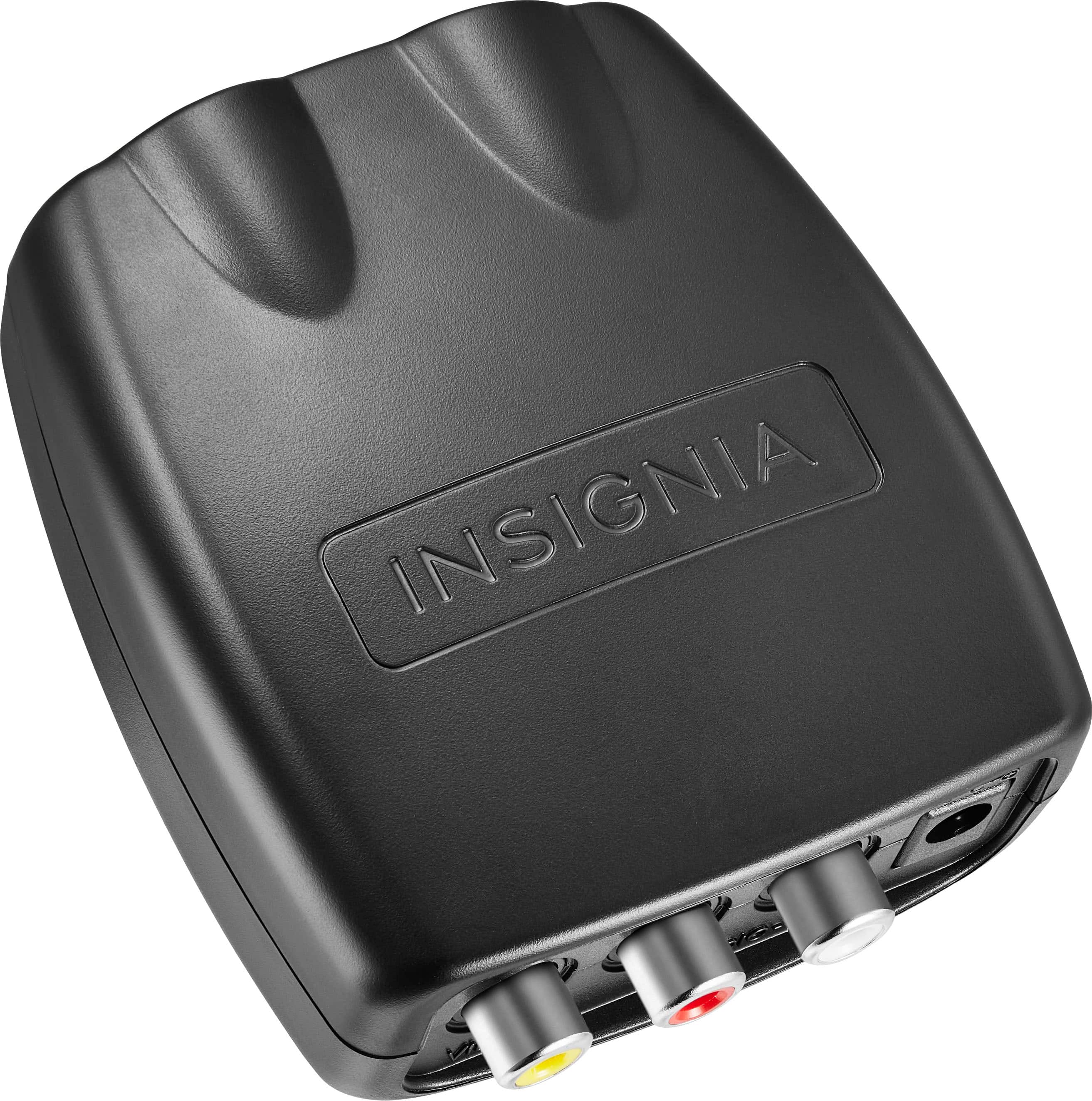
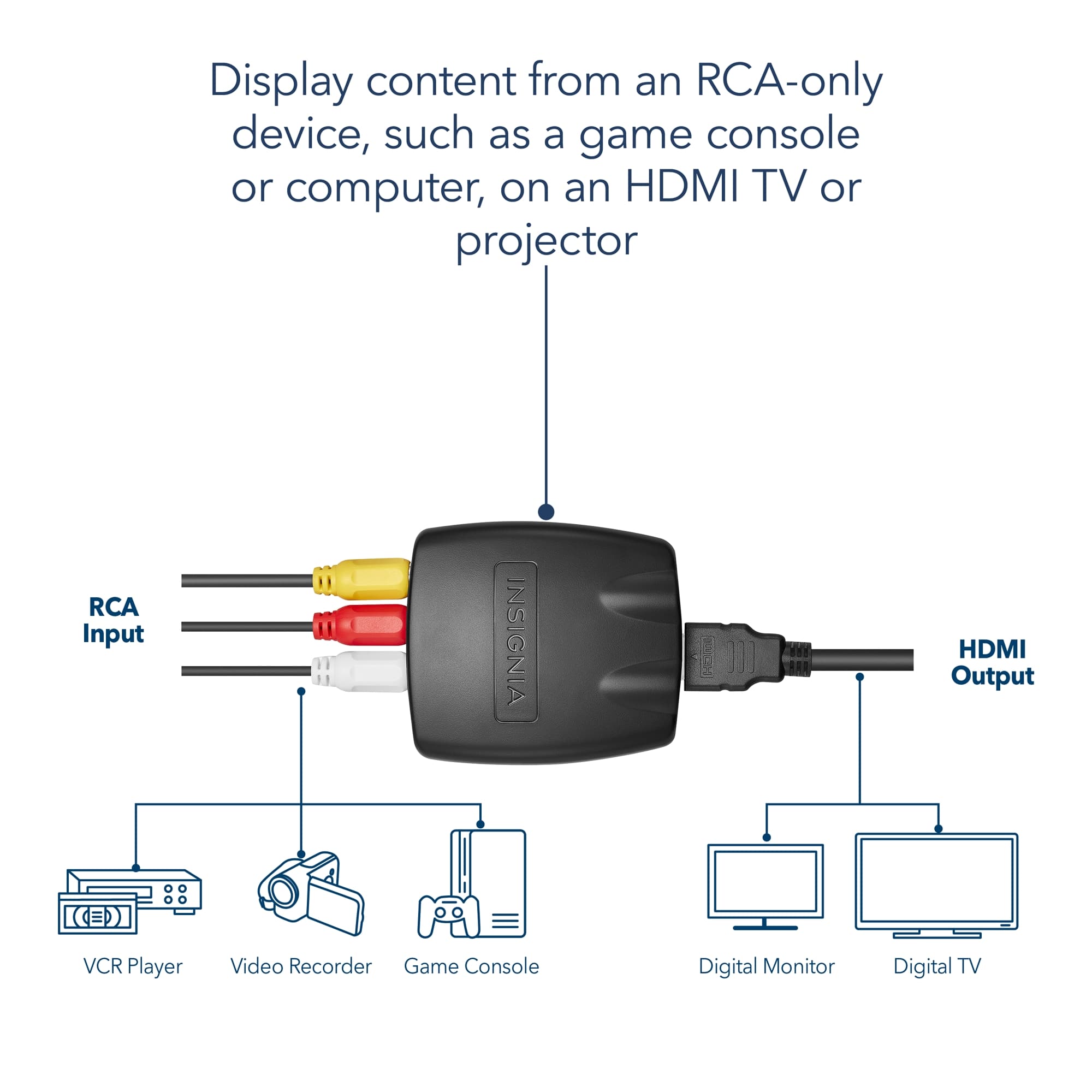
A:AnswerI used my red, green and yellow wires from my 5 Disc DVD player to the HDMI converter and connected to my HDMI port #2 and it worked fine. My player is 12 years old.
A:AnswerThe RCA to HDMI worked with my 5 player DVD to my Samsung TV, much better than the red, green and yellow wires. My DVD player approximately 12 years old and it works fine.
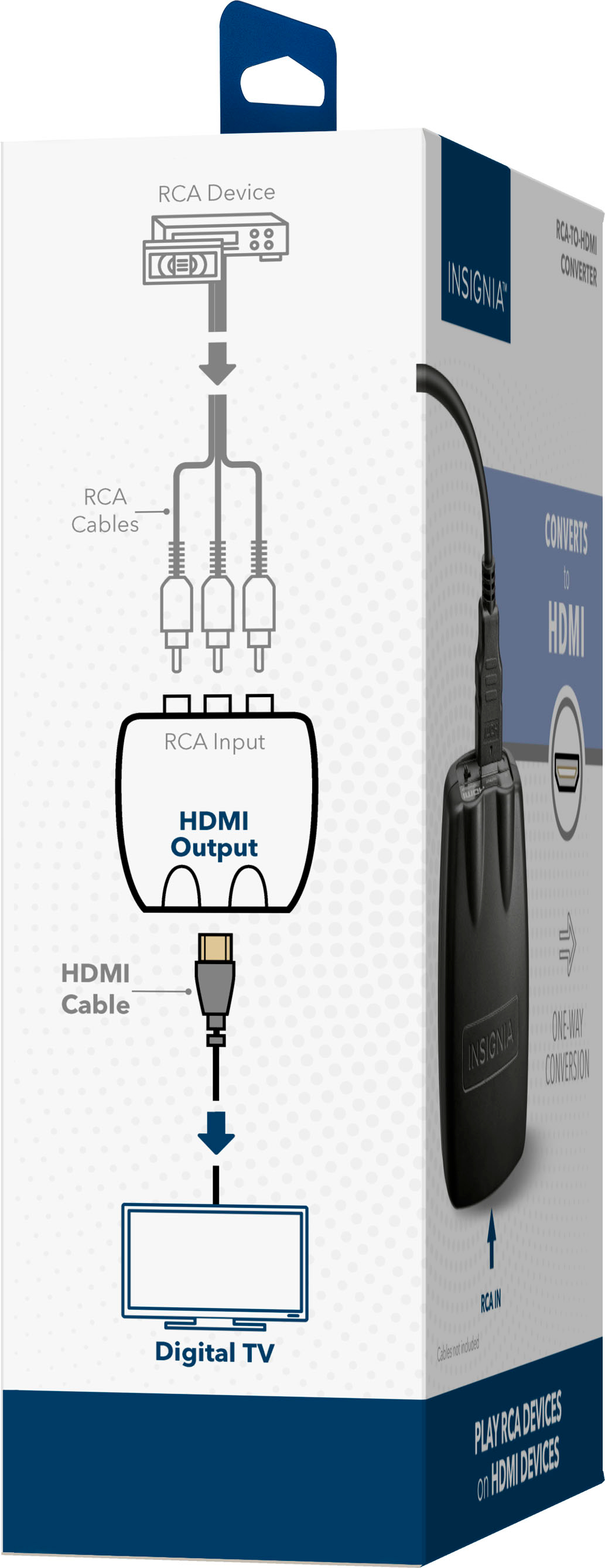
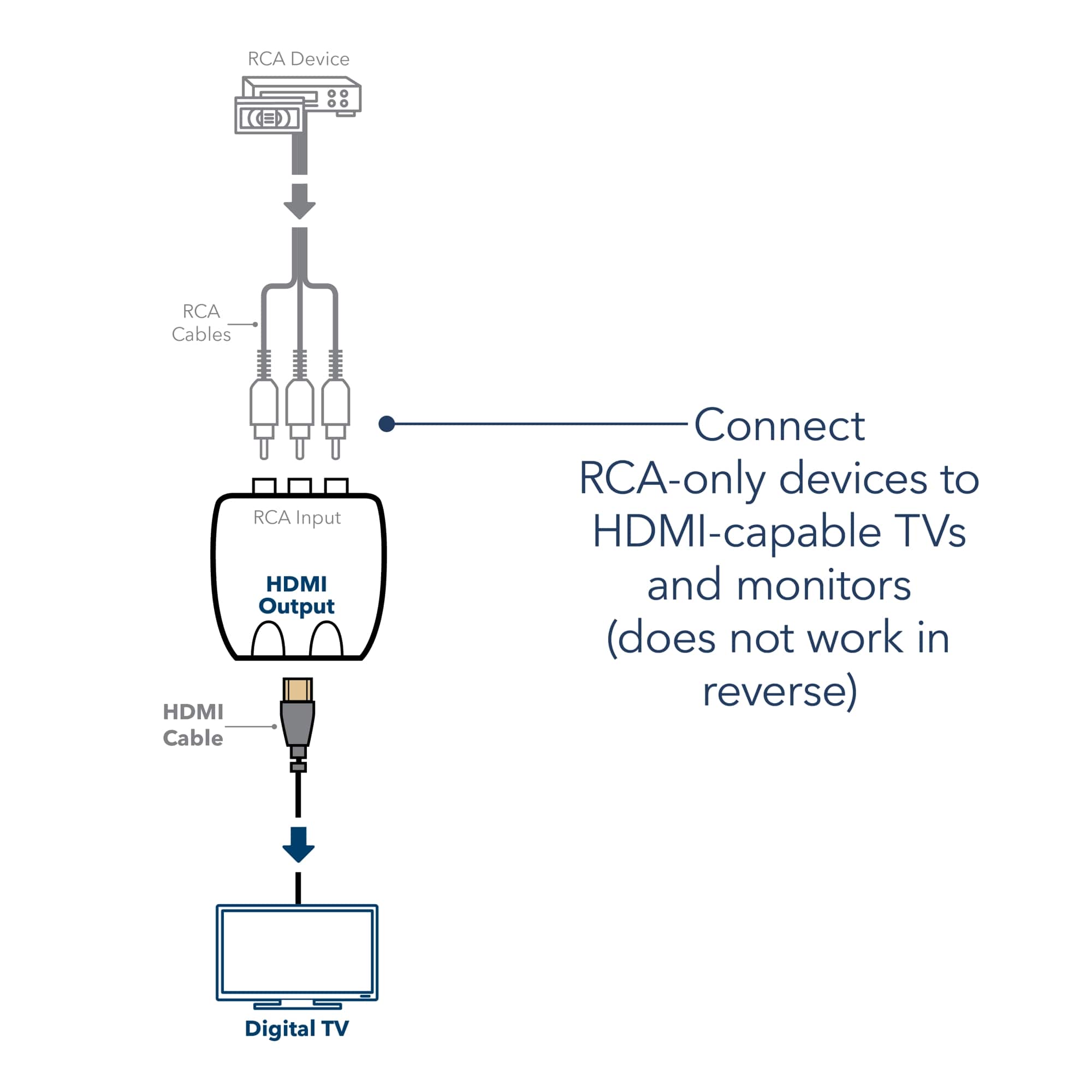
A:AnswerI was able to connect my 5 player DVD, connecting the red, yellow and white wires to the HDMI converter and then using a HDMI cable from the converter to my Samsung TV HDMI port #2. Works fine.
A:AnswerI am not familiar with all of your devices yet what I did below might help you a little.
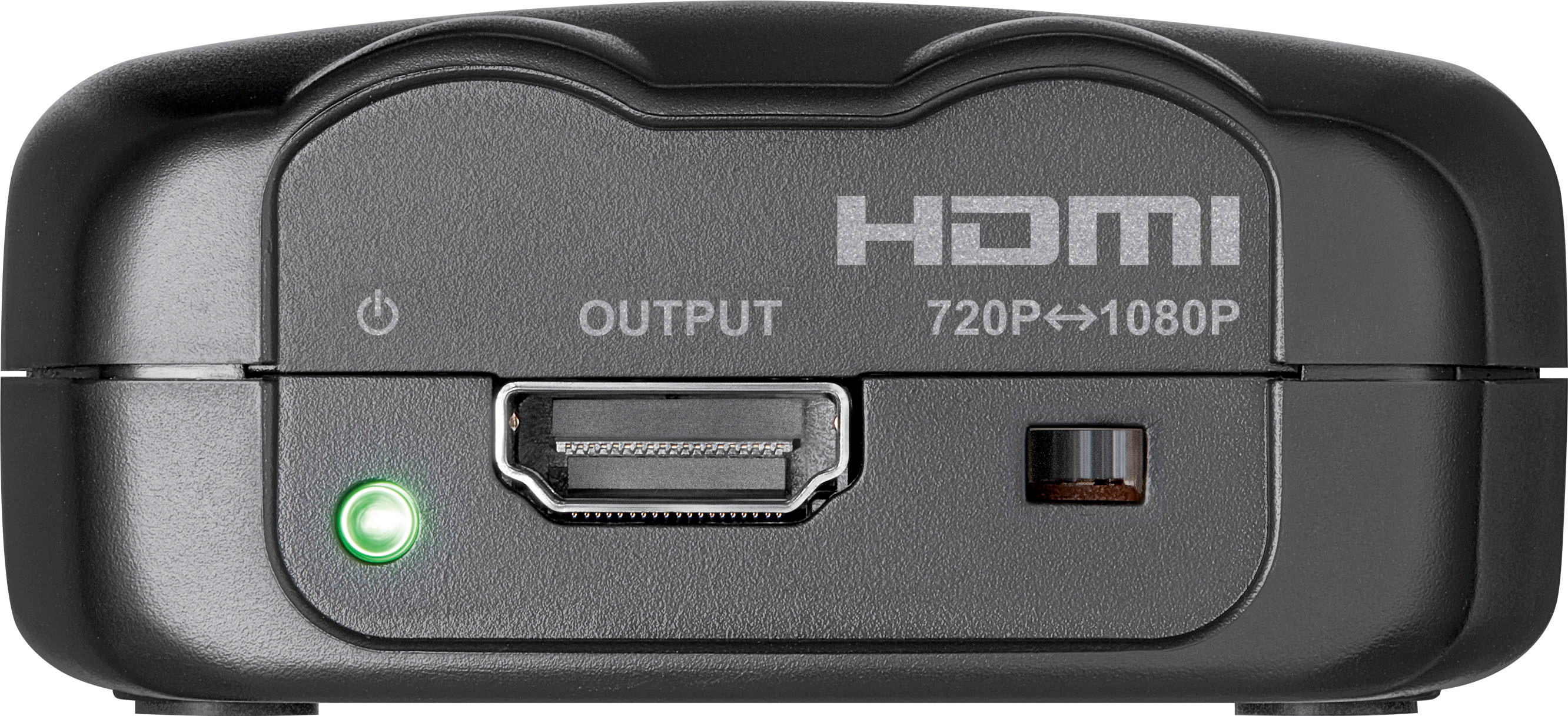
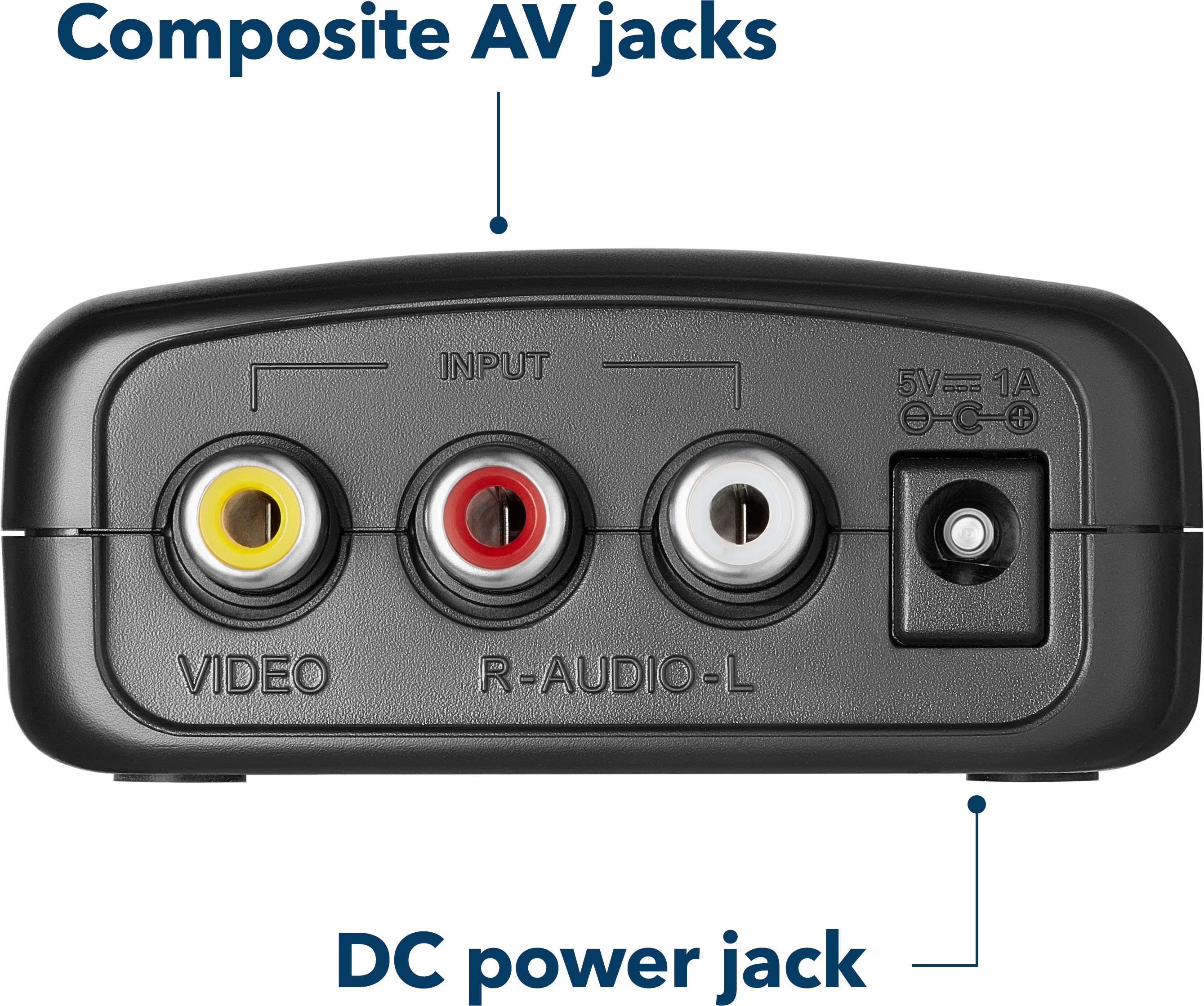
My old surround speakers (no Sound Bar) connected to a Sony Receiver which then connected via Component/AV IN Connectors (Video, L Audio, and R Audio) to the back of my old Samsung 46" Smart TV. When I replaced the TV with a newer Samsung 50" Smart TV, it didn't have the Component connections. So I purchased the Insignia RCA (it has it's own power cable) to connect to those 3 connections to the RCA, then used a HDMI Cable to connect the RCA to the HDMI-1 port on my new TV. Works great with my devices.
A:AnswerThe Insignia RCA should do the job as your situation is very similar to my Sony System. Your Yellow is Video, the Red is Right Audio, & the White is Left Audio, they plug into the RCA (it has it's own power cable) and the RCA then plugs into HDMI -1 on your new TV.
A:AnswerYes it worked for my son. But watch out, they have two converters but only one will work. They have RCA to HDMI and HDMI to RCA so make sure you get the correct one.